October 26, 2026 • 6 Min Read

How to keep AI images and video on brand with reference images

Melius Team
How to keep AI images and video on brand with reference images
Melius Team

Key takeaways

  • A reference image only holds what it's labeled to hold. Say in the prompt which image is the product, which is the character and which is the look.
  • Style, subject, product and composition references each hold something different. A campaign usually needs more than one kind.
  • Two to four well-chosen references beat ten loose ones, even on models that accept 14 or 16.
  • In video, a first frame becomes the opening of the clip, while a reference image guides the subject or style across the whole clip.
  • Logos, small type and exact brand colors are where references fall short. Place the real logo rather than asking a model to redraw it.

Keeping AI images and video on brand with reference images

To keep AI images and video on brand, give the model a reference image for each thing that has to stay fixed, such as the product, the character or the visual style, and say in the prompt what each reference is for. Pair the references with written brand rules for palette, type and photography, and check every output against them before it ships. A reference shows the model what your product and your look actually are.

On Melius you attach the references to a brief and Mel, the platform's agent, wires them into each image and video node on the canvas. The same references then feed every asset in the campaign instead of being re-uploaded for each one.

The four kinds of reference and what each one holds

Brand drift often starts when one kind of reference is asked to do another kind's job.

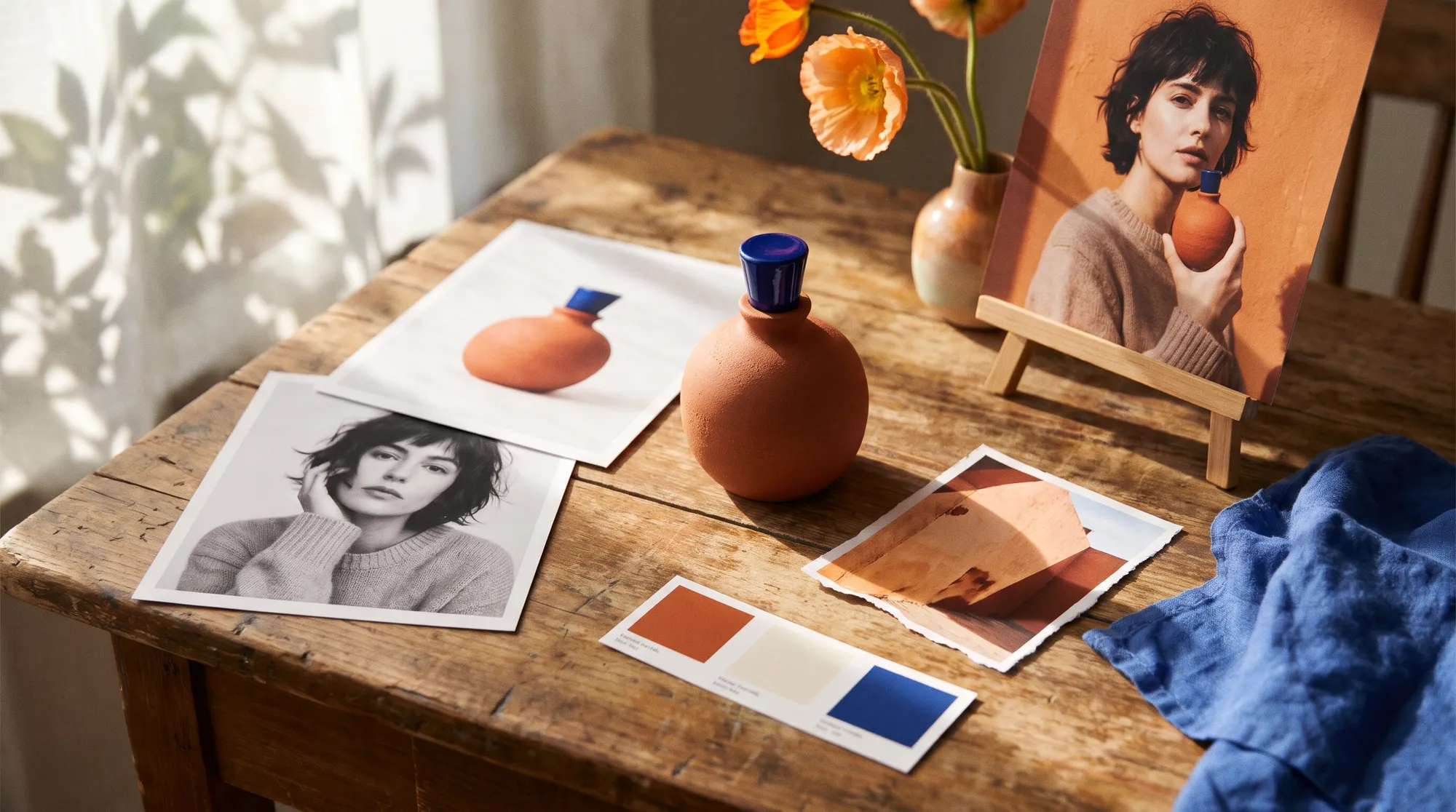
  • Style reference. Color, lighting, texture and medium, but not objects or people. Use it for the campaign look.
  • Subject or character reference. Holds identity: a face, a mascot, a model who has to appear in every shot. Several angles of the same subject work better than one photo.
  • Product reference. The exact object, with its shape, proportions and label. A clean pack shot on a plain background is the best input.
  • Composition reference. Fixes the layout through outline and depth, so a set of ads can share a structure while the content changes.

How many references the main models accept

Limits vary a lot by model. These are the documented caps as of October 2026.

Model

Reference limit

Worth knowing

GPT Image 2 and GPT Image 2.5

Up to 16 images

OpenAI says it may occasionally struggle to keep recurring characters or brand elements consistent across generations

Nano Banana Pro

Up to 14 in total

Google lists up to six high-fidelity object images, five character images and three style references

Nano Banana 2

Up to 14

Up to 10 object and four character images; fast enough to explore a look before the final run

Veo 3.1

Up to three reference images

Clips made with references run eight seconds

Midjourney V8.1 and V8.2

Up to four with the Edit model

Style references carry the look, not the subject

Runway Gen-4

Up to three per generation

References can be saved and called by name

How to brief Mel with brand references

Attach the references in the Mel chat and write the brief the way you'd brief a designer: what to make, what each file is, and what must not change. The chat takes JPEG, PNG, WebP and GIF files, up to 15 per message, and each one is also added to the canvas as a file node.

  • Label every file. "Image 1 is the product, images 2 and 3 are the look, image 4 is our model Ana" gives Mel the job of each reference, and Mel connects each one to the nodes that need it.
  • Keep the set small. Two to four style references are usually plenty, and more than ten tends to blur the look.
  • Say what's fixed. Name the things that can't move, such as the product's color, the logo and the model's face, and the things that can.
  • Attach your brand guidelines. A text node with your palette, type and photography rules gives every generation the same written brief.

Set up a brand anchor once

A brand anchor is a single text node holding your brand rules: voice, palette with hex codes, typography, photography rules, shape language, do's and don'ts, and audience. Connect it to an image or video node, or mention it as @brand-anchor in a prompt, and every generation that uses it works from the same rules.

A brand anchor lives on the canvas where you made it, so copy it onto each new canvas. Rules that should shape everything Mel does across your team go in the team's Context setting, which Mel uses on every request.

Keeping video on brand

Video adds one decision that images don't have: whether your image becomes a frame or a reference. A starting frame is literal, so the clip opens on your exact image and moves from there. A reference image guides the subject, character or style across the whole clip without pinning any frame to it.

Use a frame when the opening shot is already approved, such as an animated version of a finished static ad. Use a reference when the same product or character has to appear in a new shot. On Melius, frames and reference images can't be combined on one node unless the model accepts both, as Kling 3.0 Omni's reference-to-video variant does.

For a recurring person, build a character sheet first: four or five angles of the same character, generated once and grouped as one reference. Feed that sheet and the product pack shot into each clip so the face and the product stay the same from shot to shot.

For a worked example with a moodboard, see how to build a static ad from a style reference. To carry an on-brand ad into other markets, see how to localize ad creative with AI.

Frequently asked questions

Can you give AI a reference image?
Yes, most current image and video models accept reference images alongside the prompt, from up to three on Veo 3.1 and Runway Gen-4 to up to 16 on GPT Image 2. The model uses each reference for the subject, style or layout the prompt assigns to it.
How many reference images should I use?
Two to four is usually enough for a consistent look, even on models that accept many more. Add a separate reference for each thing that has to stay fixed, such as the product or a character, and leave out images that repeat what another reference already shows.
What's the difference between a style reference and a character reference?
A style reference carries the look of an image, like its color, light and texture, while a character reference carries a specific person or mascot's identity. A brand campaign often needs both: one to hold the look and one to hold who or what appears in it.
How do I keep a product consistent across AI video clips?
Feed the same product pack shot into every clip as a reference image, and say in each prompt that the product's shape, color and label must not change. Where the opening shot is already approved, use it as the starting frame instead.
Will AI match my exact brand colors?
Not exactly, because models treat hex codes as guidance rather than a specification. Give the palette in your brand rules, use references that already carry the colors, and check finished images against the palette before publishing.
Do I need to train a custom model to stay on brand?
Usually not. Reference images and written brand rules hold a campaign's look and its products well, and training only pays off when the same subject or style appears in a very large number of images over a long period.

Have a brand book and a campaign to make? See Melius for branding and give Mel your references.

Related Articles