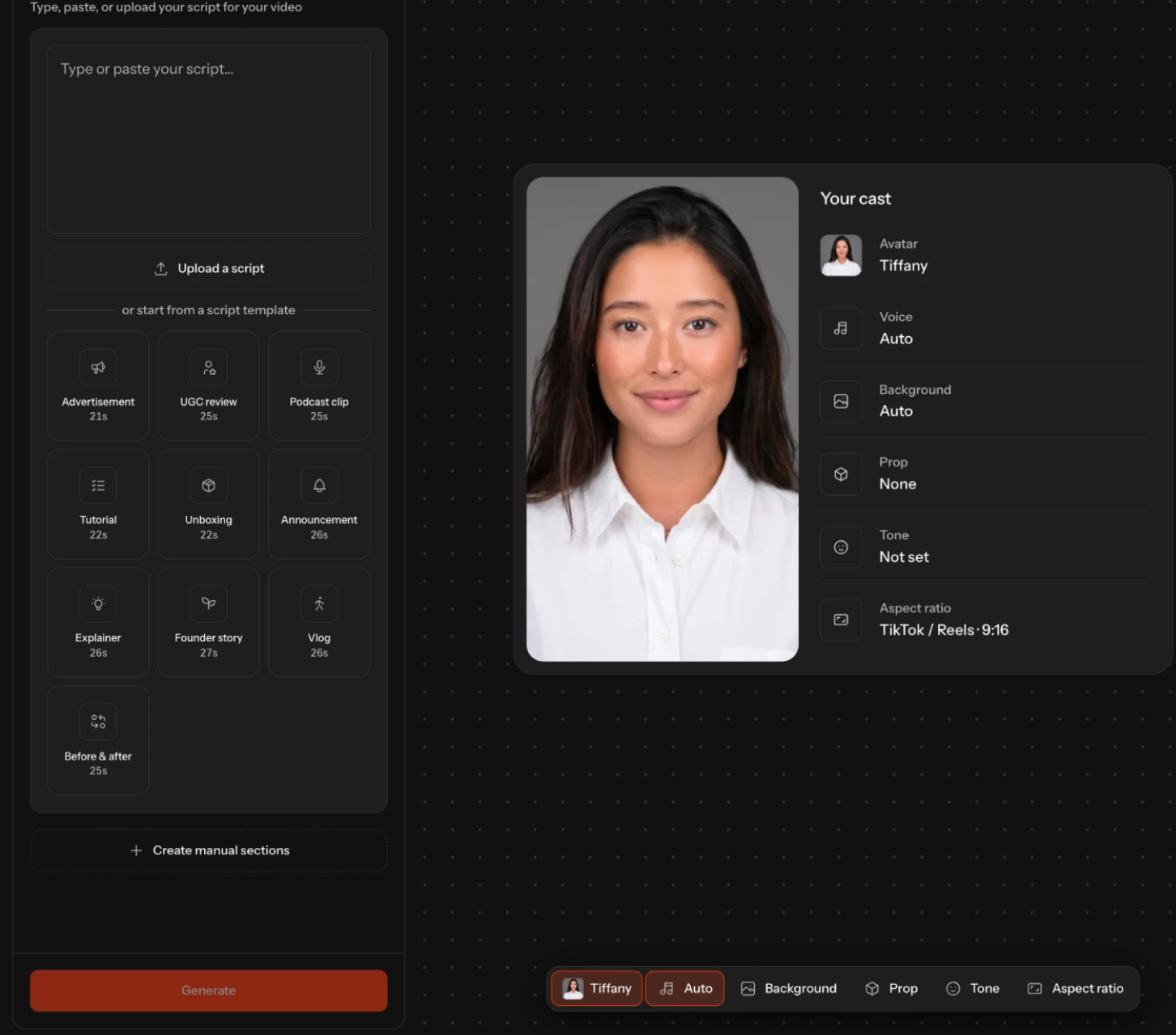
The Cast studio with the script panel on the left and the Your cast settings beside a generated avatar
Feature

Cast

Built for digital storytelling, from UGC videos and vlogs to short films. Create your own avatars, so the faces on screen are yours.

Open Cast

See Cast for yourself

Features

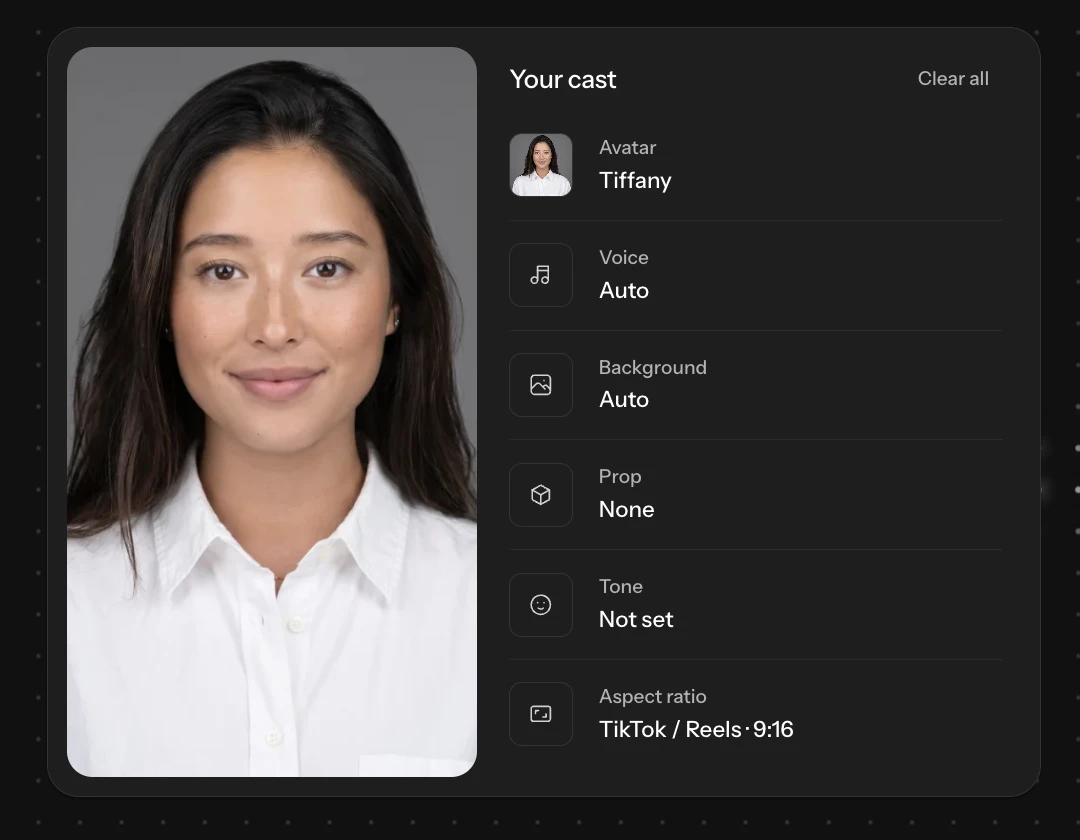
The Your cast panel listing avatar, voice, background, prop, tone, and aspect ratio beside an avatar portrait

Customize your cast

Select specific qualities to tune your video
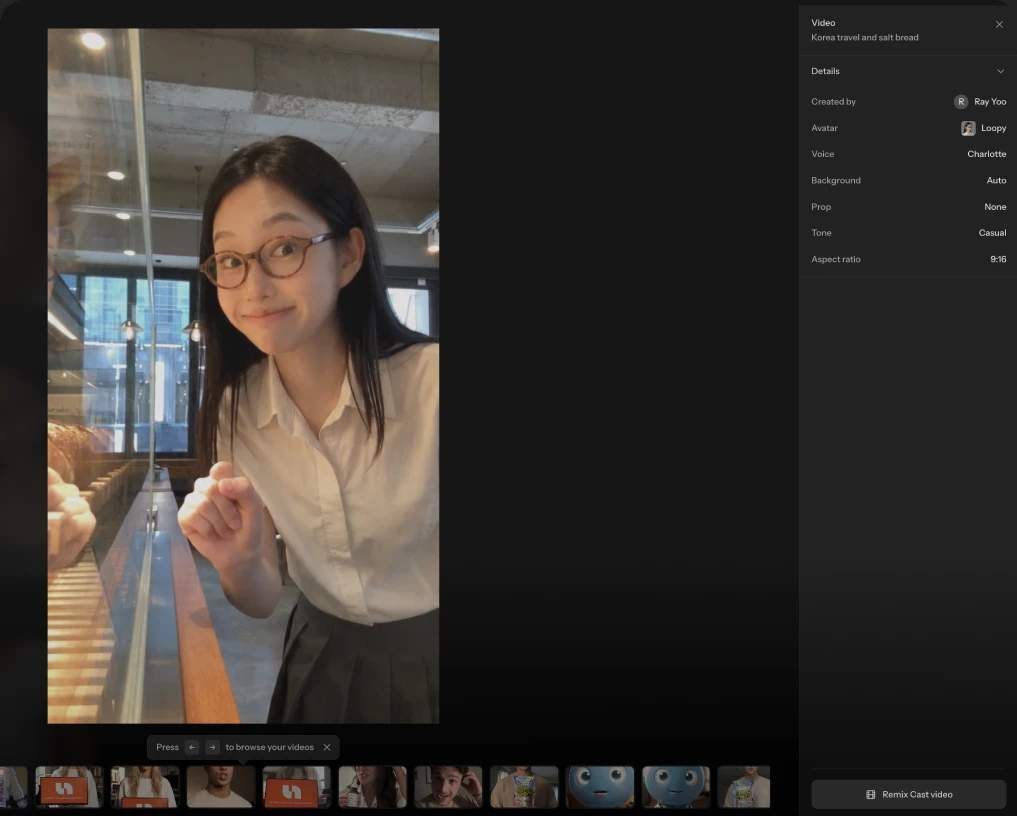
A finished Cast video open full screen with its details panel and a filmstrip of earlier generations underneath

Reuse and remix Cast generations

Build off your past work and create quicker
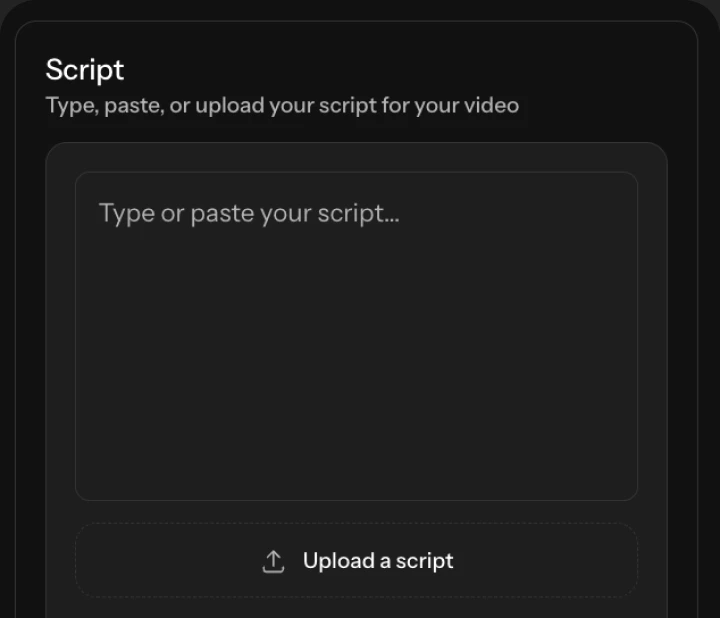
The Cast script panel with an empty script box, an upload button, and script templates for advertisement, UGC review, and podcast clip

Script

Describe your idea and let us do the hard work
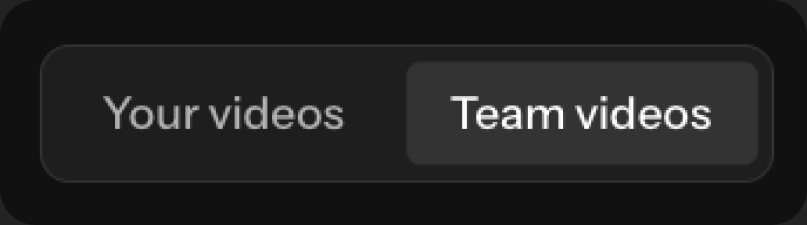
The History toggle switching between Your videos and Team videos

History

One place for your generations and your team's

Frequently asked questions

What is Cast?
A studio for AI avatar video. You pick an avatar, write or upload a script, and Cast renders the finished clip with its voice, background, and framing already decided — built for UGC videos, vlogs, explainers, and short films.
Can the avatar be my own face?
Yes. You can use photos of yourself as references to create an avatar. You can also create a character from a written description or choose from the preset roster.
Do I have to write the script myself?
No. Describe the idea and Cast writes the beats for you, or start from a script template — advertisement, UGC review, podcast clip, tutorial, unboxing, announcement, explainer, founder story, vlog, or before and after. You can also paste or upload a script you already have.
When can I use Cast?
Cast is in early access. Join the waitlist and we will email you when your team is let in.