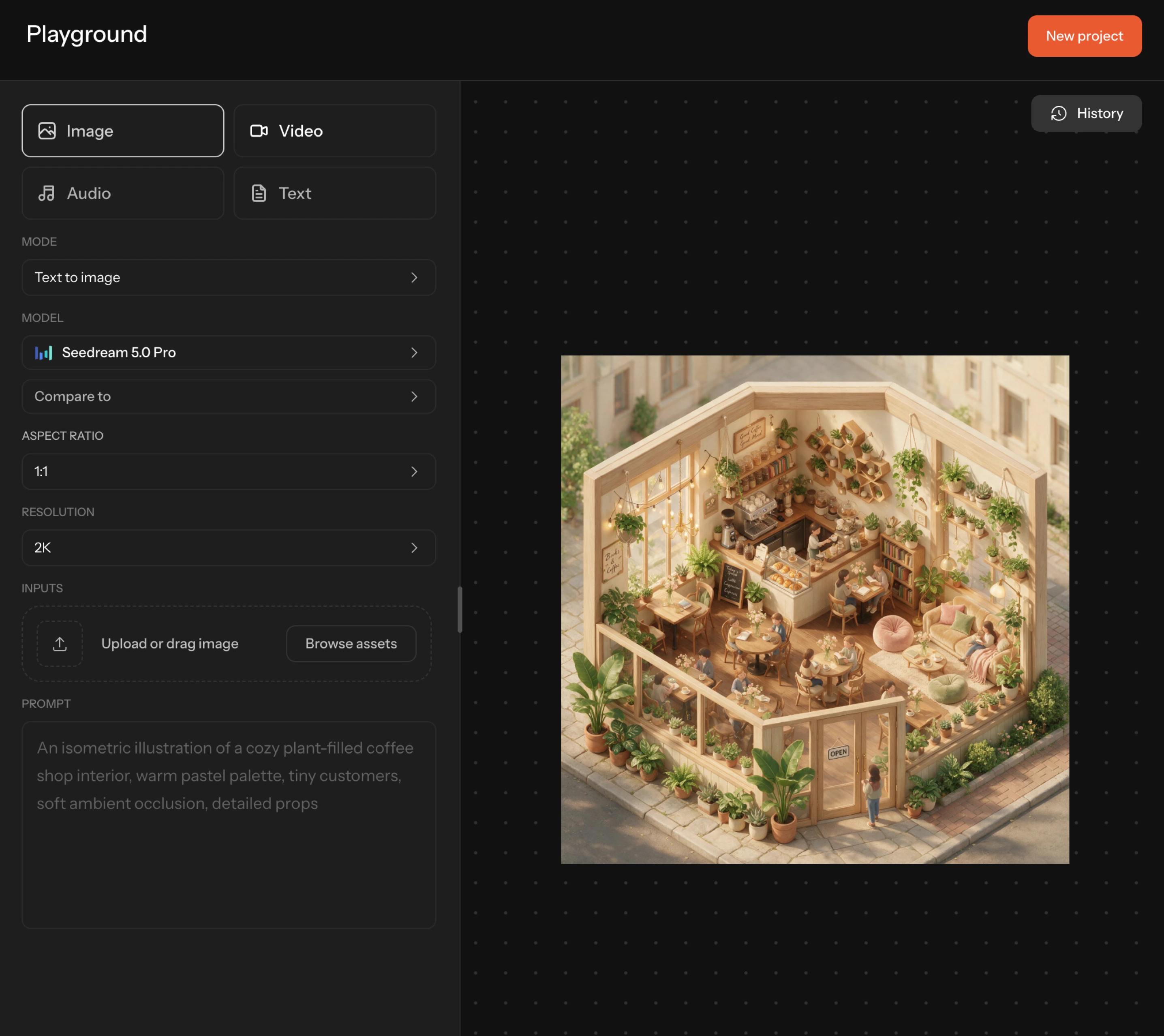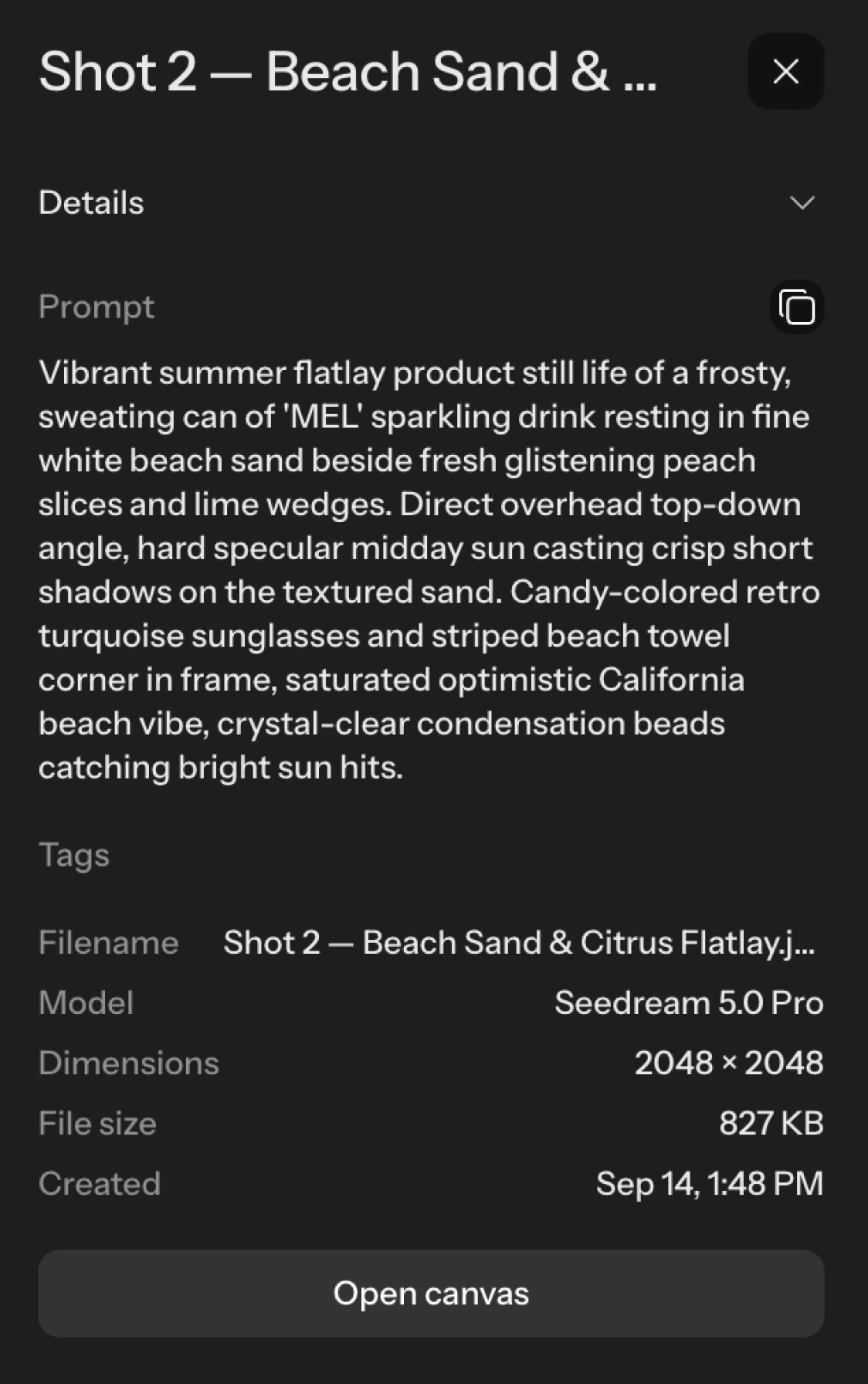
The Melius asset library with an asset's detail panel open beside it
Feature

Digital asset manager

Every generation and every upload, in one library. Search by name or by what's in the image, sort it into folders, and send it to your team for approval.

Open assets

Features

An asset's detail panel showing its prompt, model, dimensions, and an open canvas link

Back to the source

Every asset links to the canvas that made it, with full version history
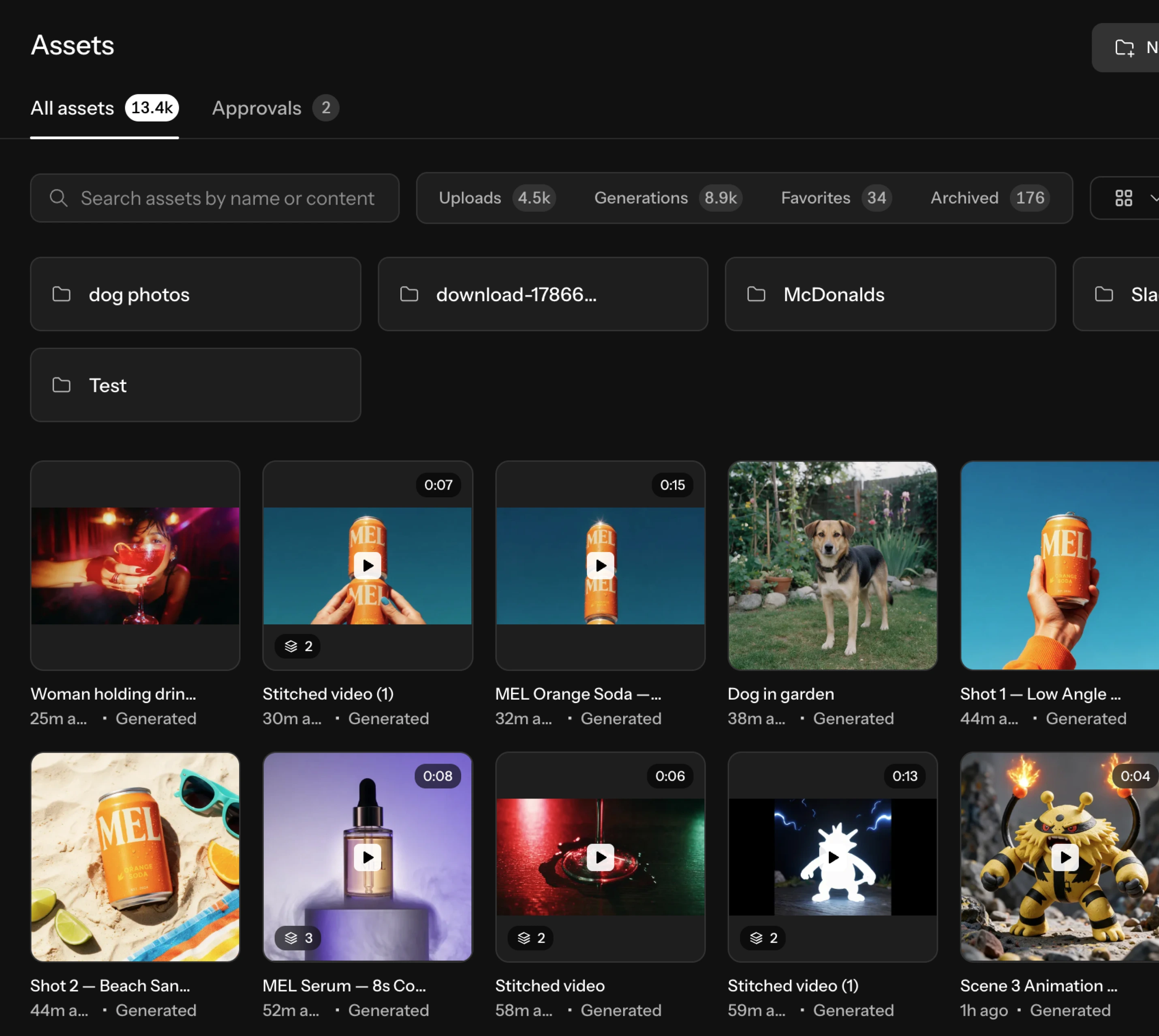
A grid of generated and uploaded assets in the Melius library

One library

Generations and uploads together, from every project in the workspace
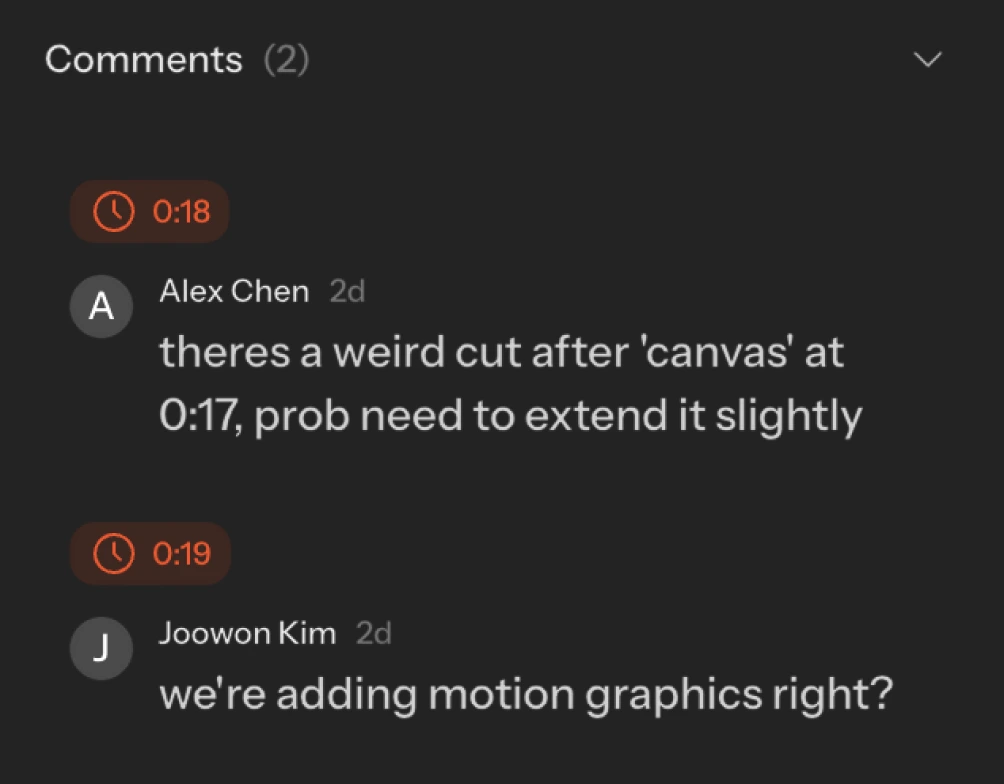
A comment thread attached to an asset, with download and share actions

Comment and share

Feedback on the asset itself. Download or share when it's signed off.
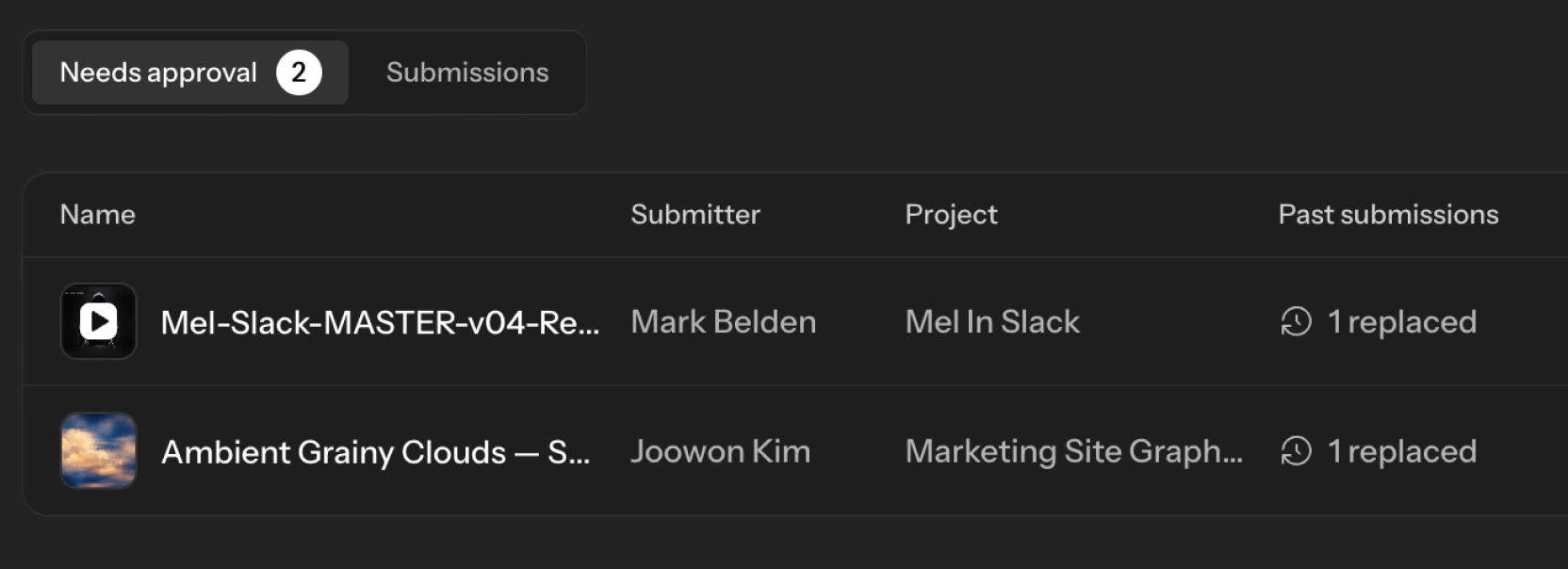
An approvals queue row showing the submitter, the project, and the submission date

Approvals built in

Submit for review, track submissions, and see what's been replaced
Frequently asked questions

What lands in my asset library?
Everything your team generates on the canvas and everything you upload, in one place. Filter between uploads, generations, favorites, and archived assets at any time.
How do approvals work?
Submit an asset for review and it appears in your team's approval queue with the submitter, the project, and the submission date. Reviewers can see when a previous version was replaced, so the history of a round trip stays intact.
Can my team comment on assets?
Comments live on the asset itself, so feedback stays attached to the file rather than scattered across email and chat.