September 5, 2026 • 10 Min Read
September 6, 2026 • 11 Min Read
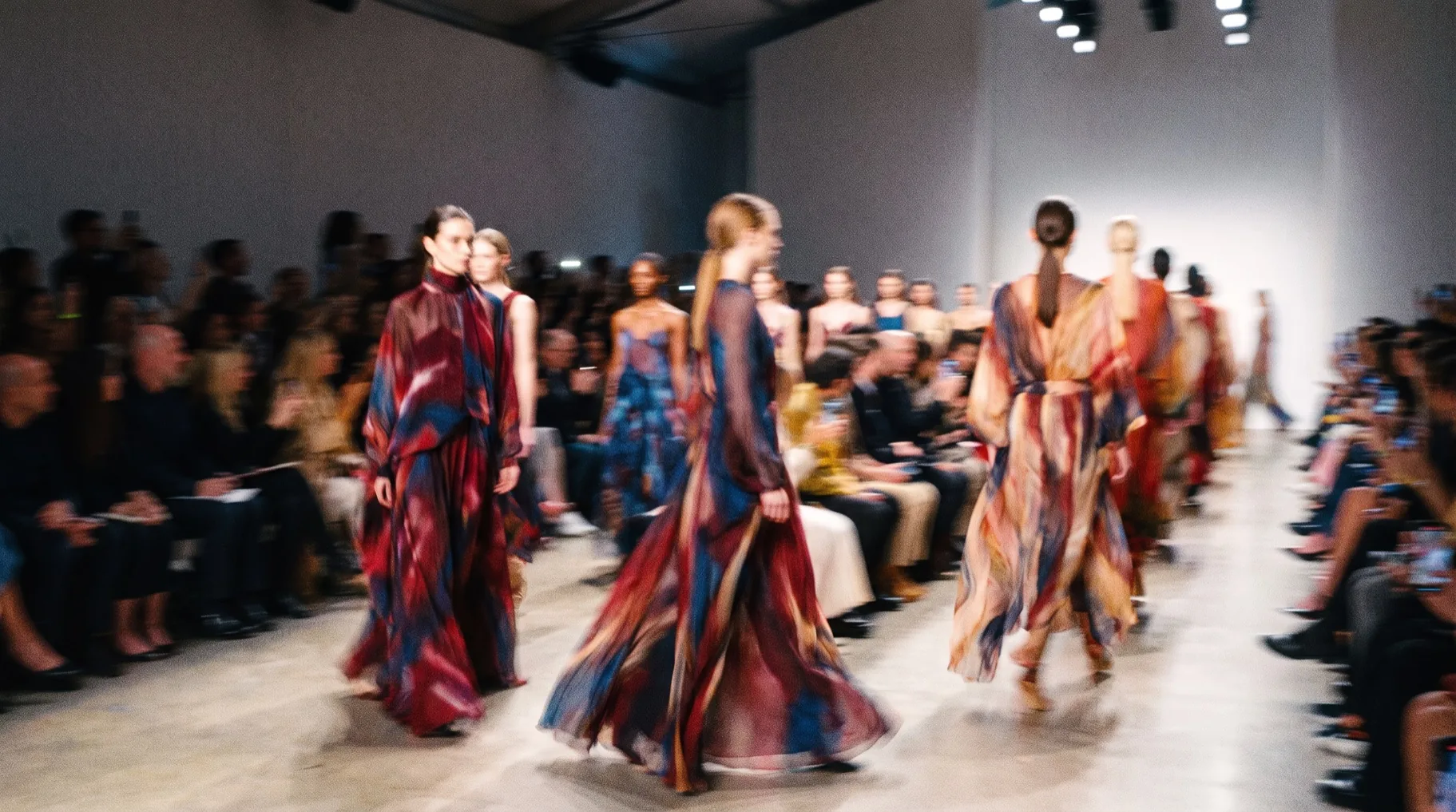
Start by deciding whether the garment in the video is a real product you sell, because that single fact splits these tools into two groups that are bad at each other's jobs. If it's a real product, garment fidelity governs and a fashion-specific tool saves you the fight. If the clothing is invented and the point is mood, a general video model gives you far more range.
The second thing worth knowing is that several of these tools run the same underlying models. What separates them is usually the workflow around the generation: how the garment gets held steady, how one look carries across clips, and what happens once the clip exists.
Four criteria, and the first one eliminates most general-purpose video models for real product work.
A generated clip that subtly redesigns your jacket is worse than useless, because it advertises something you don't sell. Watch the details that carry a garment's identity: the neckline, the seam lines, the hardware, the print placement. These are what drift first, and they drift more the longer the clip runs.
A campaign is a set, and a set needs one person in it. Identity drift is the failure that makes an AI campaign read as AI, because a viewer notices the face changed between the story and the feed post even when they can't say why. Look for a reference or character mechanism instead of re-prompting a description each time.
Stills forgive material errors that motion exposes. Silk that doesn't catch light as it moves, denim with no weight, knitwear that behaves like plastic: all of it reads instantly to anyone who works in fashion. Test your hardest material, not a cotton t-shirt.
Fashion has its own camera language, and it's mostly restrained: a slow push, a locked-off frame, a single deliberate move. Tools that default to swooping drone energy produce something that looks like AI video rather than like a campaign. Control over the camera matters more here than in most categories.
Tool | Best at | How it holds the garment | Consistency across clips | Free tier |
Melius | Building the whole campaign set in one workflow | Your own stills as reference nodes, per-step model choice | 5/5 | Yes, limited trial credits, all models |
Runway | Cinematic control and in-house frontier models | Image-to-video from your own frame | 4/5 | Yes, a one-time starting credit allowance |
Higgsfield | Camera moves and human motion | Image-to-video with motion presets | 3/5 | Yes, watermarked, on limited models |
Kling | Realistic human movement, high resolution | Image-to-video, strong on body mechanics | 3/5 | Yes, daily credits, but watermarked |
WearView | Real garments on real products | Purpose-built for garment accuracy | 3/5 | Trial, commercial rights on paid plans |
Melius is the Agentic OS for creative work: you describe the campaign and an agent builds the workflow, routes each step to the right model, and leaves every step editable. A node-based canvas sits underneath, so the whole pipeline from garment still to finished cut is visible and re-runnable, though plenty of people drive it from Slack and never open the canvas.
For fashion the advantage is that a campaign is a set of related outputs, and a canvas is the natural shape for that. One approved look feeds the hero cut, the social variants and the product page loop as branches of the same graph, not three separate jobs you do three times.
The model routing is what makes this practical rather than theoretical. Melius publishes its own per-job guidance and it splits fashion work across models deliberately: material, fabric and editorial lighting go to one, faces and character consistency to another, cinematic motion to a third. Because the whole library of leading models sits on one subscription, the agent can use all three inside a single workflow instead of making you pick a favourite and live with its weak side.
The catch: this is a workflow tool, so the first campaign takes longer to set up than typing a prompt into a single-model app. The payoff arrives on the second campaign, when the graph is already built.
Best for: brands and agencies producing a campaign set, not one clip, who want the look agreed once and then applied across every cut.
Runway's approach has been to build its own frontier video models instead of reselling everyone else's. Its Gen-4 line is exclusive to the platform, which is the strongest single argument for paying for it.
It's also the most film-literate tool here. The controls assume you know what a camera does, and the output rewards that knowledge, which suits fashion work more than the consumer-shaped alternatives.
Credits go fast at the good settings, and the frontier model is the expensive one, so users report a real campaign on Runway costing more than the headline plan price suggests. It also gives you no help with garment accuracy specifically: it's a general video model, and it will happily redesign your jacket while making a beautiful clip.
The catch: budget by the clip rather than by the month, and expect to regenerate.
Best for: teams with film instincts who want maximum control and are willing to pay for the frontier model.
Higgsfield's angle is motion, specifically camera motion. Where most tools ask you to describe a shot, Higgsfield gives you named moves to apply to a still, which turns out to be a fast and reliable way to get a clip that looks directed instead of drifting.
For fashion that's more useful than it sounds. A locked-off frame with one deliberate push is most of what campaign video needs, and getting there by picking a move beats getting there by prompt archaeology. We've written separately on Higgsfield alternatives.
The preset approach is also the ceiling. Once you want a move that isn't in the menu, or a longer cut with more than one beat, you're working against the tool. Consistency holds reasonably well inside one preset and slips when you mix them across a campaign set.
The catch: it's a clip generator, not a campaign system, so assembly and versioning happen somewhere else.
Best for: getting a good-looking single clip out of a strong still, quickly and cheaply.
Kling is the pick when a person has to move convincingly. Its handling of body mechanics, weight and gait is among the best available, and it holds up at higher resolutions than most of the field, which matters if the clip is going anywhere bigger than a phone.
It shows up in fashion work often for exactly that reason. A walk that reads as a real walk is most of a campaign clip's credibility.
The tooling around Kling is thinner than the model deserves. There's no brand system, no campaign structure, and the interface assumes you're making one clip at a time. It's also the entry where checking which version you're actually getting matters most, because platforms reselling it don't all expose the same one.
The catch: a strong model with light workflow around it, so plan on assembling the campaign elsewhere.
Best for: clips where the model's movement is the thing the viewer will judge.
WearView is the specialist, and on its own narrow job it beats every general tool here. It's built for fashion e-commerce: virtual try-on, AI model creation, ghost mannequin work, and short fashion video generated from the product shots you already have.
The reason to consider it over anything else on this list is garment accuracy. Its own documentation describes animating flat-lays, ghost mannequins and model shots while holding the same model and the same garment across clips, which is precisely the problem general video models don't solve.
The narrowness cuts both ways. For a brand campaign with invented scenes, art-directed lighting and a mood that isn't a product spin, WearView has far less range than any of the general models, and you'll hit its edges quickly. It's also a much smaller company than the rest of this list, which is worth weighing if this becomes core infrastructure.
The catch: excellent inside e-commerce fashion video, limited outside it.
Best for: fashion e-commerce teams animating real SKUs for product pages and paid social.
Begin with one good garment still and the fashion campaign video template for an editorial look, or high-end fashion commercial if you're building a studio scene from model and garment photos. Run fabric and texture analysis on the input first: it writes the prompt for handling that specific garment, which is the step most people get wrong by hand.
Hold the look with references and character nodes rather than re-describing the model each time, because description-based consistency drifts by the second or third clip. The agent splits the work across models deliberately, sending fabric and editorial lighting one way, faces and character consistency another, and cinematic motion a third. Storyboard turns a single frame into a 9-panel sequence, which is the cheapest way to agree a campaign's shape before you generate any video. The same brief-to-execution workflow applies to the marketing image side of a campaign.
The honest limit is long takes. Flowing fabric across 20 continuous seconds, or hands touching clothing, is still where a real shoot is cheaper than the retries.
Start from the fashion campaign video template with one garment still, then branch it into the ratios and cuts your channels need. Open Melius.
September 5, 2026 • 10 Min Read
September 5, 2026 • 12 Min Read
September 3, 2026 • 10 Min Read