September 2, 2026 • 9 Min Read
September 3, 2026 • 10 Min Read
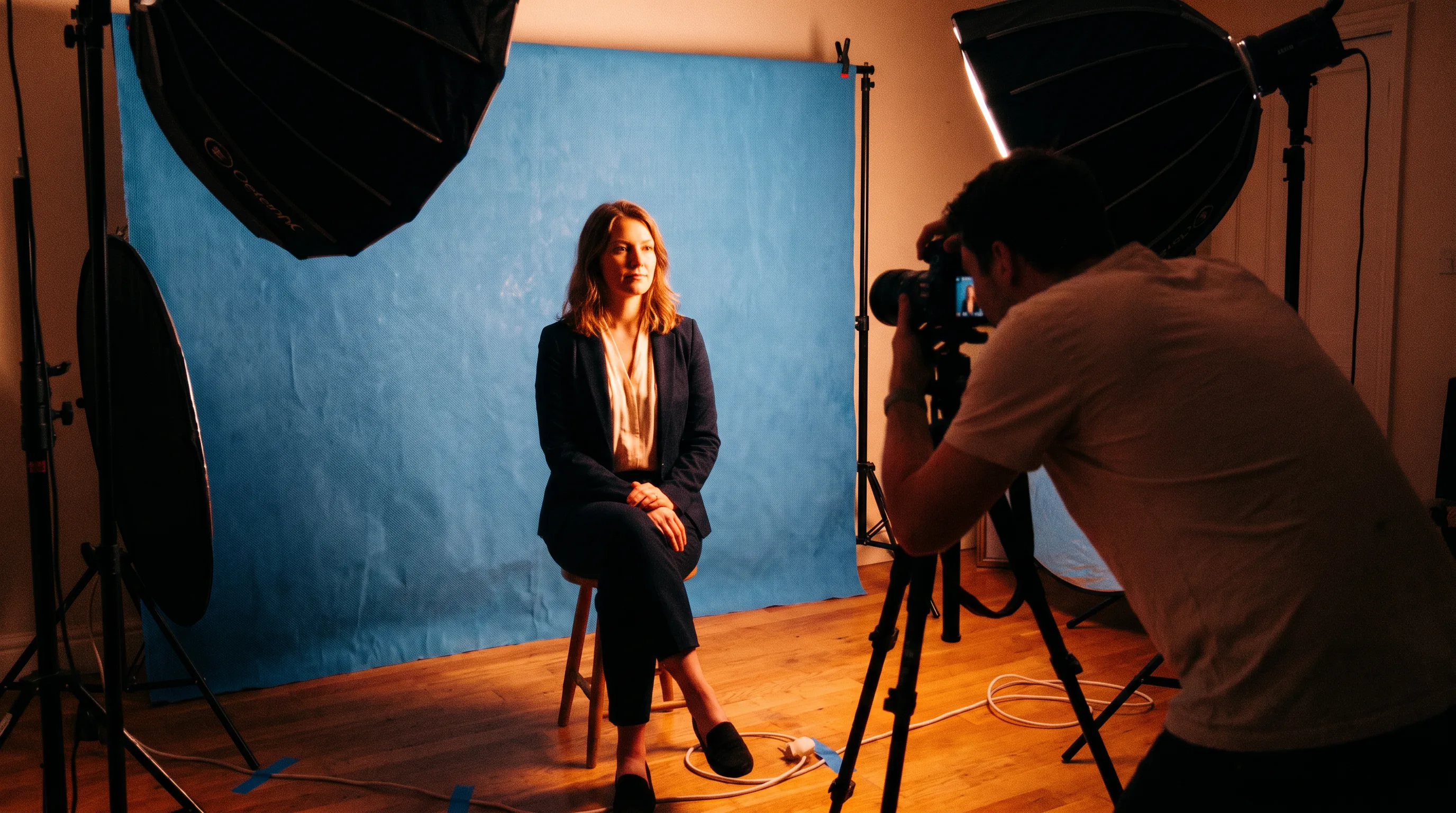
Feed a clean source portrait into a tool that can hold the face steady while it changes everything around it. Backdrop, wardrobe, lighting, and crop need to move while the person stays recognizably themselves.
Dedicated headshot generators are the right answer for many people. Give one several selfies and it returns a set of finished headshots without asking you to build a workflow. This ranking is for the job that outlasts the first purchase: portraits that match each other, survive the next hire, and get recut for the site, deck, and campaign where they end up.
Four criteria matter, and they are mostly in tension with one another.
The person has to stay themselves. Identity drift makes an AI headshot unusable because colleagues notice it immediately, even when they cannot name what is wrong.
The standard complaint about AI portraits is plastic-looking skin and overly even eyes. Tools that invent detail aggressively tend to overcook faces, so the most aggressive enhancement is not necessarily the best portrait treatment.
One good portrait is a demo. A team page needs the same backdrop, crop, and lighting for people who join at different times, so the treatment must live somewhere reusable outside an individual session.
A headshot lands in a profile square, site bio, deck, and slide template. A tool that returns one aspect ratio has handed you a cropping job.
Holds a face via | Repeats across a team | Portrait risk | Crops and resizing | |
Melius | Reference portrait plus written treatment | Treatment reused as text | Model-choice dependent | Magic Resize re-composes per ratio |
HeadshotPro | Several selfies per person | Admin-set style | Typical category risk | Headshot-focused output |
Aragon AI | Several uploaded photos | Team albums and approval | Reviewers report plastic-looking skin | Headshot-focused output |
BetterPic | Casual phone photos | Seats and bulk credits | Typical category risk | Headshot-focused output |
Krea | LoRA trained on a specific face | No shared team treatment | Enhancement can invent detail | Manual |
Melius is the Agentic OS for creative work, a node-based creative canvas that AI agents operate with you. It leads here because a portrait can sit inside the rest of your creative: the same treatment produces the profile square, the site crop, the deck ratio, and a portrait that matches the campaign around it.
Picture to Headshot turns a photo into a professional headshot. Casual to Corporate turns a full-body shot into a corporate portrait, and Face Retouch smooths skin, clears blemishes, and evens tone while keeping the photo natural.
A canvas asks more of you on the first portrait than a single upload button does, so a single upload and generation task does not need all that a canvas can do. You own what you create and can use it commercially, subject to the underlying model providers' terms, and Melius does not use your work to train AI models.
Best for: brand and people teams standardizing portraits across a company, and anyone whose headshot must match the rest of what they publish.
HeadshotPro is a strong dedicated option for a team. An administrator sets styling preferences and employees upload selfies against them, so the look is centralized without anyone running a canvas.
What you buy is headshots, and only headshots. If the portrait also has to appear in a deck template, a site bio at another crop, or a campaign that matches other creative, that work happens elsewhere.
Best for: a company-wide rollout where an administrator sets the look once and staff self-serve into it.
Aragon is a polished individual product with a straightforward upload flow and paid turnaround tiers. It is designed to turn a small set of uploaded photos into a larger selection of professional headshots.
The recurring criticism worth knowing is realism: some users report skin that looks plastic. That is the failure mode that matters most on a face, so test output on your own photos before committing a team.
Best for: an individual who wants many options quickly and a clear upgrade path if a team later needs the same thing.
BetterPic is worth considering when headcount is large and cost per person matters. Its team offering is structured around seats and volume credits, while its individual plans return different volumes and style choices from casual phone photos.
Read the style counts carefully. A style can mean one background, clothing treatment, and color combination, so lower tiers may give volume inside one look rather than choices across several looks.
Best for: large headcounts where the per-person cost is the deciding number.
Krea is last because it takes the most work, and it is here because it is the route where you train the model yourself. Its Train workflow supports character LoRAs, where you upload a focused image set and create a custom model you can use beyond a fixed menu of headshot styles.
The qualifier is everything after the face is right. Krea has no dedicated headshot template, no team-level treatment you define once and hand to many people, and no re-composing step for the crops a portrait actually ships in. Its enhancement can also invent detail, which is a liability on a face.
Best for: one person's likeness learned properly, when the portraits do not need to match anyone else's.
Likeness is becoming a commodity. Holding one face across many generations used to be a research problem and is now a baseline expectation. The durable question is whose specification a portrait follows, whether it survives the next hire, and whether it matches the deck, site, and campaign where it appears.
That is an organizational problem wearing a technical costume. Buy for repeatability when the portrait has to work as a system; buy a specialist when one person's headshot is the whole job.
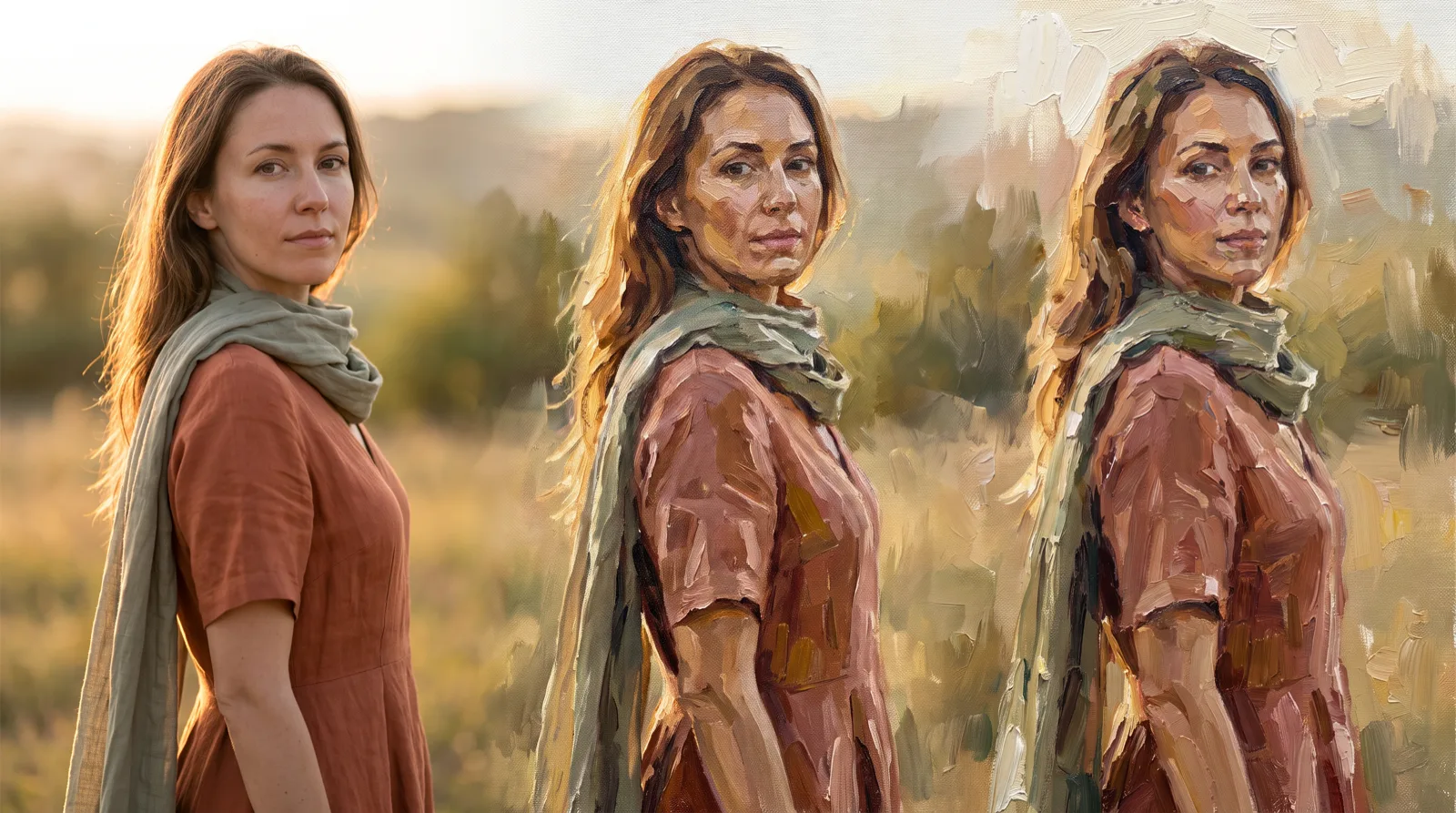
A shared background is only one part of a portrait treatment. For the surrounding edit work, see the best AI photo background editing tools. If the visual direction needs to become a reusable style rather than a fixed headshot template, see the best AI tools to turn images into a painting.
If you need one headshot, use one of the specialists above. If you need a matching set that fits the rest of what you publish, start from the Picture to Headshot template in Melius.
September 2, 2026 • 9 Min Read
September 1, 2026 • 9 Min Read
August 31, 2026 • 9 Min Read