September 5, 2026 • 12 Min Read
September 5, 2026 • 10 Min Read
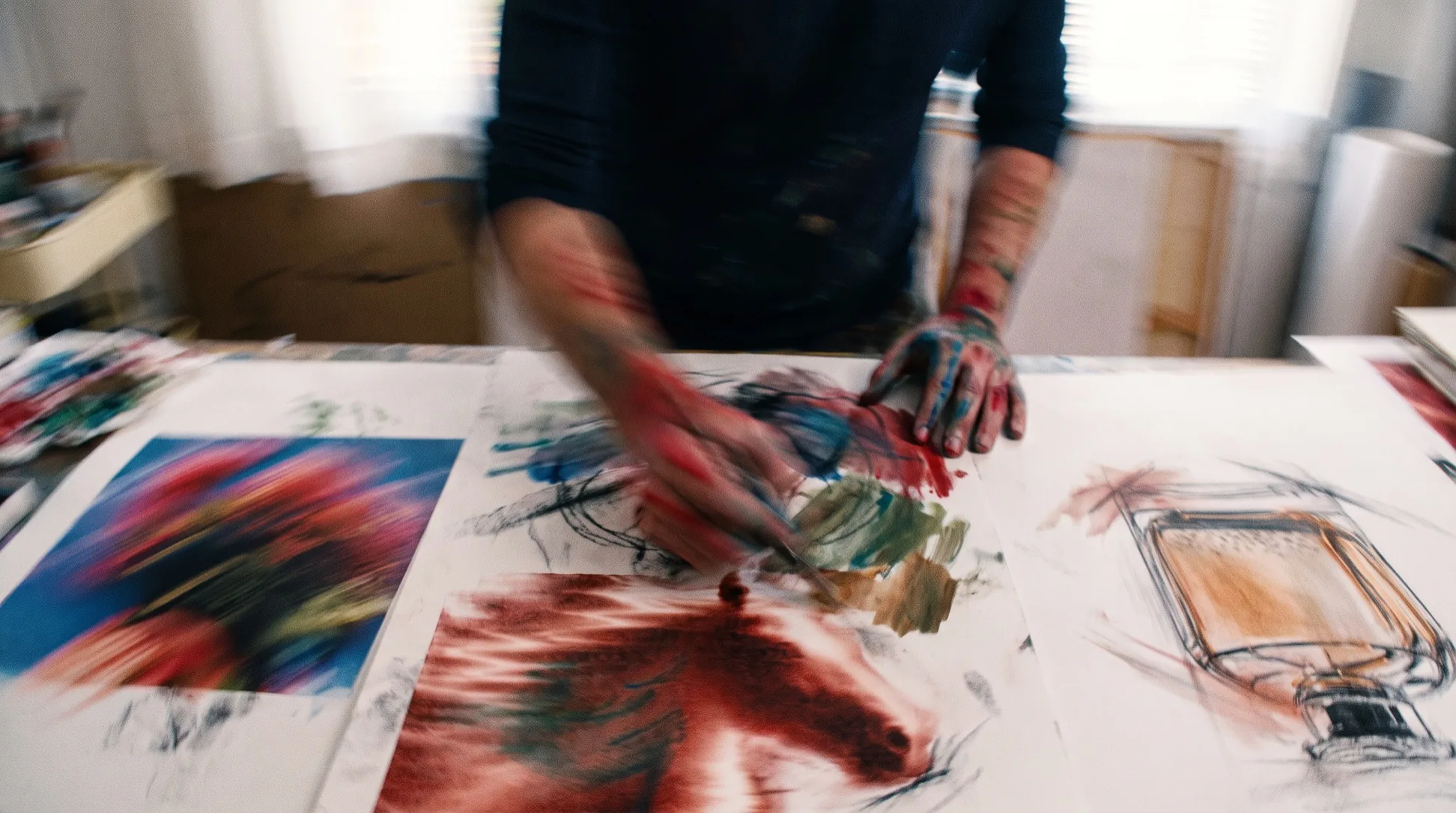
Choose based on what you're concepting, because the tools that win product design and the tools that win brand direction are barely in the same category. A physical product needs a sketch turned into something buildable. A campaign direction needs a look you can defend in a room and then reproduce. Those are different problems.
The trap in this category is judging tools on whether the output is beautiful. At the concept stage beauty is cheap and abundant. What's scarce is a direction specific enough to brief against, and a look that survives when you apply it to the next twelve assets.
Four things, and the last one is the one people discover too late.
There's a wide gap between picking minimal from a menu and specifying a warm neutral palette, soft top light from camera-left, matte ceramic surfaces and a shallow depth of field. The second is what lets you match an existing brand or an art director's reference. Judge a tool on how much of that it will actually listen to.
Concepting is divergent by nature: you make five directions to kill four. A tool that shows you one output at a time forces you to hold the comparison in your head, which is where good options get lost. Being able to branch a direction and see the alternatives together is worth more than a marginally better single image, which is the argument for a node-based creative canvas.
A concept's job is to be applied. If the approved direction exists only as one lucky image, somebody has to reverse-engineer it for every asset that follows. A look captured as a reusable style, a written description or a saved configuration is one you can still apply in three months.
Concepts get shown to people who didn't make them, which means a raw generation is rarely the deliverable. Mockups, placements, a board that reads as considered: the tools differ a lot on how much of that they'll do, and it's usually the difference between a concept being approved and being misunderstood.
Tool | Concepting it suits | How you set a direction | Reusable afterwards |
Melius | Brand, campaign and asset direction | Style analysed from a reference, or written out | Yes, as a node you re-run |
Midjourney | Mood, visual exploration, concept art | Style references and moodboards | Partly, via style references |
Vizcom | Physical product and industrial design | Your own sketch, plus material prompts | Yes, models carry into computer-aided design |
Recraft | Brand identity, icons and vector systems | Brand kits and style presets | Yes, styles are saved and reapplied |
Kosmik | Visual research before you generate anything | You collect it, and it surfaces adjacents | Yes, the board is the artefact |
Melius is the Agentic OS for creative work: describe the direction you're chasing and an agent builds the workflow, picks the right model per step, and leaves every step editable. A node-based canvas underneath turns a concept into a graph you can branch, compare and re-run.
That shape suits concepting unusually well. Five directions become five branches off one reference instead of five separate sessions, and the one that gets approved is already a working configuration you point at the next asset.
The style-analysis step is the one that changes the work. Most concepting dies at the handoff, where an approved image has to become a brief that somebody else can execute against. Reading the style out of the reference as text closes that gap: the direction becomes words you can argue with, edit and reapply, not a vibe attached to one file. Behind it sits a library of leading models, so the model that analyses a reference isn't the one asked to render the concept.
The catch: the payoff is in the reuse, so for a single one-off concept you'll feel the setup cost without collecting the benefit.
Best for: brand and campaign concepting where the approved direction has to be applied across a body of work.
Midjourney is still the default for visual exploration, and among art directors and brand designers it's the one that gets opened first. Its output has a point of view, which sounds like a criticism and is actually the reason it works for concepting: it proposes things you wouldn't have asked for.
Style references and moodboards have made it considerably more directable than it used to be. You can hand it a set of images and get work in that register, which is the mechanism most concepting workflows now hang off.
It remains weak at everything after the idea. Precise brand control, legible text, exact palettes and structured output are all outside what it's trying to do, and there's no free tier to test it against your own references first. Concepts also tend to stay in Midjourney: getting an approved look applied to real assets means rebuilding it somewhere else.
The catch: unmatched at proposing directions, unhelpful at executing them.
Best for: the earliest, loosest stage, when you want range rather than control.
Vizcom is the tool here built for physical products, and if that's what you design it's not really competing with the rest of the list. It takes an industrial designer's sketch and renders it, keeping the geometry you drew instead of reinterpreting it into something merely similar.
The reason it matters is that product concepting has a downstream that graphics work doesn't. A concept has to become a model somebody engineers, and Vizcom sends work toward computer-aided design instead of stopping at a pretty picture.
Outside physical product design it's the wrong tool, and it doesn't pretend otherwise. There's no brand system, no campaign thinking, and no reason to reach for it if your concepts are graphics, layouts or campaign imagery. Its pricing has also moved around, so check its own pricing page rather than a third-party tracker.
The catch: superb at one discipline, irrelevant to the others.
Best for: industrial, product and packaging designers working from sketches toward something manufacturable.
Recraft performs best when the concept has to be a design system, not an image. It generates true vectors, editable in Illustrator or Figma, which means a logo or icon concept arrives as something a designer can actually finish, not a raster to trace.
For brand concepting the brand kit is the useful mechanism. Colours, style preferences and identity parameters are stored and applied across everything you generate, so a set of concepts holds together instead of each one being its own accident.
It's narrower than it looks. Photoreal imagery, campaign scenes and anything cinematic are not what Recraft is for, and reviewers rate its raster output as unremarkable next to the frontier models. Treat it as the vector and identity specialist, not a general concepting tool.
The catch: brilliant inside vector and brand-system work, ordinary outside it.
Best for: identity, icon and illustration concepts that need to survive into production files.
Kosmik is on this list as the honest counterweight: it generates nothing. It's a spatial canvas for visual research, where you collect images, PDFs, video and live web pages, and it surfaces related material and organises what you've gathered.
It earns the slot because a lot of what people call concepting is really research, and doing that badly is why generated concepts come out generic. Feeding a model a considered reference set produces better work than feeding it a sentence, and this is a tool for building the reference set.
If you need an image made, this is not the tool, and pairing it with a generator is the actual workflow. It's also a smaller product than the rest of this list, which matters if it becomes where your reference library lives.
The catch: it improves the input to concepting rather than doing the concepting.
Best for: art directors and brand designers whose reference libraries have outgrown a folder of screenshots.
The handoff is where concepting work usually leaks, and it's worth planning for before you start, not after a direction is signed off.
The failure looks like this: a concept gets approved as a single image, the person who made it moves on, and everyone downstream reverse-engineers the look from that one file. Palette drifts, the type is a near-miss, and three assets in, nobody can say what the direction actually was. The concept was never written down, so it couldn't be applied.
Avoiding it is mostly a matter of capturing the direction as something other than an image: a written style description, a saved style, a brand kit, a configuration you can re-run. Tools differ on whether they let you do that, and it's the criterion that separates a concepting tool from a nice image generator. If a look can only exist as one output, treat the concept as unfinished. The same discipline is what makes marketing image generation survive past the first asset.
Working from a drawing? Follow our guide to turning a sketch into a realistic image with AI to prepare the sketch and brief Mel.
Drop a reference image on the canvas, run image style analysis to turn it into a written direction, then branch it into the concepts you want to compare. Open Melius.
September 5, 2026 • 12 Min Read
September 3, 2026 • 10 Min Read
September 2, 2026 • 9 Min Read