September 24, 2026 • 14 Min Read
September 25, 2026 • 14 Min Read
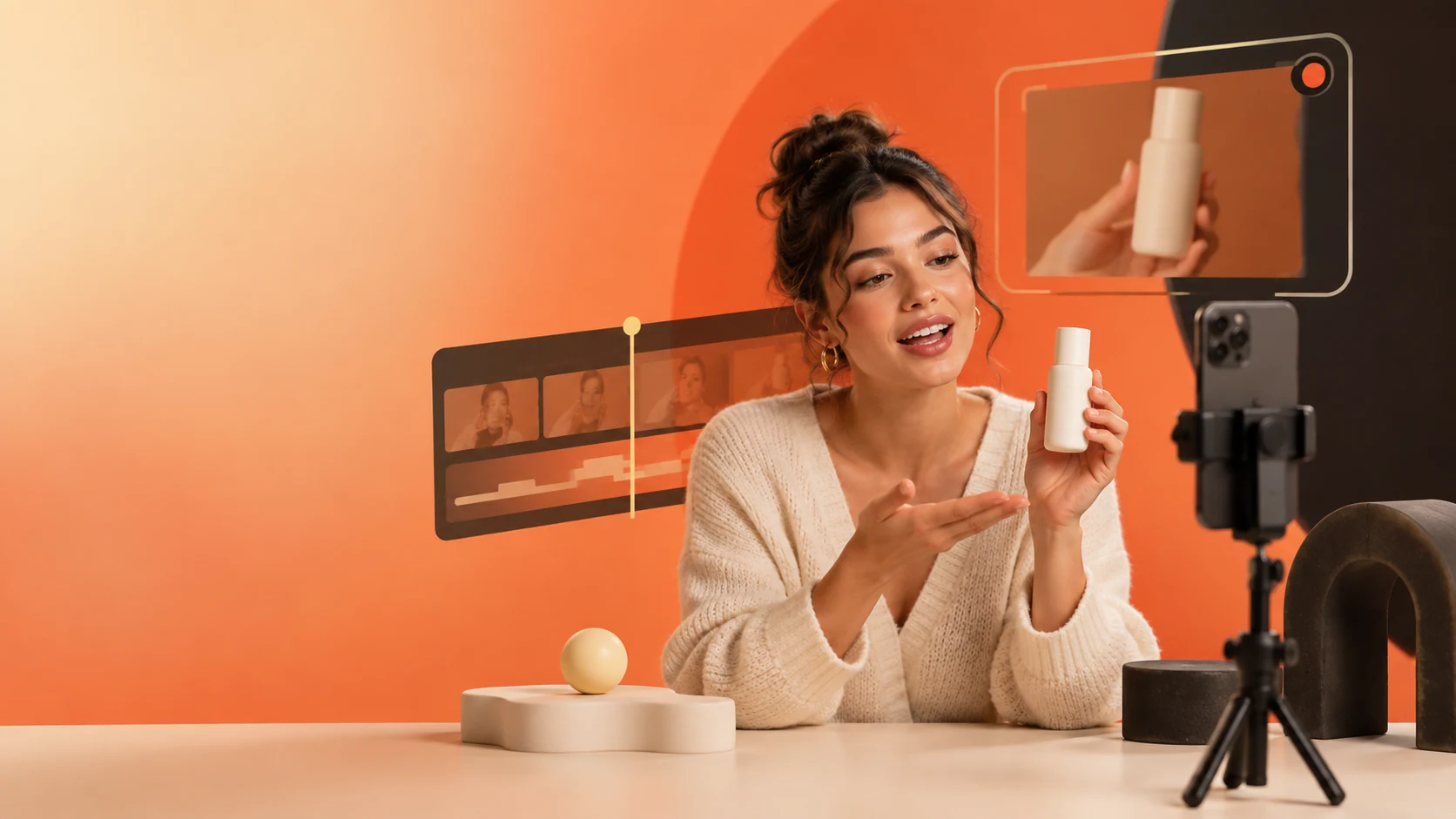
Melius is the strongest choice when you want casting, voice, product photography, editing and asset organization in one workspace. The specialists are useful when one step matters most: Creatify can start from a product page, HeyGen is centered on avatar video and language coverage, Arcads brings actors and ad-production workflows together, and Captions by Mirage is designed around a real person's digital twin.
A UGC-style ad is more than a talking head. It needs a face that fits the audience, a voice and delivery that feel plausible, product shots that preserve the real item, a sharp opening, captions and a cut that works in each placement. Any step a tool leaves out becomes a handoff to another app. Comparing tools by how much of that workflow they cover is more useful than comparing a single sample render.
These products generally offer a vendor-provided actor, a generated character or a digital twin based on a real person. Those options have different creative and rights implications. A shared actor may also appear in another advertiser's work; a real person's twin requires permission and may involve identity verification. Check the license and consent process before using a face in a paid campaign.
A believable performance depends on more than lip sync. Age, accent, energy and emotional delivery all need to fit the face and the script. Check whether the tool lets you choose a voice separately, direct the delivery, or bring an existing voice track. Where voice cloning is offered, get explicit consent from the speaker.
The product demonstration is where a polished avatar can still produce a weak ad. Generated packaging may distort a label, proportions can drift, and materials can look wrong. Find out whether the product shots use your actual photographs, whether you can fix one image independently, and whether the tool supports the angles your product needs.
A clip is not a finished ad. The hook needs to land quickly, the product detail should appear when the script mentions it, and the ending needs enough time to read. An included editor or timeline makes those decisions part of the same workflow; otherwise plan for another editing tool and an export step.
A useful second version changes one variable while holding the rest steady. If every revision starts from a blank prompt, it is hard to tell whether the actor, hook or product shot made the difference. Look for workflows that let you rerun a dependent step without regenerating every asset.
After a few campaigns, renders become hard to distinguish from one another. An asset library linked to the project and its versions makes it easier to find the winner and reopen the work behind it. If a tool exports files without preserving that context, decide where your team will store it.
This is a workflow comparison, not a claim that a tool cannot produce an output by other means. Features and plans change; check the current product documentation before choosing a tool for a production workflow.
Tool | Face and voice | Product shots | Editing and workflow |
Melius | Choose among multiple avatar and lip-sync models; voice is a separate workflow step | Build from your own photos with image generation and editing nodes | Multi-track timeline, canvas graph, version history and asset library |
HeyGen | HeyGen avatars and digital twins, with broad language support | Bring product media into the video workflow | Avatar-focused studio and video-agent features; check the current editing needs |
Arcads | 1,000+ AI actors and generated actors | Direct actors and scenes using product references | Ad generation, variations, editing and reusable workflow tools |
Creatify | AI actors and avatar-led ad generation | Product-page and uploaded-media workflows | Creative Agent, node-based AdFlow, MCP and integrations |
Captions (Mirage) | Digital twin built around a specific person | Prompted product inserts and uploaded media | AI-assisted editing and scene assembly |
CapCut | AI avatars from a photo or video, depending on feature availability | Use media you provide | Full-featured video editor |
Melius is an image and video generation workspace where AI agents can do creative work alongside you. Its node-based canvas makes the production graph visible: prompts, uploads and results are nodes, and connections pass outputs between steps. You can work directly on the canvas or ask Mel to build a graph from a brief.
For an avatar take, the video workflow offers a choice of models, including AI Avatar, HeyGen Avatar IV, HeyGen Digital Twin, Kling Avatar and Infinitalk, alongside separate lip-sync options. Use the same portrait and audio with different models when you want to compare performances. Voice generation is also available as its own step, and custom ElevenLabs voices can be imported on the Creator plan and above.
The product shots can branch from your own photography. Image nodes support generation and editing operations such as inpainting, upscaling, cropping and resizing, so a product image can be refined without rebuilding the spokesperson take. The in-app multi-track editor lets you trim and split clips, arrange picture and audio, adjust playback speed, add transitions and render a sequence to MP4.
Generated work is kept in the asset library with links back to the canvas and version history. Templates offer a starting point for common multi-step work. The canvas is not the only way to use Melius: Mel can assemble the workflow from a brief, and the platform also supports API, command-line and MCP workflows, with Slack access on Professional plans and above.
The flexibility comes with more setup than a product-URL-to-ad flow. You or Mel need to assemble the workflow, so a specialist may get a first draft out faster when all you have is a product page and a deadline.
HeyGen is centered on avatar video: start with a script, image or recorded material, then choose an avatar and voice for a generated performance. Its current product also includes agent-led and cinematic features, so it is broader than a basic spokesperson generator. Language coverage is a notable strength for teams localizing the same message across markets.
If your main task is comparing avatar engines, generating product photography from your own assets, or maintaining a reusable multi-step creative graph, verify that HeyGen's current workflow covers those needs. Some avatar and cinematic generations have different editing limits from Studio projects, so check the exact feature you plan to use rather than assuming all outputs share one editor.
Arcads focuses on AI actors and performance-marketing creative. Its current platform combines a large actor library with actor creation, ad generation, creative variations, editing and workflow features. It also presents an infinite canvas and agent-led production, so it is no longer accurate to describe it as only a script-to-render tool.
The actor-led approach is a strong match for direct-response creative, but teams with strict product-fidelity requirements should test packaging, fine details and exact product handling before scaling. Compare Arcads' current workflow with your team's needs for image generation, model choice, asset retention and editing control; the platform changes quickly, and older descriptions may miss newer canvas and agent capabilities.
Creatify is a product-page-native option: provide a product URL or product media and its ad workflows can help turn the source material into an avatar-led video. It also offers a conversational Creative Agent, a node-based AdFlow builder and an MCP connection, so it covers more than a one-click URL-to-video path. That makes it a direct route from a catalog item to an initial creative, especially when you need to repeat the process across products.
A product-page workflow depends on the quality and accessibility of that page. If product images are missing, blocked from access or incomplete, expect to supply details and media yourself. And if the page does not show the angle you need, add your own photography rather than expecting the URL alone to provide it.
Captions is Mirage's flagship product, built around making and editing video with AI. One distinctive use is a digital twin based on a specific person: record the source footage, create the twin, then generate new delivery without arranging another shoot for every script. This can suit founder-led campaigns and recognizable spokespeople.
A twin-led workflow is most useful when the person is central to the ad. Product catalogs may need additional product-shot tools, and teams should test whether the desired product inserts preserve exact packaging. Mirage and Captions naming still appears across product materials, so use the current terms and privacy documentation when evaluating the service.
CapCut earns a place for teams whose work ends in short-form social video. It is an editor first, with AI avatar features that can animate an uploaded photo or use a person's video, depending on the feature and region. It is a practical choice when your footage and finishing work already live in the CapCut ecosystem.
CapCut is strongest as an editor, rather than a connected product-to-ad workflow. You may need separate tools for product photography, script development and controlled creative testing. Before uploading a person's likeness, voice or client footage, read the current terms and privacy settings for your region and account.
If you need one ad quickly and already have the rest of the pipeline, choose the specialist that matches the input you have: a product page for Creatify, actor-led performance creative for Arcads, a localization-heavy avatar workflow for HeyGen, a real spokesperson's twin for Captions, or finishing and social edits in CapCut.
If the recurring problem is handoffs between casting, voice, product shots, edits and revisions, prioritize a connected workspace. Melius keeps those steps on one canvas and links the resulting assets to their source graph. For broader guidance on scaling a winning ad into controlled versions, read our comparison of AI tools for video ad creative variants. For more general video-generation workflows, see the 2026 guide to AI video generation tools for creators.
A practical setup is one canvas per ad concept, with branches for the actor and product. Connect a portrait and audio track to a video node, then compare the avatar models using the same inputs. Build product shots from your own uploads on a separate branch so a script revision does not affect the product imagery. Arrange selected takes on the multi-track timeline, render the sequence to MP4, and keep the generated assets linked to the canvas.
Once the graph works, change one variable at a time: the actor, hook or voice. The other branches stay in place, making it easier to understand what changed between versions. If you would rather start from a script-first studio than a blank canvas, Cast is Melius's beta product for templates such as reviews, unboxings and founder stories; access is through a waitlist.
Melius is the strongest fit when you want one workspace for the full ad workflow: model choice, voice, product imagery, editing and asset organization. A specialist may be faster for one step: Creatify starts from a product page, HeyGen focuses on avatar video and localization, Arcads combines AI actors with ad-production workflows, and Captions (Mirage) is built around creating with a digital twin.
Write a short script, choose an actor or a consented digital twin, generate the spoken performance, create or select product footage, then edit the clips and captions into the placements you need. Keep the product shots separate from the talking-head generation so a script change does not force you to rebuild the whole ad.
It depends on the product. Most purpose-built ad tools present their own actor or avatar systems; Melius exposes several avatar and lip-sync model options in its video workflow, including HeyGen Avatar IV, HeyGen Digital Twin, Kling Avatar and Infinitalk, so you can compare outputs from the same source material.
Yes, some tools support a digital twin made from a real person's footage, but you should have that person's informed permission before creating or using it. Follow the tool's identity checks, the applicable advertising and privacy rules, and the disclosure requirements of each platform where the ad will run.
There is no single answer for every ad or jurisdiction. Use only likenesses and voices you have rights to use, substantiate product claims as you would in a filmed ad, and check disclosure rules for the market and platform. The tool's commercial-use terms do not replace those obligations.
Have a product photo and a script? Open Melius and build one ad end to end before you scale it.
September 24, 2026 • 14 Min Read

September 23, 2026 • 11 Min Read

September 21, 2026 • 18 Min Read