
November 8, 2026 • 11 Min Read
November 11, 2026 • 10 Min Read
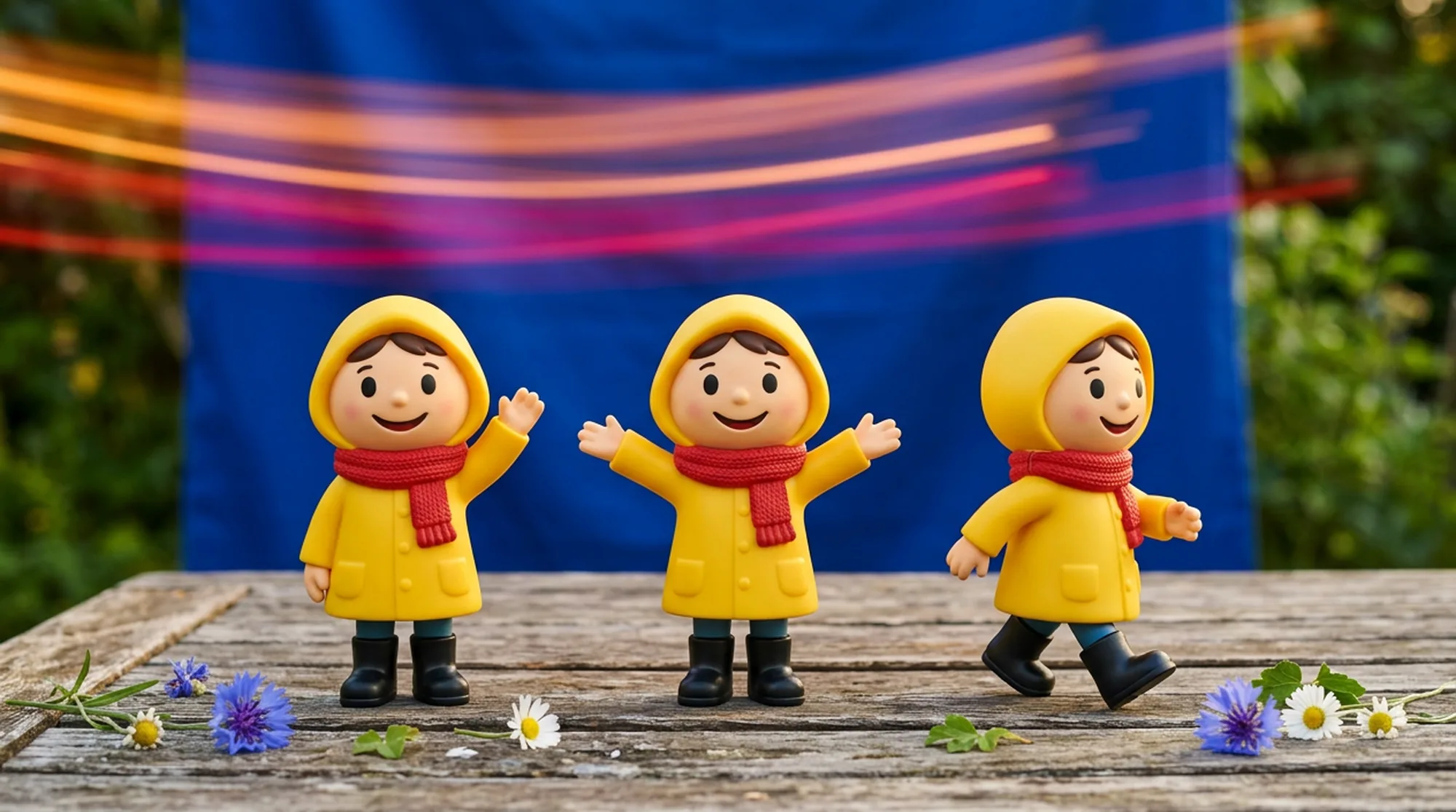
Every AI video clip is a new generation, so a face, an outfit, or a voice can drift from one shot to the next unless something ties them together. The tools here use three ways to do that: reference images passed in with each clip, an identity saved or trained once and reused, and a presenter avatar built from real footage.
We read each maker's own pages for how many references a tool takes, how long a clip it makes in one pass, whether it can hold several shots and several characters, whether the voice stays the same, and how well it handles stylized characters as well as photoreal ones.
Tool | How it keeps a character | References per generation | Clip length per pass |
Melius | The same references wired into every video node, plus Cast avatars | Set by the model on each node | Set by the model, up to 30 seconds on Kling 4.0 |
Google Flow | Ingredients to Video with @CharacterName tags | Up to 6 images, 3 per character, in the Omni Flash API | 3 to 15 seconds on Omni Flash 1.2 |
Vidu | A reference subject per character | Up to 7 subjects, 3 images each | 3 to 16 seconds |
MiniMax | Omni-reference from images, video, and audio | Up to 12 files | 4 to 15 seconds |
HeyGen | Avatar V built from a webcam recording | One 15-second recording | Up to 30 minutes per video on Creator |
Higgsfield | Soul ID trained on photos of one person | 20 to 80 photos for training | Depends on the model used |
Kling | Elements and Omni Reference | Up to 15 assets | 3 to 30 seconds on Kling 4.0 |
Runway | References in Gen-4 Image, then Image to Video or Act-Two | Up to 3 References | 2 to 10 seconds on Gen-4.5, up to 30 on Act-Two |
Melius is the AI-native operating system for creatives, with AI agents that do creative work alongside you. Mel, the Melius agent, takes a character sheet and a shot list and builds a video node for each shot with the same reference images wired into each one, picking each shot's model from its extensive model library.
What it does well. A reference image tells a model which character or style to match across the whole clip, and it doesn't pin a frame, so the same face carries into a wide shot and a close-up. Seedance 2.5 keeps characters consistent across cuts and extensions, Kling 4.0 makes scenes of up to 30 seconds, and Cast saves avatars with their own voices for script-to-video work.
The trade-off. Each model caps how many reference images it accepts, so a large reference set may need trimming when a shot moves to a different model.
Best for. Series, ads, and short films where one character appears in many shots made with different models.
Google Flow is Google's AI filmmaking tool, now running Omni Flash 1.2 alongside Veo 3.1 Lite. Its Ingredients to Video feature takes reference images or video and lets you call each one in the prompt as @CharacterName, or @me for your own avatar.
What it does well. Google says Omni Flash keeps characters visually consistent from shot to shot, and Flow supports named voice references for ingredient generations. Plus, Pro, and Ultra subscribers get clips of 3 to 15 seconds on Omni Flash 1.2, and every account gets 50 free credits a day.
The trade-off. In the API, Omni Flash takes references for two characters at most, three images each, and Flow's avatars aren't available in the EEA, the UK, or Switzerland.
Best for. Short scenes where you want to direct characters by name in the prompt.
Vidu, from ShengShu, launched Q3 Reference-to-Video in April 2026. It takes up to seven subjects, each built from up to three images, and generates up to 16 seconds of video with synced audio.
What it does well. Each subject can carry its own voice along with its images, so two or three characters keep separate looks and voices in one clip. ShengShu built an animated-series workflow around a reusable subject library.
The trade-off. Clips top out at 16 seconds and 1080p, so longer scenes are built from several generations.
Best for. Animated and stylized characters that recur across episodes.
MiniMax makes the H3 video model behind its Hailuo app and released H3's weights openly in August 2026. H3 keeps a character through omni-reference, taking up to nine images, three videos, and three audio clips, 12 files in all.
What it does well. Reference video and audio carry motion and voice as well as looks. H3 also generates native stereo audio with dialogue, and MiniMax lists stable support for 11 languages. Hosted H3 outputs up to 2K, while the open weights stop at 768p.
The trade-off. Reference mode and first-and-last-frame mode can't be combined in one request, and clips run 4 to 15 seconds.
Best for. Dialogue scenes where the voice has to match the character as closely as the face.
HeyGen makes presenter video from AI avatars. Avatar V, its 2026 model, builds an avatar from one 15-second webcam recording, and HeyGen says it handles identity consistency at the model level.
What it does well. One recording gives wide, medium, and close-up shots with any background or look, lip-synced in more than 175 languages and dialects. A single video can run up to 30 minutes on the Creator plan.
The trade-off. It's built for one person talking to camera, not multi-character scenes, and Avatar V starts on the Creator plan, with limited usage there and full access on Pro and above.
Best for. Training, sales, and explainer videos with the same presenter in every episode.
Higgsfield trains a Soul ID from 20 to 80 photos of one person, including at least one full-body shot. The ID runs on Higgsfield's Soul image models and carries into Seedance video as an Element you tag in the prompt.
What it does well. Training takes three to five minutes, and the same ID can then appear across image and video generations. Higgsfield's AI Influencer Studio can invent a character first, and you'll train the ID on its portraits.
The trade-off. Soul ID covers one person per ID and can't be exported. Higgsfield says results look clearly like the same person rather than pixel-identical, and extreme style shifts or unusual angles can still bring small drift.
Best for. Creator and influencer content built around one recurring person.
Kling, from Kuaishou, launched Kling 4.0 on October 15, 2026. The model runs 3 to 30 seconds per pass and holds characters through Omni Reference and Elements, its library of reusable characters and objects.
What it does well. One generation can take up to 10 images, five videos, and seven Elements, 15 assets in all, and a character Element can be bound to a voice from a 5 to 30-second sample. Multi-shot splitting is on by default, and speech covers nine languages.
The trade-off. Omni Reference and keyframes can't be used in the same generation.
Best for. Longer scenes where a named character and voice come back again and again.
Runway builds consistency in two steps. References in its Gen-4 Image model keep a character the same across new stills from as few as one image, with up to three active per generation, and those stills then become video through Gen-4.5's Image to Video.
What it does well. A Reference can be tagged, saved, called back in a prompt with @name, and shared with a workspace. Act-Two transfers a recorded performance, including movement, expressions, and audio, onto a character image or video for clips of up to 30 seconds.
The trade-off. Gen-4.5 doesn't take References directly and runs 2 to 10 seconds per clip at 720p. Runway's own guide says features can drift over longer clips and that consistency gets harder with several characters in one scene.
Best for. Filmmakers who design a character as stills first and then direct its performance.
Consistency on Melius comes from one set of references shared by every scene. Build the character sheet first, then hand Mel the scenes.
Example brief: "Here's Juno, our mascot, from four angles, plus her voice sample. Make three 9:16 scenes for a launch series, with Juno opening a delivery box at her front door, Juno at a cafe counter reading the label on our bottle, and Juno waving goodbye on a city street at night. Same face, same yellow raincoat, same voice in all three."
Mel connects the four images to each scene's video node and picks a model per scene. A scene that drifts can be rerun on its own node, or moved to another model, without touching the other two. The full step-by-step for creator-style ads is in how to make UGC videos with consistent characters.
Consistency gets decided before the first generation, and it's cheaper to fix on paper. A short prep list saves a lot of reruns.
Got a character sheet and a few scenes in mind? Bring them to Melius and let Mel lay out the shots.
November 8, 2026 • 11 Min Read
November 7, 2026 • 8 Min Read

November 6, 2026 • 9 Min Read