Compare models
Run the same prompt through two models and see them side by side
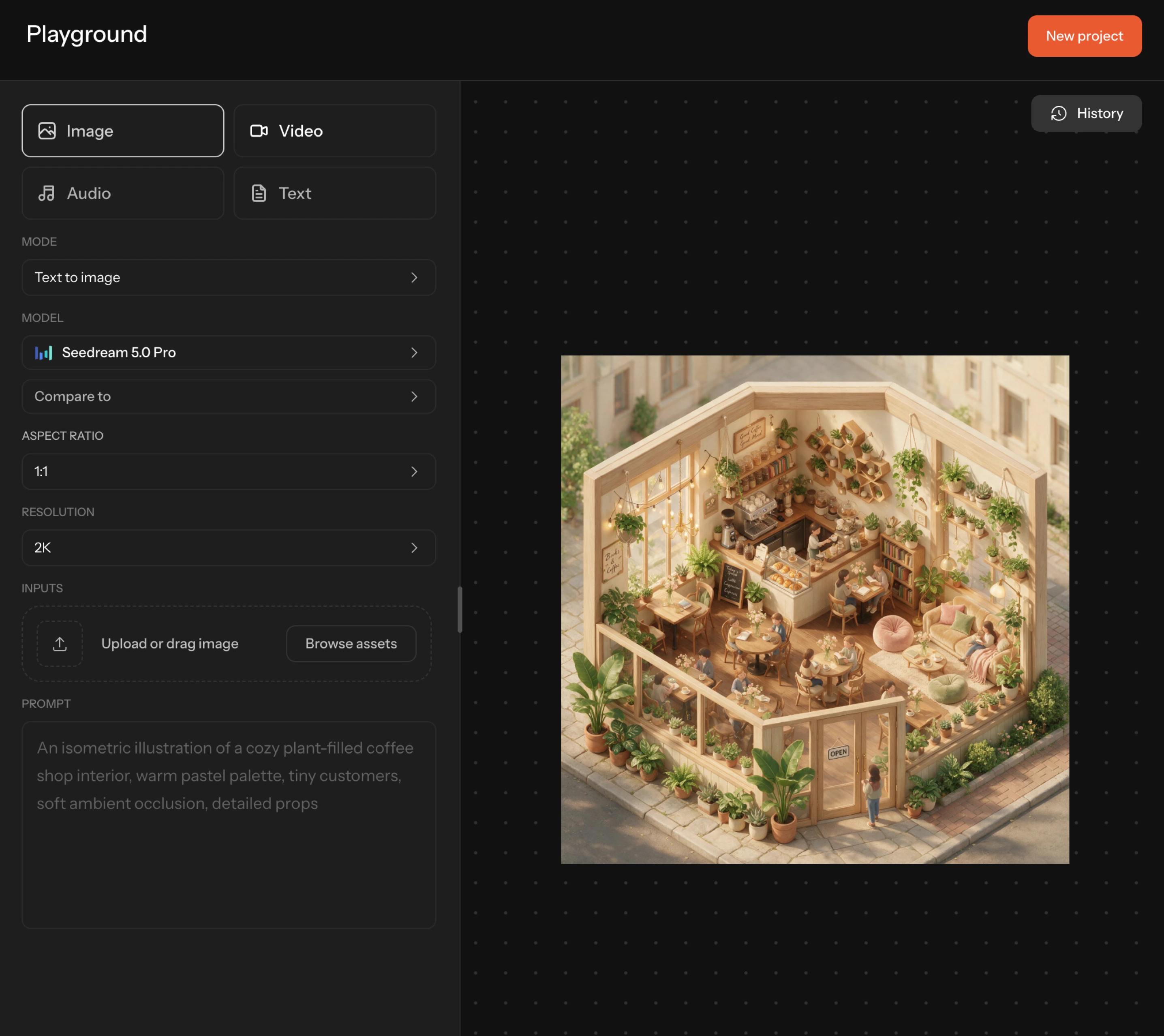
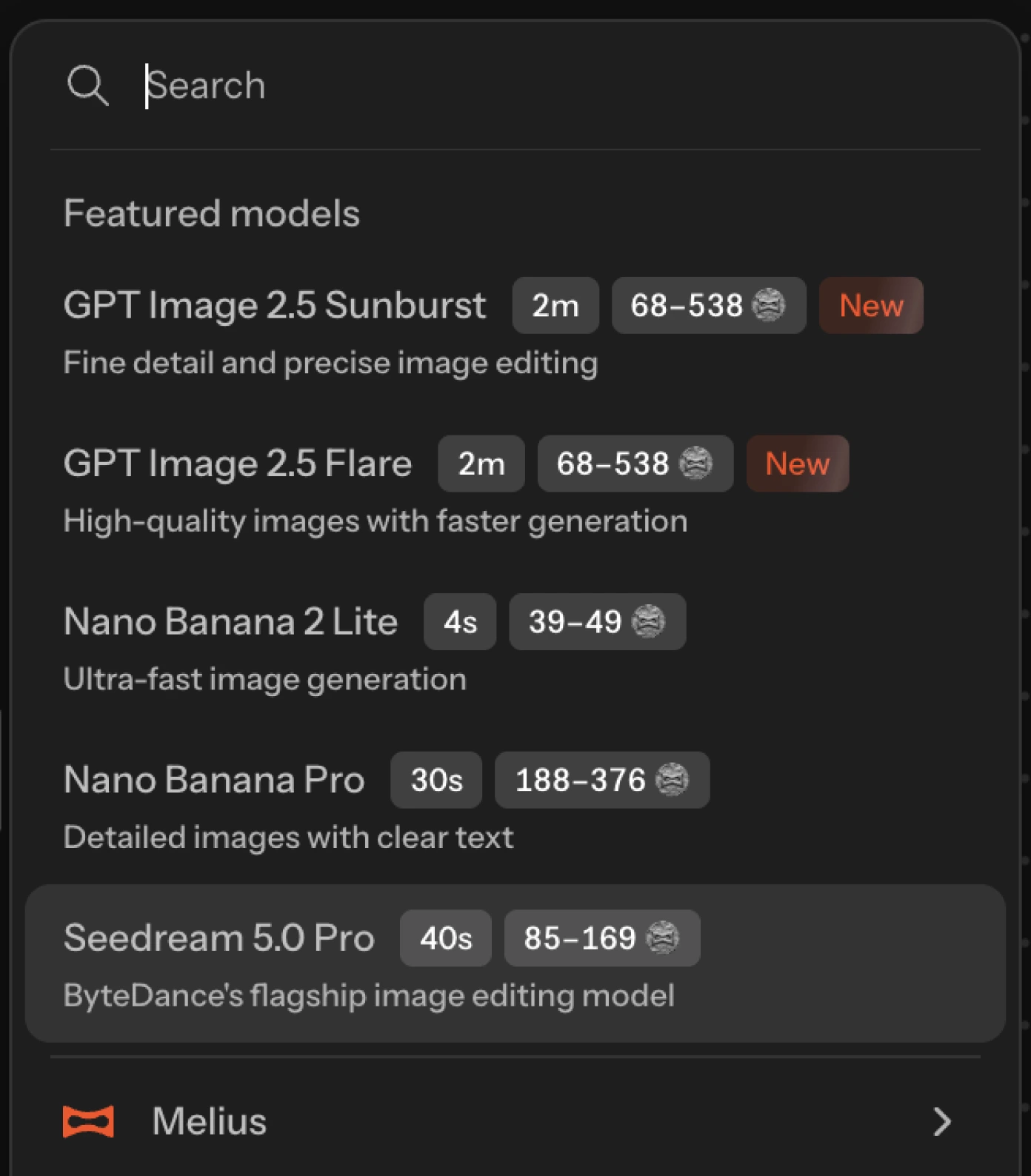
Pick a model, set your parameters, write a prompt, and generate — no nodes, no wiring, no canvas to set up
Run the same prompt through two models and see them side by side
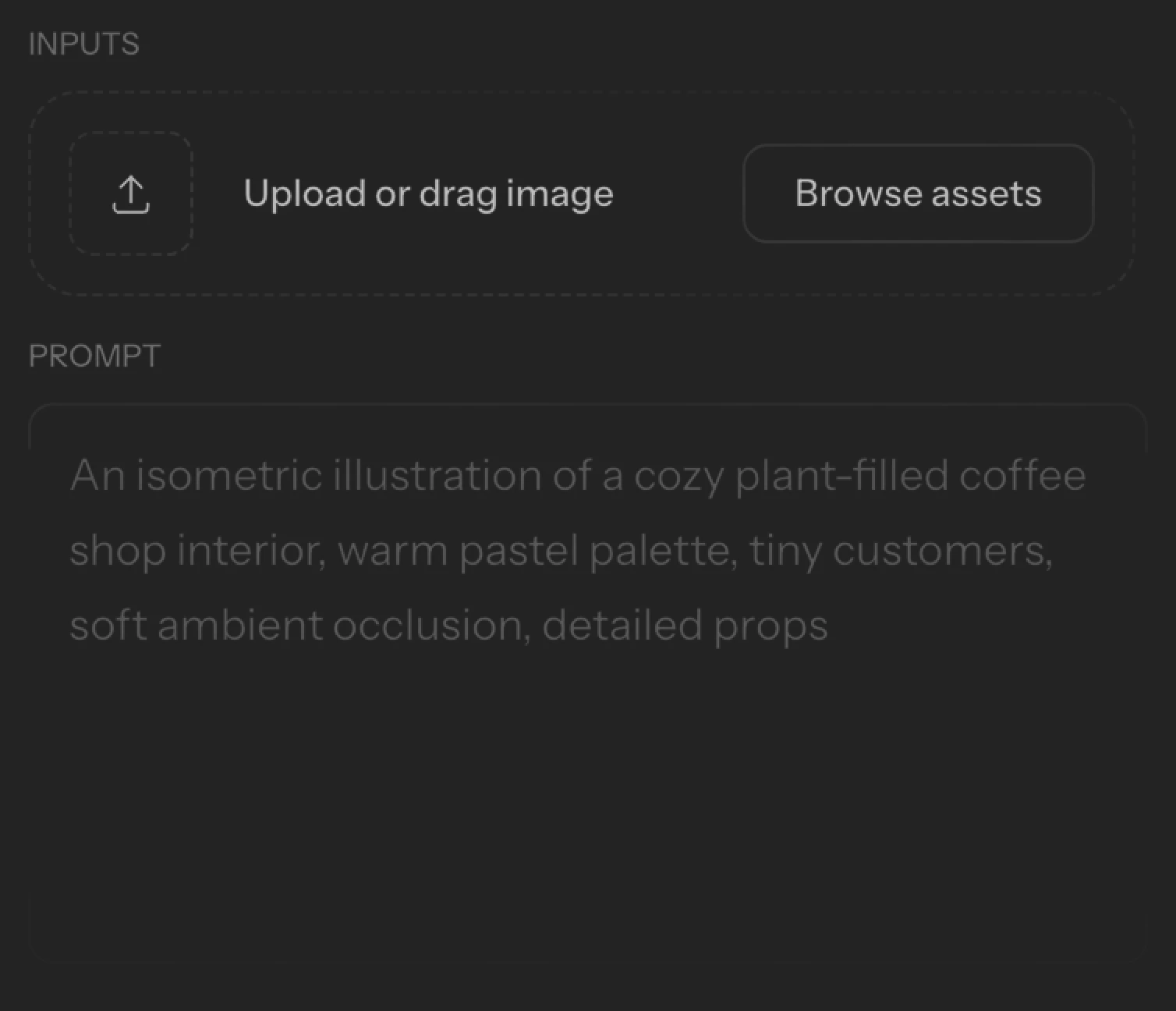
Set model, aspect ratio, resolution, quality, and how many to generate
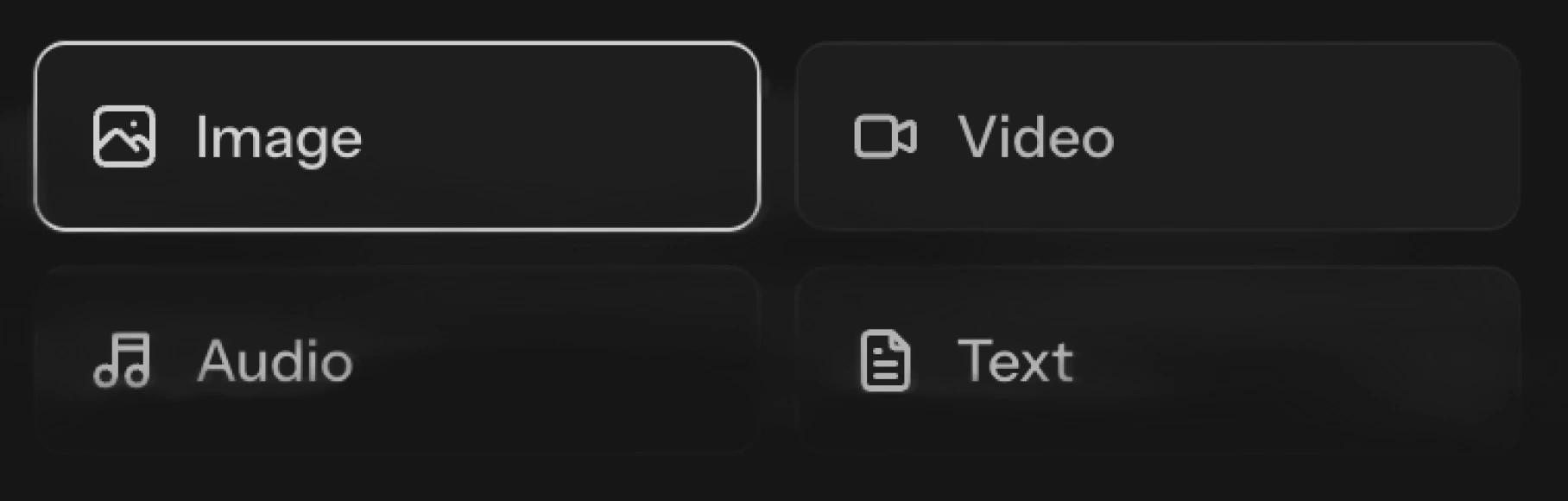
Image, video, audio, and text, each with its own modes and models