
November 11, 2026 • 10 Min Read
November 12, 2026 • 10 Min Read
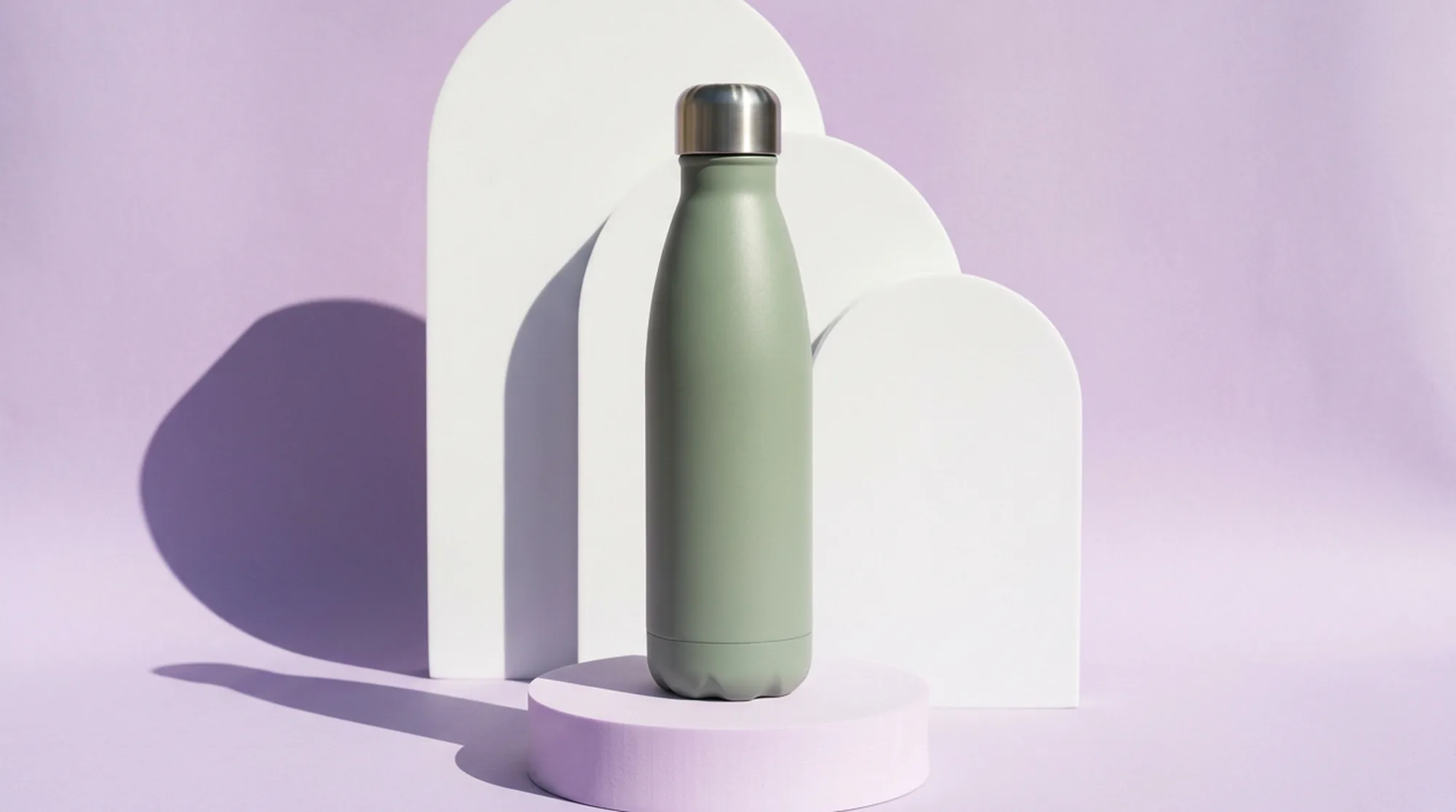
Amazon's product image requirements set the bar. The main image needs a pure white background (RGB 255, 255, 255), with the product filling 85% of the frame, shown once and at its real scale, and with no added text, props, or logos. Images of 1,000 px or more on the longest side turn on zoom, and Amazon recommends at least six more images and one video on top of the main image.
Every tool here can put a product on white. They differ on the rest of the set, which covers lifestyle scenes that look like the real product, detail shots, infographics with readable text, and A+ modules. We compared each tool, using its maker's own pages, on keeping the product exact, getting the main image compliant, rendering readable text, and handling many images at once.
The product stays exact. Amazon asks for a realistic, accurate picture at true scale, quantity, and color. A tool that redraws the label or changes the cap shape creates returns and policy problems.
A main image that passes on the first upload. Pure white, 85% fill, the whole product in frame, and enough resolution for zoom.
Text that reads correctly. Infographics and A+ modules carry claims, sizes, and ingredients, and generated text still slips on some models.
Volume. A catalog of 40 products with seven images each is 280 images, so batch features matter as much as image quality.
Tool | Best for | Main image | Secondary images | Infographics and A+ |
Melius | A full listing set from one photo | Remove Background plus a white fill | Lifestyle, detail, and scale scenes | Text rendered with GPT Image models |
ChatGPT | Quick edits described in a chat | Transparent cutouts in the API | Edits from an uploaded photo | Possible, with label checks |
Claid.ai | White backgrounds across a catalog | Exact hex fill, padding, safe zones | AI Photoshoot scenes | Not offered |
Pebblely | Lifestyle backgrounds that keep labels | White or cream presets | 40+ background themes | Not offered |
Flair AI | Staged product scenes | Through the canvas | Drag-and-drop staged scenes | Limited |
Adobe Firefly | Selective edits and composites | Through Photoshop | Generative Fill and Expand | Through Photoshop layouts |
Canva | Infographics and A+ layouts | Background Remover on paid plans | Templates and Magic Edit | Templates and Magic Resize |
Photoroom | Consistent catalogs from phone shots | Templates for white background and framing | AI Backgrounds and Product Staging | Not a focus |
On Melius, the AI-native operating system for creatives, AI agents handle the production of creative work while you set the brief. You give Mel, the Melius agent, a product photo and say which listing images you need, and Mel lays out a node for each one and chooses the model, drawing on the AI image generator lineup.
What it does well. Remove Background returns a transparent PNG for the main image, and the same cutout feeds lifestyle and detail scenes, so the product stays the same across the set. Better Fonts renders infographic text in the font you choose, and the Topaz upscaler enlarges images up to 4x for zoom.
The trade-off. Melius doesn't connect to Seller Central, so finished images are downloaded and uploaded to Amazon separately.
Best for. Brands building complete listing sets, from main image to A+ visuals, for many products.
ChatGPT creates and edits images from an uploaded photo and a written request. OpenAI's Images 2.6, released on November 4, 2026, is on every ChatGPT tier and is meant to keep products and brand details consistent across edits. It can also turn a product shot into a short animated loop.
What it does well. You can ask for a new setting, a different angle, or a cleaner background in ordinary language, and through the API both Images 2.6 models produce transparent product cutouts as PNG or WebP.
The trade-off. OpenAI says that if part of an image has to stay pixel-identical, you should composite the approved edit into the original, and it advises checking that labels stay legible. There's no catalog workflow in the app, so volume runs through the API.
Best for. Sellers with a few products who want fast lifestyle variations.
Claid.ai is an image platform for ecommerce catalogs. Its background remover fills with any hex color, including pure white, and adds padding and safe zones so every product sits in the frame the same way on Amazon.
What it does well. Claid says its AI keeps logos, branding, and product shapes intact. Every paid plan outputs 2K, the higher plans reach 4K, and AI Photoshoot returns four styled scenes per generation.
The trade-off. AI Photoshoot works on one image at a time in the web app, so large runs go through the API or the batch processing on higher plans, and there are no infographic tools.
Best for. Large catalogs that need consistent white main images.
Pebblely generates backgrounds around a product photo. When you save a product, it pulls the visible text from the photo, such as the brand name and ingredients, and uses it to help keep labels and packaging copy correct.
What it does well. It offers more than 40 background themes and more than 100 templates, plus custom prompts, with outputs in 1:1, 4:5, 9:16, and 16:9. Group shots take up to five products, and bulk generation is on its Basic and Pro plans.
The trade-off. It only builds the scene around your photo, so you'll need a clear, cropped product shot going in.
Best for. Lifestyle secondary images for packaged goods with a lot of label text.
Flair AI is a design canvas for product photography where you stage scenes by dragging props into place and save them as reusable templates.
What it does well. You can train a custom product model on six to 10 images, and tools named Fix Logo & Text and Regenerate Product correct distorted labels and shapes. The free plan includes five generated images.
The trade-off. Flair doesn't support negative prompts, its API is limited to Scale and Enterprise clients, and content from Free, Pro, and Pro+ accounts can appear on its public community site.
Best for. Brands that want to art-direct lifestyle scenes by hand.
Adobe Firefly powers Generative Fill and Generative Expand in Photoshop, and Generative Fill also lets you pick partner models such as Nano Banana Pro and FLUX.2 pro. Firefly on the web has a free plan with daily generations.
What it does well. Generative Fill changes only the area you select, so a label outside the selection isn't touched, and Generative Expand widens the canvas around a product. Firefly's Creative Production tools remove or replace backgrounds across many images at once.
The trade-off. The batch tools need a paid plan with premium generative features and use credits for every image, and Generative Fill works on one selection at a time, so you'll spend more hands-on time on a full set.
Best for. Teams that already retouch product photos in Photoshop.
Canva is a design tool whose templates, Background Remover, and Bulk Create cover product detail images and A+ content. Magic Resize adapts one design to other Amazon placements.
What it does well. Infographics listing sizes and features come together fast from templates, and the bulk background remover handles up to 50 images per batch on paid plans.
The trade-off. Background Remover is paid only, and Canva's own Magic Edit help advises against asking it for text, faces, or hands.
Best for. Infographic slots and A+ modules built around existing product photos.
Photoroom edits product photos on iPhone, iPad, Android, and the web, and its API takes the larger runs. Its Amazon page describes templates that enforce the white background and centered framing a listing needs, so backgrounds, tones, and dimensions stay standardized across a catalog.
What it does well. Product Staging, Virtual Model, Ghost Mannequin, and Edit with AI each work on a single image or on a batch of as many as 250. AI Backgrounds builds a lifestyle scene around the product from a written prompt, and the background remover doesn't draw on credits on paid plans.
The trade-off. 4K images are an Ultra-only feature, batch exports top out around 2K on every plan, and every image in a batch counts toward the monthly export allowance.
Best for. Sellers turning phone shots into matching white-background and lifestyle images across a catalog.
For a listing set, send Mel one clean product photo and a brief that names the images and Amazon's main-image rules.
Sample brief: "Here's our 16 oz stainless water bottle in sage. Make an Amazon set with a main image on pure white with the bottle filling about 85% of the frame, a lifestyle shot on a hiking trail, one in a gym bag, a close-up of the leak-proof lid, a scale shot in a hand, and an infographic listing 24-hour cold, dishwasher safe, and BPA free. Keep the logo and colors exactly as in the photo."
Mel can cut the bottle out once and reuse that cutout in every scene, so the logo doesn't drift. When the gym bag shot misses, only that node needs a new prompt and a rerun. More on the canvas for product work is in AI product photography, and for marketplace sellers, Melius for e-commerce.
Have a product photo and an empty listing? Start your Amazon set on Melius and send Mel the slot list.
November 11, 2026 • 10 Min Read
November 8, 2026 • 11 Min Read
November 7, 2026 • 8 Min Read