


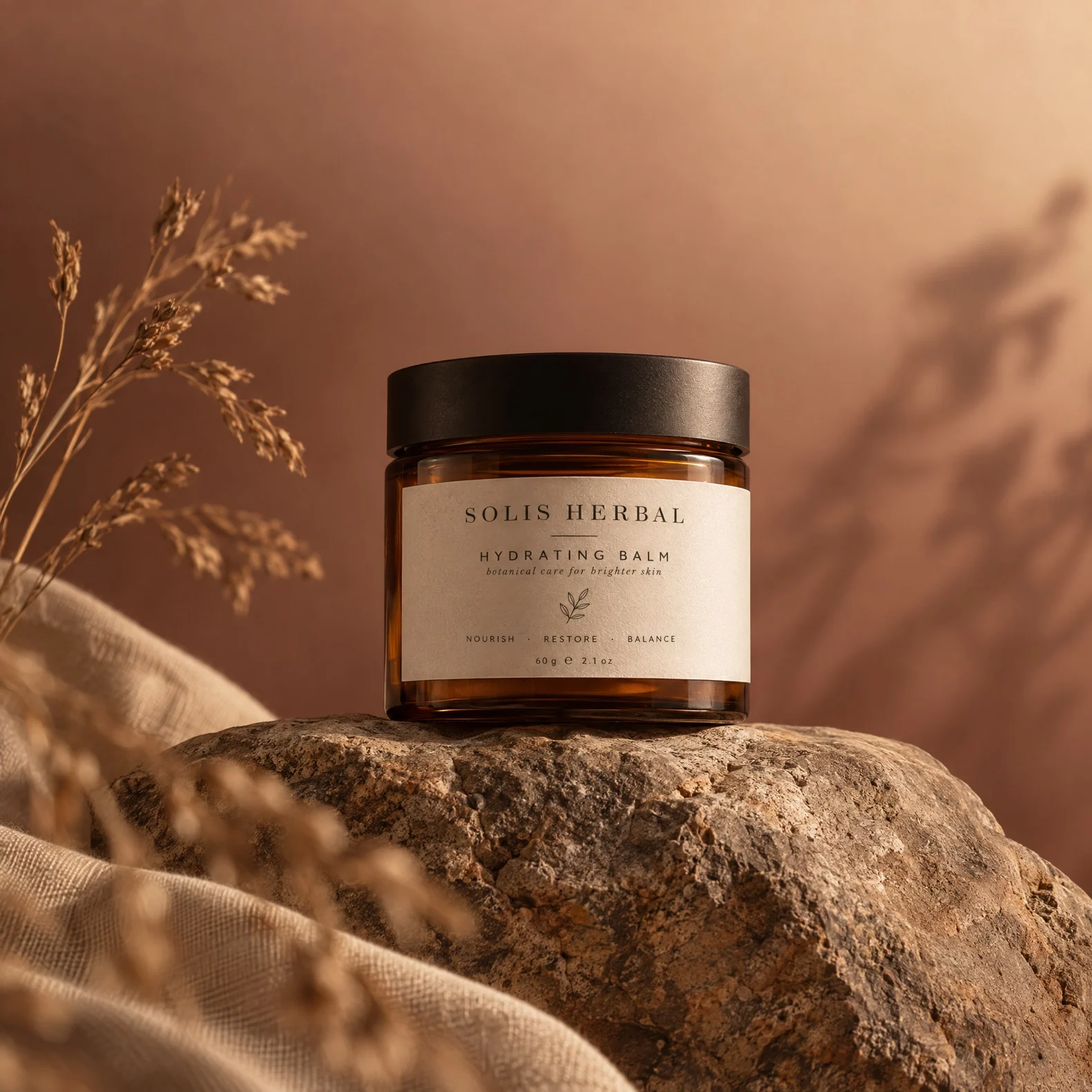
Studio shots
Turn a pack shot into a studio image. Describe the lighting and backdrop you want, then upscale it to 2K or 4K for the final file.
Use case
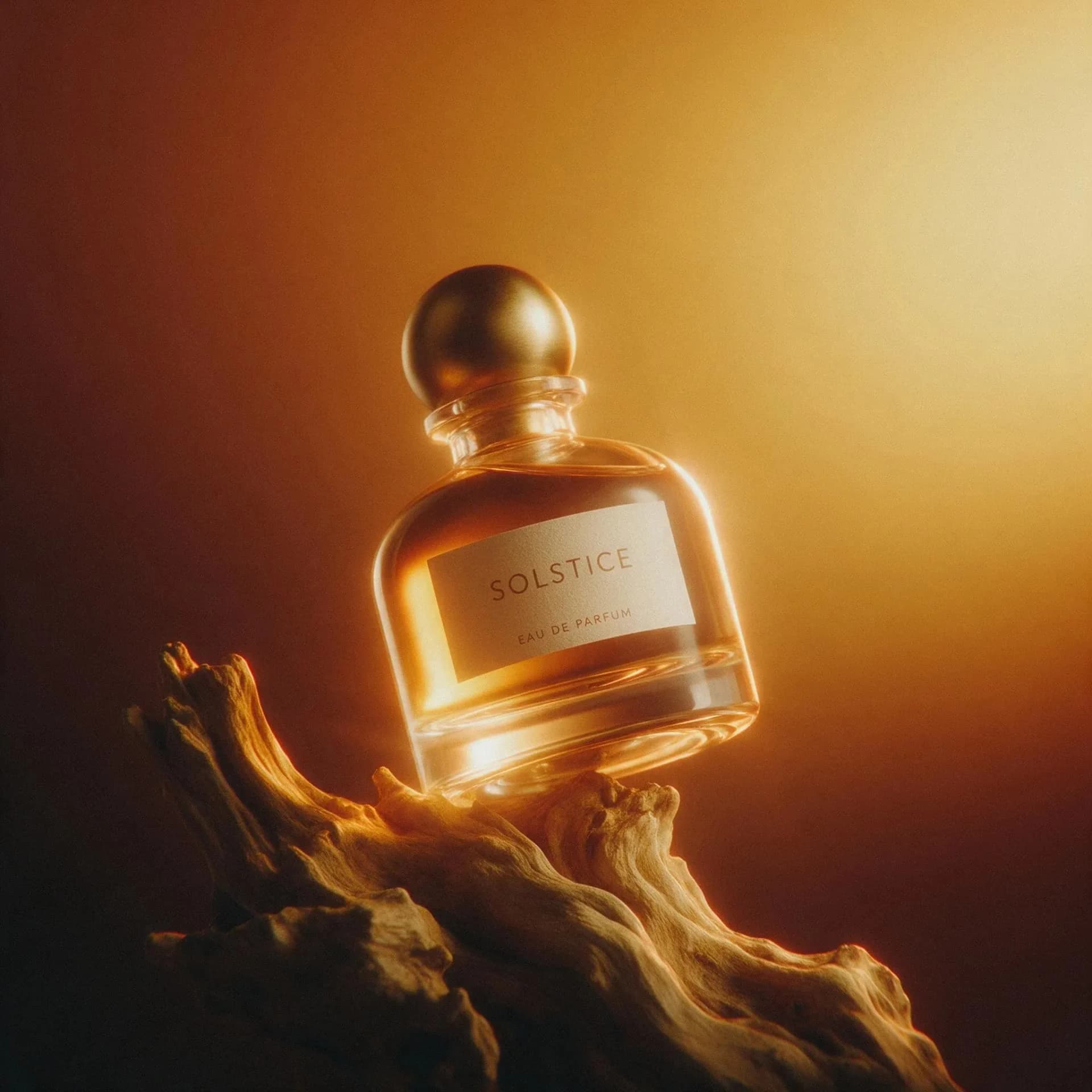
Upload a pack shot, describe the scene and get studio, lifestyle and on-model images back, with logos, dimensions and materials kept accurate.
Pack shots, lifestyle scenes and on-model images made on Melius.
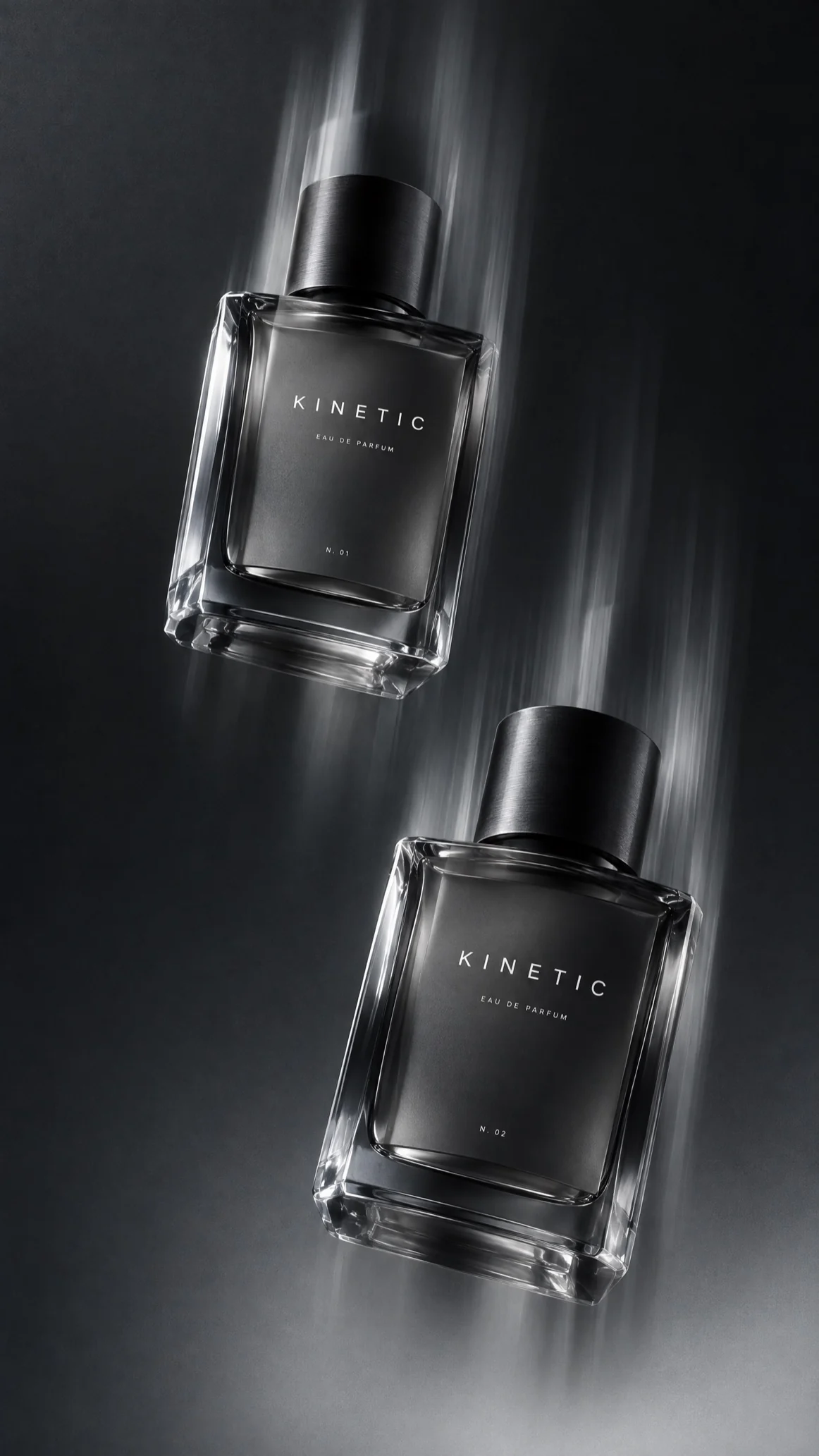
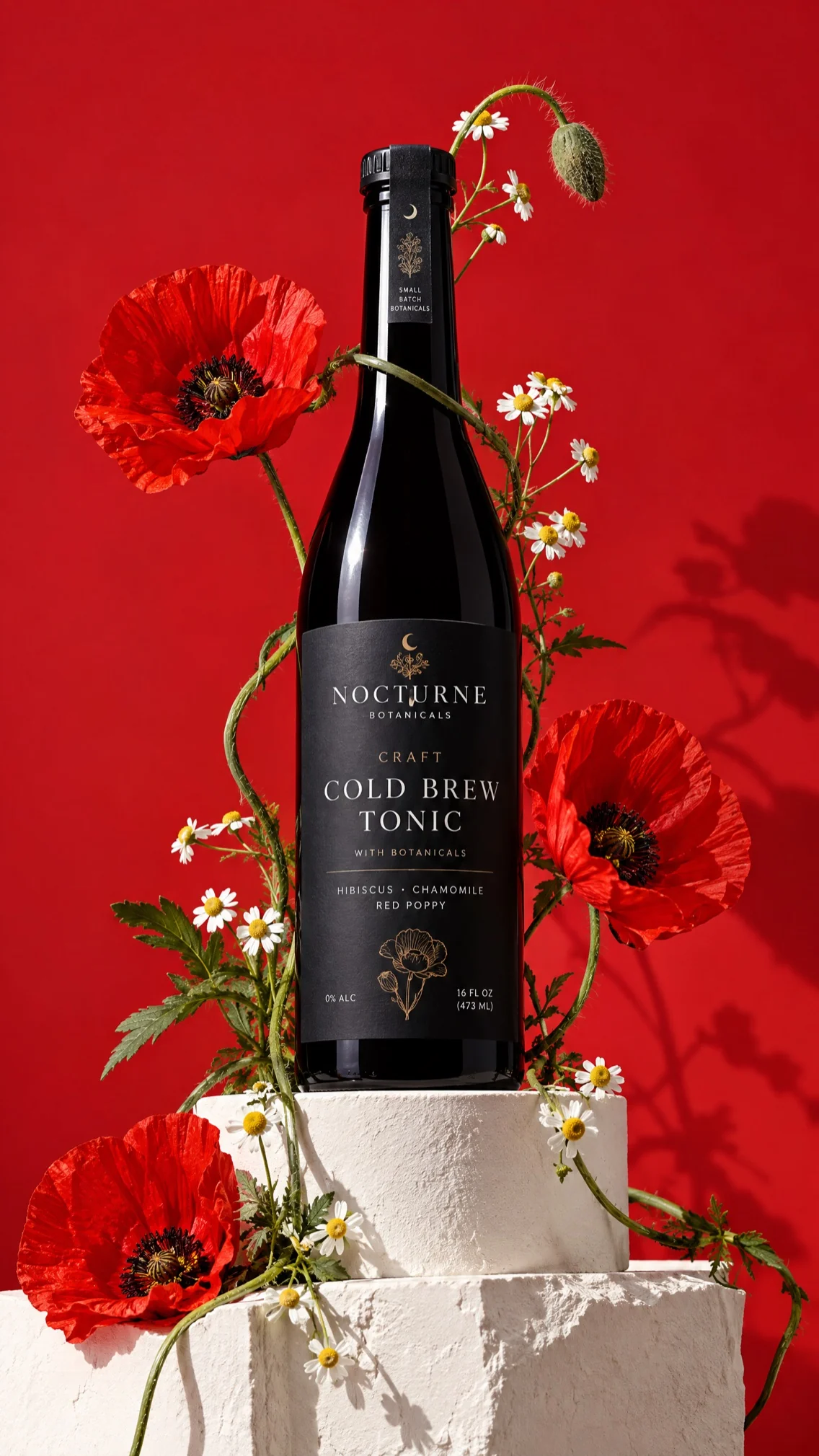
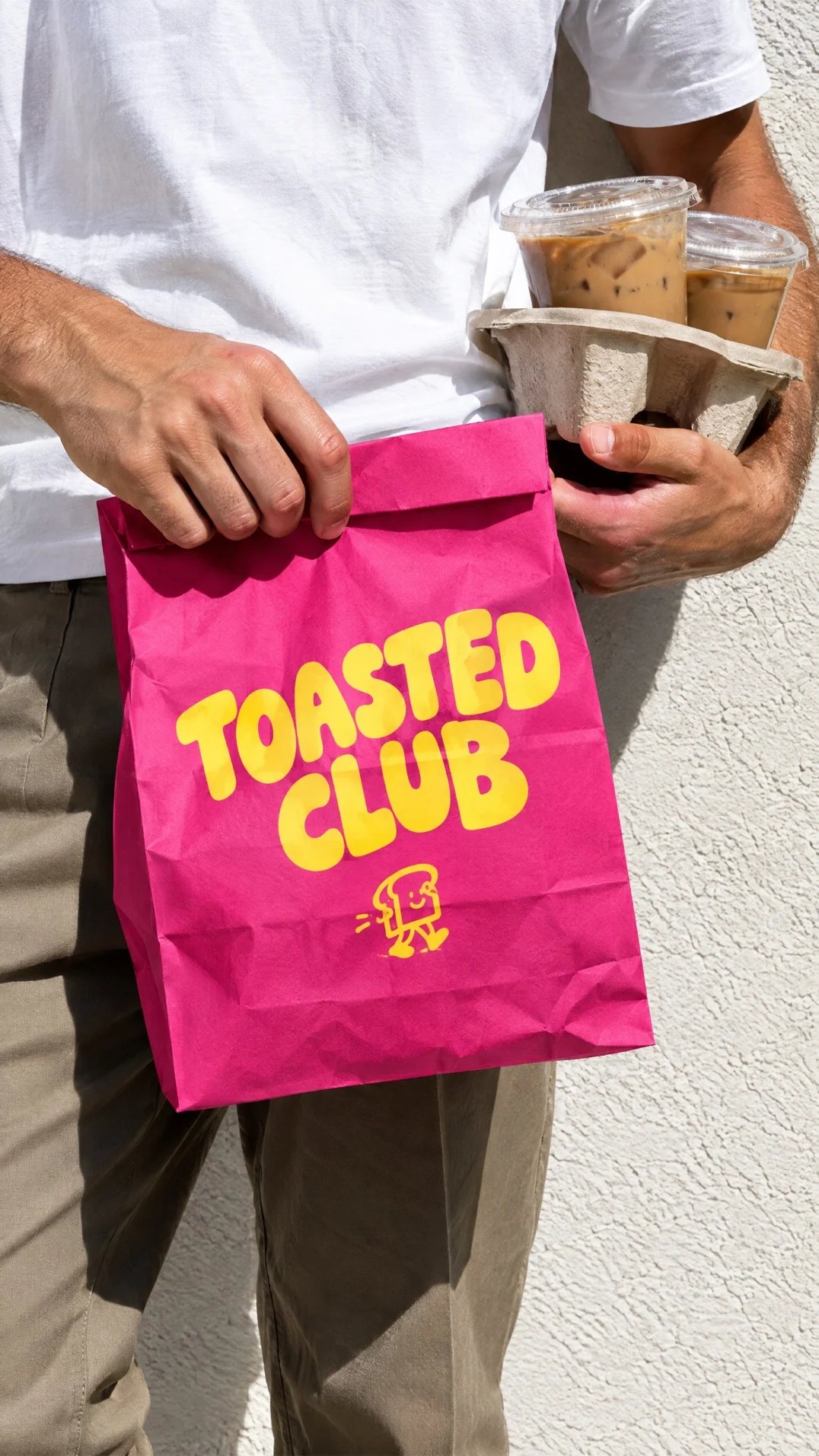
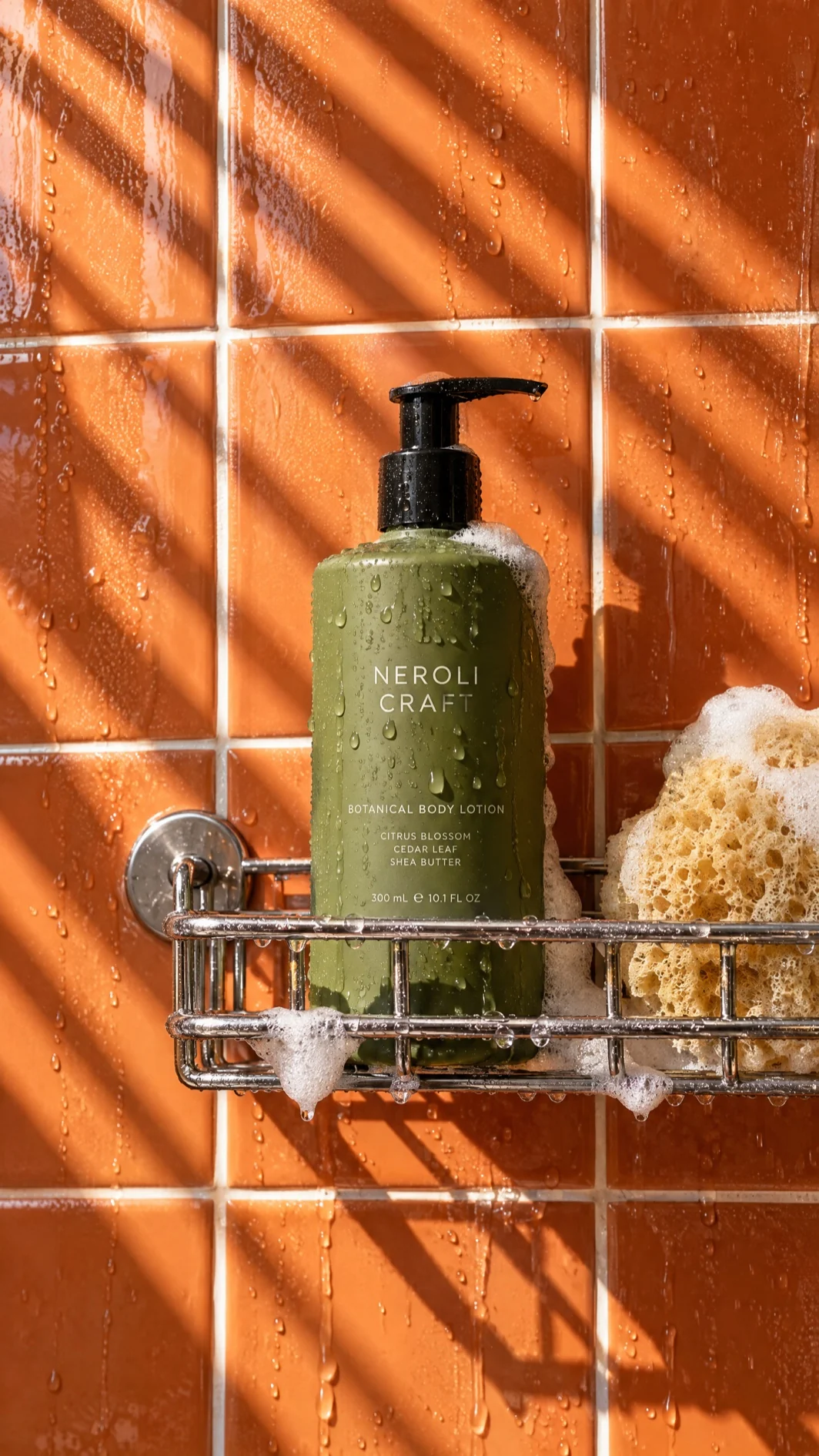
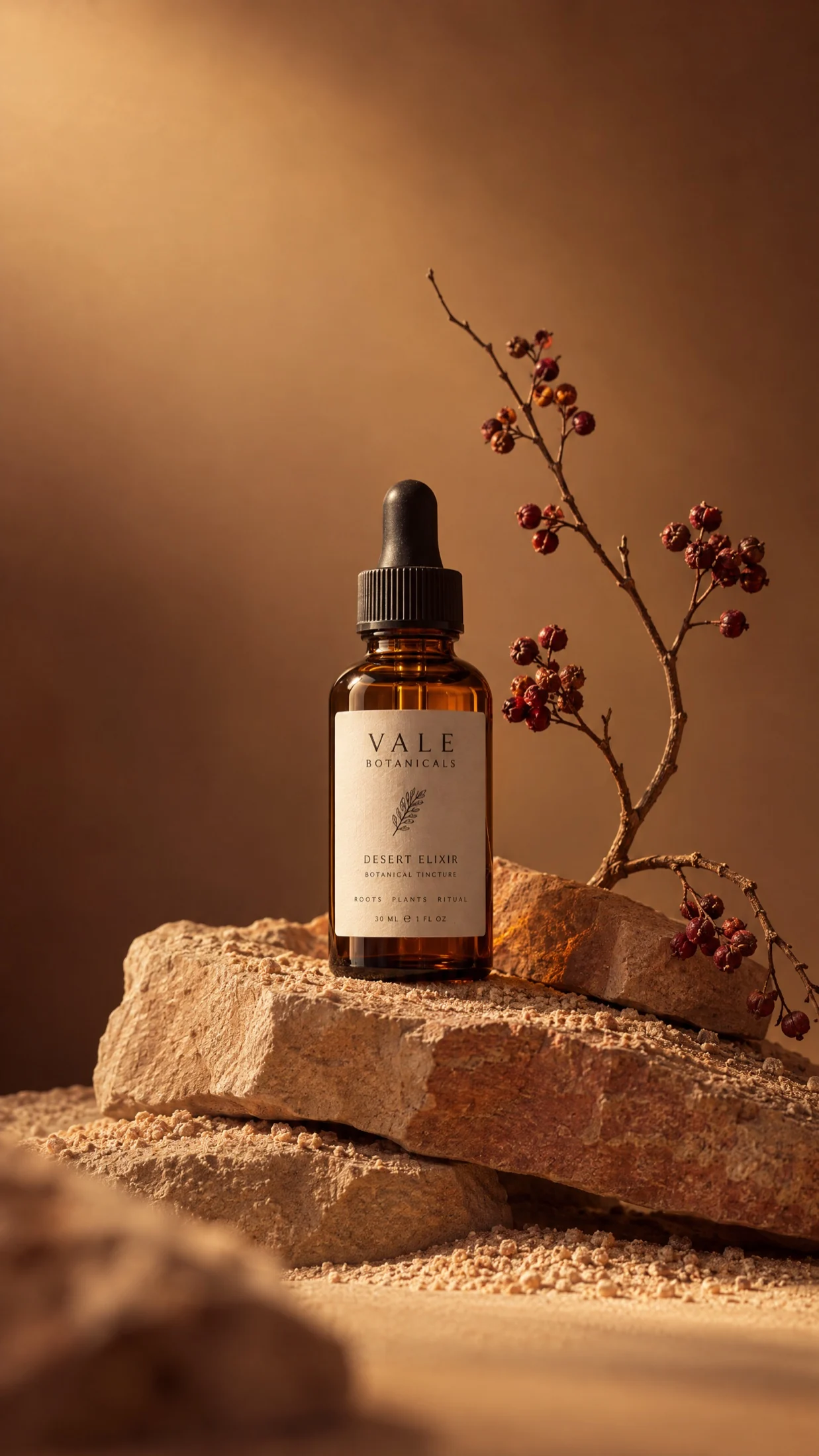
Turn a pack shot into a studio image. Describe the lighting and backdrop you want, then upscale it to 2K or 4K for the final file.
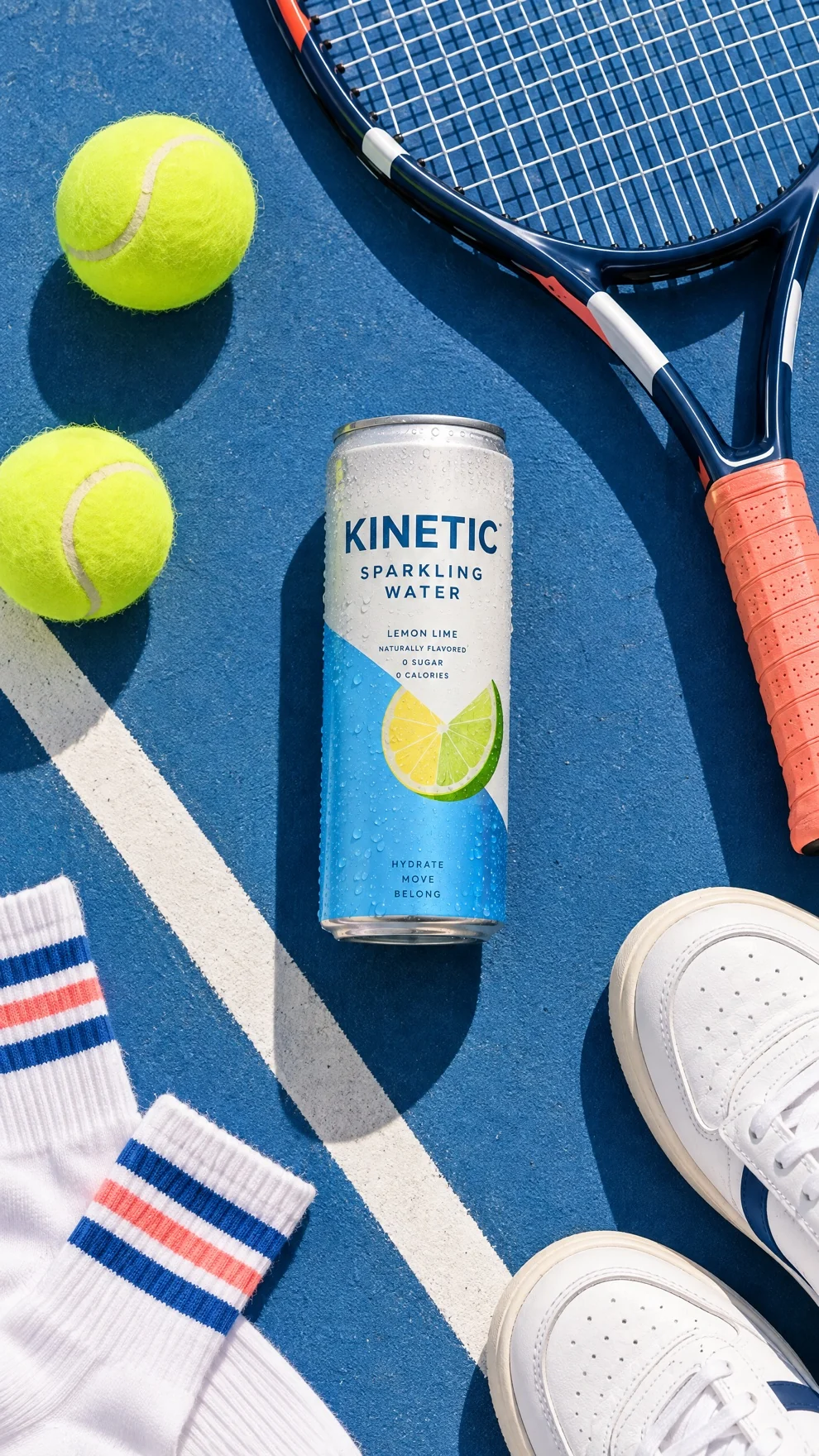
Put your product in the setting where it's used with the Product Swapper template.
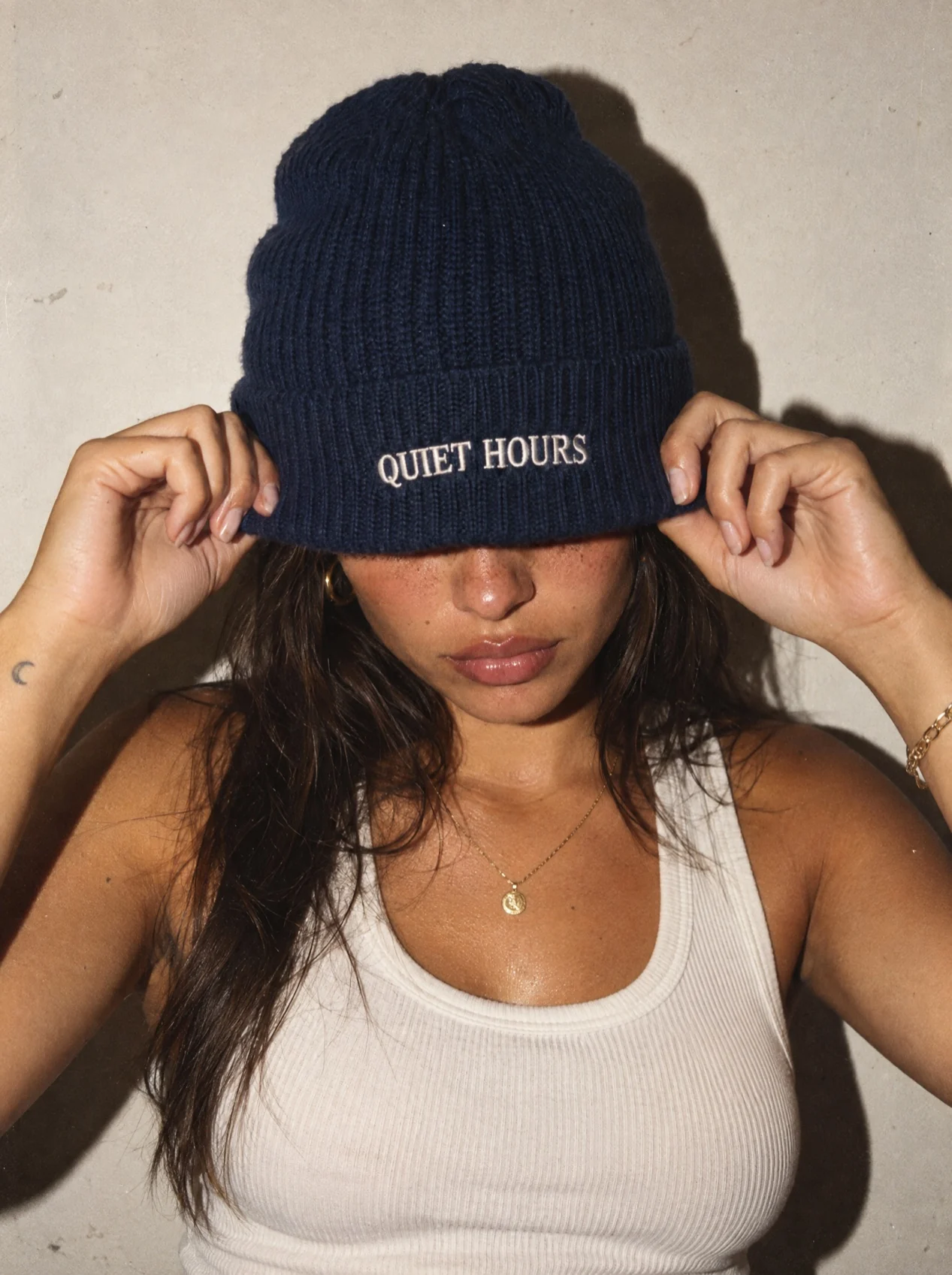
Show your product worn or used by a model. The fashion tutorial walks you through the workflow.
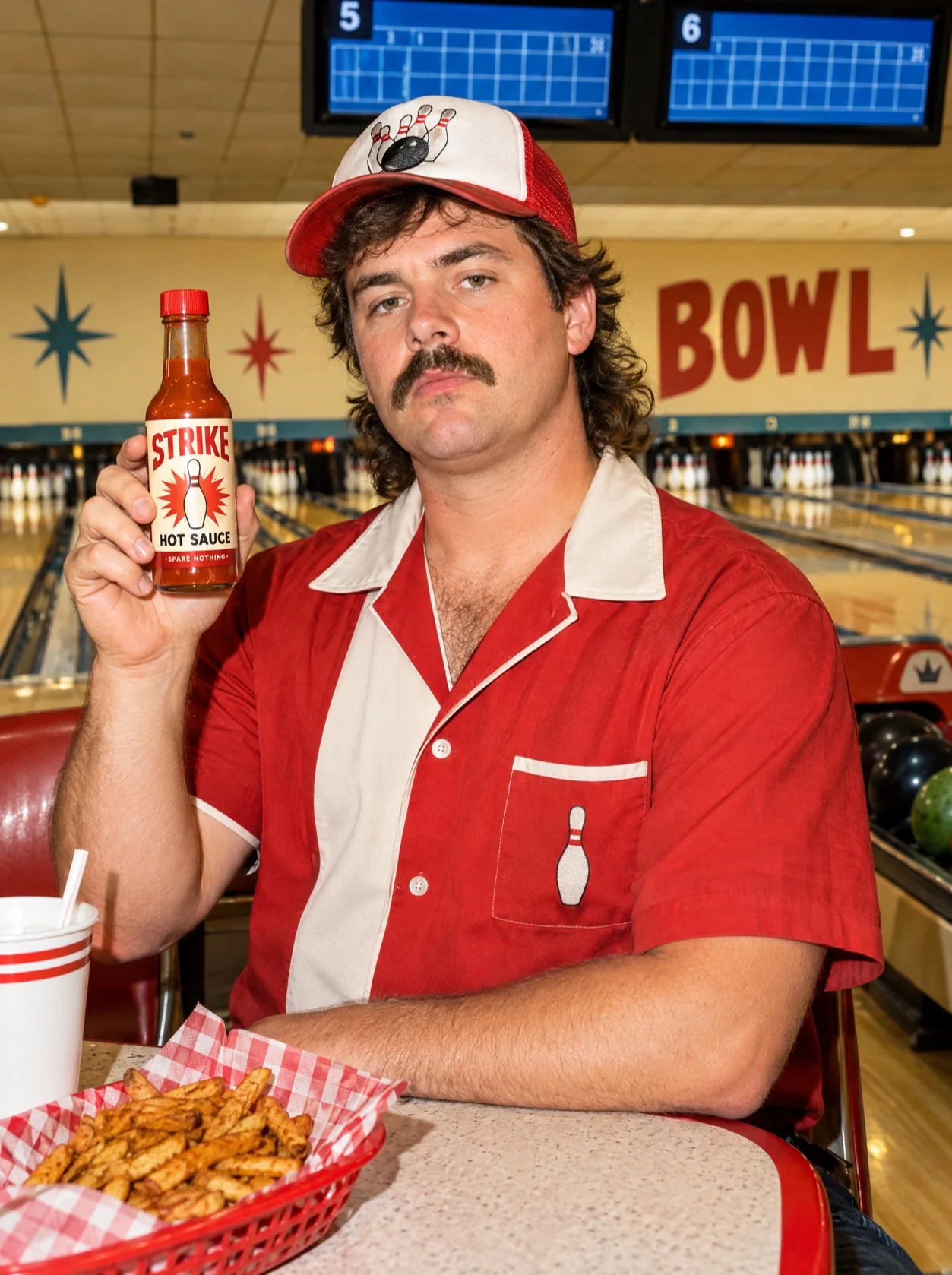
Bring the product photo and a model photo as separate references and describe the pose. Or use the Product In Hand Ad template.
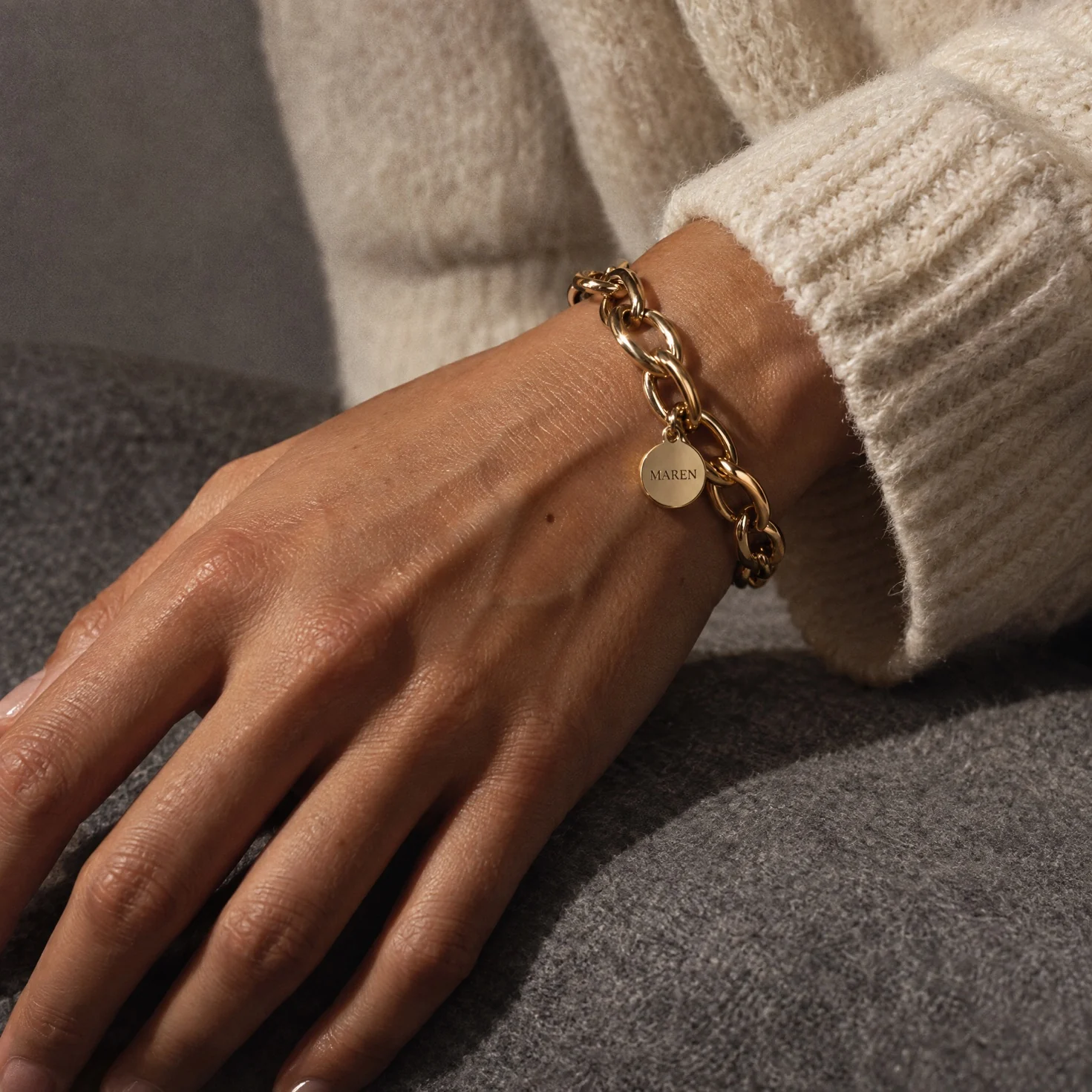
Put your jewelry on a hand model with the Hand Jewelry Model template, keeping the fine metal and stone details accurate.
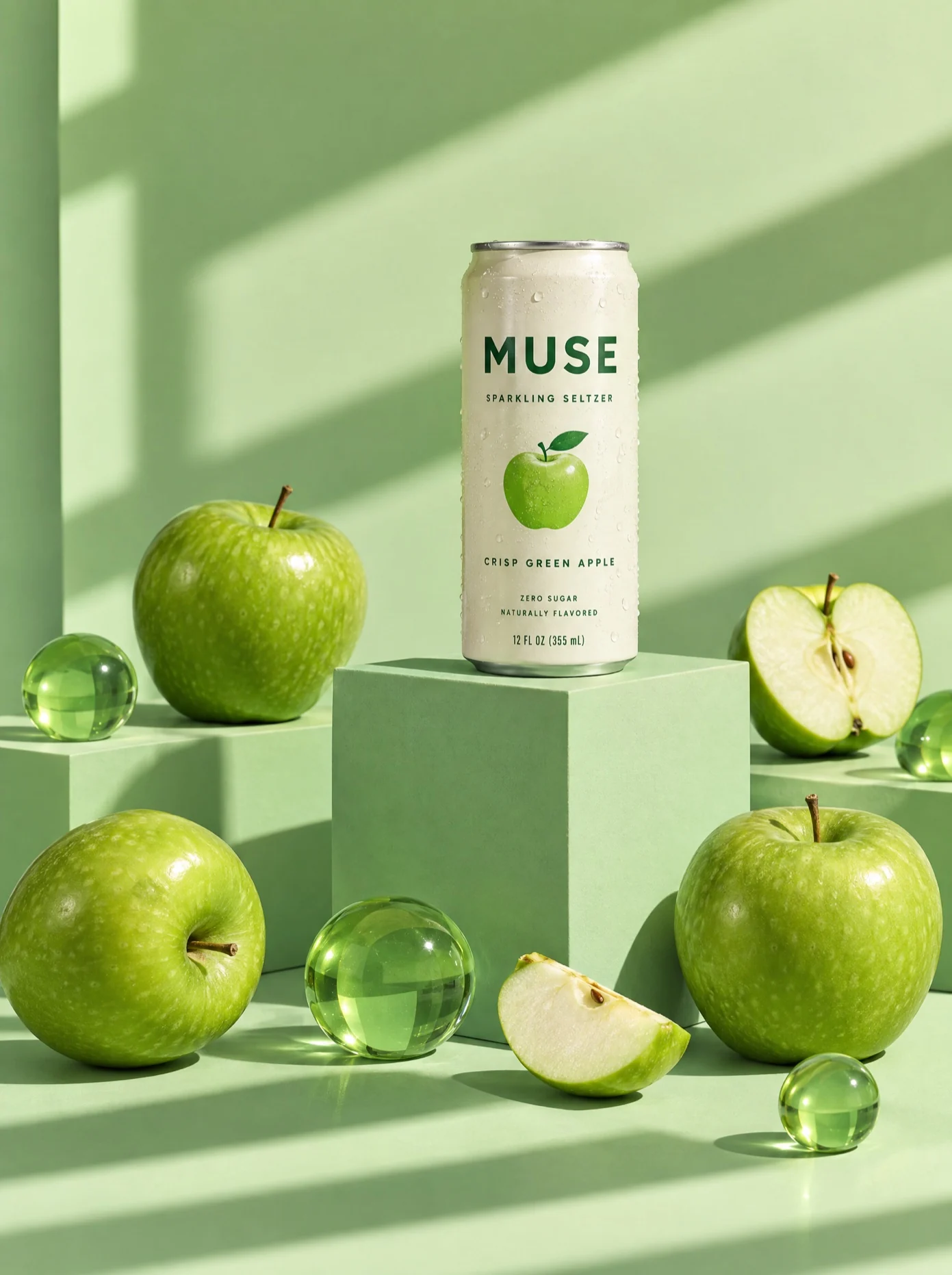
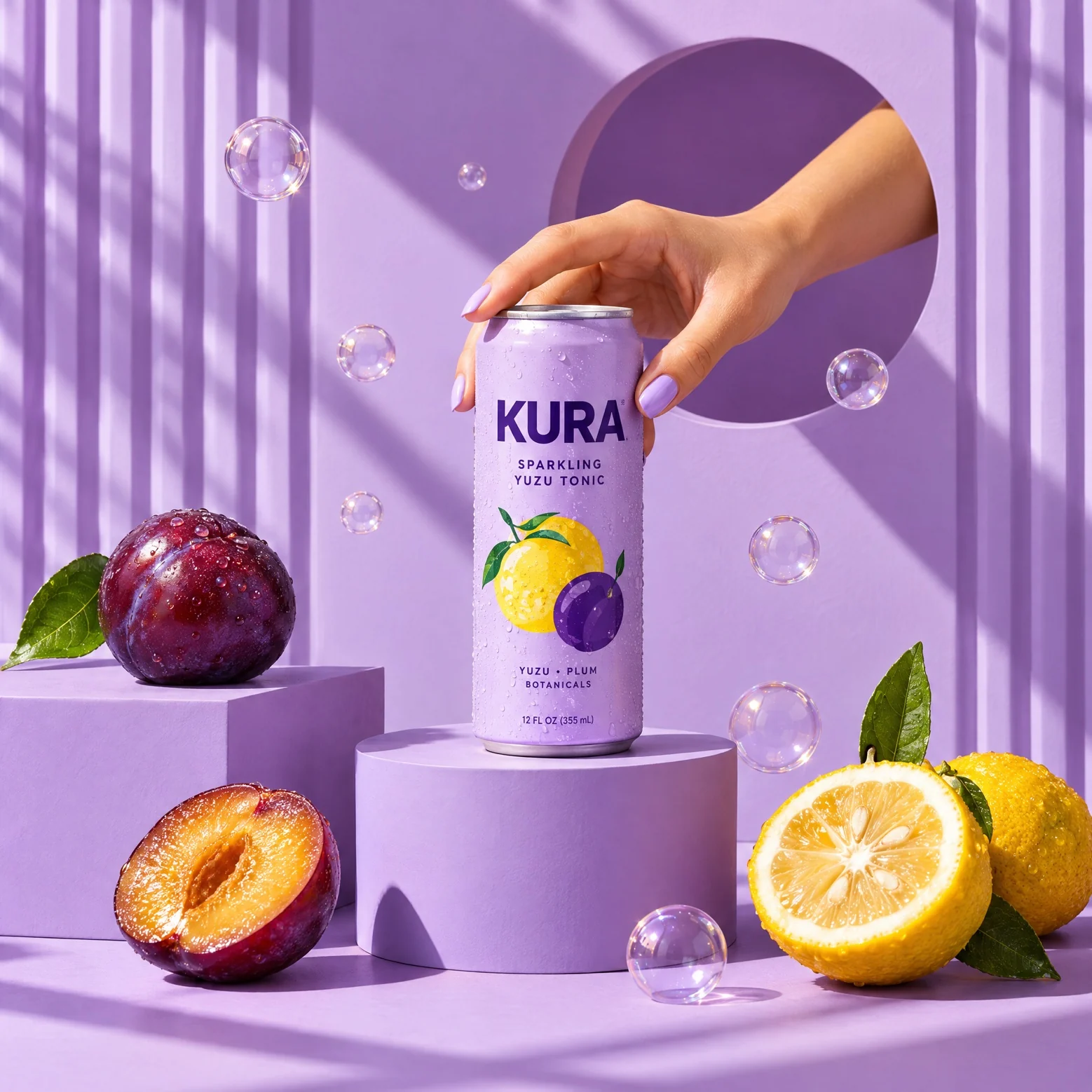
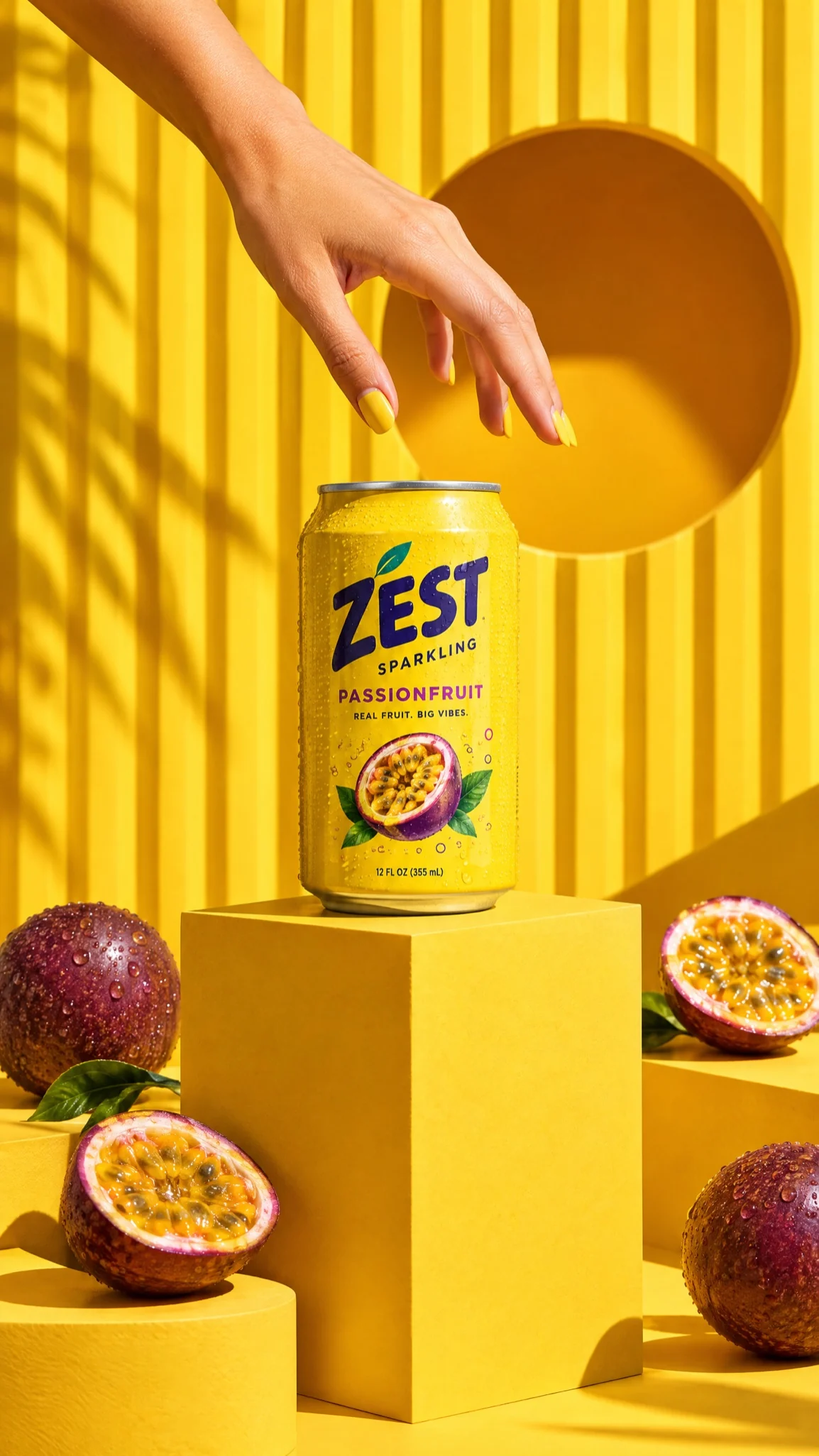
Build the workflow once, then swap in the next pack shot so every SKU runs through the same lighting, framing and style.
Tell us about your team and what you’re making, and we’ll get back to you with how Melius fits.