November 23, 2026 • 12 Min Read
November 24, 2026 • 11 Min Read
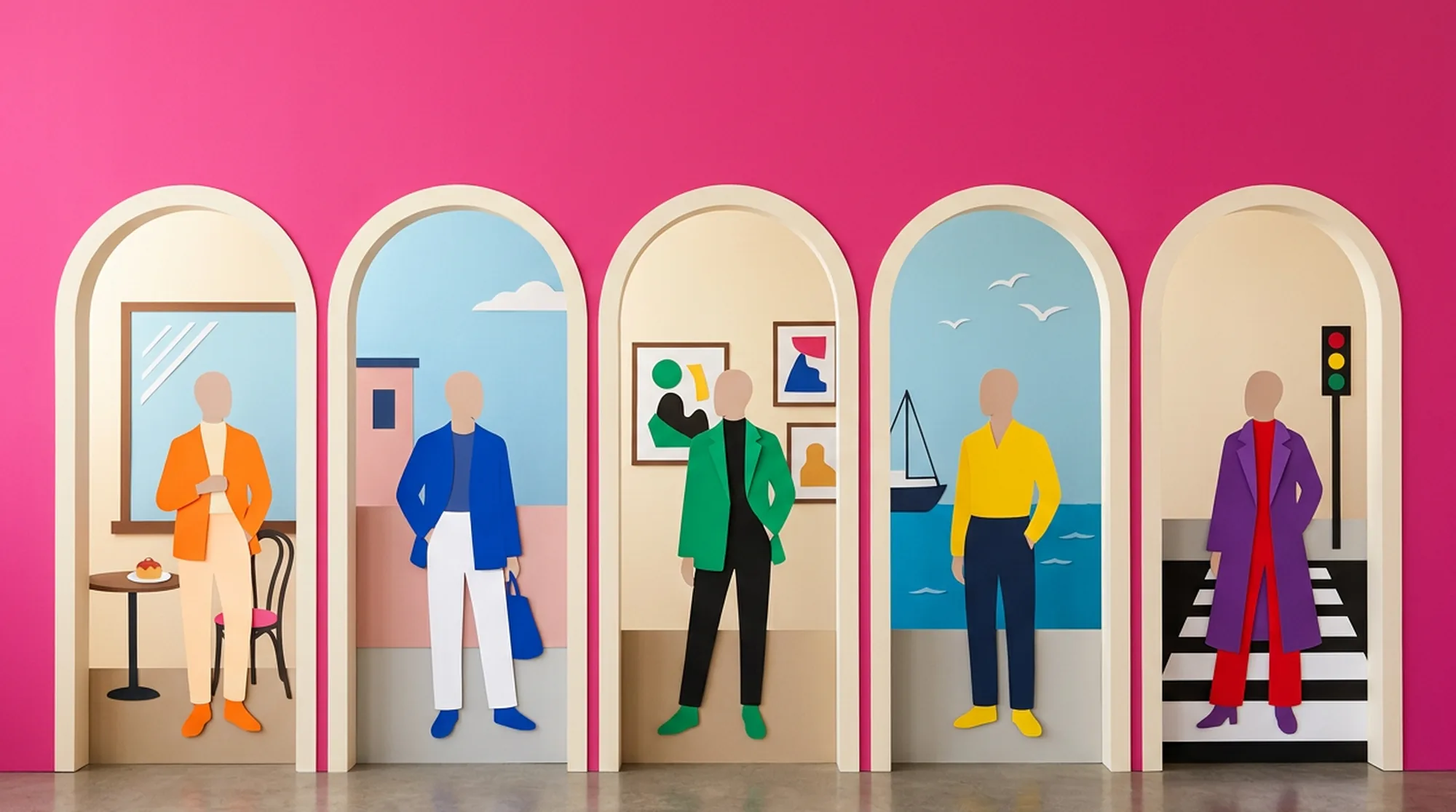
Followers notice when the jawline shifts between Tuesday's post and Friday's, and a persona that looks different in every image never builds the recognition brand deals depend on. The seven tools below each hold a face in a different way, and that choice shapes the rest of your workflow more than image quality does.
The list weighs whether the face holds across poses and outfits, how much control you get over wardrobe and setting, how realistic skin and hands look, whether there's a path from stills to video, and what the commercial terms allow.
Image models don't remember what they made last time. A tool keeps a persona steady in one of three ways, with reference images attached to each request, an identity trained once from photos, or a saved character it reuses when you ask.
An influencer's feed changes constantly while the person stays fixed. The useful test is whether you can put the same character in a new outfit, city, and pose in one request, the kind of work covered on our AI fashion models page.
Most persona builders start with a character sheet that shows the face from the front, at three-quarters, and in profile, plus a few expressions. Tools that save the sheet and let you call it back mean you aren't rebuilding the character for every post.
Feeds lean on video, so a persona that's only ever a still hits a ceiling. It's worth checking whether the same character can move, and whether it can speak, without being rebuilt in a second tool.
Tool | Best for | How it holds the face | Video path |
Melius | Consistent personas used across models | An avatar Element with reference photos and guidelines | Video models on the same canvas |
Higgsfield | Personas based on a real person | Soul ID trained on roughly 20 or more photos | Higgsfield video with the same Soul ID |
Midjourney | Stylized, art-directed personas | Edit Model on V8.2, Omni Reference on V7 | Animate turns a still into a clip |
ChatGPT | Edits described in plain language | Saved references called with @ | Animated GIFs |
Google Gemini | Quick photoreal edits | Photos uploaded to the chat | Custom AI Avatar videos of yourself |
Leonardo | Characters built from one face image | Character Reference | Motion 2.0 and Wan video models |
OpenArt | Characters built from scratch | Character Builder from a prompt, photo, or presets | Director mode, up to five minutes |
Melius is the AI-native operating system for creatives, with AI agents that execute your creative work. You save your persona once as an avatar Element, with reference photos, appearance guidelines like height and hairstyle, and an optional voice, then ask Mel, the Melius agent, to put that character into new scenes using the AI image generator models.
What it does well. The same Element works with Nano Banana Pro, GPT Image, FLUX, Seedream, and the rest of the library of leading models. Melius picks which references to send each model, so you're free to try one look on three models side by side without setting the character up again. And the same Elements can be used for video on the same canvas.
The trade-off. Reference limits vary by model.
Best for. Creators who want a face that stays consistent when working across models.
Higgsfield is an AI image and video platform. Its Soul ID feature trains a personal identity from roughly 20 or more well-lit photos of one person taken from different angles, and its Soul 2.0 image model then places that face in new styles, poses, and lighting.
What it does well. Once Soul ID is trained, you don't re-upload references for each image, and the identity carries into video made on Higgsfield. Soul 2.0 also ships with more than 20 presets for fashion and lifestyle looks.
The trade-off. Soul ID is trained on photos of a real person, either you or someone whose usage rights you hold, so a fully invented persona needs a photo set before Soul ID can learn it.
Best for. Personas based on a real person, including a creator's own digital double.
Midjourney is an independent image model lab that runs in its own web app and on Discord. For V8.2, Midjourney points users to its Edit Model, which takes up to four reference images, while Omni Reference still works on V7.
What it does well. Midjourney has a recognizable house aesthetic, and style references keep a feed's look steady from post to post. Its Animate tool turns a finished still into a short clip.
The trade-off. Character tools differ by version, so a persona built with Omni Reference on V7 won't carry over to the V8.2 Edit Model without being set up again.
Best for. Stylized personas where the art direction matters as much as the face.
ChatGPT generates and edits images in conversation, now on Images 2.6, which OpenAI launched on November 4, 2026. You can save a reference image and bring it into a later chat by typing @ and its name.
What it does well. You describe a change the way you'd brief a photographer (same woman, now in a yellow rain jacket at a ferry terminal), and ChatGPT edits in the same thread. Images 2.6 can also turn a still into an animated GIF, a feature OpenAI is still rolling out.
The trade-off. Saved references only work with OpenAI's own image model, so trying the persona on another model means uploading the photos again somewhere else.
Best for. Outfit swaps and quick edits described in plain language.
Gemini's image generation runs on Nano Banana 2 for free users and on Nano Banana 2.1 for Google AI plan subscribers. Google calls Nano Banana 2.1 its most advanced image model, and it handles edits like switching a sunny scene to night or changing the camera angle while keeping the subject.
What it does well. Photoreal edits are quick, and text inside an image comes out clean, which helps for persona posts with signs or captions. Gemini can also make videos that look and sound like you from an AI avatar, which you set up once by recording a selfie video and your voice.
The trade-off. The newest model needs a Google AI plan, and the free tier stays on Nano Banana 2.
Best for. Fast photoreal edits of a persona you already have images of.
Leonardo is an AI image and video platform owned by Canva. Its Character Reference tool keeps a character consistent across compositions and styles starting from a single face image, and the platform also runs video models such as Motion 2.0 and Wan for image-to-video.
What it does well. Character Reference sits alongside Style Reference, so the face and the visual style of a feed can be set separately and combined.
The trade-off. Working from one face image leaves angles the photo doesn't show up to the model.
Best for. Illustrated and photoreal personas that start from a single portrait.
OpenArt is an AI image and video platform whose Character Builder makes a reusable character from a written prompt, a reference image, or presets for look, vibe, gender, and age range. You can tag that character into image models including GPT Image 2.5, Nano Banana Pro, and Seedream 5.0 Pro.
What it does well. Characters, uploads, and generations save to the OpenArt library, and projects group the work for each series. Director mode plans scenes and makes videos up to five minutes long with the same face throughout.
The trade-off. A character built from presets or a prompt gives less control over facial structure than one built from a reference image, which is the route OpenArt recommends for precise control.
Best for. Building a persona from nothing when you don't have reference photos yet.
AI influencer pages earn through the same routes human creators use, and each one comes with a disclosure duty.
In a brand partnership, a brand pays the persona to feature its product. The FTC's Endorsement Guides define an endorser as a party who could be or appear to be an individual, group, or institution, so a fictional persona counts, and its connection to the brand has to be disclosed clearly and conspicuously.
Affiliate links pay a commission when followers buy through them. That commission is a material connection too, so the same disclosure applies.
Some operators build a persona to sell their own line, from clothing to digital downloads, which makes its posts advertising for that business.
YouTube, TikTok, and Instagram also run creator programs with their own eligibility rules, and all three expect the AI labeling covered below.
Platform | What needs a label | How to add it |
YouTube | Realistic AI content, including a realistic scene that didn't actually happen | The AI use setting in YouTube Studio during upload |
TikTok | All AI-generated content with realistic images, audio, or video | The creator label when posting. TikTok can also add its own AI-generated label when a file carries Content Credentials |
Instagram and Facebook | Photorealistic video and realistic audio. Still images aren't required, though Meta may add an AI info label it detects | The AI label option when posting |
Any paid post (FTC) | A brand connection a follower wouldn't expect | A clear disclosure in the post, plus each platform's paid partnership tools |
The FTC rules come from 16 CFR Part 255, the Endorsement Guides as revised in 2023. Platform rules change often, so check each help center when you set up a new account.
Start by saving the persona as an avatar Element. Add a few reference photos from different angles, a short description with height, hairstyle, and signature wardrobe, and a voice if you plan to use one. The Elements docs cover each field.
Then brief Mel the way you'd brief a photographer, naming the Element with #:
"#Nova in five posts for this week: a morning run along a harbor, a window seat in a cafe wearing a cream knit, a gallery opening in black, a rooftop at dusk, and a mirror selfie in the new sneakers. Keep her freckles and the small scar through her left eyebrow. 4:5 for the feed."
Mel builds a node for each post with the Element attached. If a pose isn't right, swap the model on that one node and rerun it, or inpaint the hands without touching the rest of the image.
The same saved avatar also works in Cast when Nova needs to talk to camera, and in Ditto when you want to drop her into a trending clip.
Have three photos of your persona? Save them as an avatar Element in Melius and brief Mel on the first week of posts.
November 23, 2026 • 12 Min Read
November 20, 2026 • 11 Min Read
November 19, 2026 • 7 Min Read