


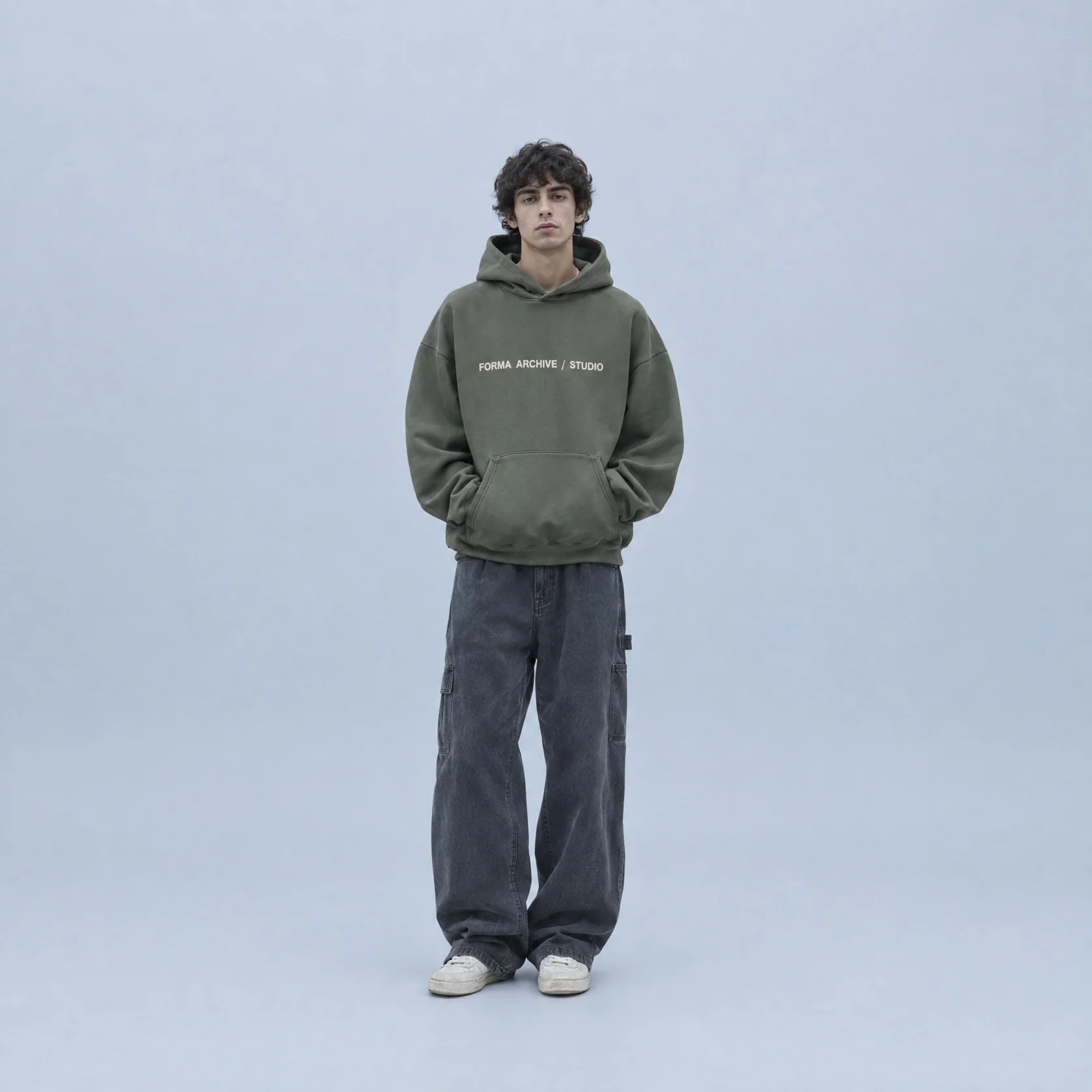
Flat lay to on-model
Turn a flat lay or garment photo into a photo of the piece worn by a model, ready for your product page.
Use case
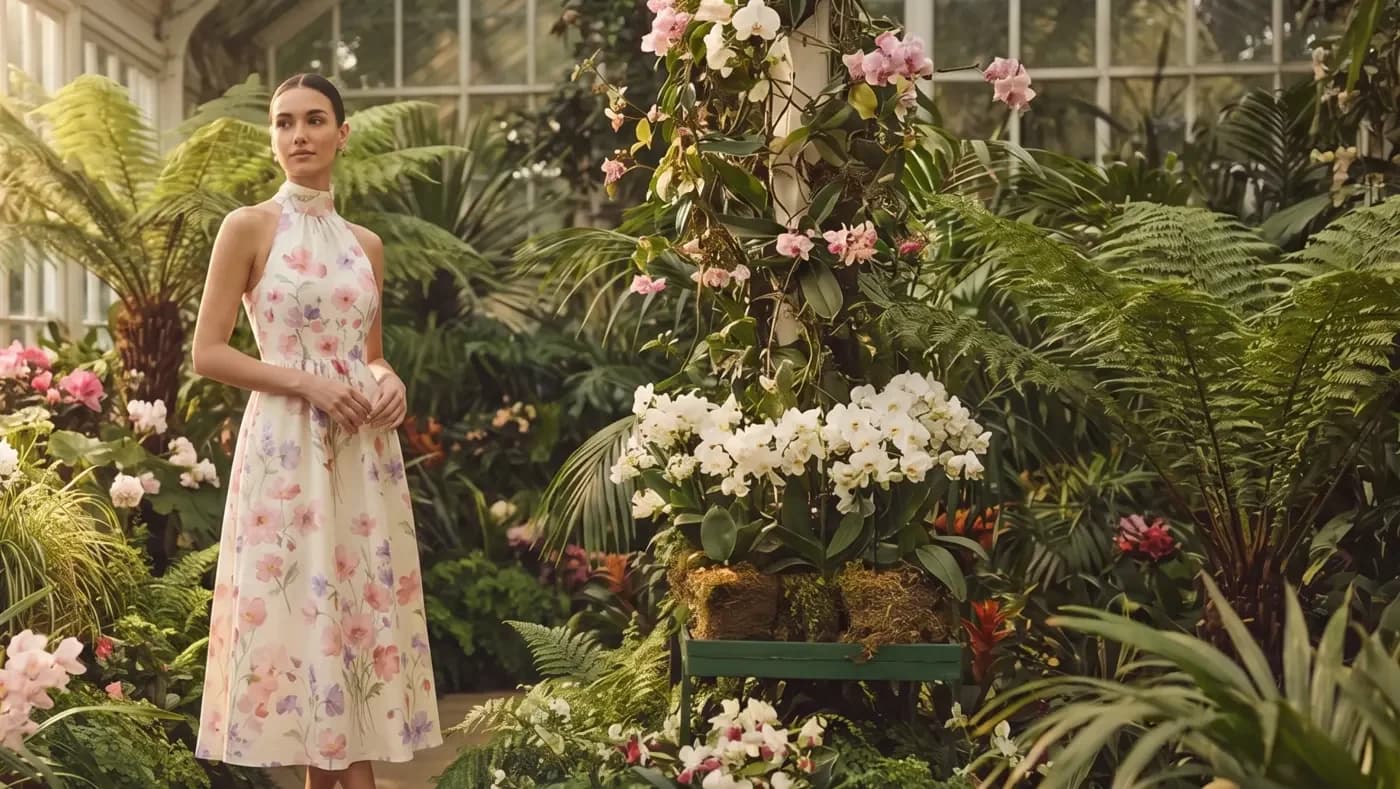
Upload a flat lay or garment photo, describe the model and the setting and get back on-model fashion photos for your product pages and campaigns.
On-model, lookbook and editorial fashion photos made on Melius.
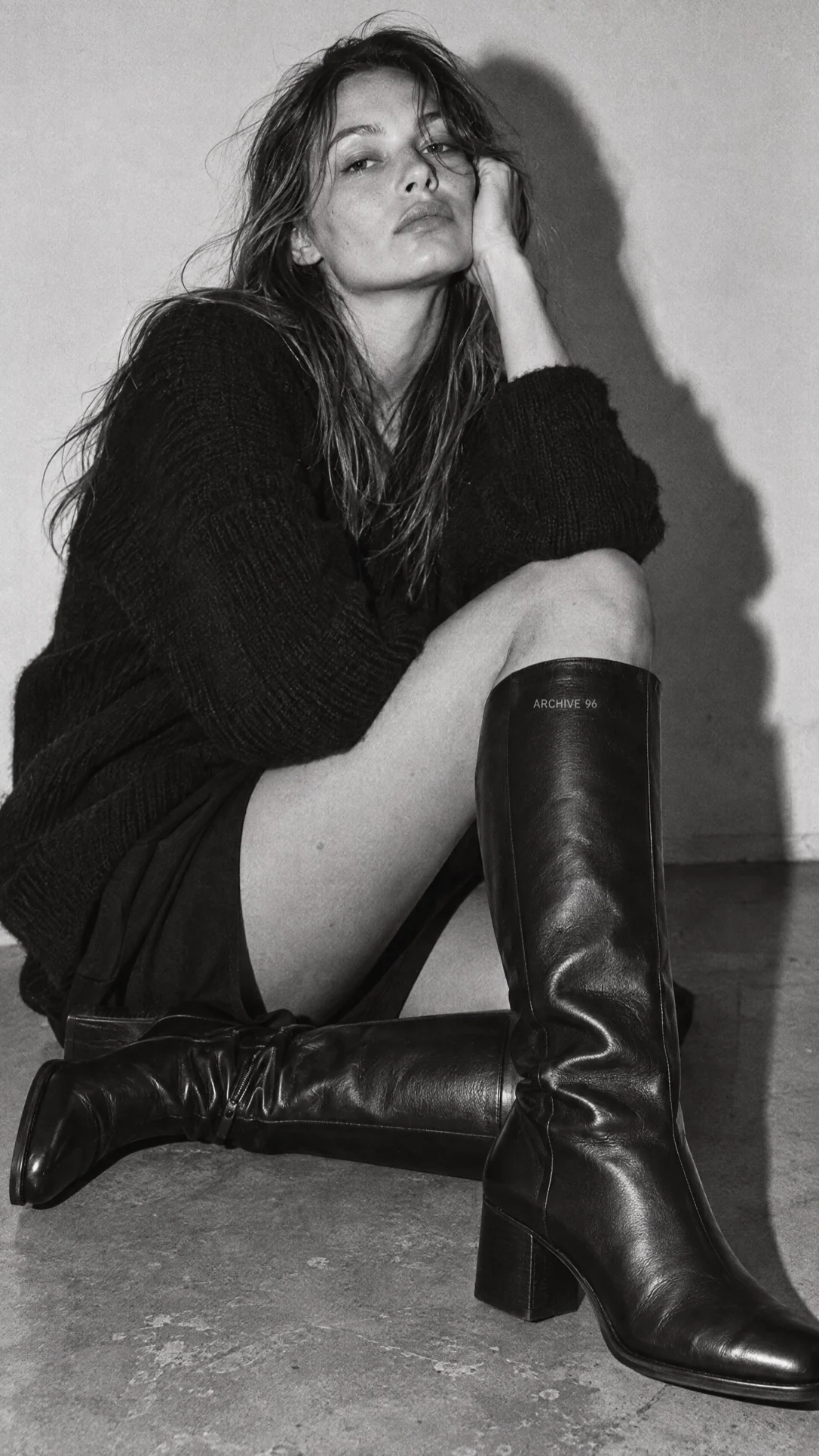
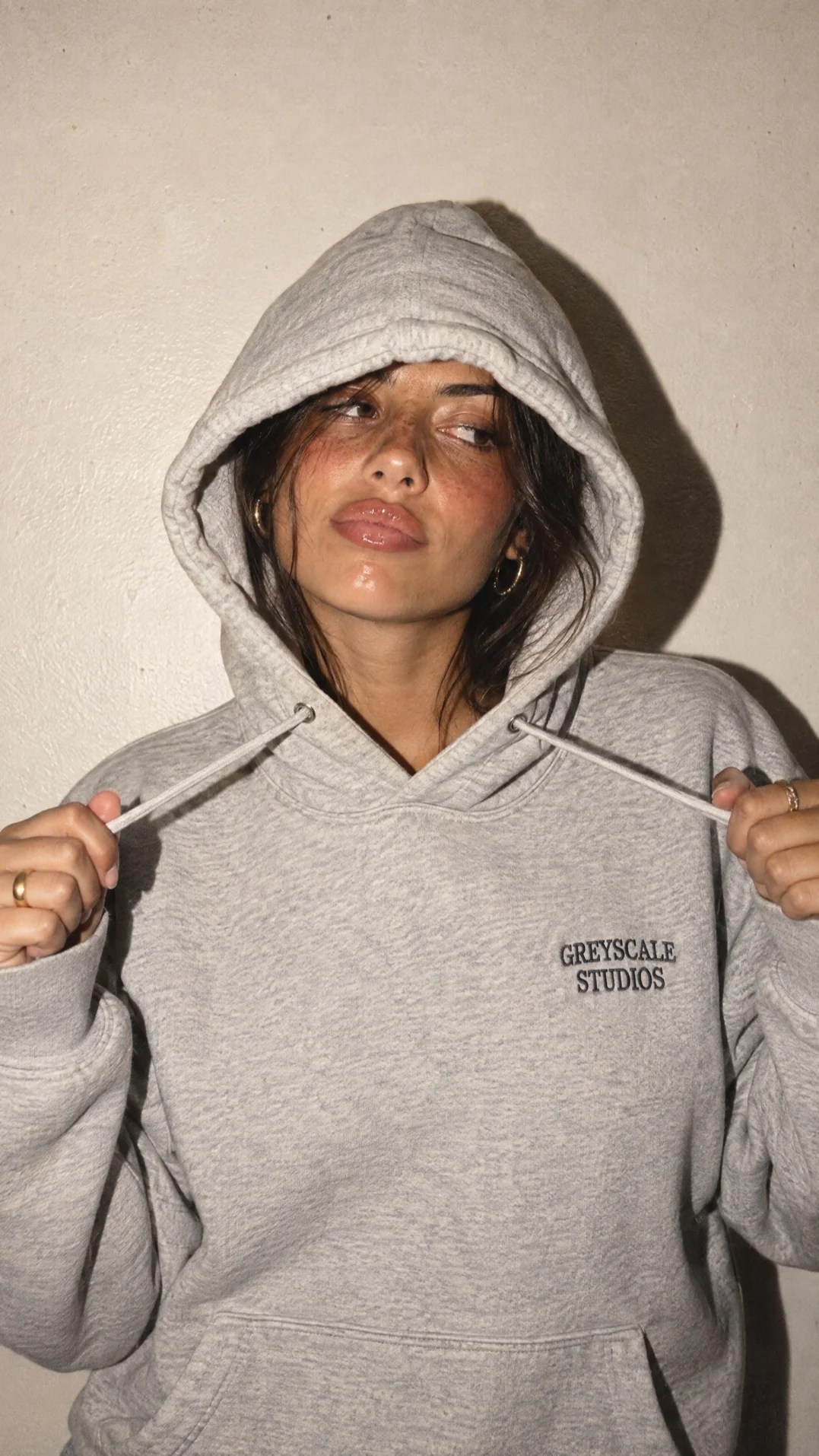
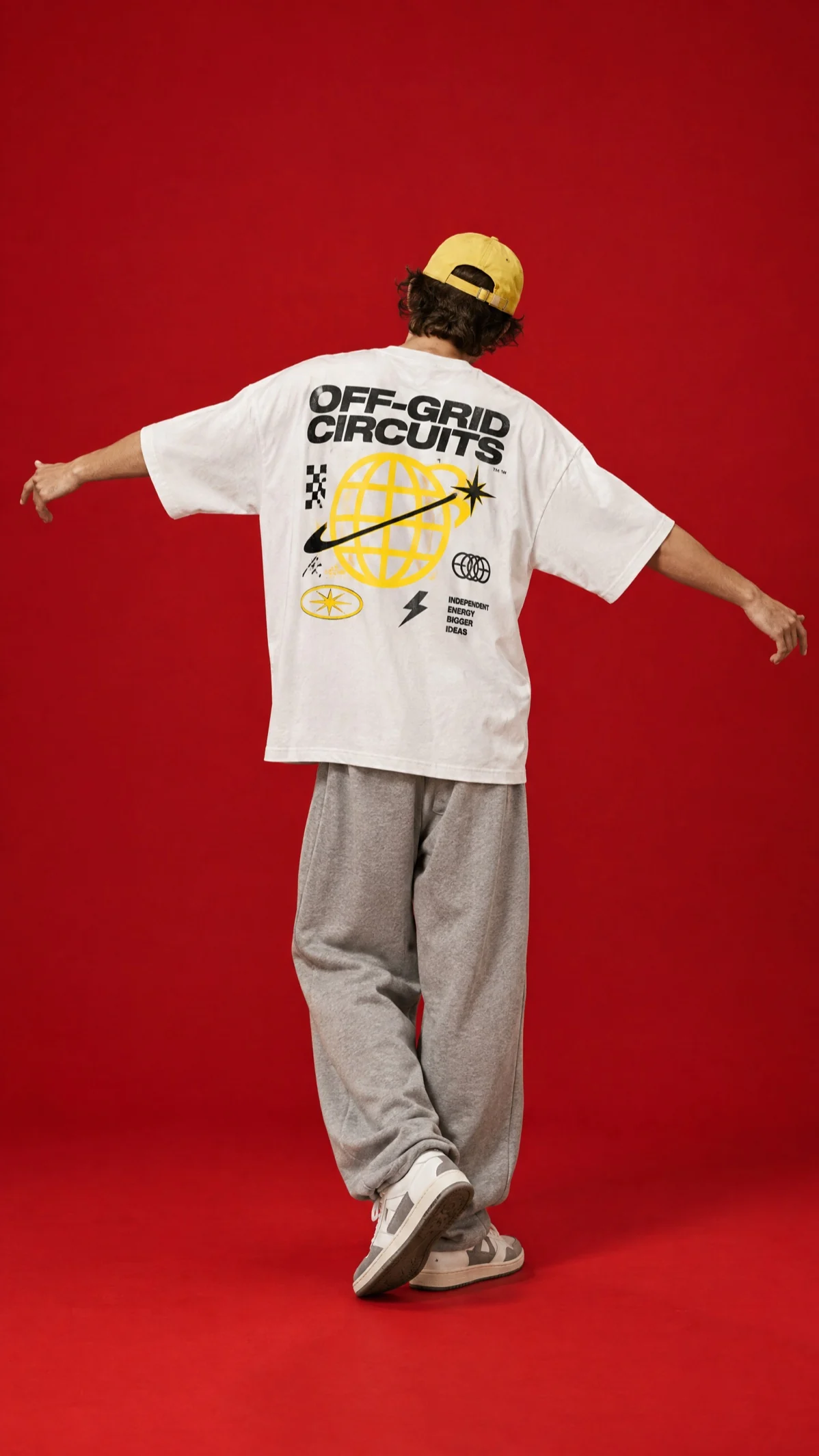
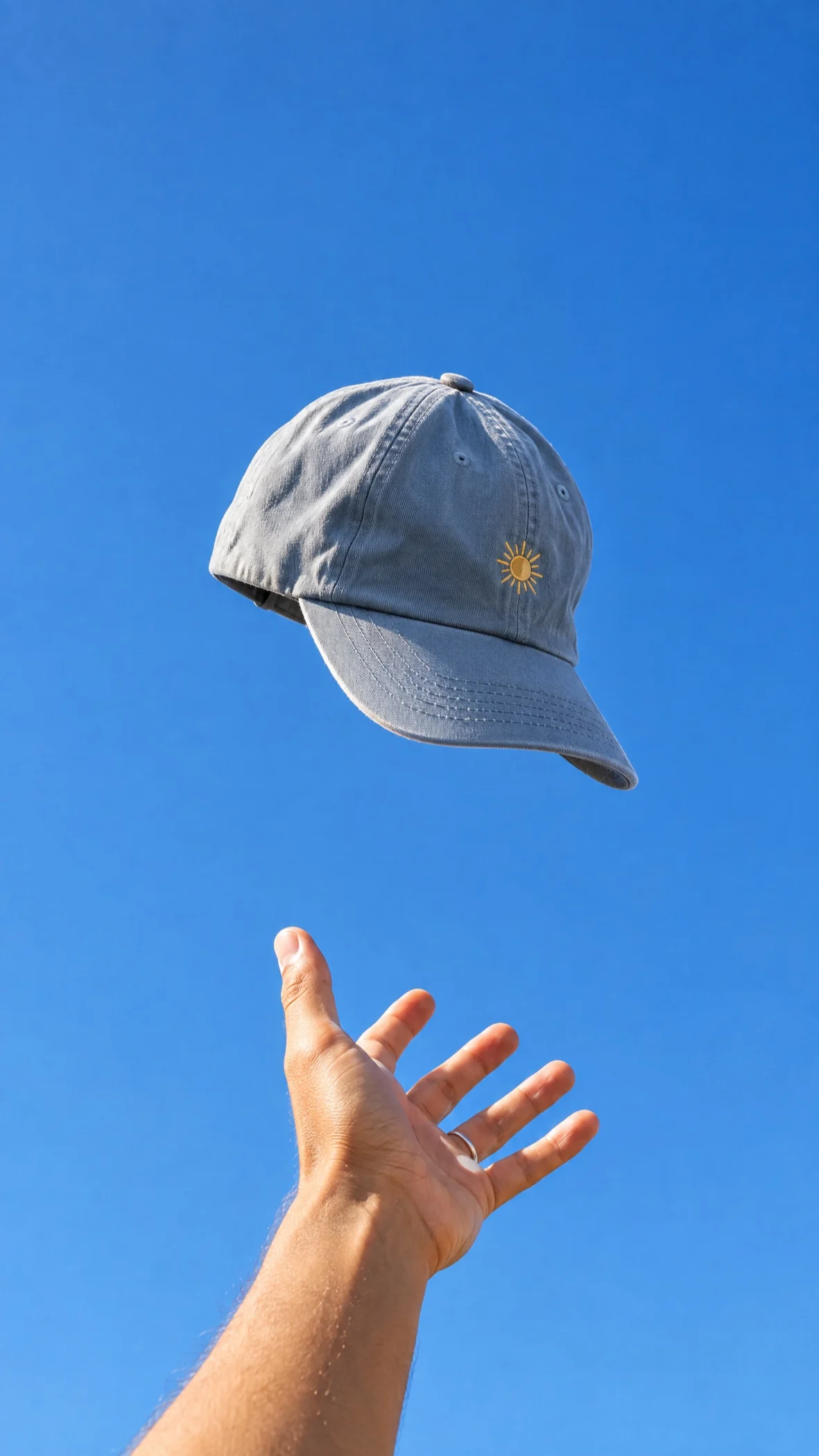
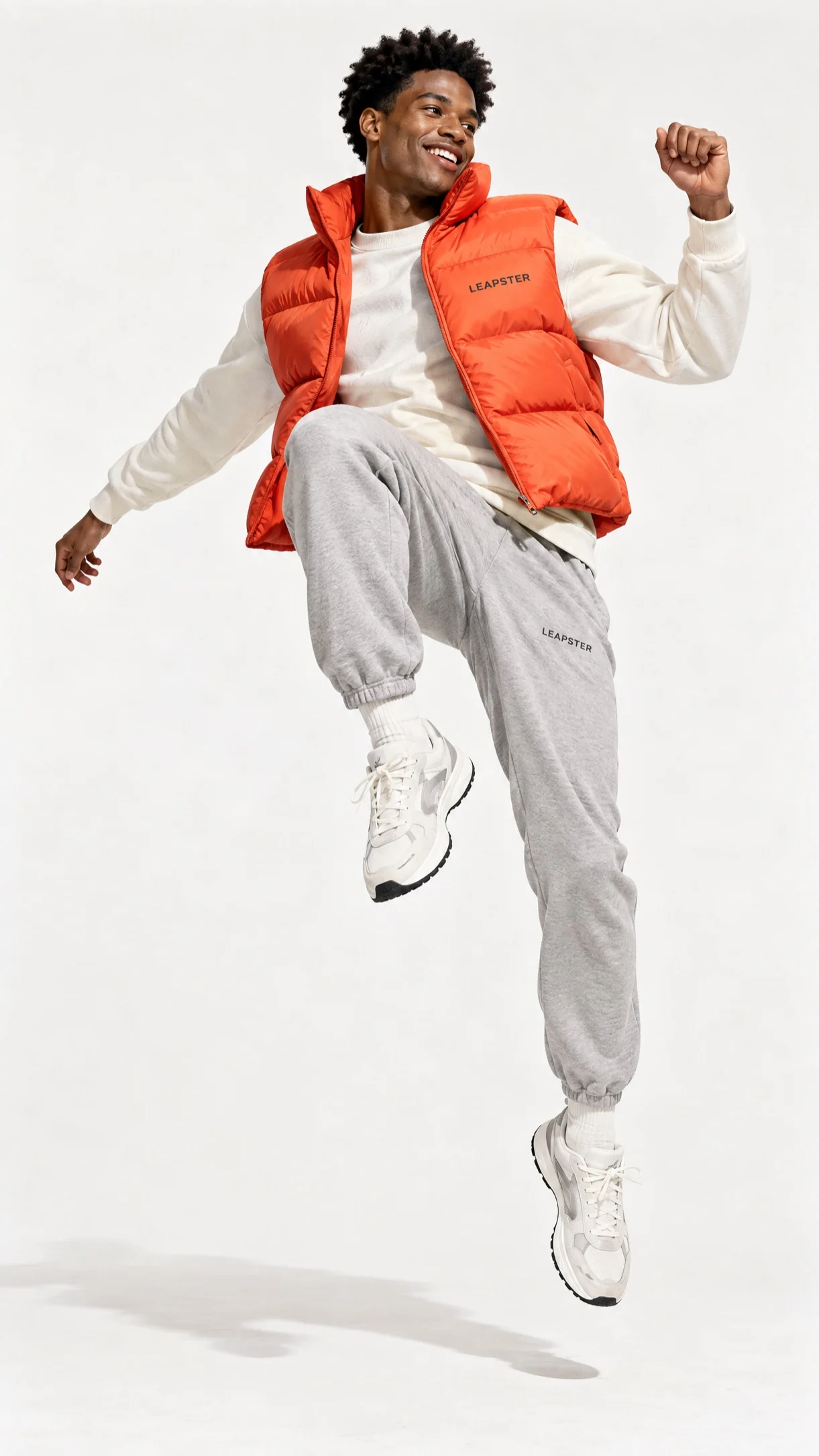
Turn a flat lay or garment photo into a photo of the piece worn by a model, ready for your product page.
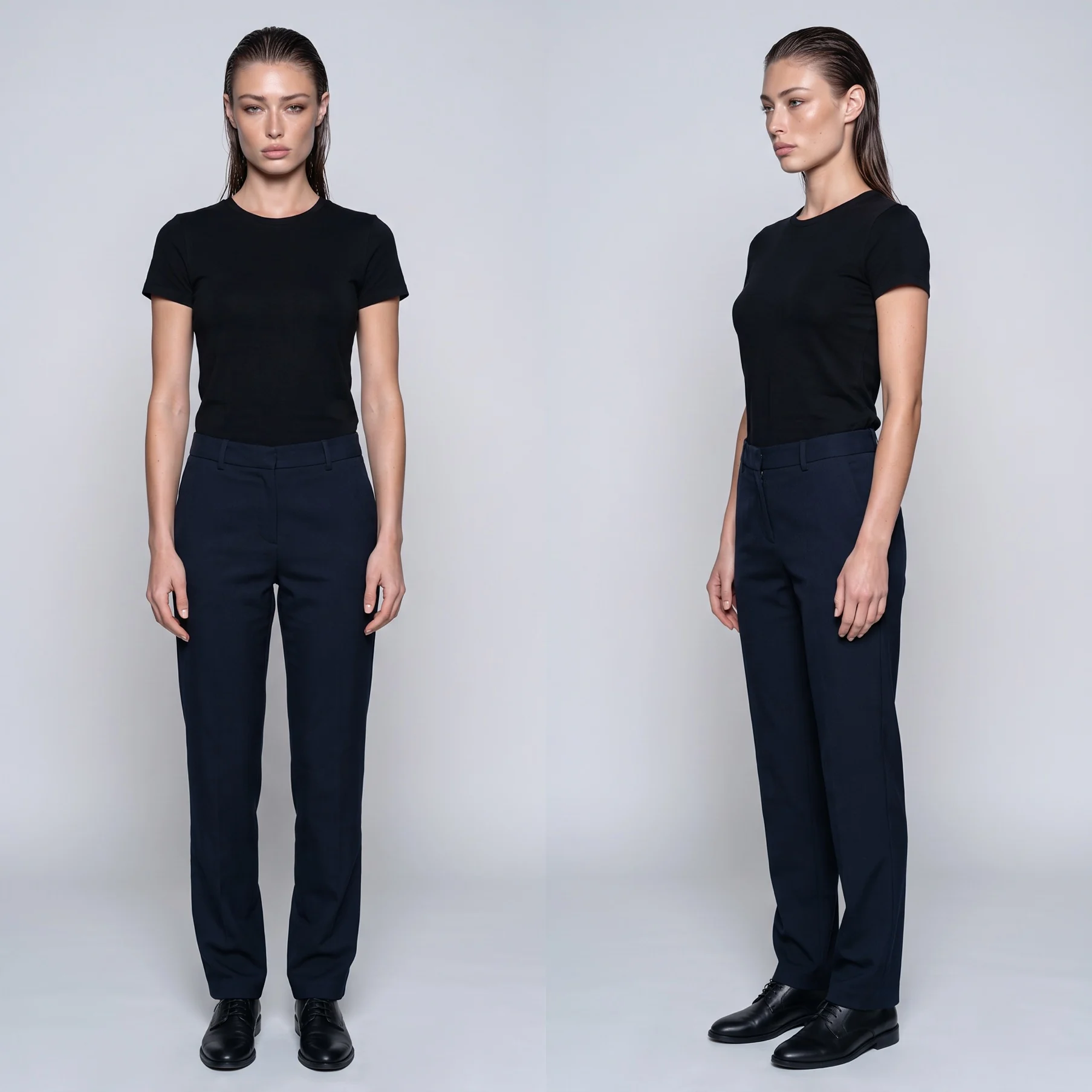
Build a character sheet of your model once and connect it to every shot. It helps keep the same face and styling from one garment to the next.
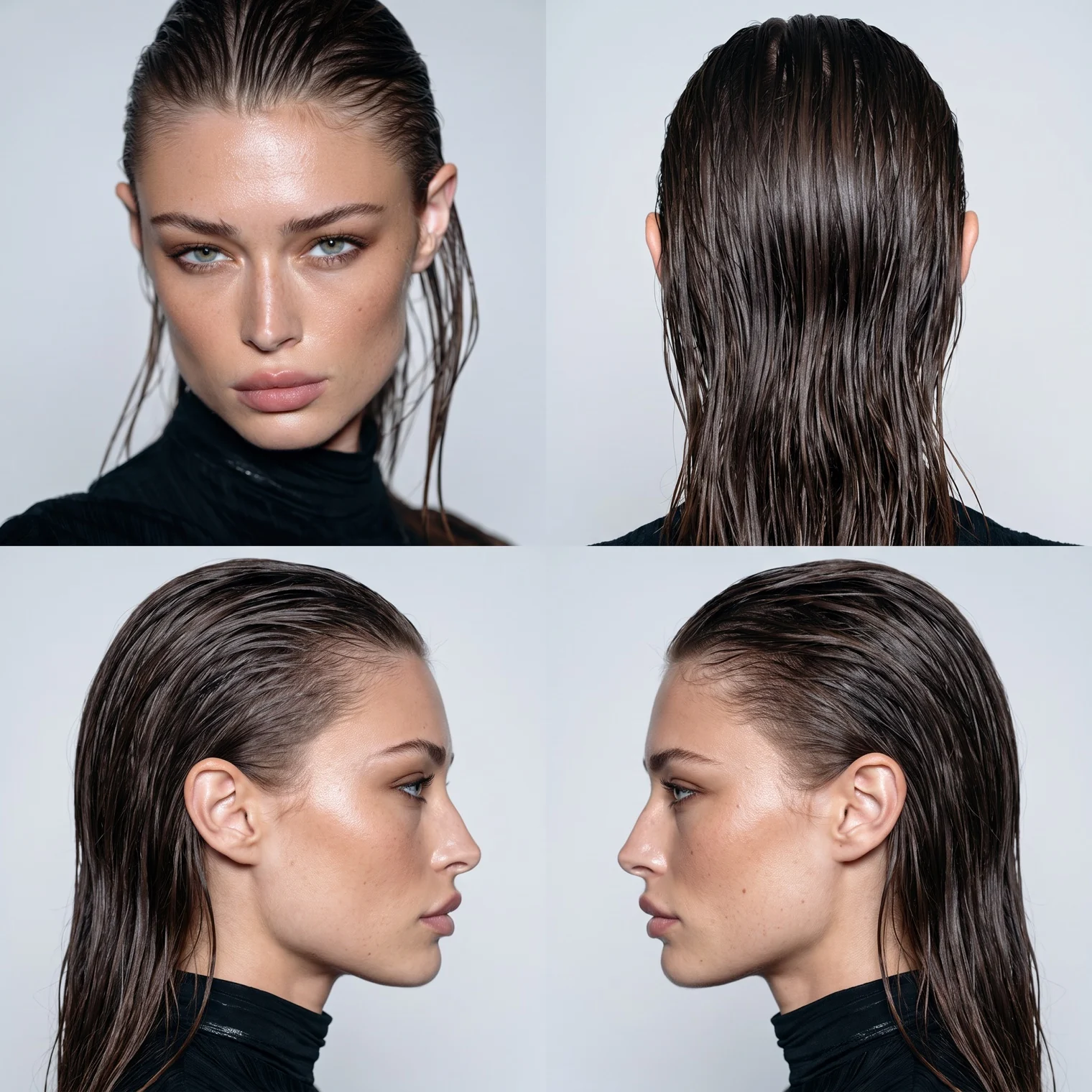
Raise the variation count to get several poses and lighting setups from one brief, then keep the ones that work.
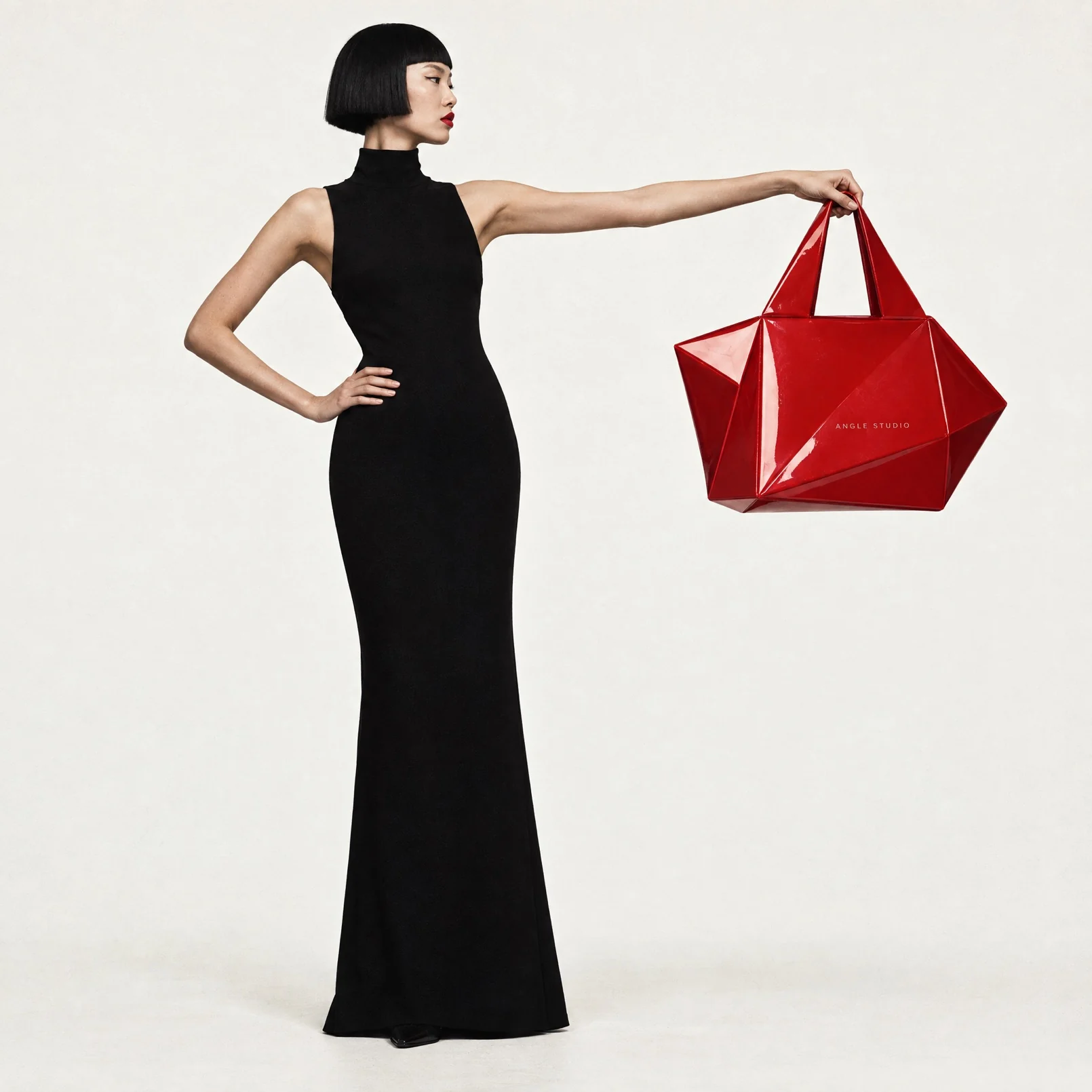
Take a studio shot to a location by connecting the model reference and describing the scene. To match a moodboard, run Image Style Analysis on it first.
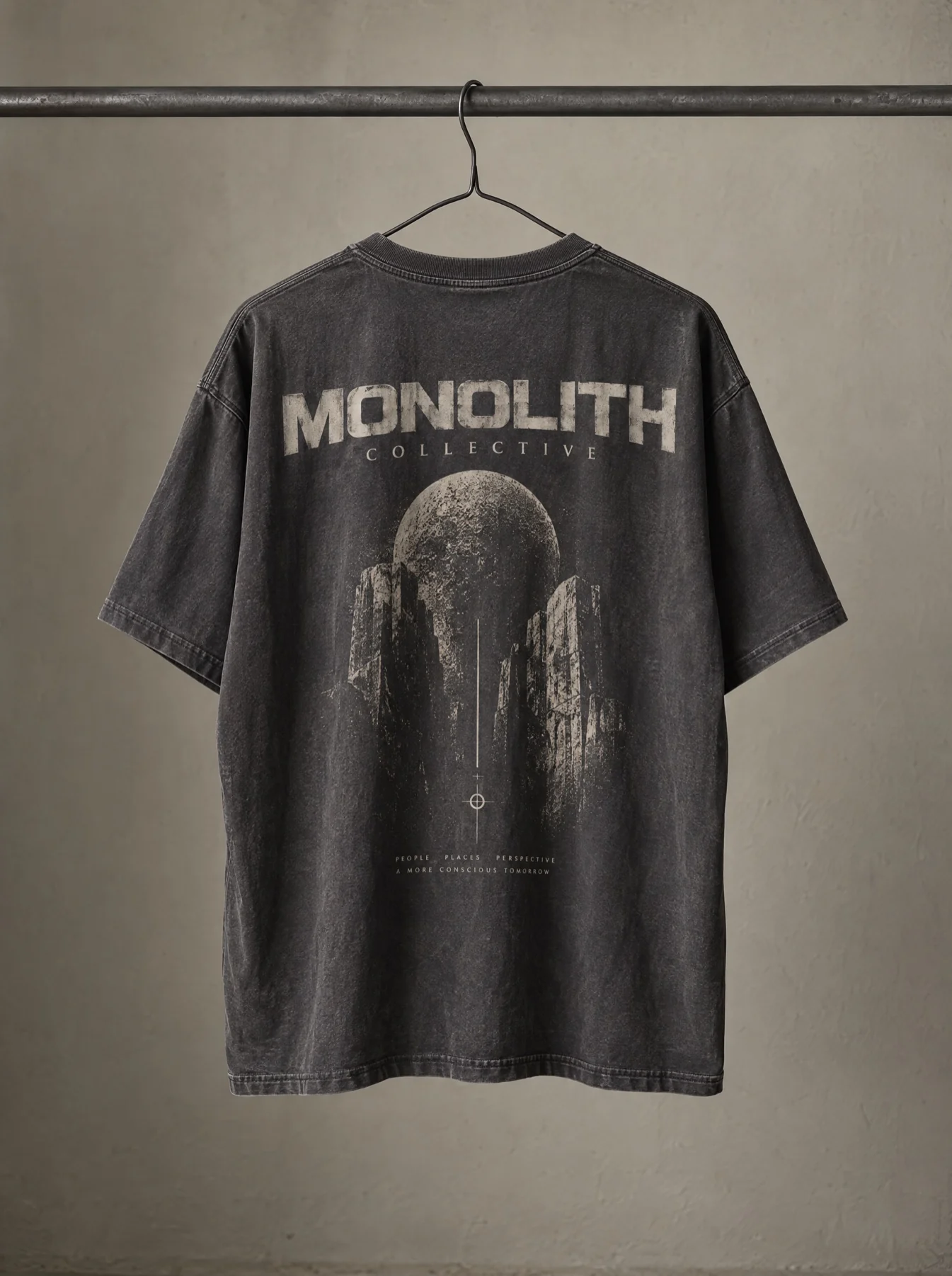
Regenerate at 4K or upscale with Topaz Gigapixel to see the weave and stitching up close, and touch up small flaws with Inpaint.
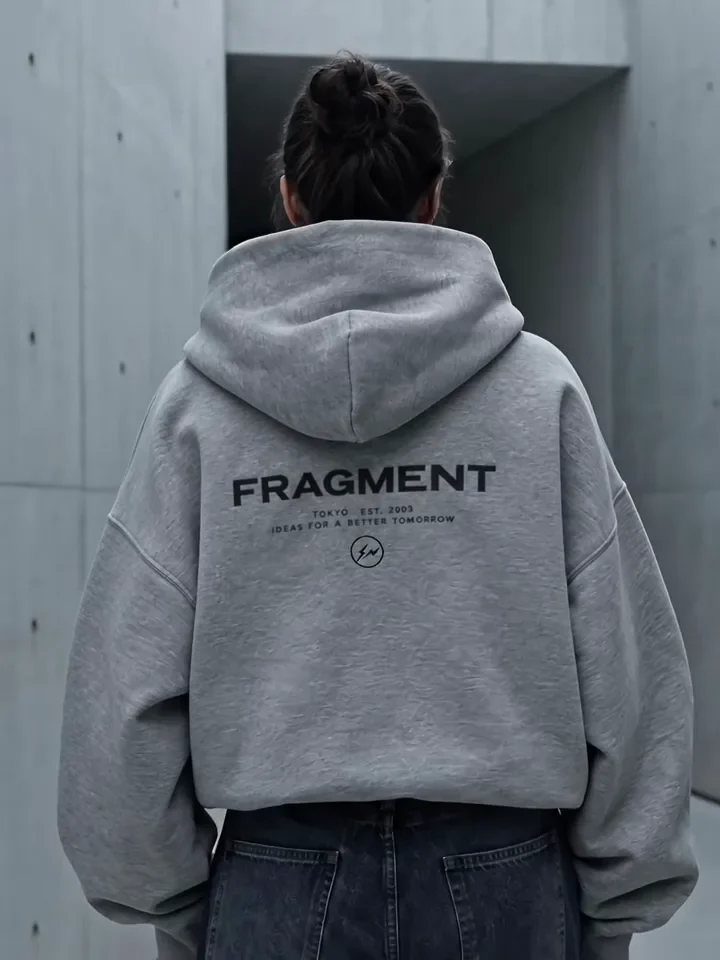
Animate an approved on-model still into a short clip for social. See AI product videos.
Tell us about your team and what you’re making, and we’ll get back to you with how Melius fits.