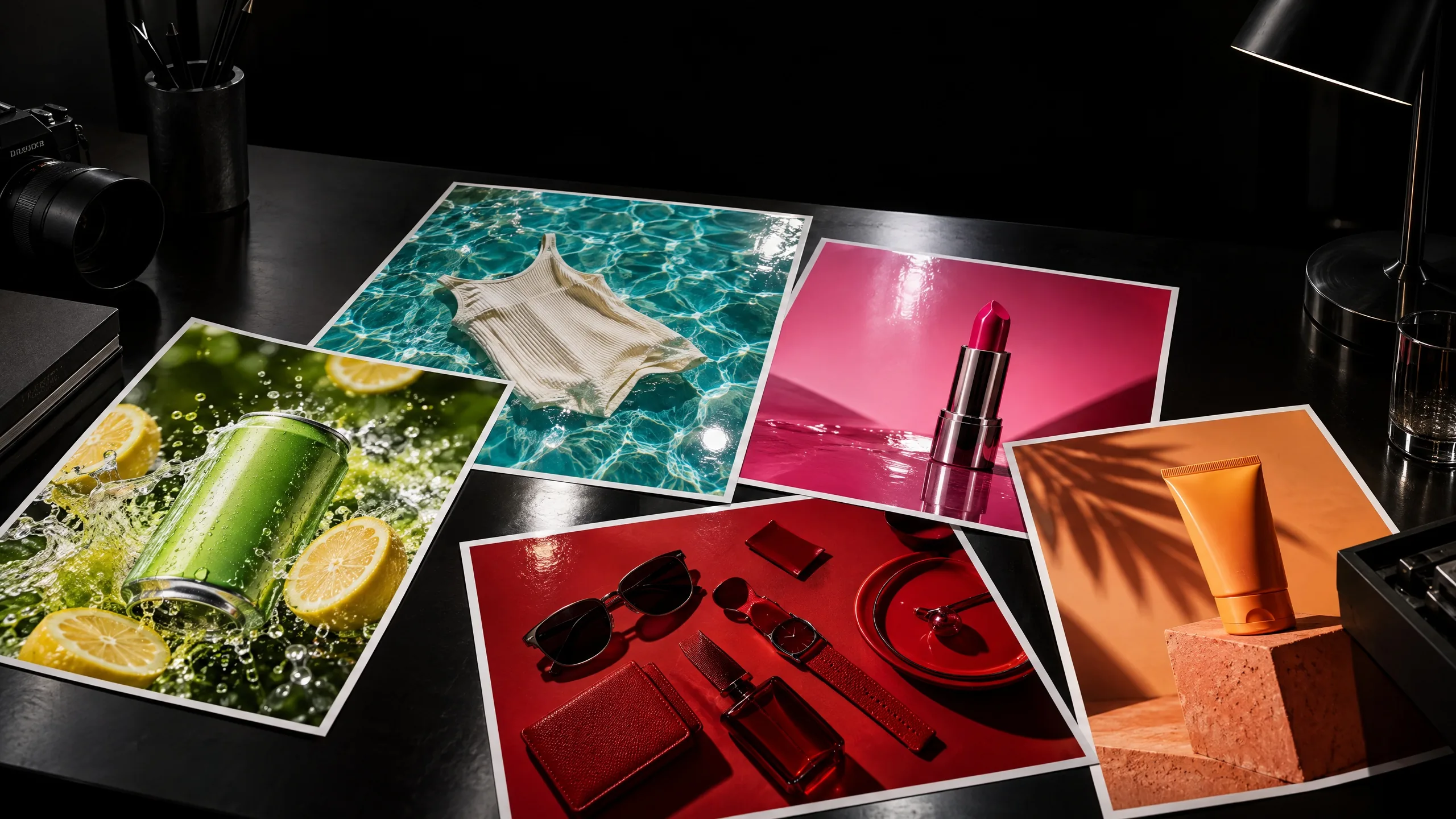
Printed product ads for a soda, swimwear, lipstick and sunscreen spread across a dark desk

Feature

AI photo editor

Upload a photo and tell Mel what to change. Take out an object, replace one area, swap the background or upscale it, with every version kept on the same canvas.

See what's been made

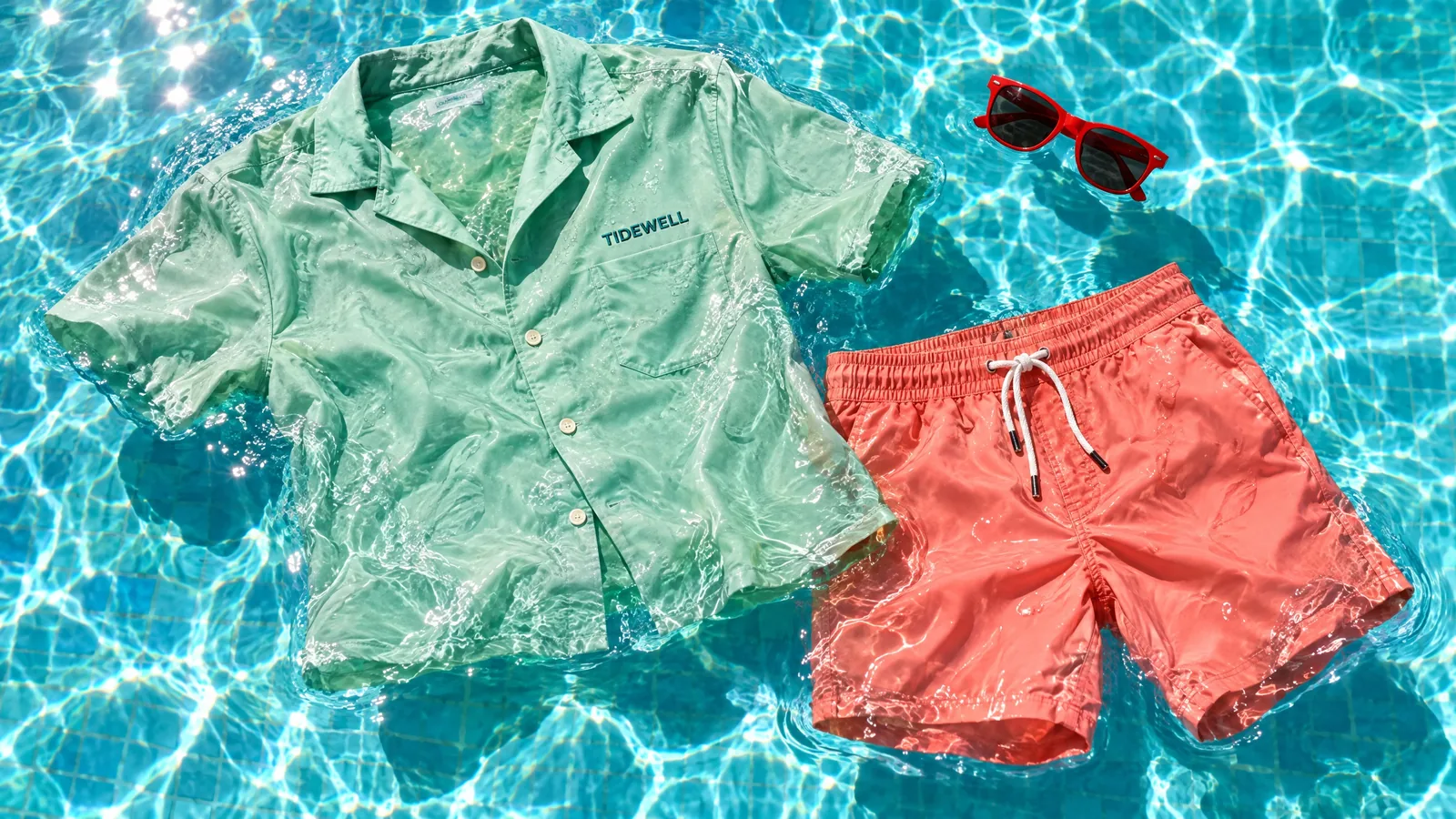
A mint shirt and coral swim shorts floating in a sunlit pool
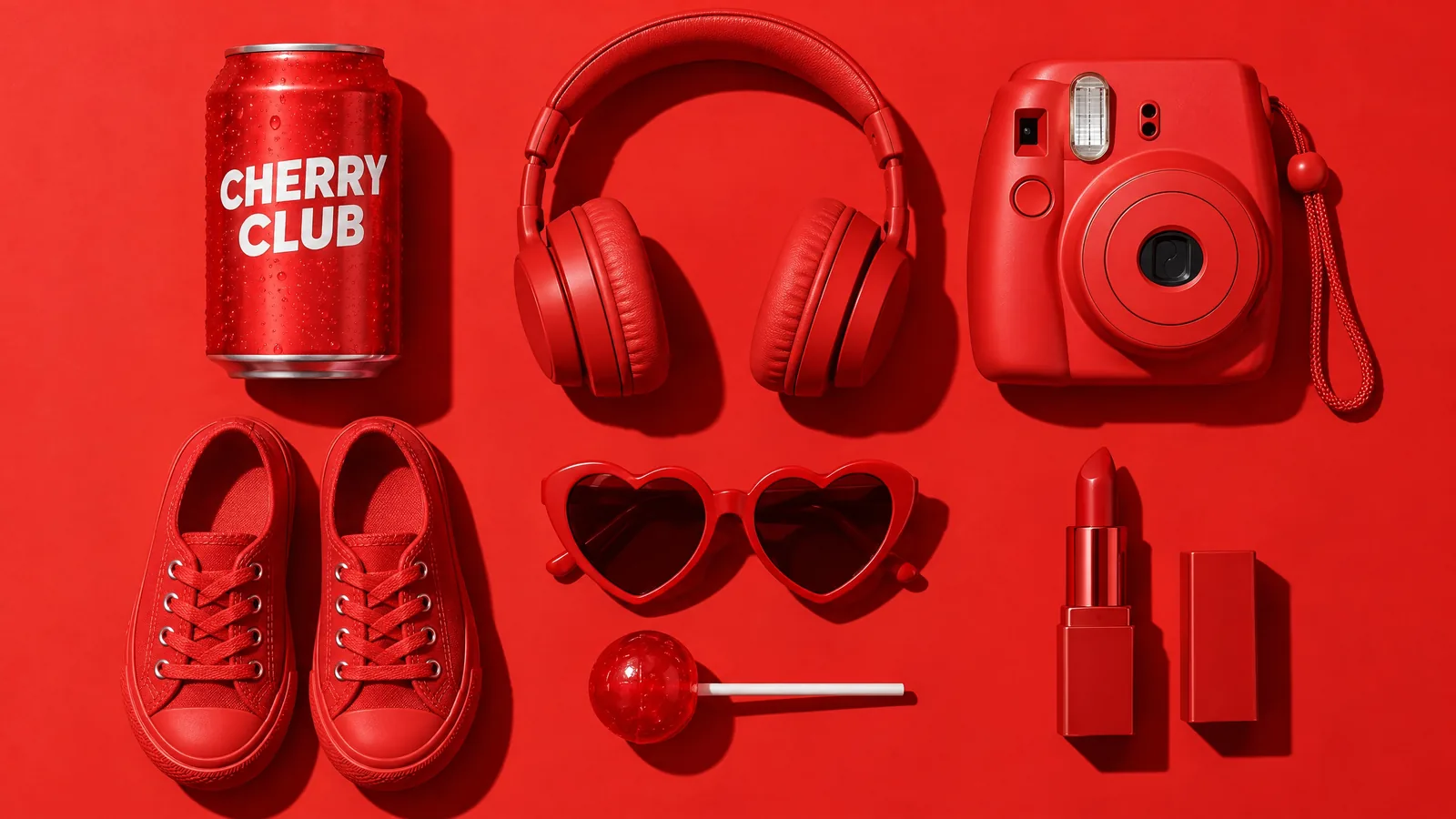
Red objects laid out on a red backdrop, from a CHERRY CLUB can to headphones, sneakers and an instant camera
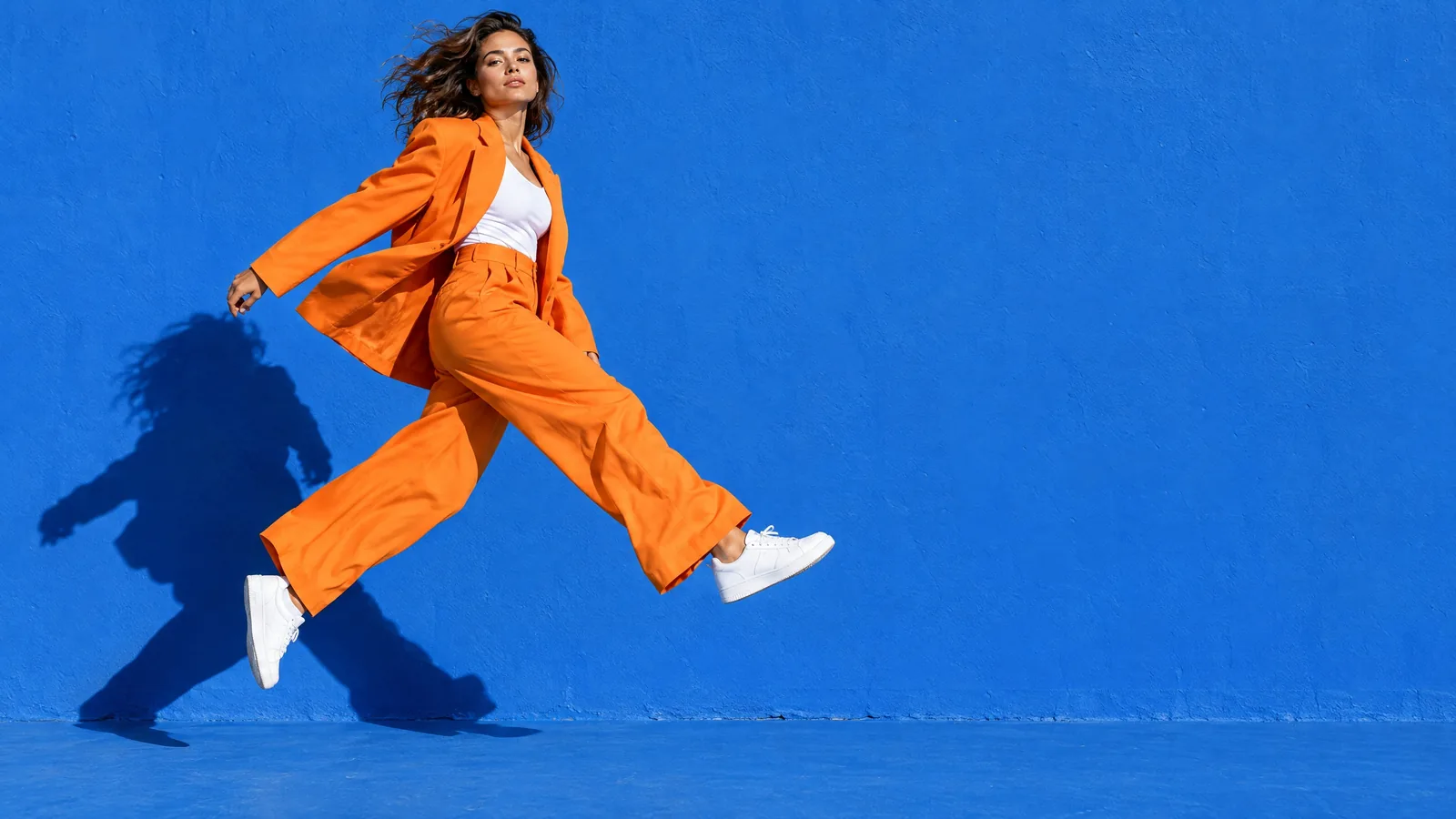
A model in an orange suit leaping across a cobalt blue wall
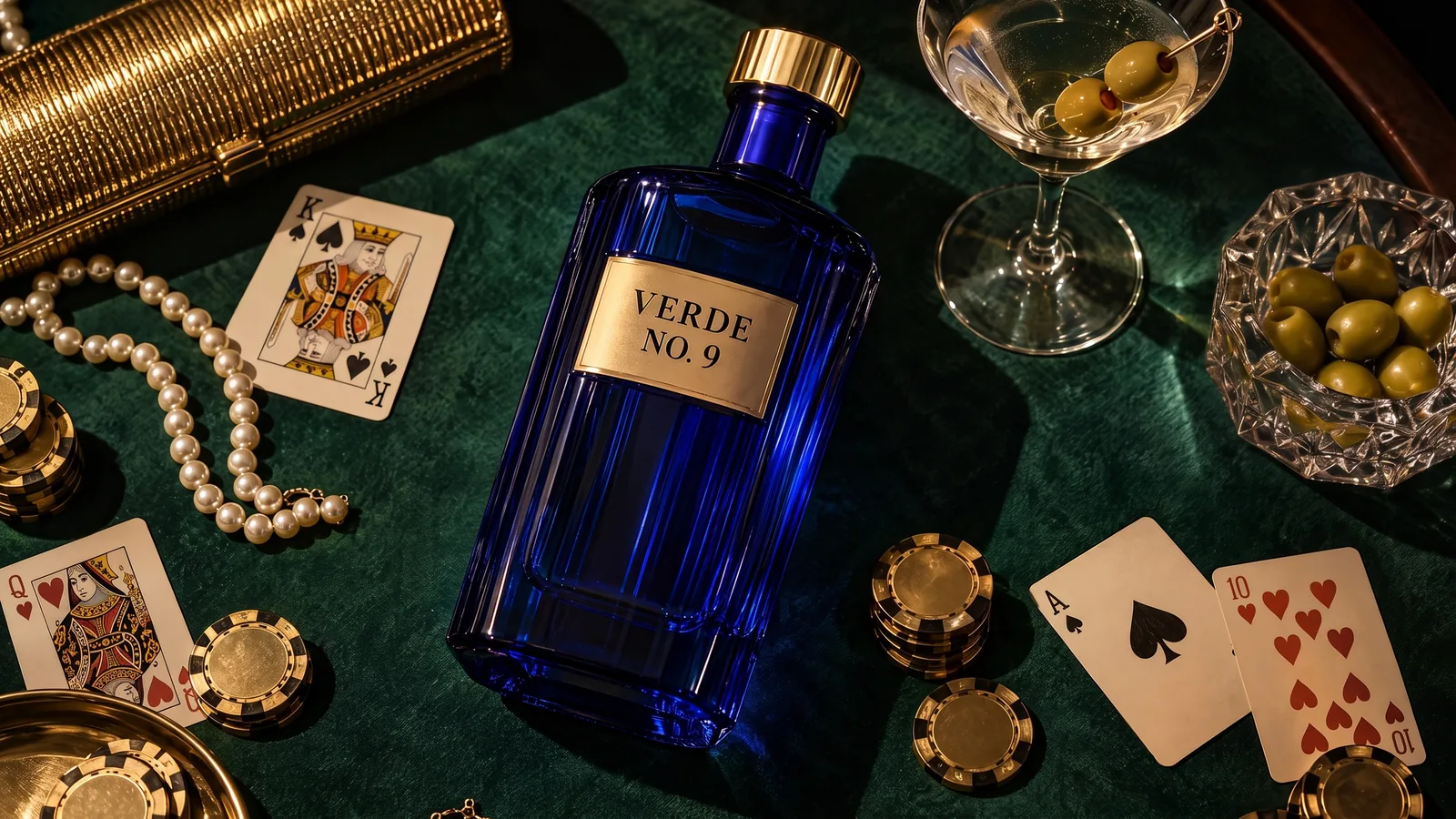
A VERDE NO. 9 gin bottle on a green card table with playing cards, chips and olives
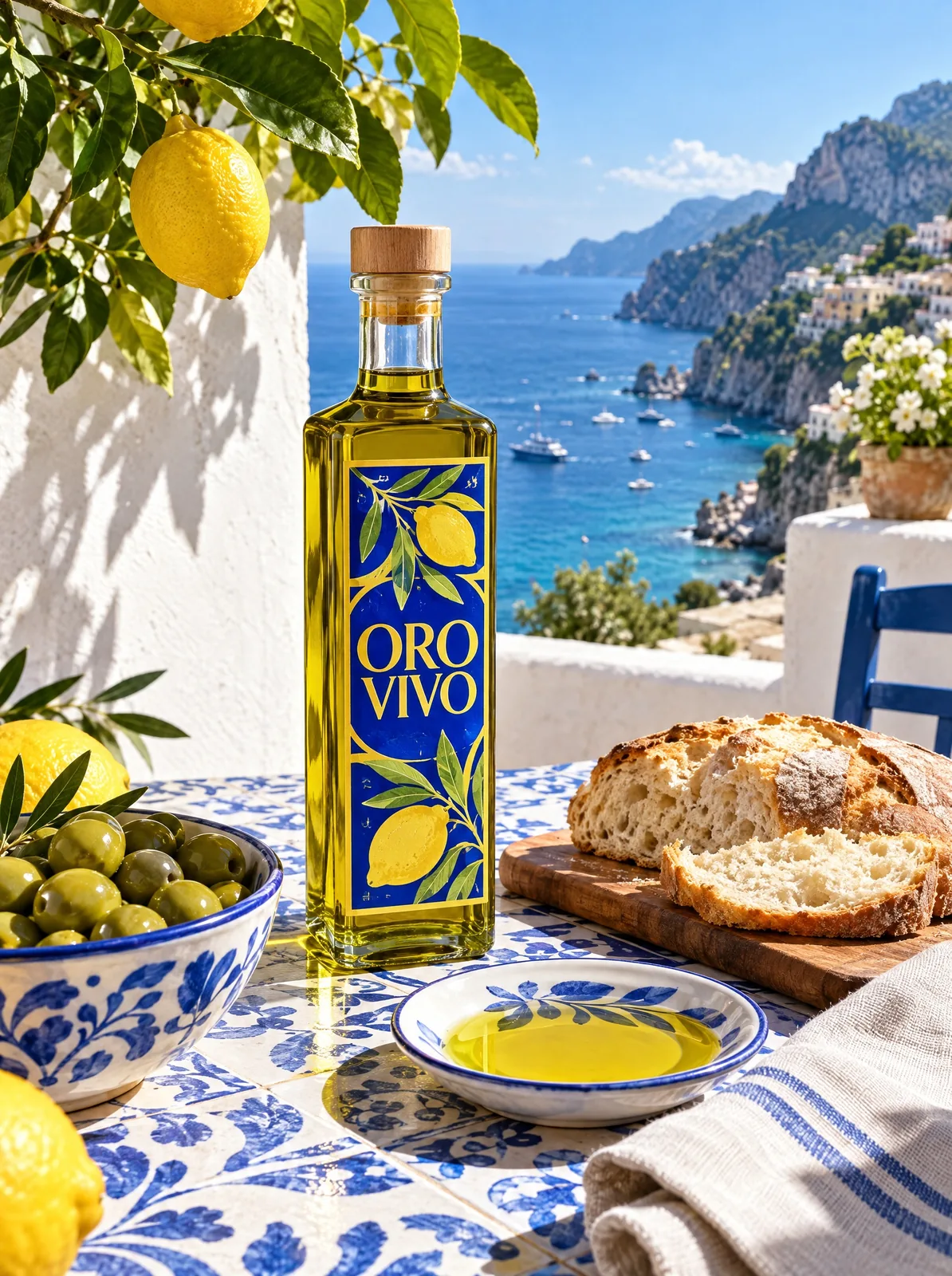
An ORO VIVO olive oil bottle on a blue-and-white tiled table above a Mediterranean coast

From upload to finished edit

  1. Upload your photoDrag it onto the canvas or attach it in a message to Mel. JPEG, PNG and WebP work either way, and HEIC works on the canvas.
  2. Brief your agentTell Mel, the Melius creative execution agent, or your own agent what needs to change and what has to stay put, the way you'd brief a retoucher. It matches each request to a tool or model and applies the edit. Brush edits like Inpaint and Remove object stay in the Melius app.
  3. Take over where you wantBrush over an area to inpaint it yourself, or open Edit image to add text. Each run saves a new version, so an earlier one is always a click away.

What you can do with any photo

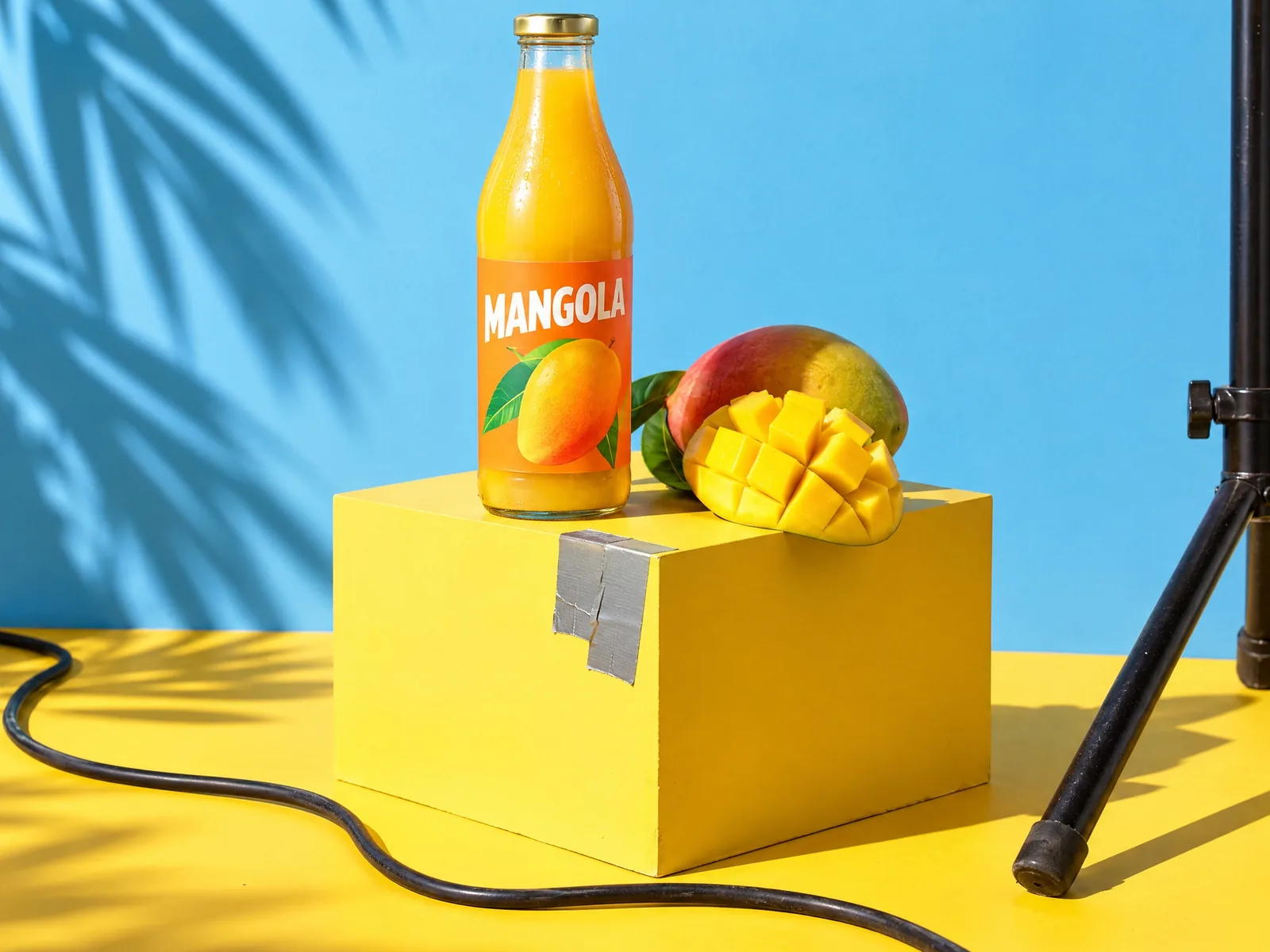
A MANGOLA juice bottle on a yellow box, with a cable, gaffer tape and a light stand in the shot
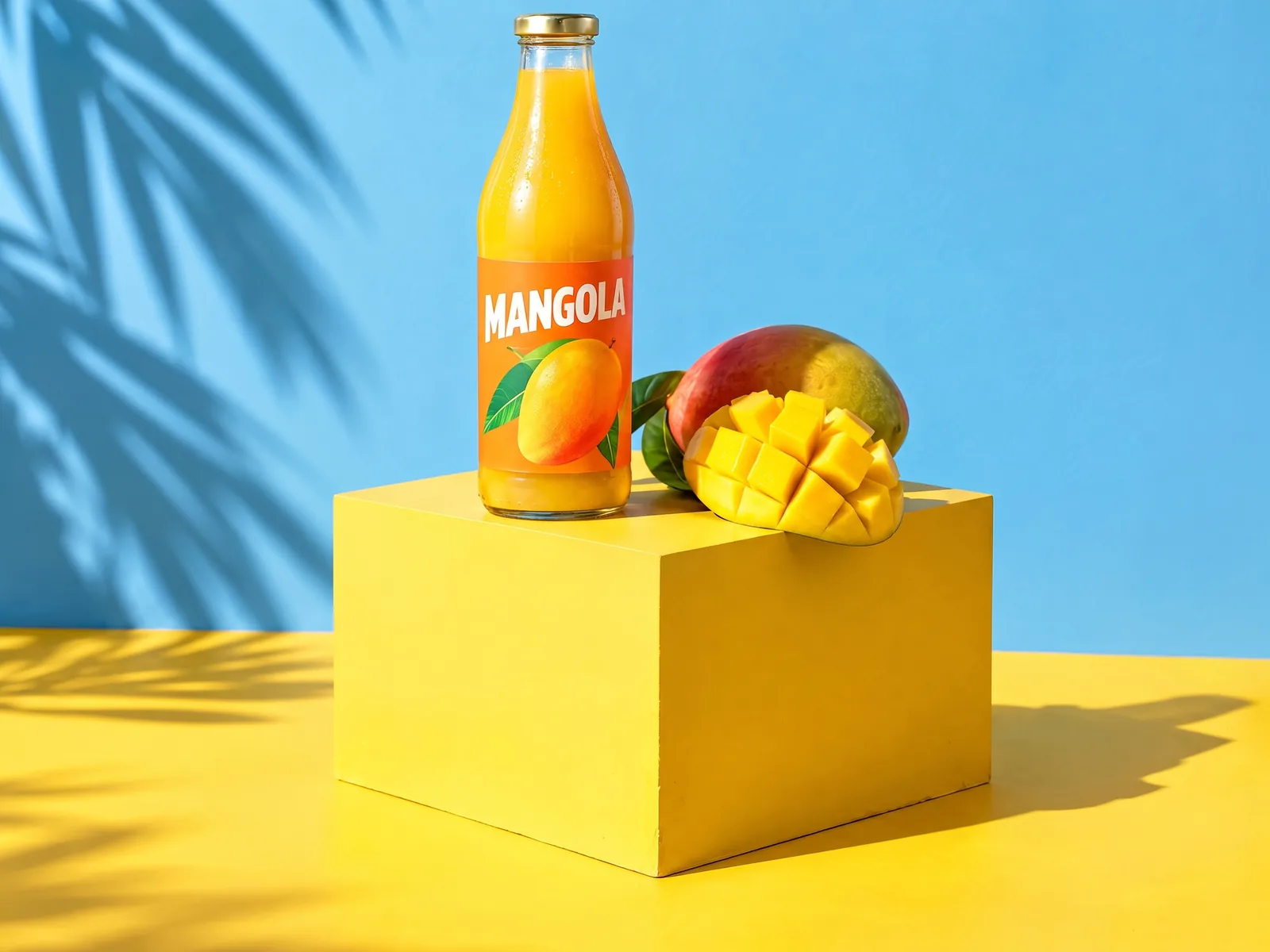
The same shot with the cable, tape and light stand removed

Remove an object

Brush over a stray cable, a passerby or a sign you can't use, and Remove object takes it out of the shot.
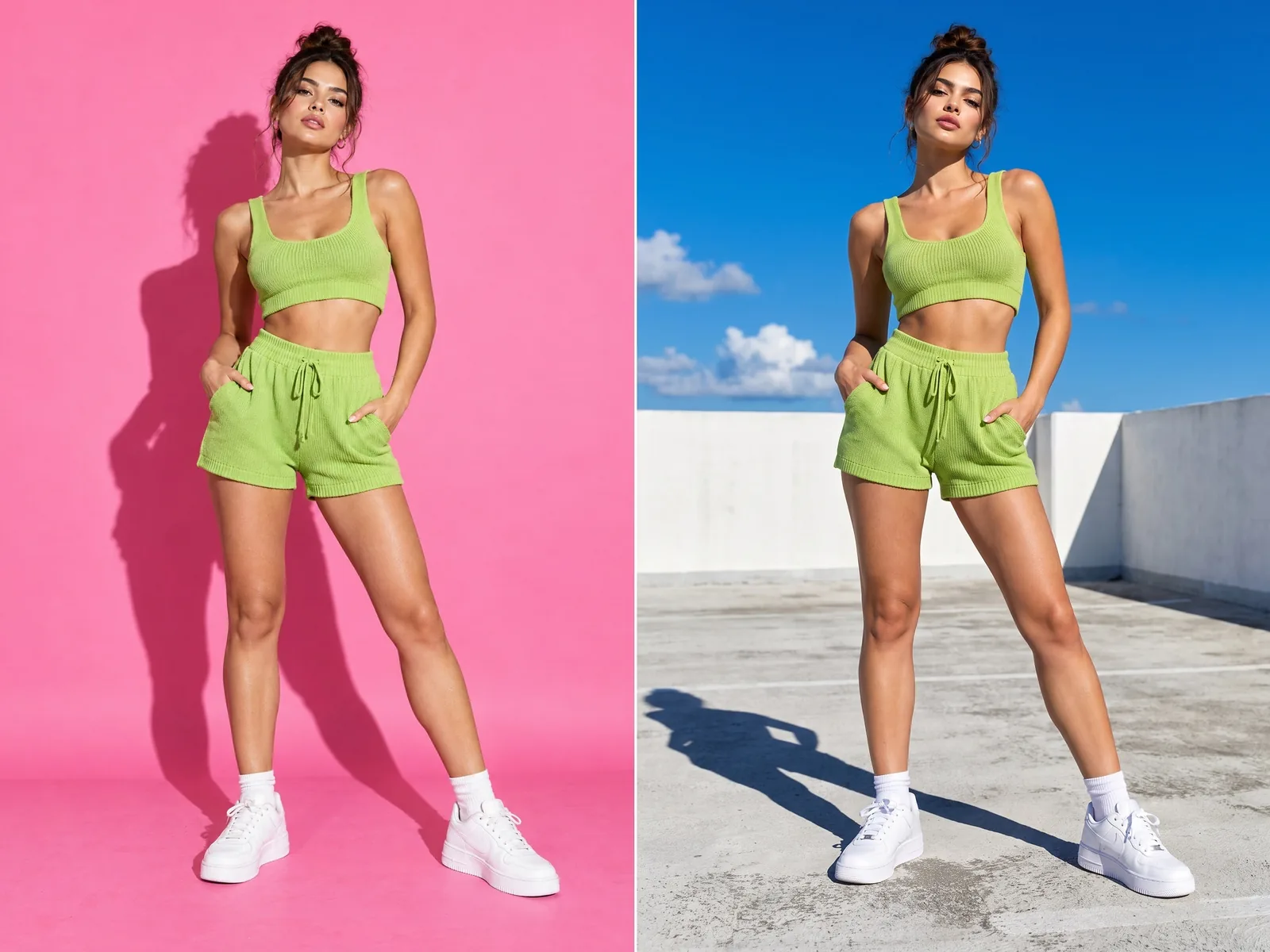
A model in a green two-piece against a pink backdrop, then in the same pose on a sunny rooftop

Replace one area

Inpaint works like generative fill. Mask the part you want changed and describe what goes there instead. On an Ideogram 4.5 node, Precise edit changes only what your prompt names and leaves every other pixel as it was.
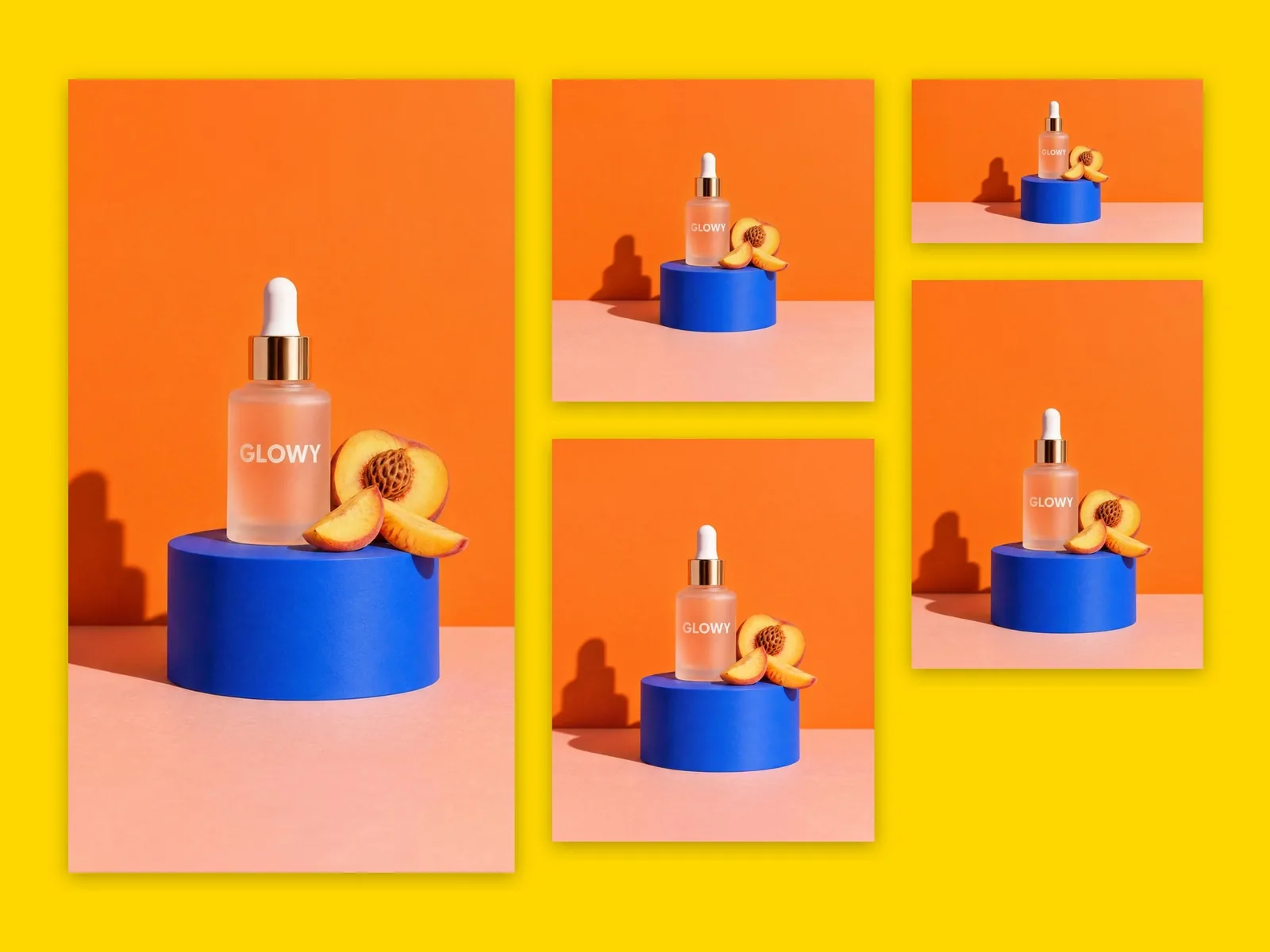
A GLOWY serum product shot laid out in five aspect ratios on a yellow board

Extend the frame

Outpaint adds more scene past the edges of the photo. Magic Resize re-composes one image for each aspect ratio you pick.

Try out Melius

Frequently Asked Questions

What is the best AI photo editor?
Ideogram 4.5 with Precise edit is the model to pick when nothing outside the edit can move, Nano Banana Pro for editorial lighting and natural materials and GPT Image 2.5 for edits guided by up to 16 reference images. Melius has all three, along with dedicated tools for object removal, inpainting, background removal and upscaling.
How do you edit a photo or image with AI?
On Melius, upload the photo, then tell Mel what to change and what to keep. Mel applies the edit, and each result is saved as a new version you can compare against the original or edit further.
Can AI remove an object from a photo?
Yes. Open the photo, choose Remove object and brush over what you want gone. To clear a small line of text, rerun the image with a note to drop the words, which skips the mask. To put something new in that spot, use Inpaint and describe it.
Can you remove the background from a photo?
Yes. Remove Background is a one-step background remover for any image on the canvas, uploaded or generated. It works on video clips too, where the result is a transparent WebM. More on this in AI background editing.
Can AI blur the background of a photo?
Yes. Run the Portrait Mode template and the background softens behind your subject, the way a fast portrait lens would blur it.
Can AI increase the resolution of a photo?
Yes. The upscale tool runs Topaz on any photo you upload, or any image you generate, at up to 4x, with a face enhancement option for portraits.
Can you edit photos through an API or MCP?
Yes. Background removal and upscaling run through the Melius MCP (Model Context Protocol) server and API, and Magic Resize runs through the MCP server, so an agent such as Claude can edit images for you. The MCP, API and CLI page walks through connecting it.

Contact Sales

Tell us about your team and what you’re making, and we’ll get back to you with how Melius fits.