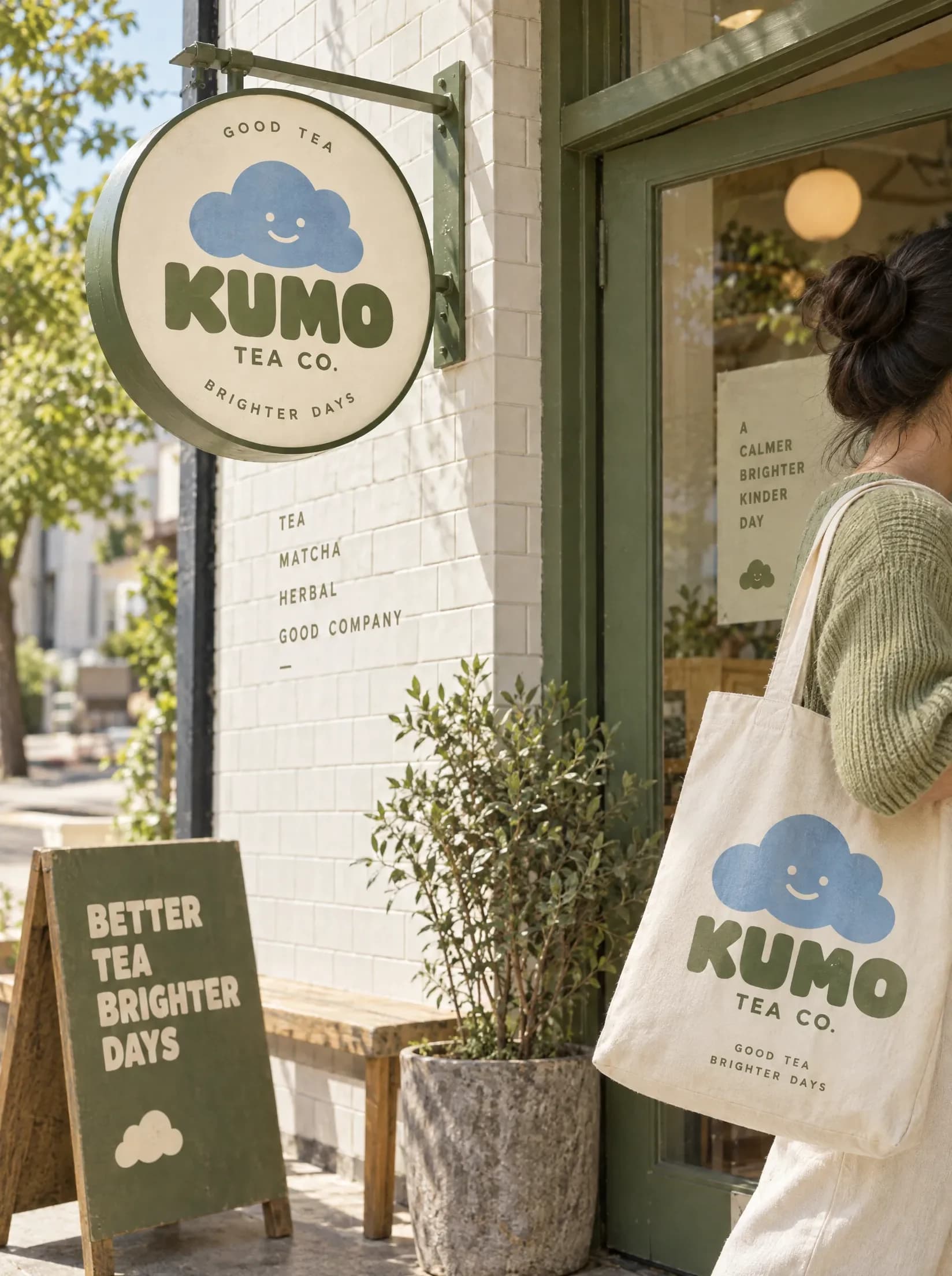
A tea shop storefront with a shopper outside

Use case

AI background editing

Upload an image, say what should sit behind the subject and get back a clean cutout, a new scene or a blurred background.

See what's been made

Products and scenes made on Melius.

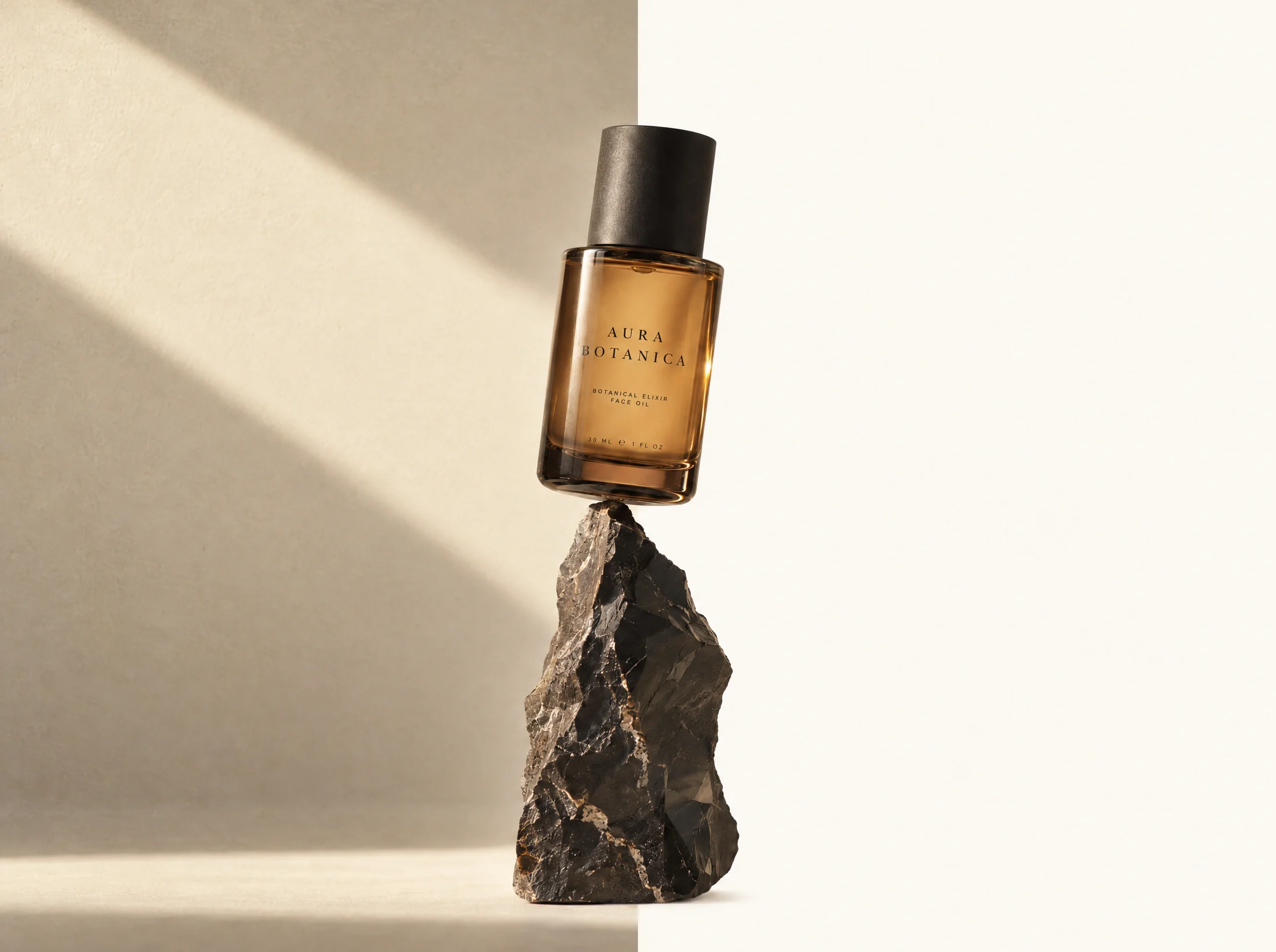
A perfume bottle on a stone plinth, lit cleanly and then with a long shadow
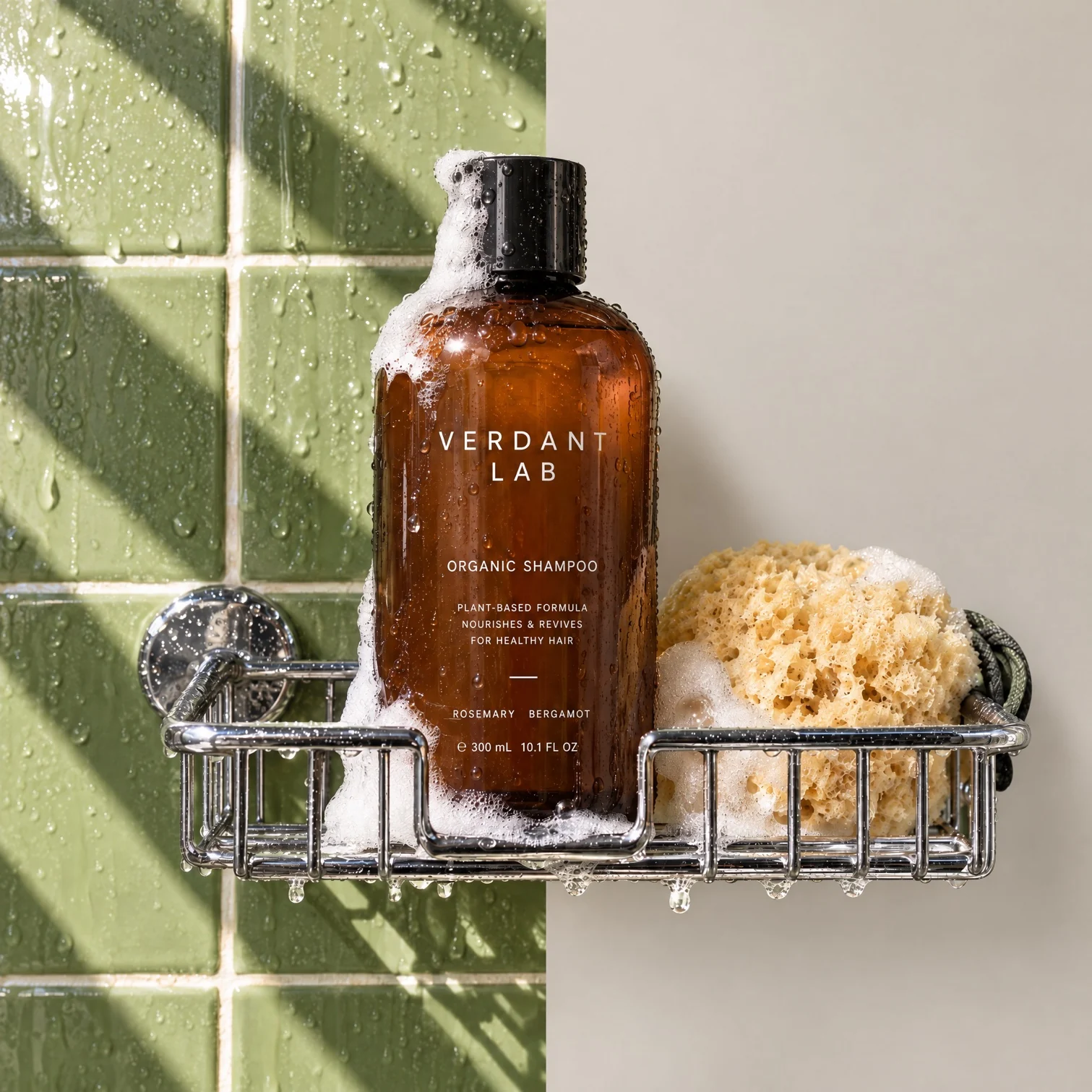
A shampoo bottle on green shower tile and then against a plain cream wall
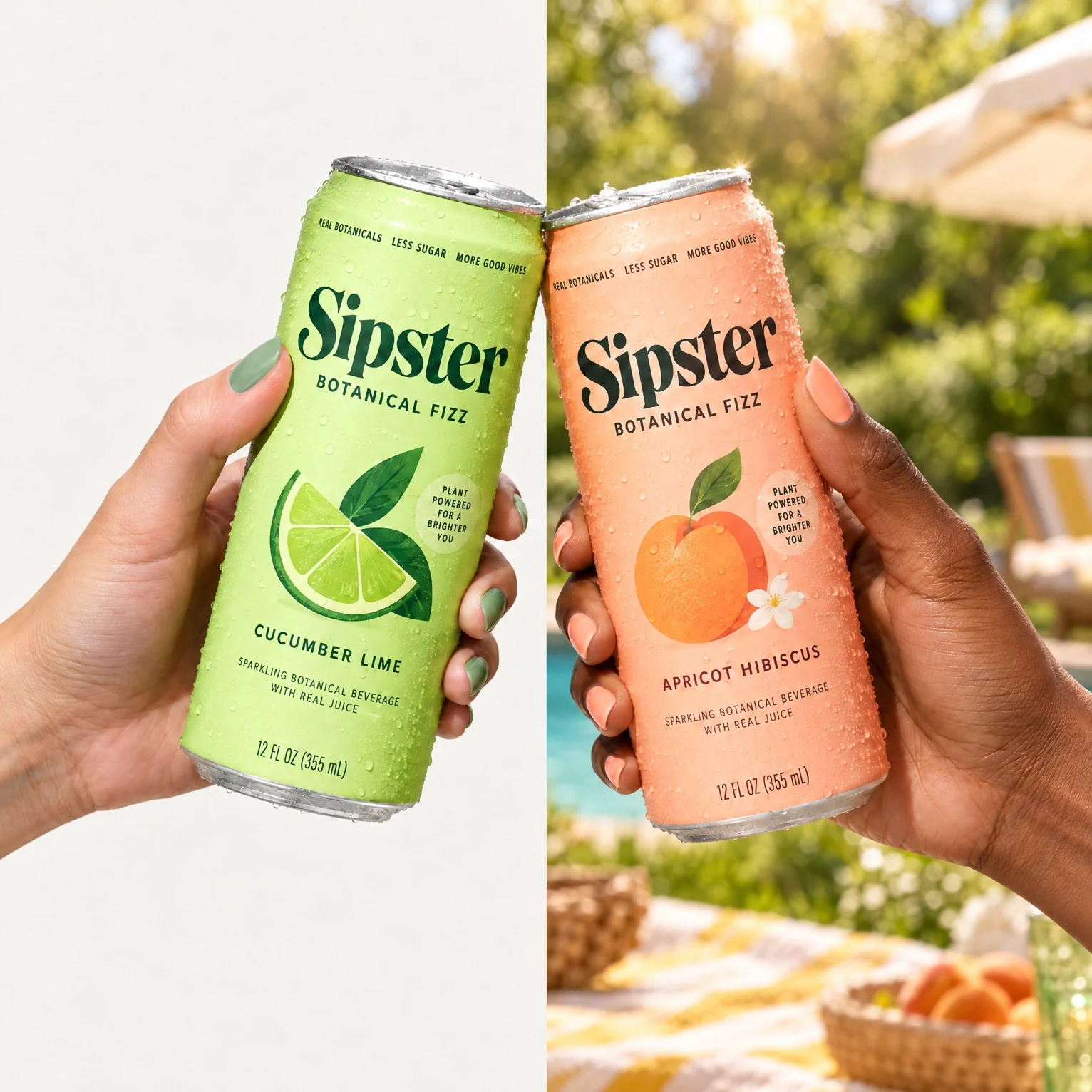
Two cans held up against a lime wall and then in an orchard
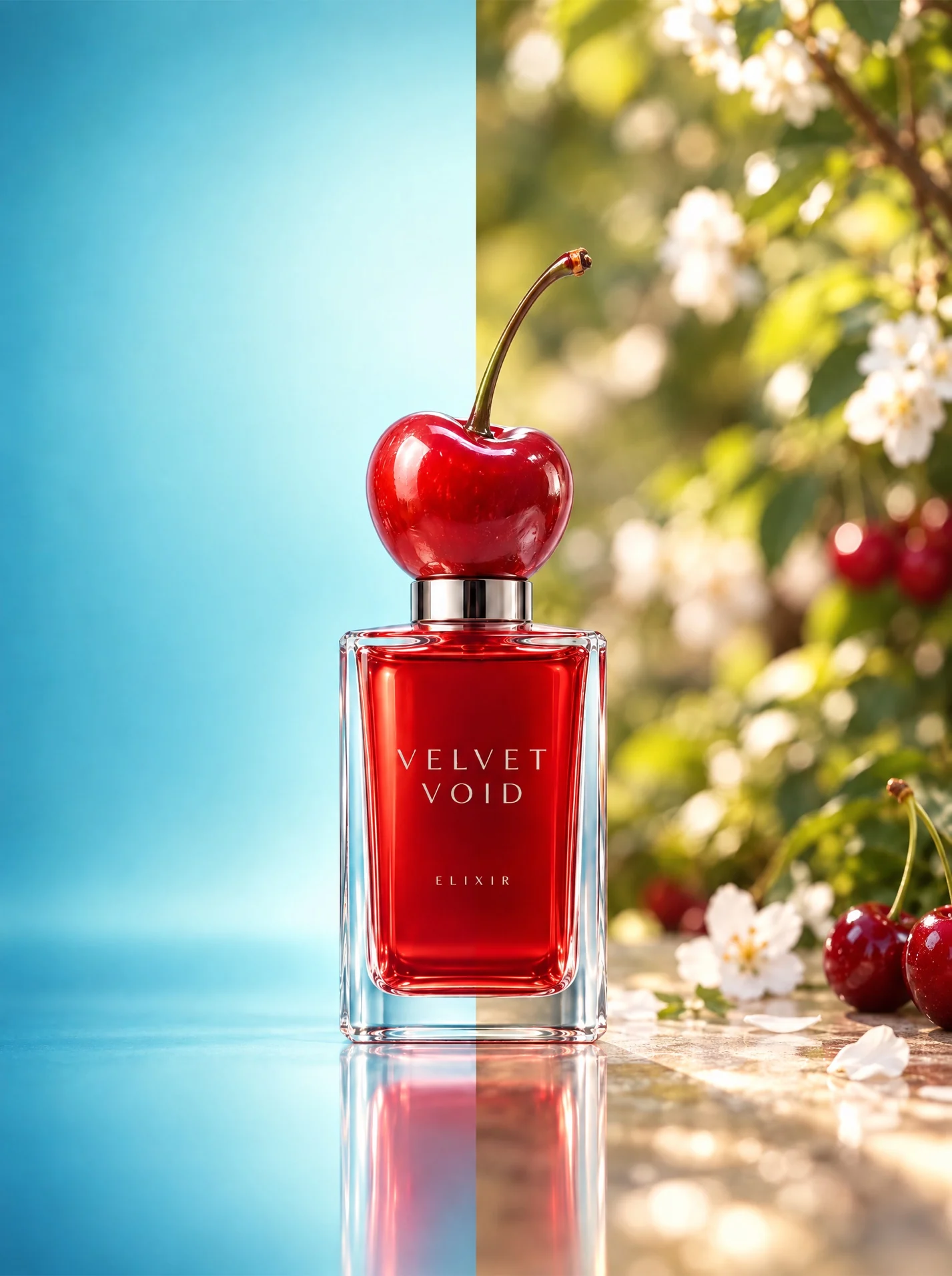
A red perfume bottle on a studio backdrop and then in a cherry blossom garden
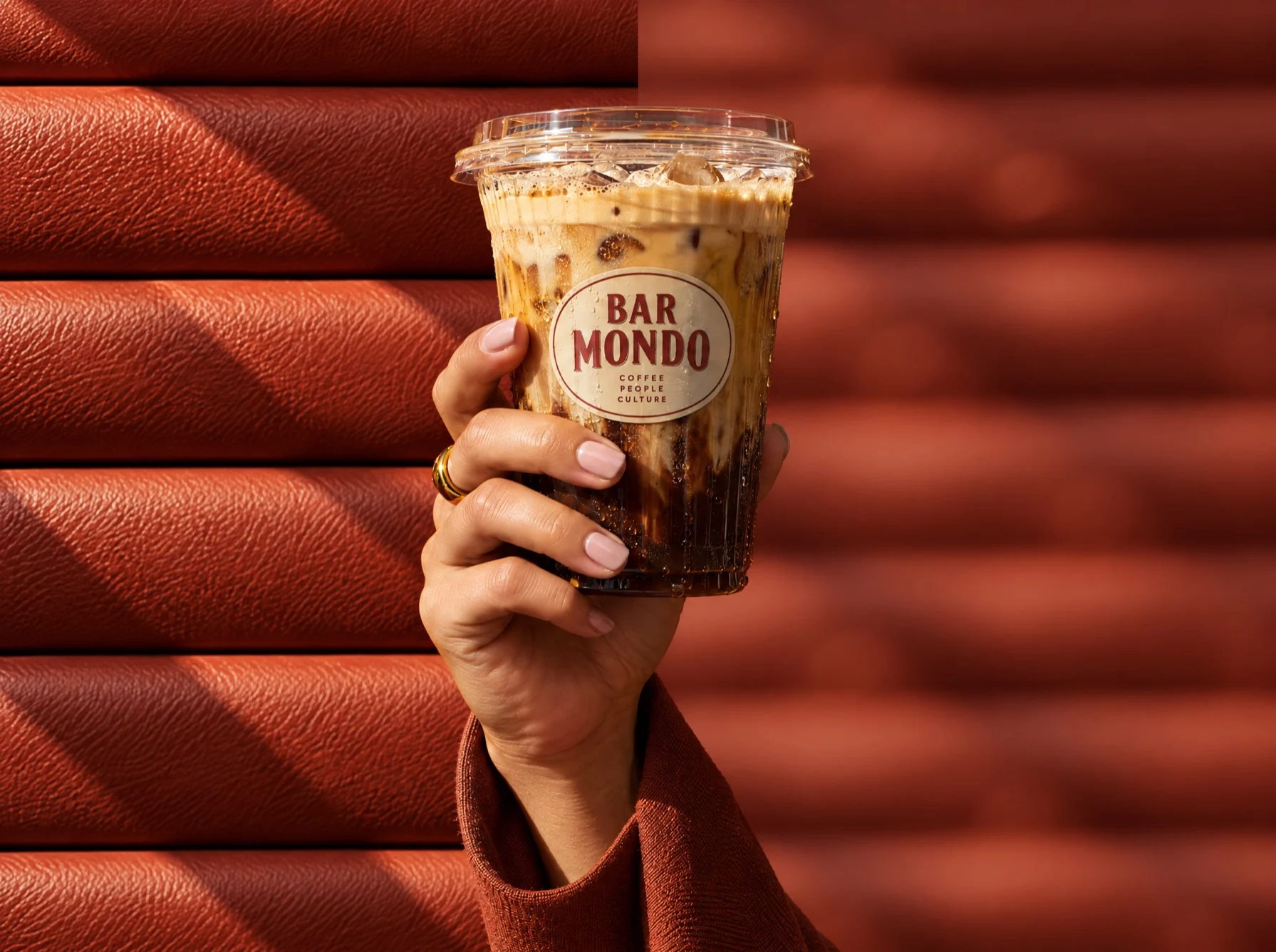
An iced coffee held against terracotta slats, sharp and then blurred

From any photo to a new background

  1. Bring the imageUpload the photo, or use an image that's already on the canvas. A clear, well-lit subject is the easiest to cut out.
  2. Pick the jobRun Remove Background for a transparent PNG, or brief Mel to build a new scene around the subject or make the background edit you want.
  3. Finish and exportFix small areas with Inpaint and widen the frame with Outpaint. Then upscale to 2K or 4K and use Magic Resize for each channel ratio.

What you can do with any background

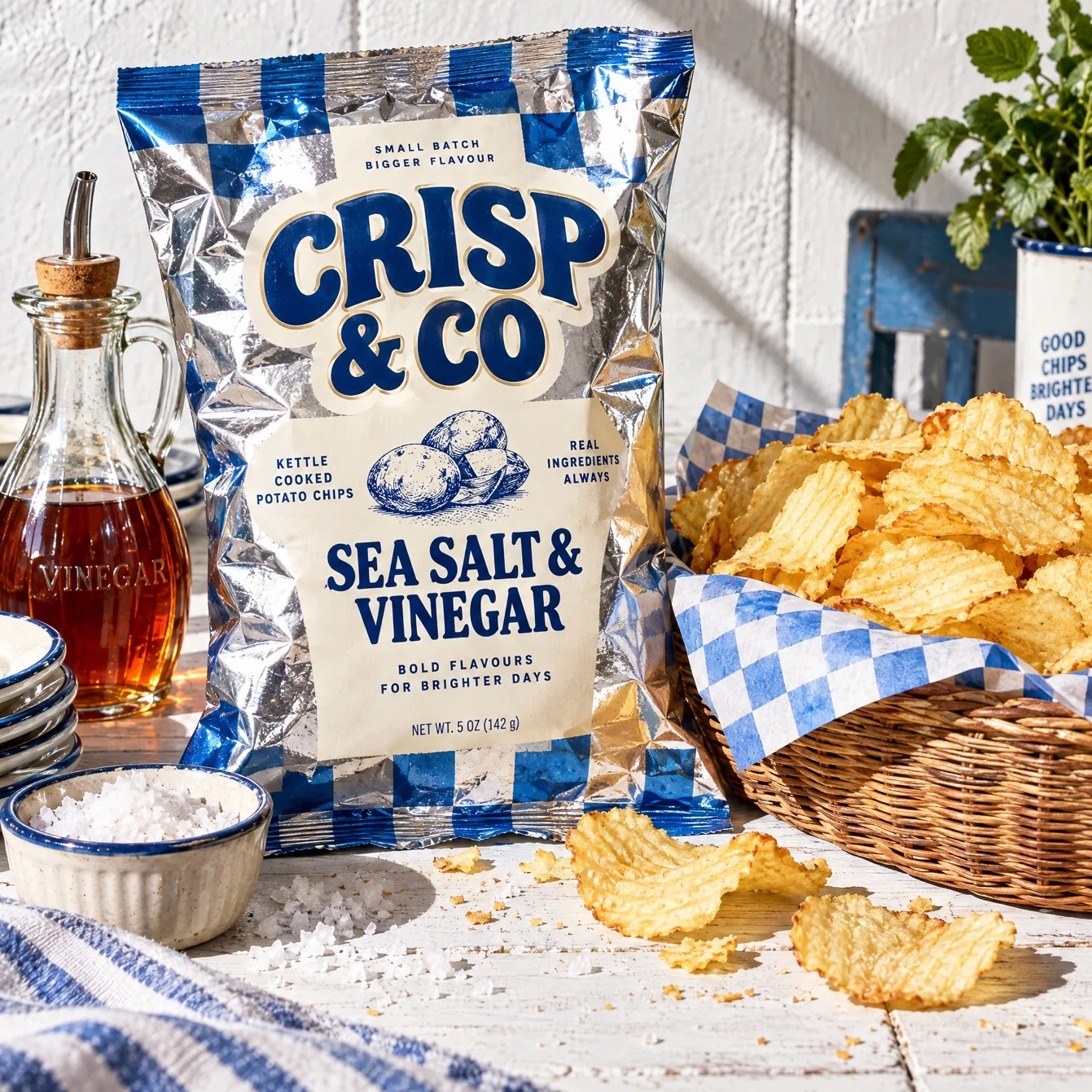
A crisps bag styled in a full kitchen scene
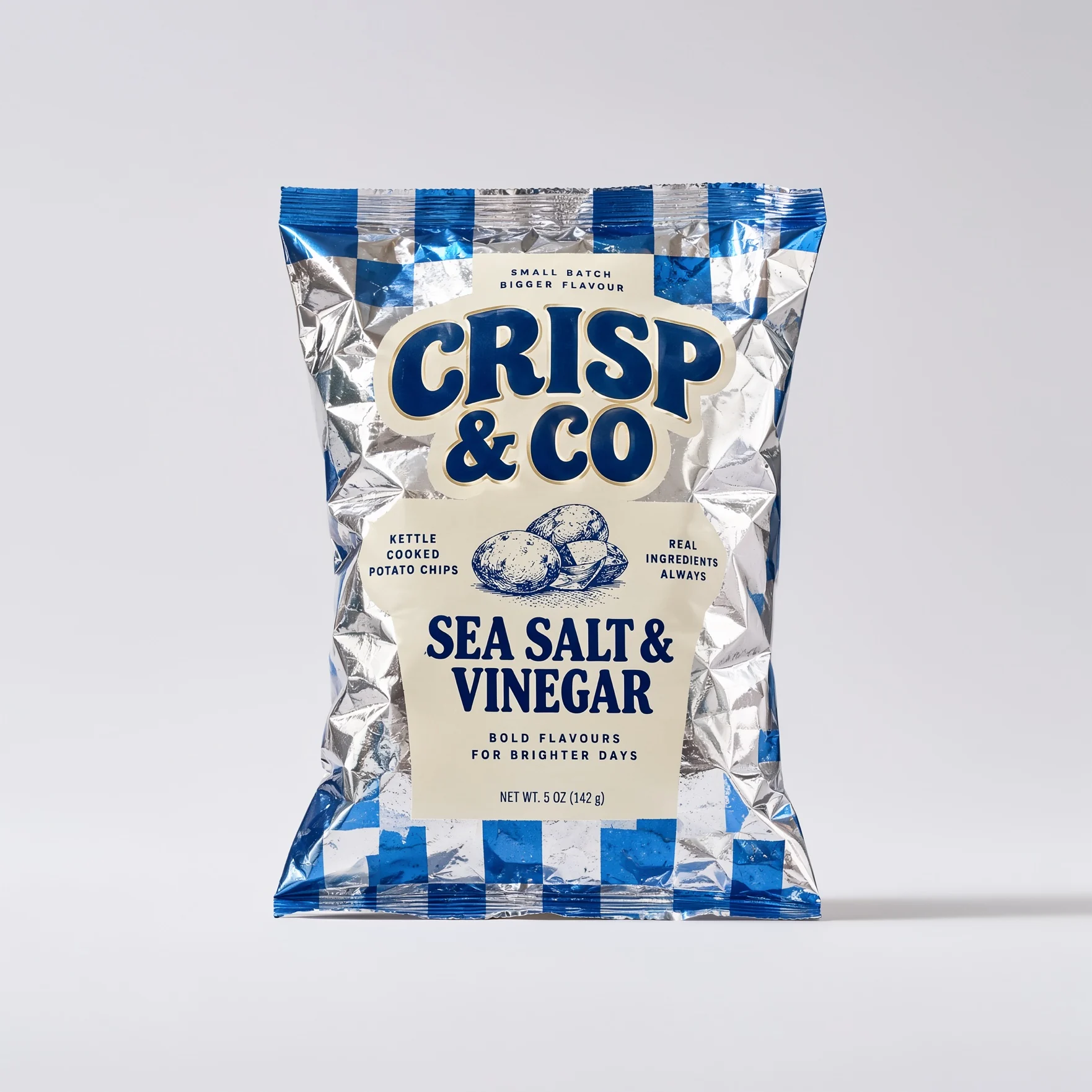
The same bag isolated on a plain backdrop

Remove the background

Remove an image's background in one step.
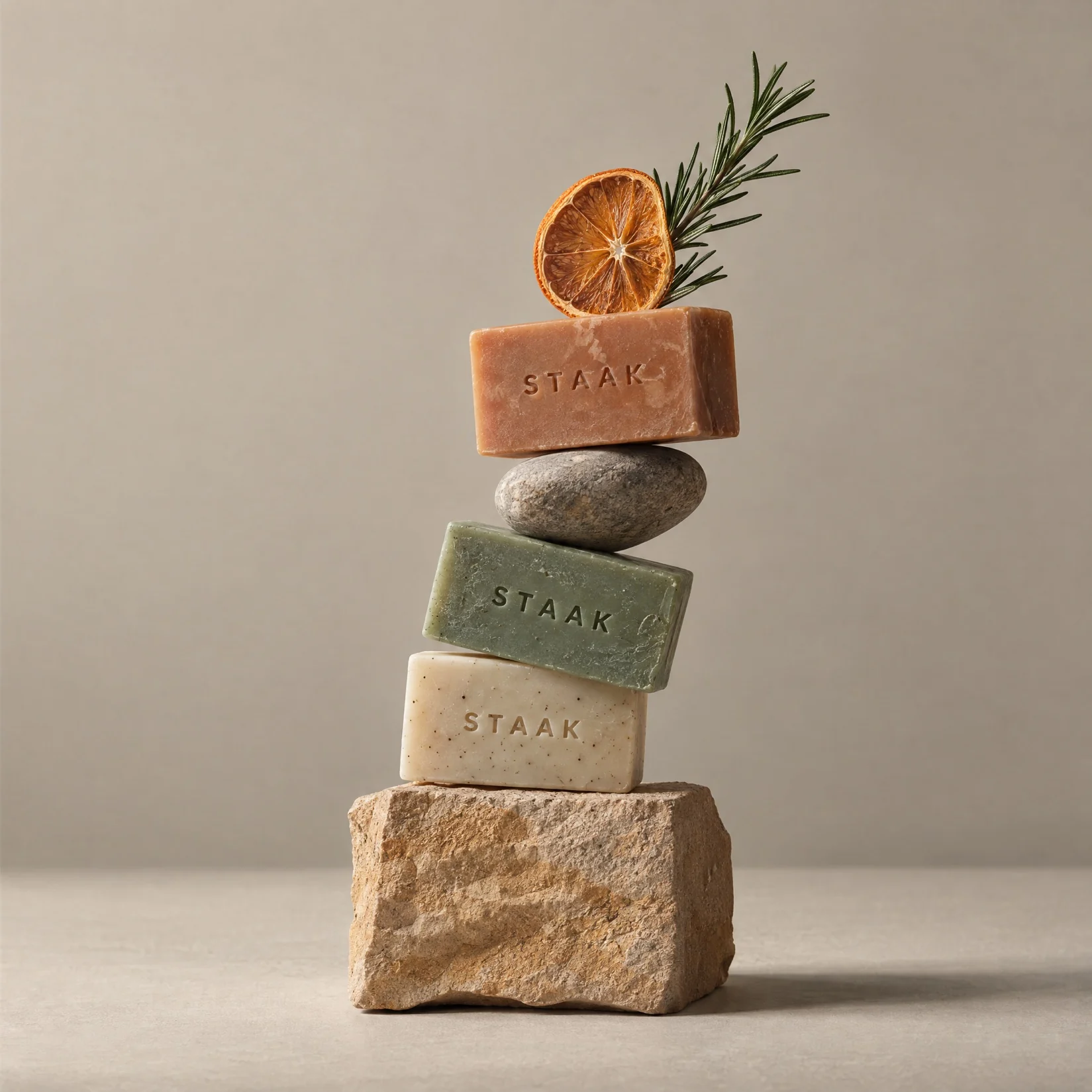
A soap totem on a warm stone set
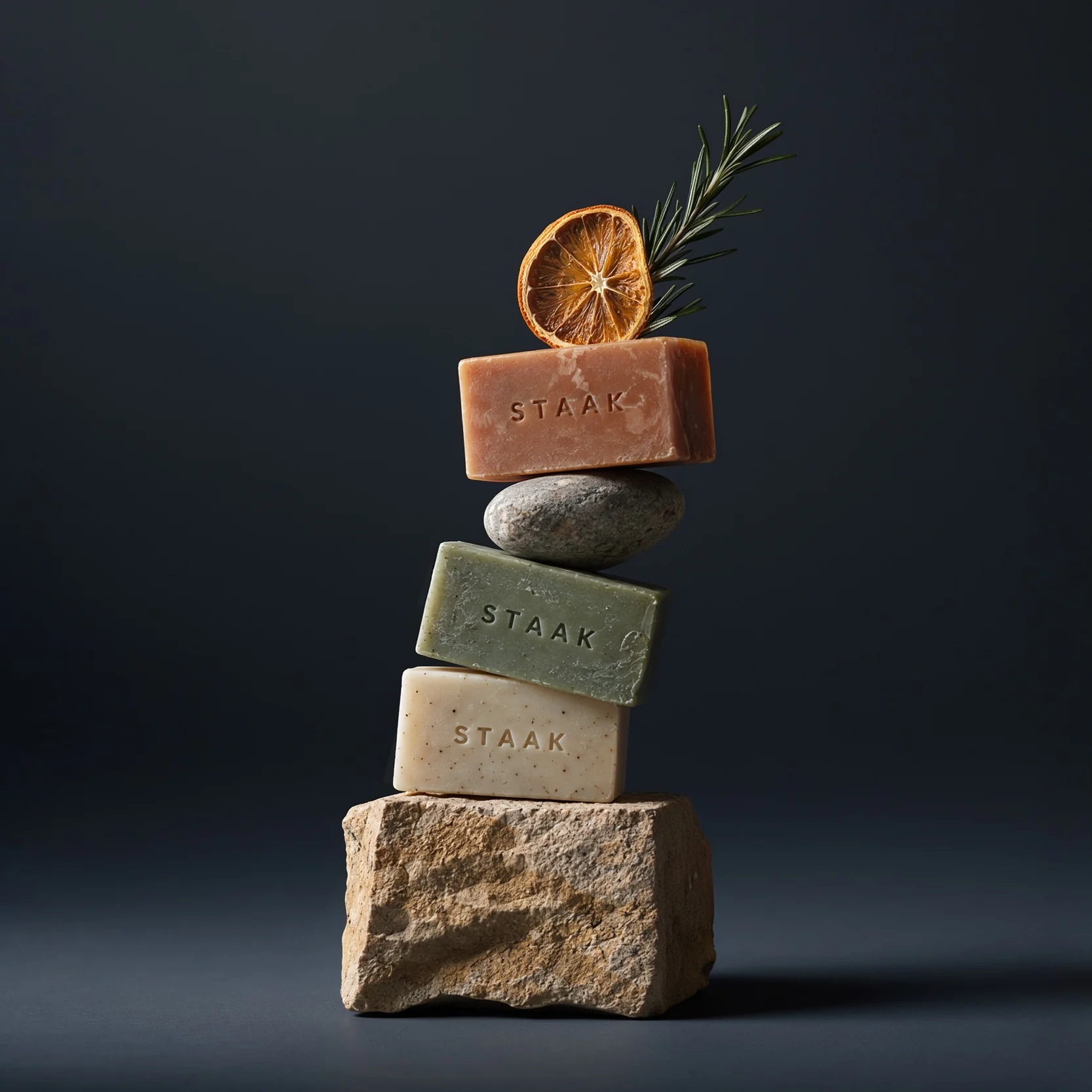
The same totem on a dark grey backdrop

Change the background

Change an image's background. Update the lighting and the scene so they match.
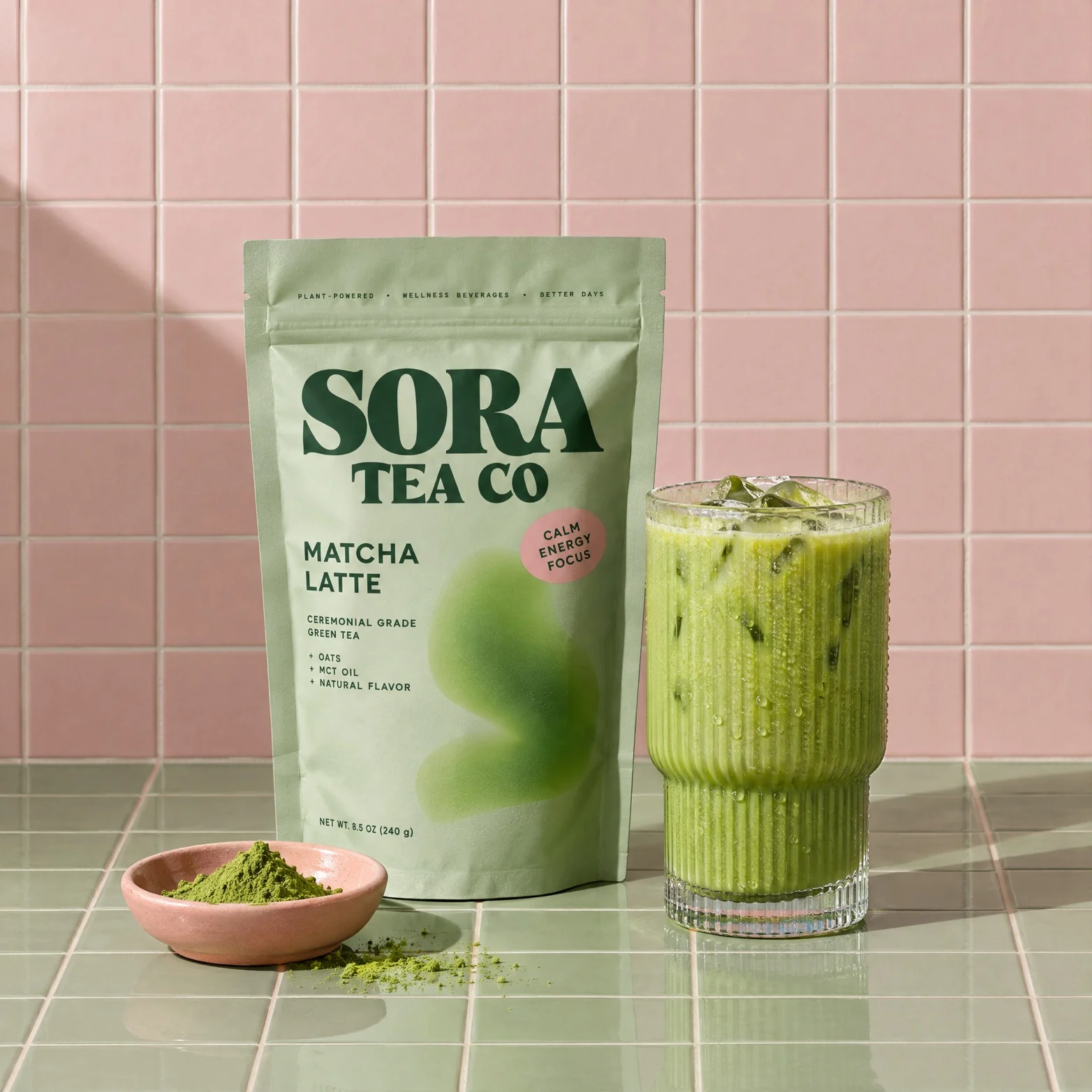
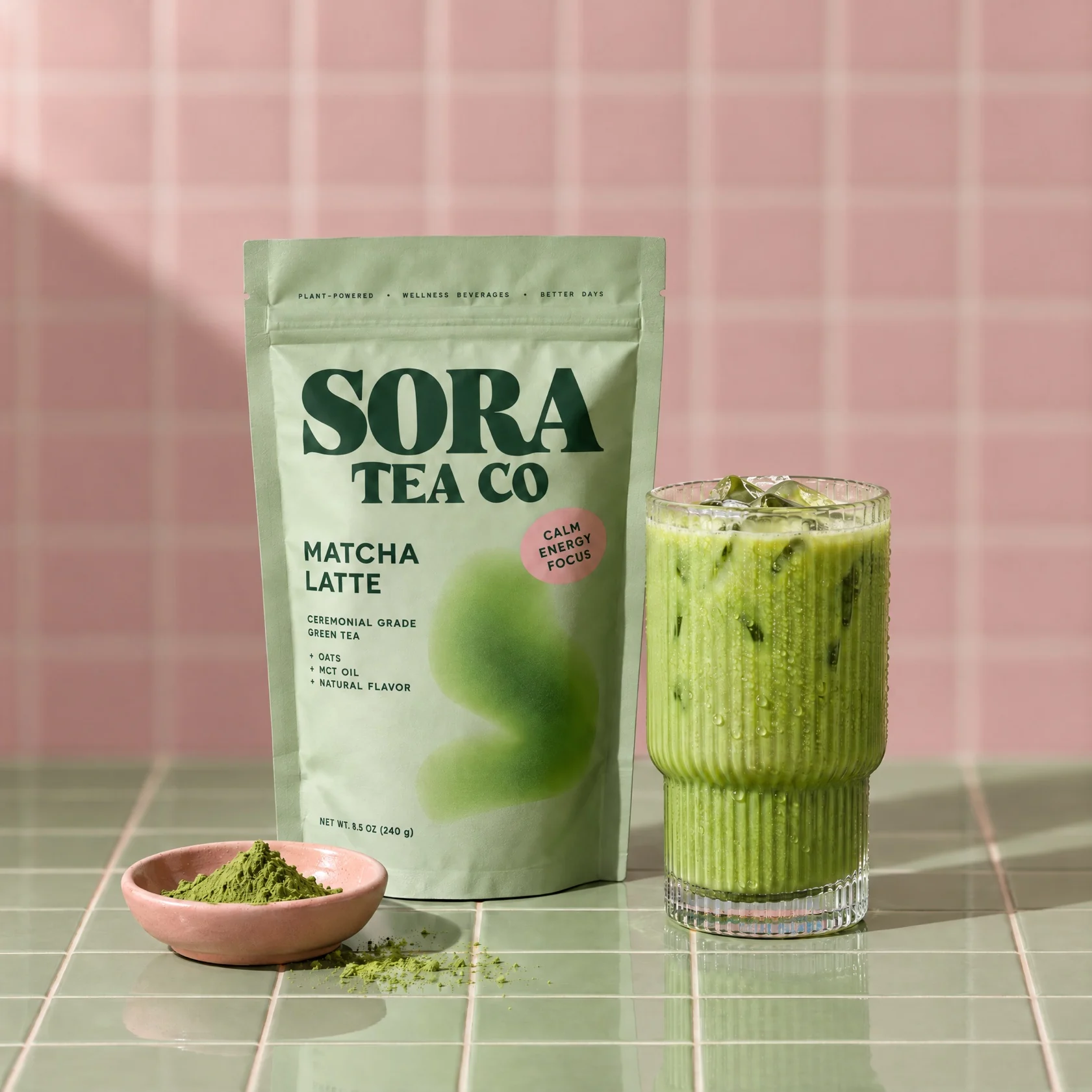
Matcha pouches with the background in focus
The same scene with the background blurred

Blur the background

Make the subject stand out by blurring the background.

Try out Melius

Frequently Asked Questions

How do you remove the background from a product photo with AI?
Run Remove Background on the photo. It returns a transparent PNG, ready to drop onto a new backdrop or into a layout.
How do you change an image background with AI?
Brief Mel on the new scene, including where the light comes from. A subject lit from one side in a scene lit from the other is the usual giveaway.
How do you generate new backgrounds for product photos with AI?
Upload a clean pack shot and describe the setting, or use the Product Swapper template to place the product into a scene you already have. Run three or four variations and keep the one where the light matches.
How do you blur a photo background with AI?
Use Portrait Mode for a blurred-background look. For a stronger edit, remove the background first and place the subject in a new, softer scene.
How do you remove text or a small object from a photo with AI?
Ask for the image again with an instruction to leave it out. For small fixes, that usually works better than drawing a mask. Use Inpaint or Remove object when the rest of the frame can't change.

Contact Sales

Tell us about your team and what you’re making, and we’ll get back to you with how Melius fits.