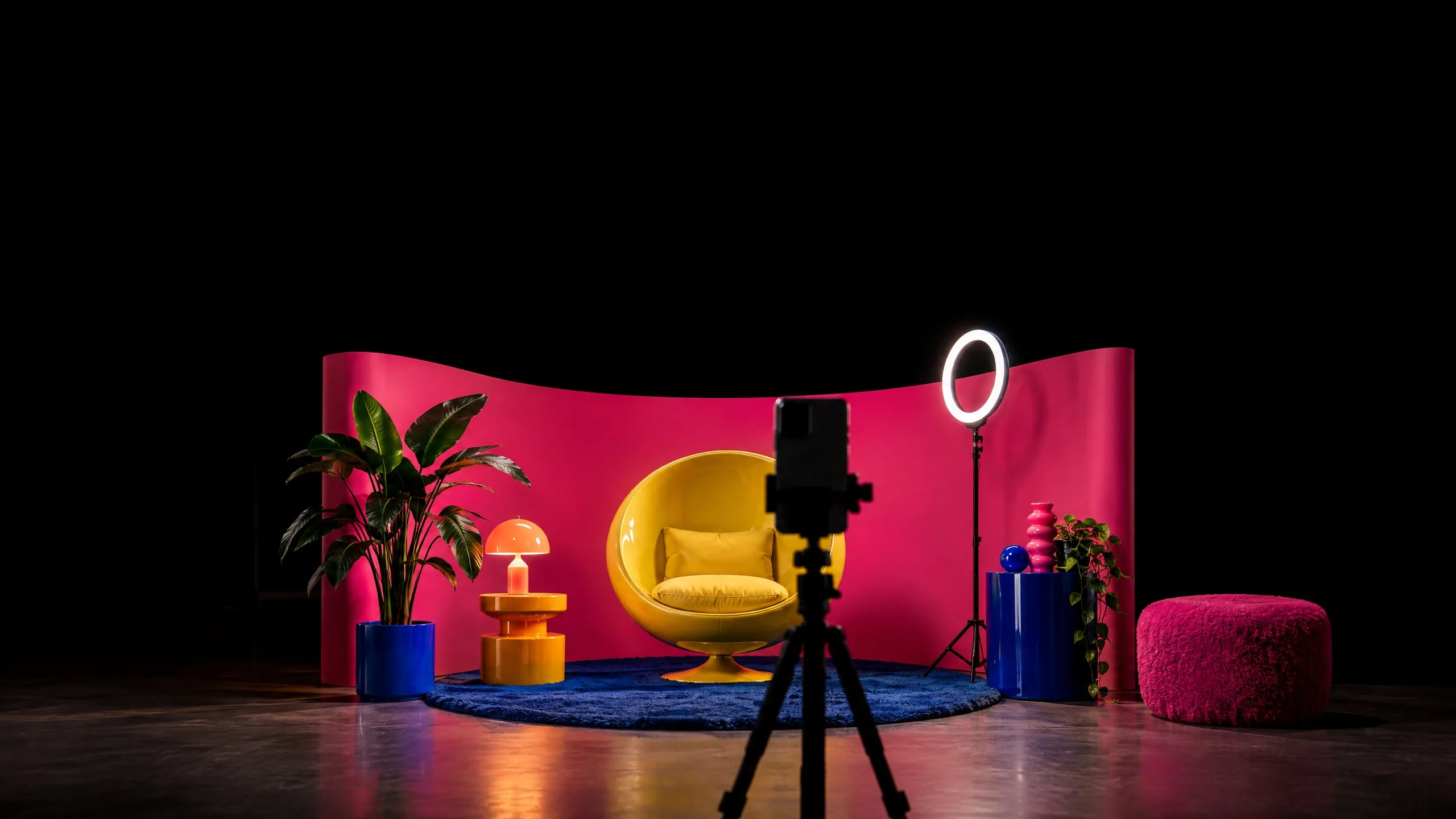
A phone on a tripod facing a pink creator set with a yellow egg chair and a ring light

Use case

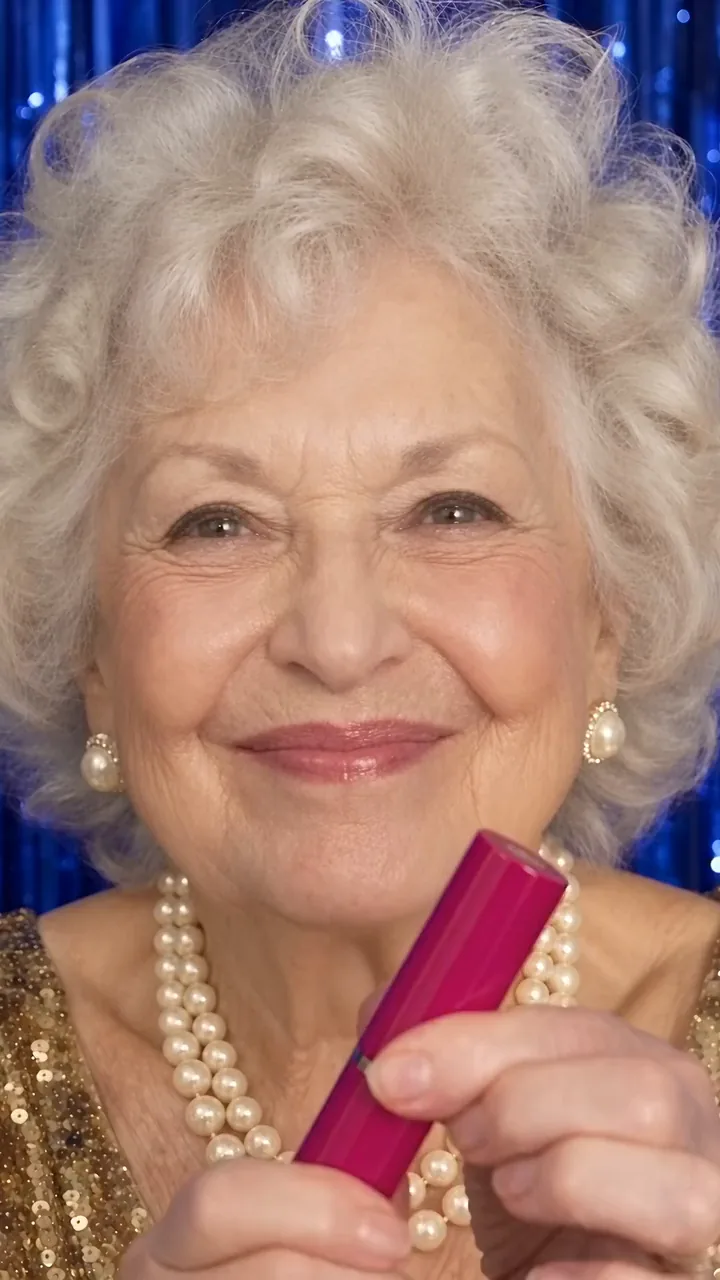
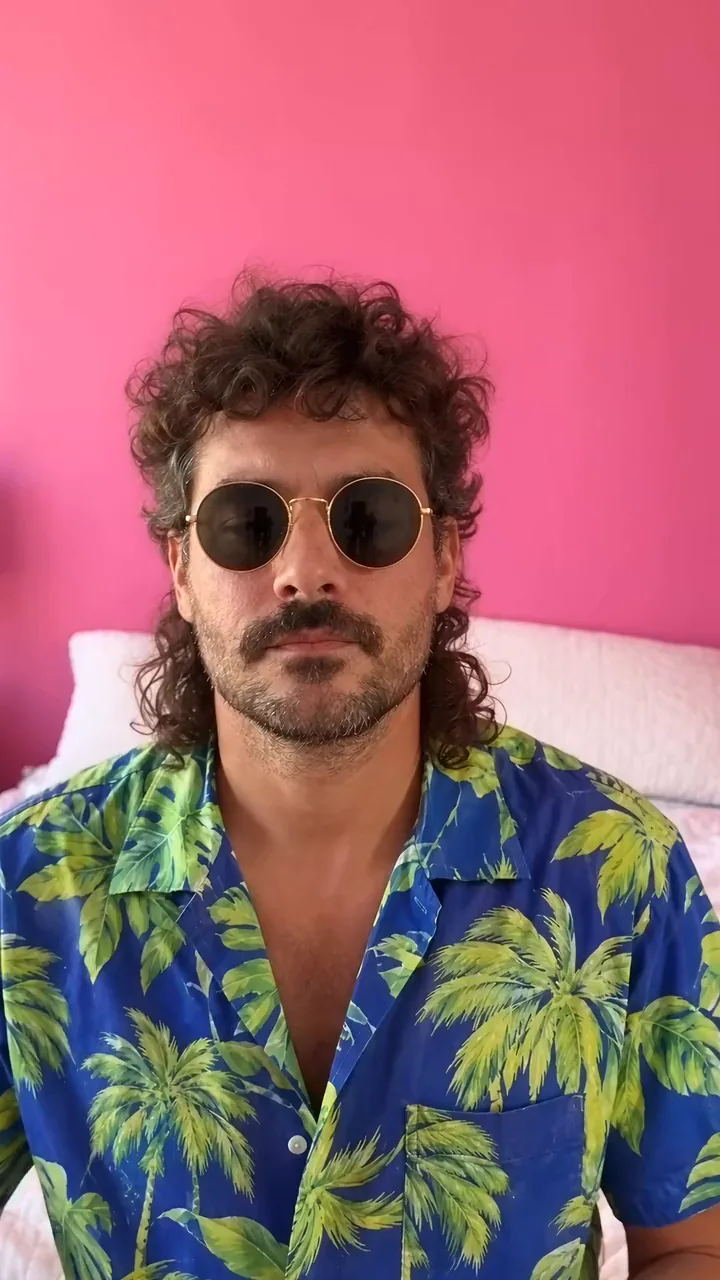
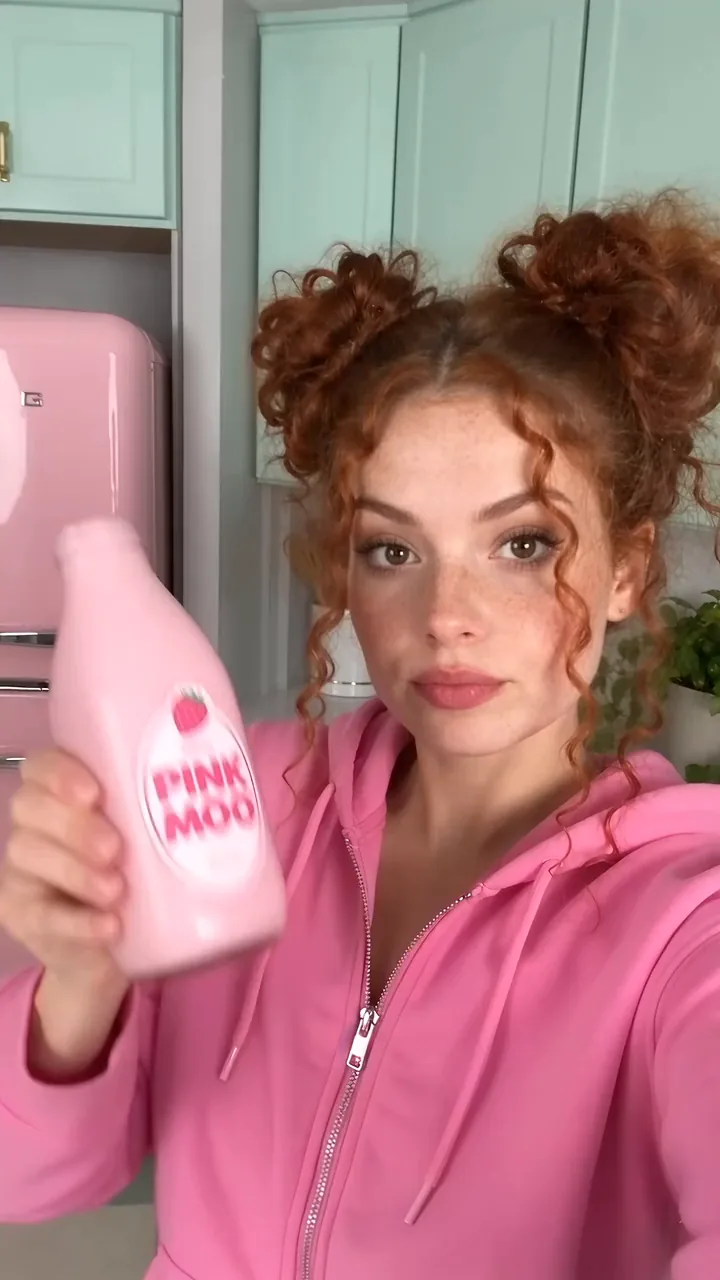
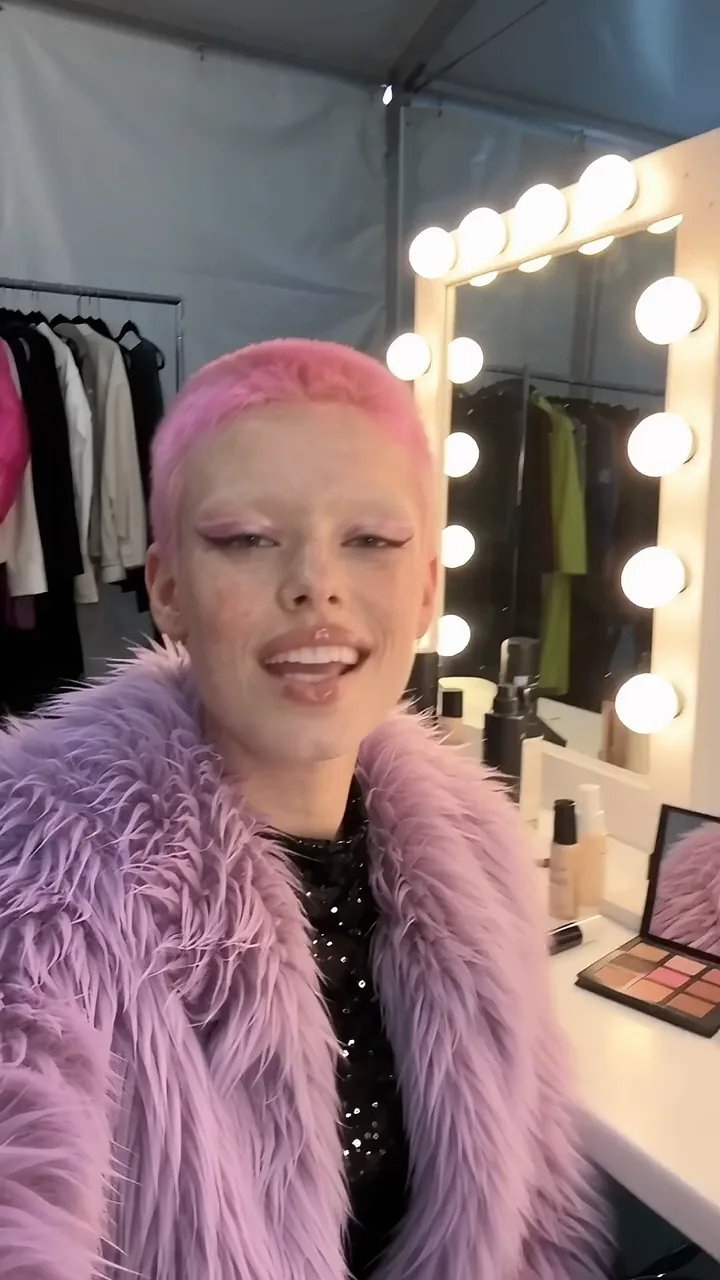
AI UGC videos

Bring a script and a presenter, and get back a stitched UGC-style video with a voiceover.

See what's been made

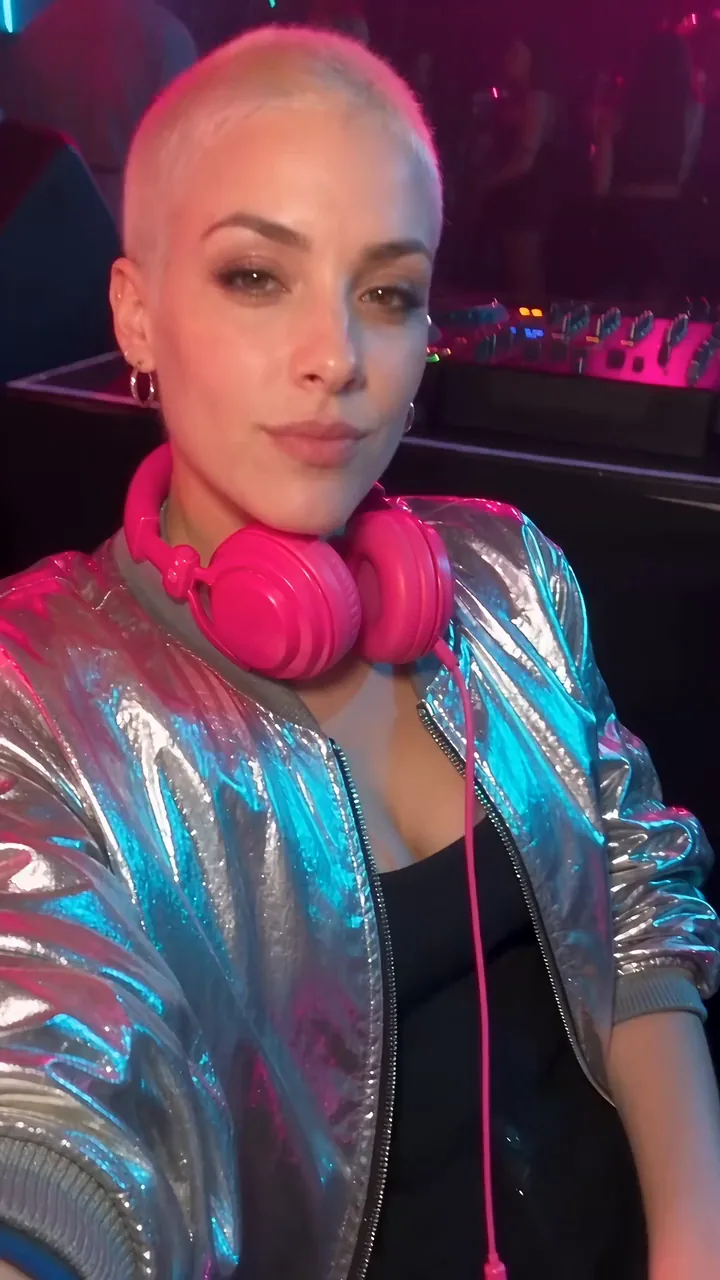
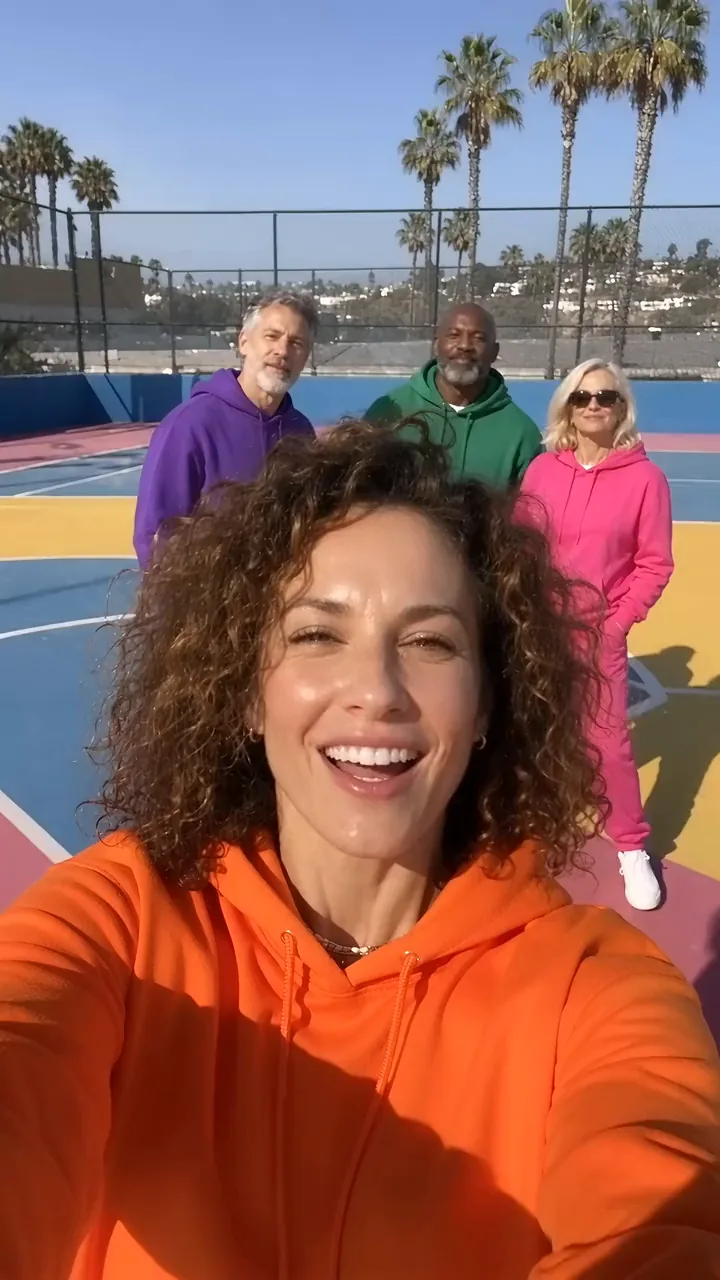
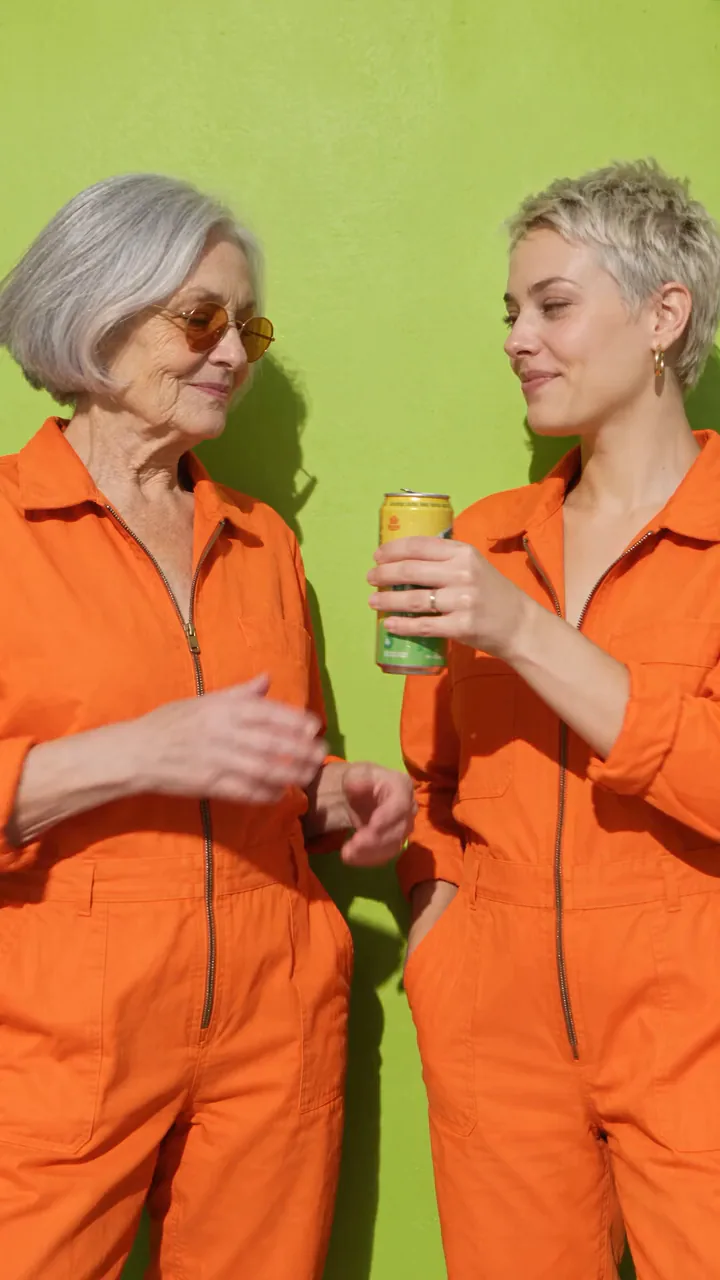
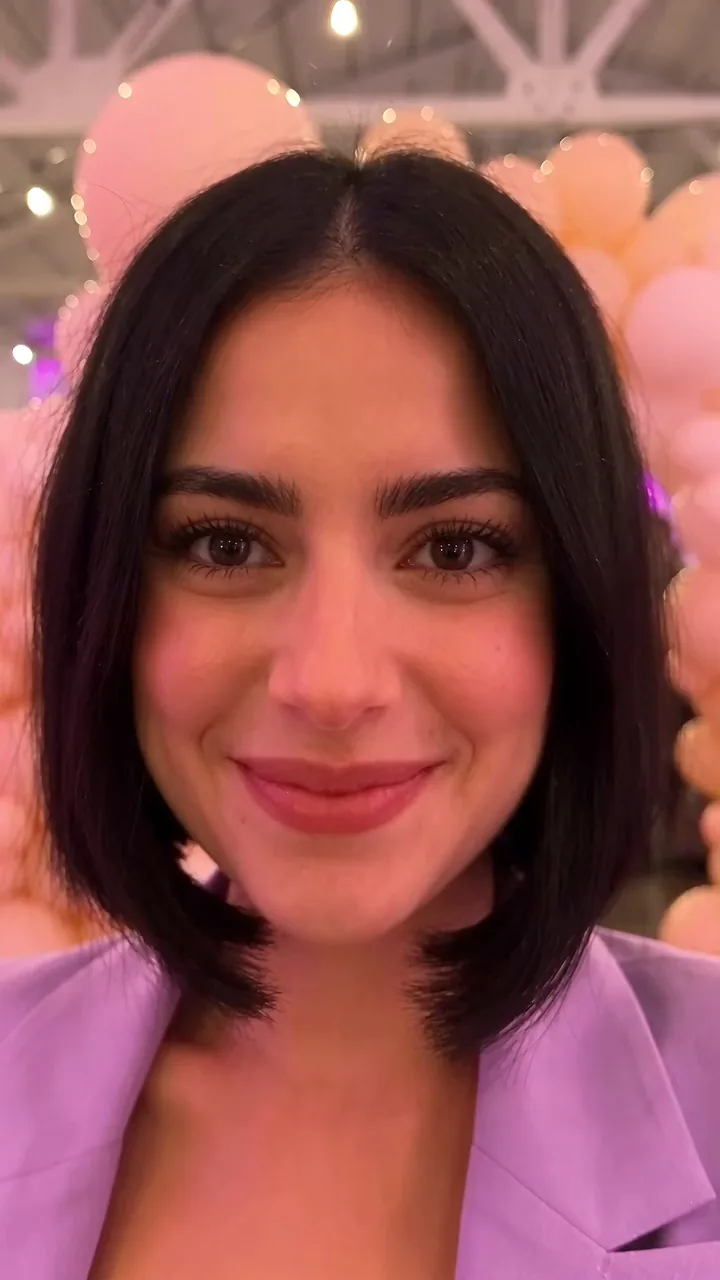
UGC videos made on Melius.

From script to UGC video

  1. Set up your presenterAttach a photo or a written description. Mel builds a character sheet of the presenter from four or five angles.
  2. Brief Mel on the videoShare the script, or just the idea, plus a product shot if something should appear on camera. Mel creates a video node for each clip with the character sheet wired in, and an audio node for the voiceover.
  3. Pick takes and stitchRun two or three takes of each clip and pick the strongest. A stitch node joins the clips in order. If one clip is weak, regenerate it on its own and the stitch keeps the rest.

UGC videos you can make

Cast has script templates for these and more, including podcast clips, founder stories and announcements.

Reviews

Talking-head reviews

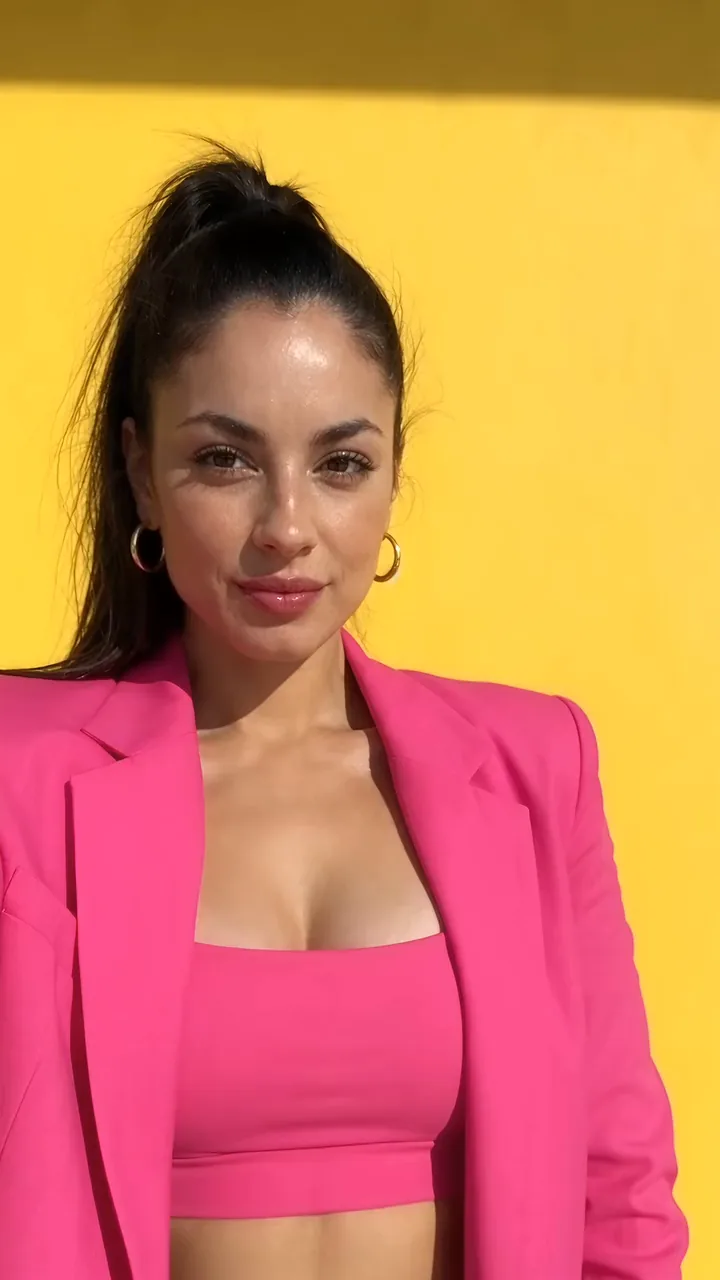
Someone on a couch or at a counter, talking straight into a phone camera about what they've tried. Start from the UGC review template in Cast, or write the script yourself. Seedance 2.5 holds the presenter's face steady across clips.

Unboxings

Unboxings and product demos

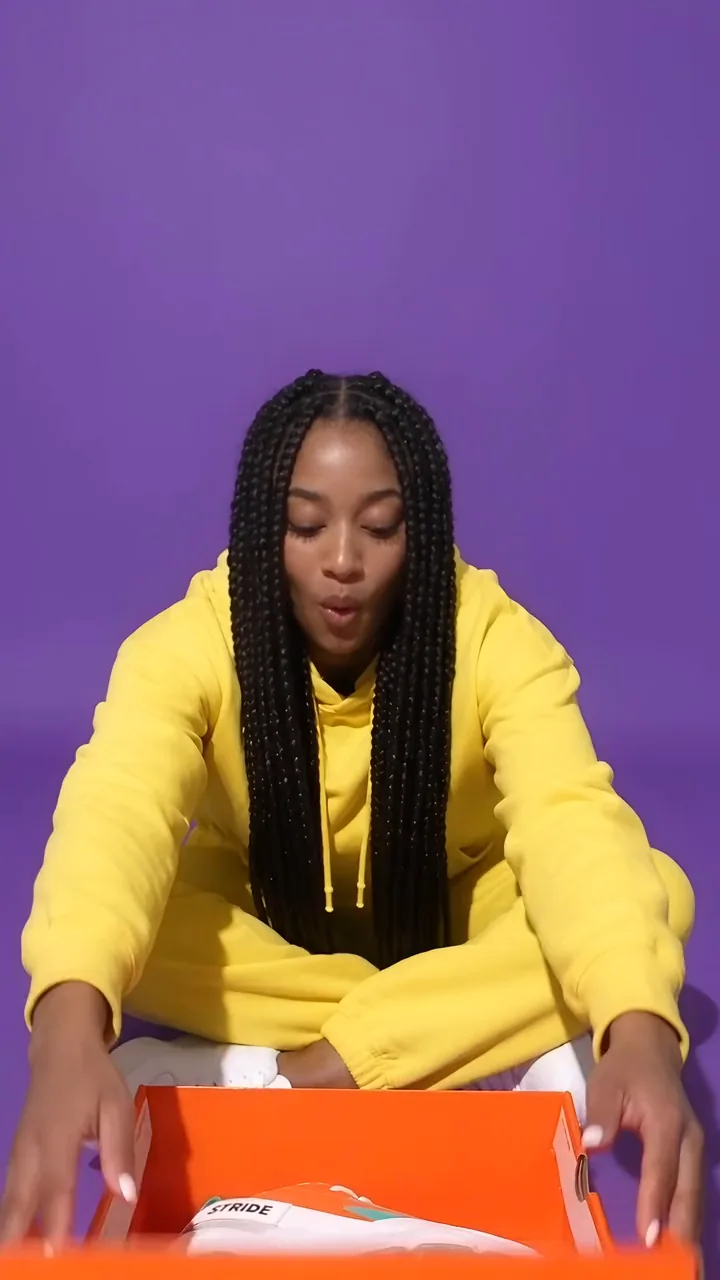
Connect your pack shot to every clip that shows the product, and the presenter holds your actual product instead of one the model invents. Cast has unboxing and before and after templates to start from.

Vlogs and trends

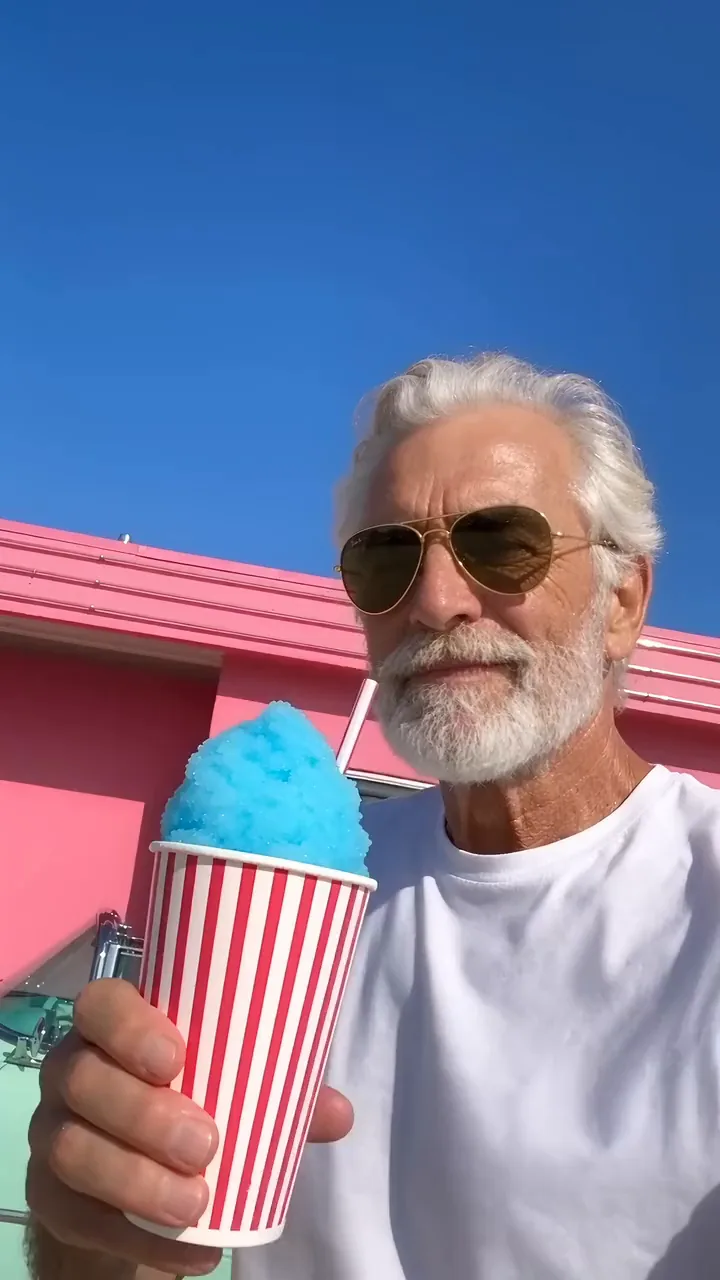
Vlogs, fit checks and trends

Copy the character sheet into each new canvas to keep one presenter across a whole series of posts. For a trend clip that already exists, Ditto swaps your own character into it.

Tutorials

Tutorials and explainers

Script one step per clip and stitch them in order. Generate the voiceover with ElevenLabs or clone your own voice. If the read is already recorded, Sync Lipsync v3 fits the mouth to it.

Try out Melius

Frequently Asked Questions

Which AI model is best for UGC videos?
Seedance 2.5 is the model to pick for a presenter's face, ElevenLabs v4 for the voiceover and HeyGen Lipsync when the audio is already recorded. Every one of these runs as a node on the same Melius canvas, next to Cast for AI avatar videos made from a script.
How do you make a UGC video with AI?
On Melius, give Mel a script and a photo or description of the presenter, plus a product shot if one appears. Mel builds a character sheet, generates each clip, adds the voiceover and stitches the clips into one video. Swap out any clip you don't like.
How do you make UGC video ads with AI?
Follow the same steps as any UGC video, with your product shot wired into each clip it appears in. To test a new opening, regenerate only the first clip and run the stitch again.
Can AI write the script for a UGC video?
Yes. Give Cast a one-line idea and it drafts the script for you. The UGC review, vlog and tutorial templates give it a starting shape, and a script you've written can go straight in.
How do you make a UGC video with your own face?
Upload photos of yourself as references and Cast builds an avatar from them. Only use a real person's likeness with their permission.
How do you keep the same presenter across UGC clips?
Build a character sheet first. It shows the presenter from four or five angles, and connecting it to every video node keeps the face, clothing and style the same from cut to cut.

Contact Sales

Tell us about your team and what you’re making, and we’ll get back to you with how Melius fits.