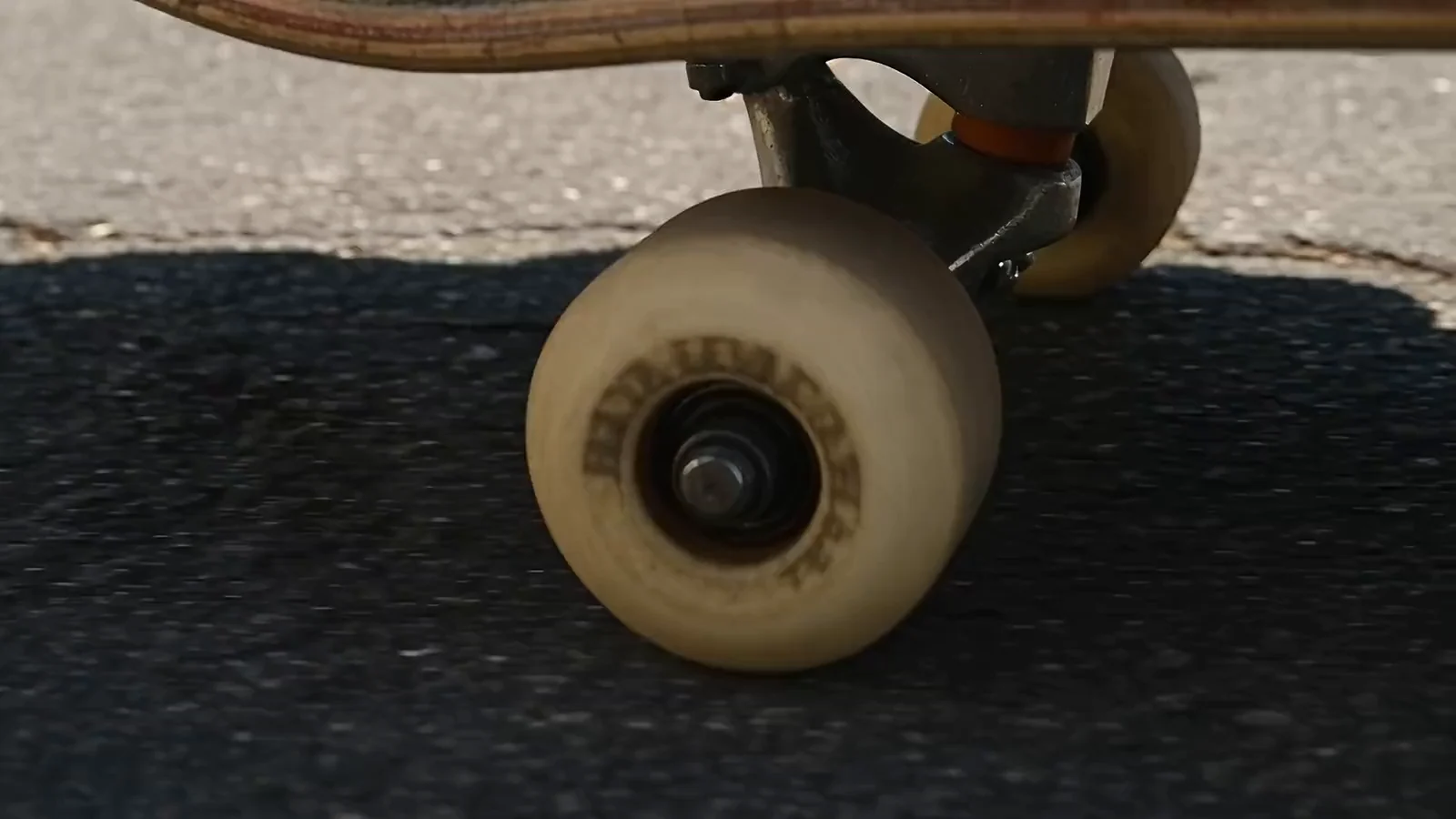
Street skate b-roll: a skater rolling across a concrete plaza and grinding a stair rail

Feature

AI video generator

Write a prompt or upload a photo or clip and generate video from the latest versions of Veo, Kling, Seedance, MiniMax, and other leading models, side by side on the same canvas, all on one subscription.

See what's been made

From prompt to finished video

  1. Start with a prompt, a still or a clipPrompt the shot you want. Give a description, a photo to animate or a clip to extend.
  2. Brief your agentTell Mel, the Melius creative execution agent, or your own agent what you'd like to make. It sets up the nodes, choosing the model to run for each shot, then generates your video.
  3. Review and finishRun one shot through two models and keep the take you prefer. If a shot misses, edit that node and rerun it without redoing the rest. Then stitch the shots into one cut.

What you can make

Every video model is good at different shots. Melius lets you put each one on the shot it handles best.

Cinematic shots

Hero shots, landscapes and big camera moves. Veo 3.1 is strong on sweeping moves and atmospheric light.
People and characters

Talking heads and character scenes. Seedance 2.5 handles faces well and keeps the same person recognizable from clip to clip.

Dialogue and sound

Kling 4.0 generates speech with the picture. For a clip that's already cut, Sonilo adds sound effects.

Lip sync to your own audio

Already have the voiceover? Kling Lipsync or HeyGen Lipsync matches a face to it.

Longer clips

Wan 3.0 generates clips up to 30 seconds long, and MiniMax H3 Max Extend adds 5 to 15 seconds to a clip you already have.

Restyled footage

Change the weather or the palette with a prompt. Flux 3 Edit keeps the clip's motion and framing.

Try out Melius

Frequently Asked Questions

What is the best AI video generator?
Veo 3.1 is the model to pick for cinematic camera movement, Seedance 2.5 for faces and characters, Kling 4.0 for dialogue, Wan 3.0 for longer clips and Flux 3 Edit for restyling footage you already have. Melius runs all of them, so one shot can go through several and you keep the take you like.
Can AI generate video with sound?
Yes. Veo 3.1 and Kling 4.0 generate audio in the same pass as the picture. To match a face to audio you already have, use a lip-sync model such as Kling Lipsync or HeyGen Lipsync instead.
Can you use Veo, Kling and Seedance without separate subscriptions?
Yes. Melius puts Veo, Kling, Seedance, MiniMax, Wan and other leading video models on one plan, so you don't need separate accounts with Google, Kuaishou or ByteDance. See the models page for the full lineup and pricing for plans.
Can you turn an image into a video with AI?
Yes. Upload a still and describe the motion you want to Mel.
How do you make an AI video?
Describe the shot, or start from a photo or a clip, and Mel picks a video model for each shot and generates it. Keep the takes you like, rerun any shot that misses, then stitch the shots into one cut.
Can you use Melius for text-to-video generation?
Yes. Describe the shot, including the action and the camera move, and Mel will run it through a text-to-video model. Each shot keeps its own prompt, so you can change one and rerun just that shot.
Can you generate AI video through an API or MCP?
Yes. Video generation runs through the Melius API and CLI as well as the app, and the MCP (Model Context Protocol) server lets agents such as Claude, ChatGPT and Codex build and run video canvases for you. Setup is on the MCP, API and CLI page.

Contact Sales

Tell us about your team and what you’re making, and we’ll get back to you with how Melius fits.