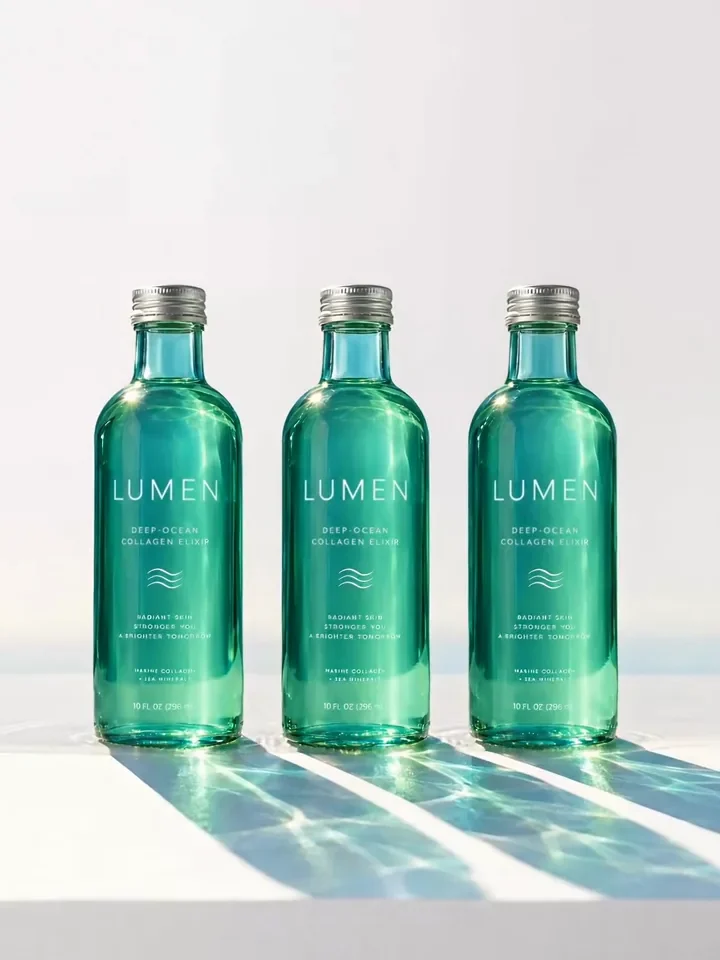
Lumen collagen elixir bottles in a row

Use case

AI product videos

Upload a product photo, describe the motion and get back a short product video for your store, ads or social.

See what's been made

Product videos made on Melius.

From product photo to product video

  1. Bring the product photoUpload a product shot you've already approved, or use one that's on the canvas. The clip starts from it, so the product matches the one on your listing.
  2. Brief MelSay how the product should move and what must stay still. Mel, the Melius agent, writes the motion prompt, picks a video model and runs image to video from your photo.
  3. Refine and exportEdit the prompt and rerun the clip. Each rerun is saved as a new version, so you can compare takes. Cut the ones you keep in the video editor and download an MP4.

What you can make from one product photo

Product photo to video

Image to video animates a still in 1 to 3 minutes. A six-second clip is long enough to loop and short enough to render fast.
360 product spins

Connect your pack shot as the reference image and describe a turntable spin, so the product stays consistent through the clip. Or start from the Product 360 Video Generator template.

Looping videos

The Image to Boomerang template turns a product still into a short loop for Reels and Stories.

Product reveals

Veo 3.1 is strong on camera movement and lighting, so use it for reveal shots and product-in-motion sequences.

Clips with people

When there's a person in the shot, Seedance 2.5 handles faces and keeps the same person consistent across clips.
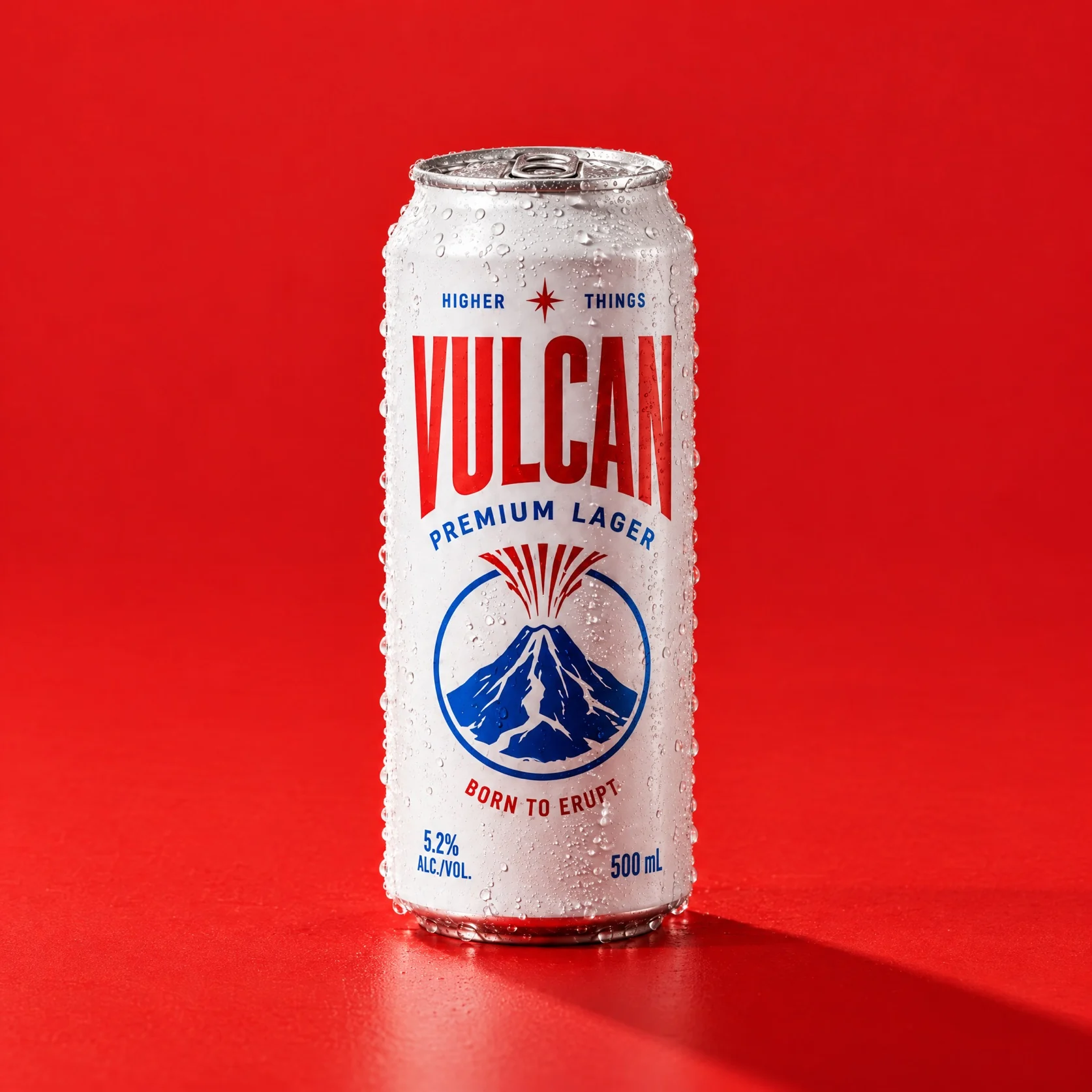
A closed Vulcan lager can on red
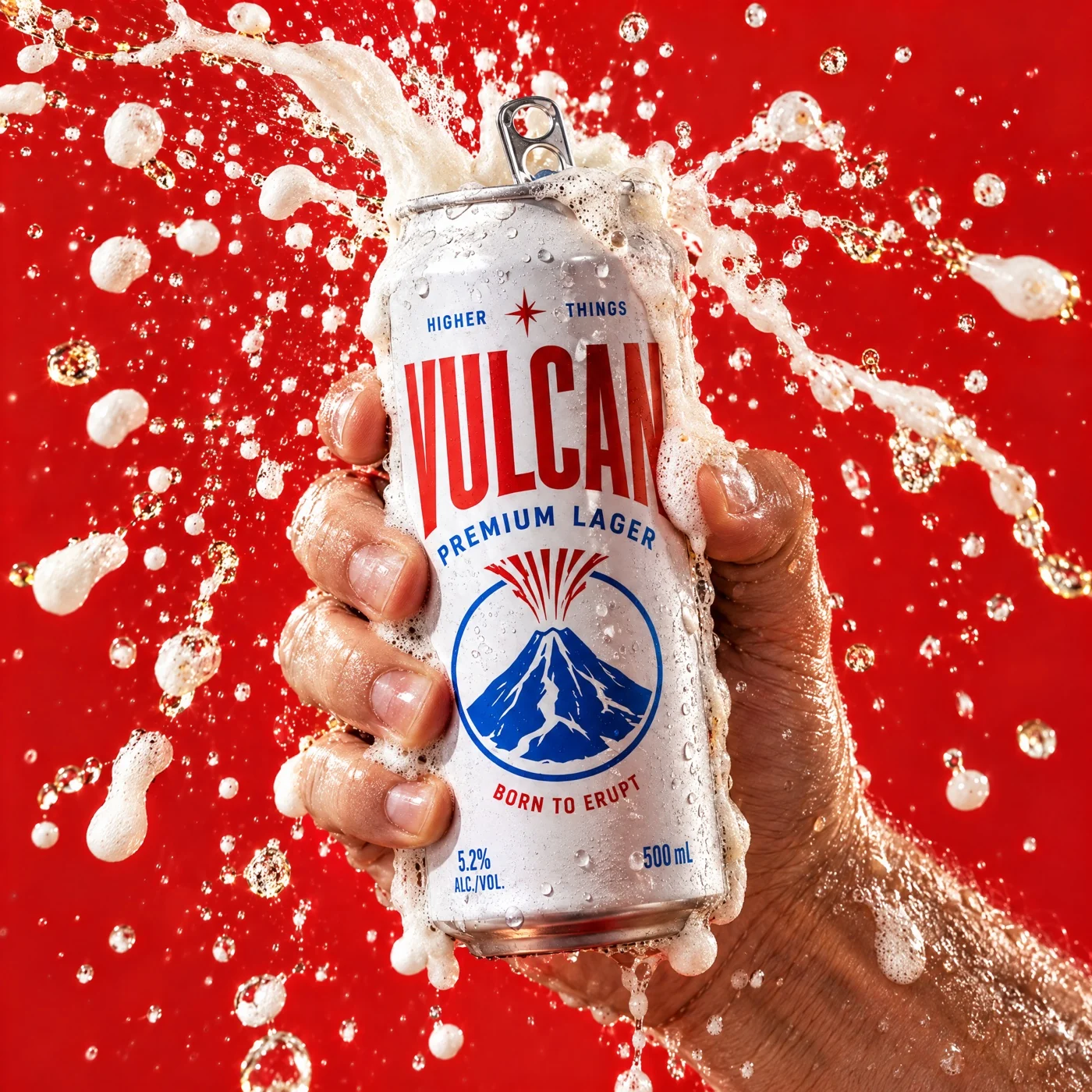
A Vulcan can held through a fizz splash
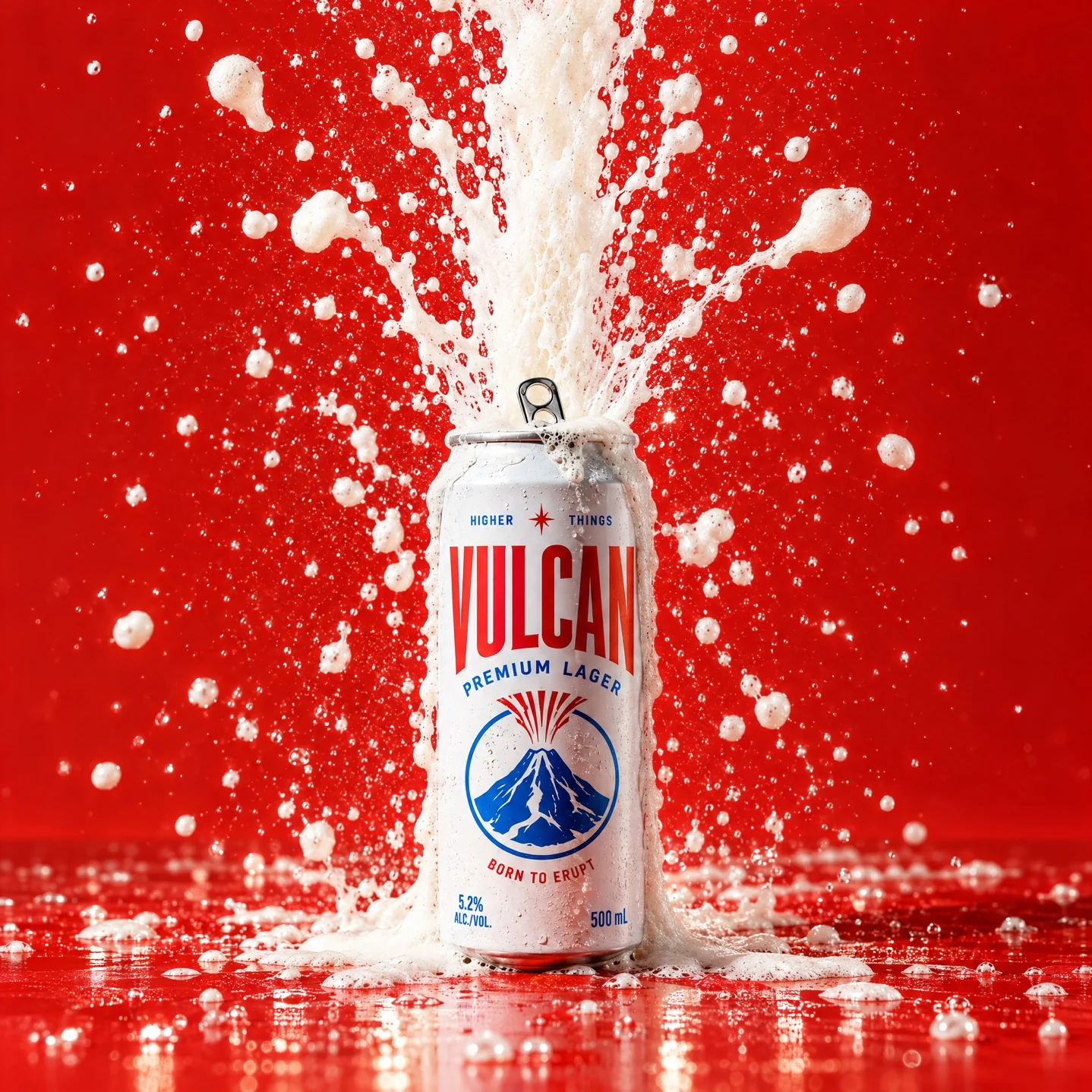
A Vulcan can in a full fizz eruption

Multi-shot product videos

Chain shots so each one starts on the last frame of the one before. Then trim them and cut the video in the editor. Audio nodes generate music and voiceover to add to the cut.

Try out Melius

Frequently Asked Questions

How do you turn a product photo into a video with AI?
Upload the photo and describe how it should move. On Melius, Mel turns that into a motion prompt and runs image to video on your photo.
How do you turn an image into a video with AI?
Run image to video on it. The image becomes the first frame and a video model animates it from your motion prompt. On Melius you can pick the video model on the node, such as Veo 3.1 for camera moves or Seedance 2.5 for people, or let Mel choose one for each step.
How do you make a 360 product video with AI?
Connect your pack shot to a video node as the reference image and describe a full turntable spin with a locked camera. Run 2 or 3 takes and keep the one where the product stays truest to the pack shot.
How do you keep the product accurate in an AI product video?
Start from an approved product photo and tell the video model what must not change. Saying what stays still matters as much as saying what moves, so the video model doesn't animate the label and text along with everything else.
How do you make a looping product video for Reels and Stories?
Run the Image to Boomerang template on your product photo, or put the same image in as the first and last frame of a video node, on a video model that accepts a last frame. Set the ratio to 9:16 and ask for a clip that loops cleanly.
Which AI video model is best for product videos?
Veo 3.1 suits camera moves and product reveals, and Seedance 2.5 is the better pick when a person is in the clip. Mel picks a video model for each step unless you choose one from the library of leading models.
Can you make product videos for a whole catalog?
Yes. Build the workflow once on one product, then ask Mel to swap in the rest of the product photos. The downstream nodes rerun with the same prompts and connections.
How do you make product videos for different placements?
Set the aspect ratio on the video node, such as 9:16 for Reels, 1:1 for the feed or 16:9 for a product page, and generate a version at each one. Magic Resize is built for images, so for video you'll generate each ratio.

Contact Sales

Tell us about your team and what you’re making, and we’ll get back to you with how Melius fits.