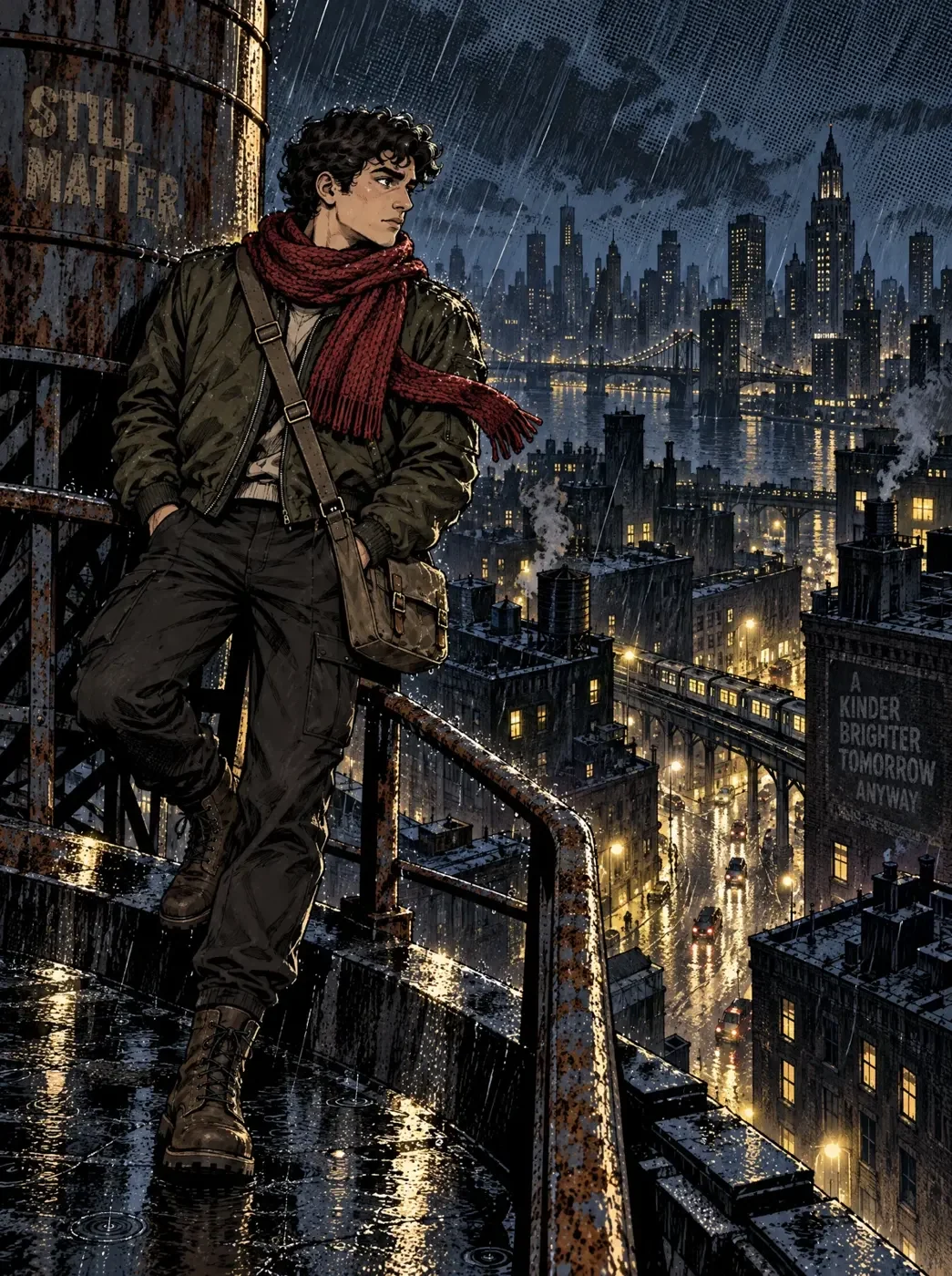
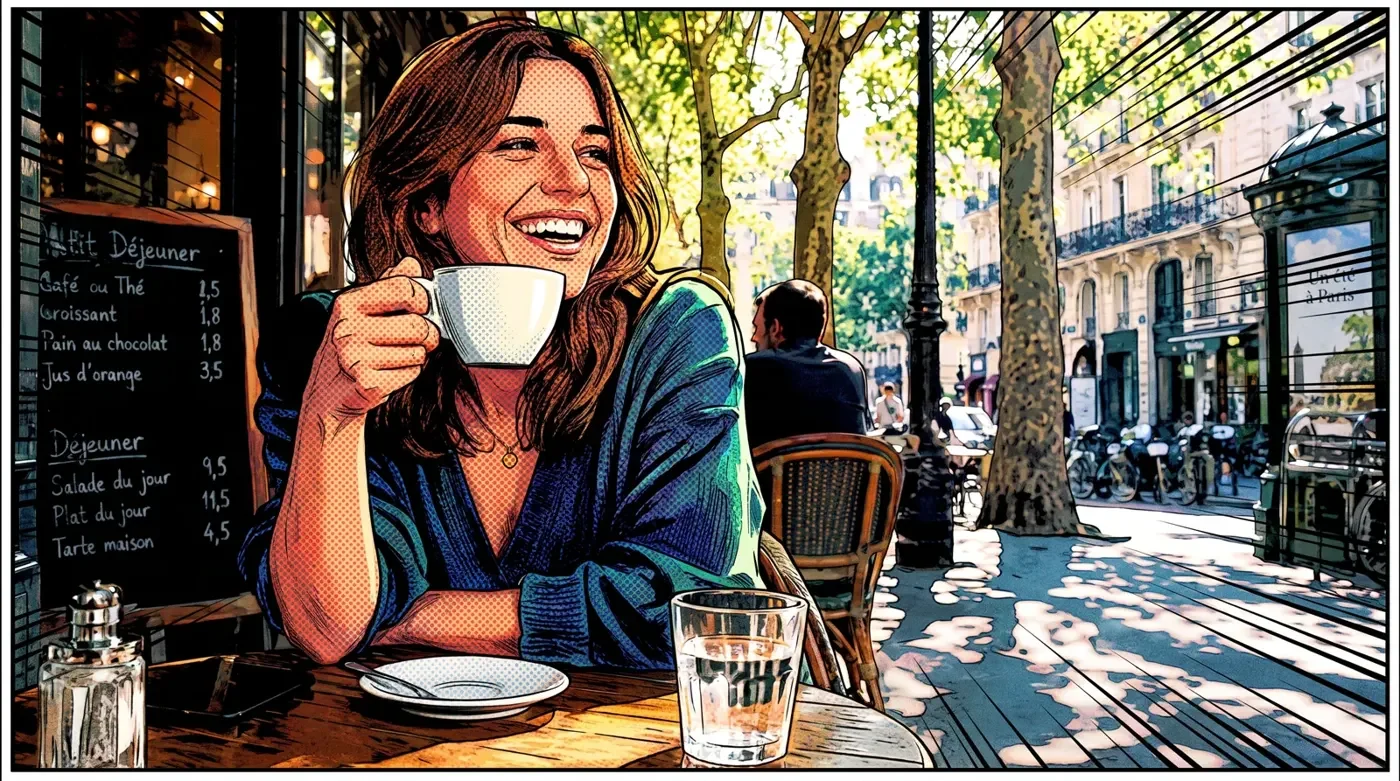
A comic panel of a courier perched on a rainy rooftop

Use case

AI comic generator

Upload a photo or describe a scene and get back comic panels, with the same characters and style carried from one panel to the next.

See what's been made

Comic panels, characters and illustrated scenes made on Melius.

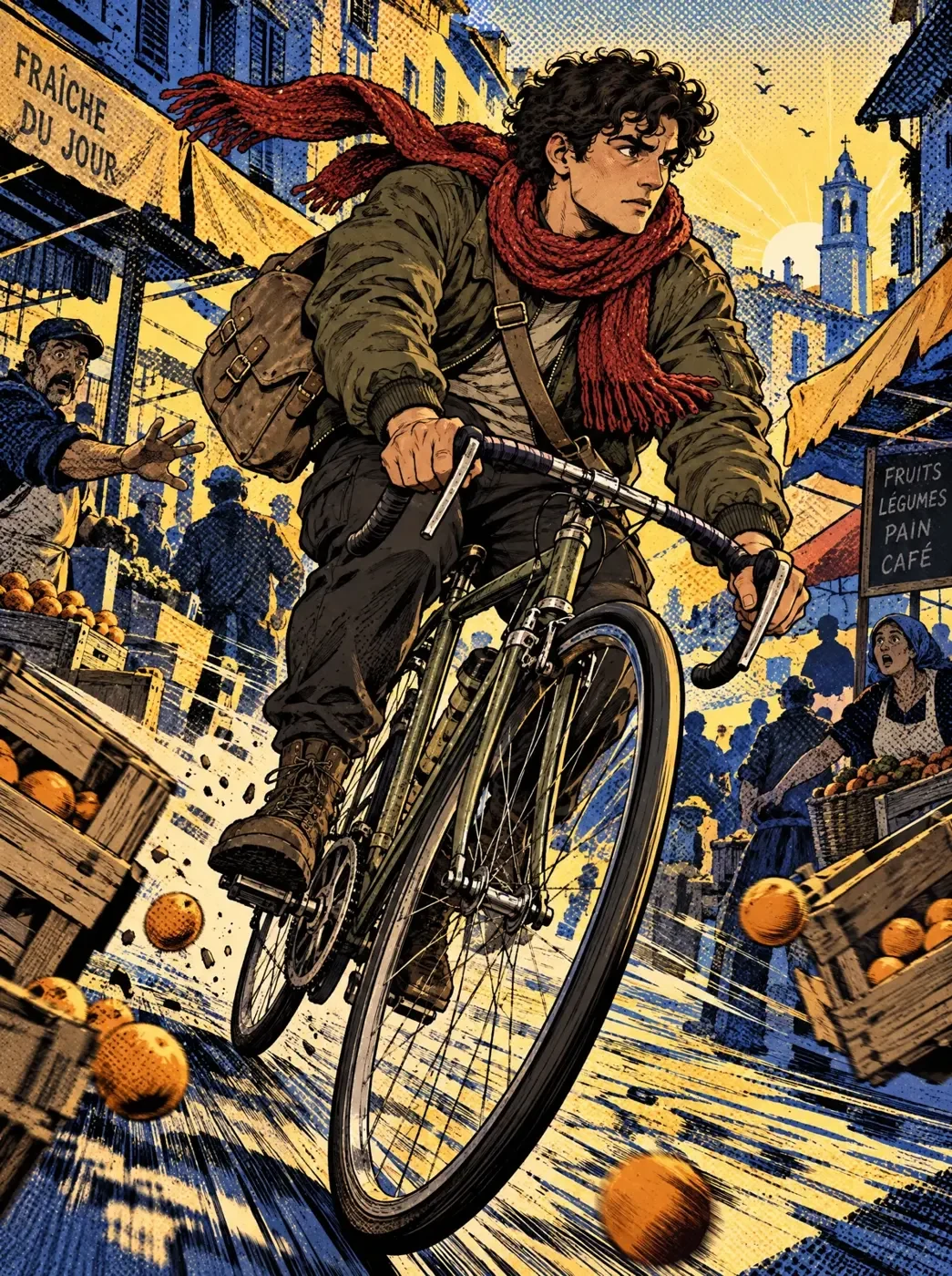
A comic panel of a cyclist riding through a dawn market
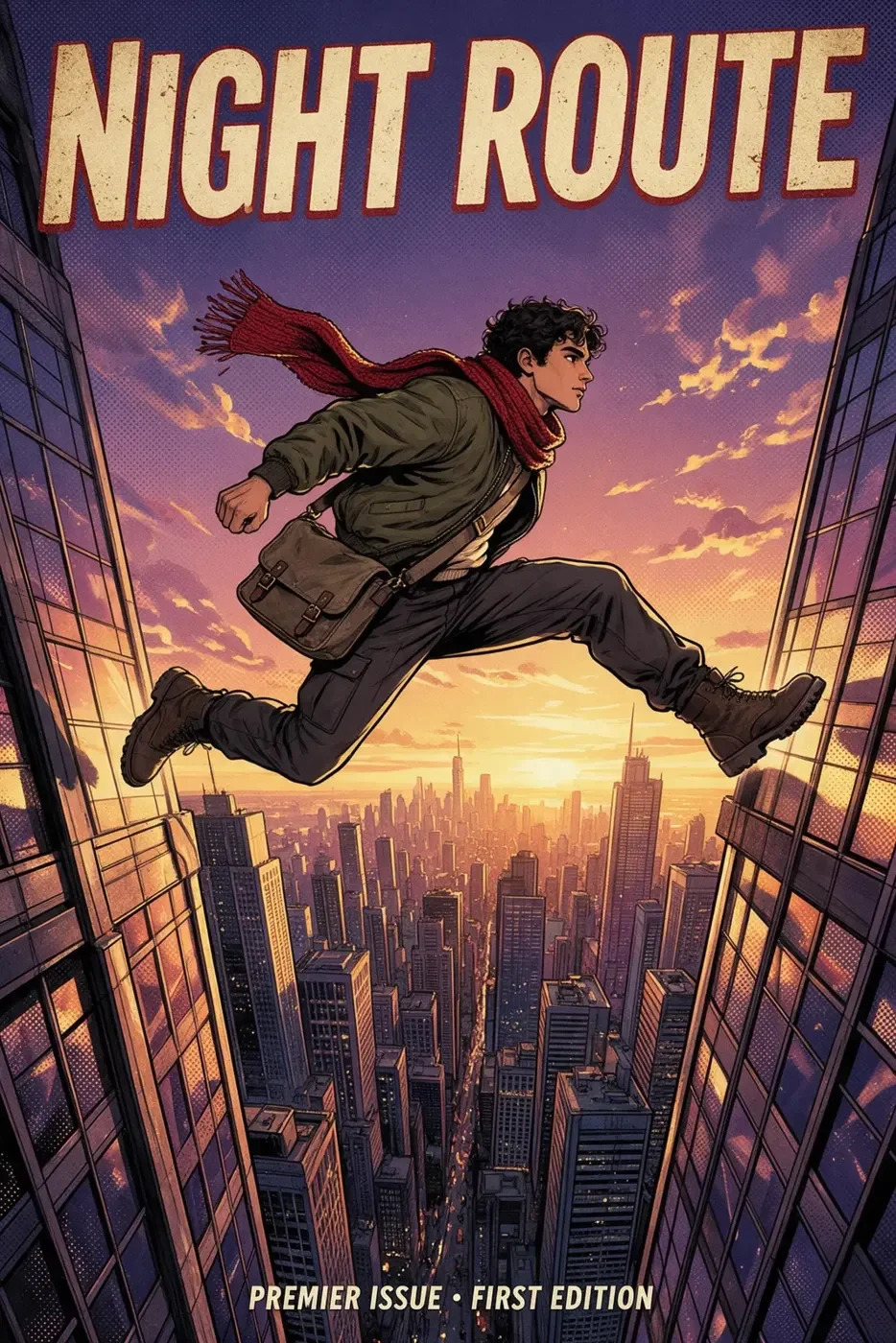
A comic cover titled Night Route
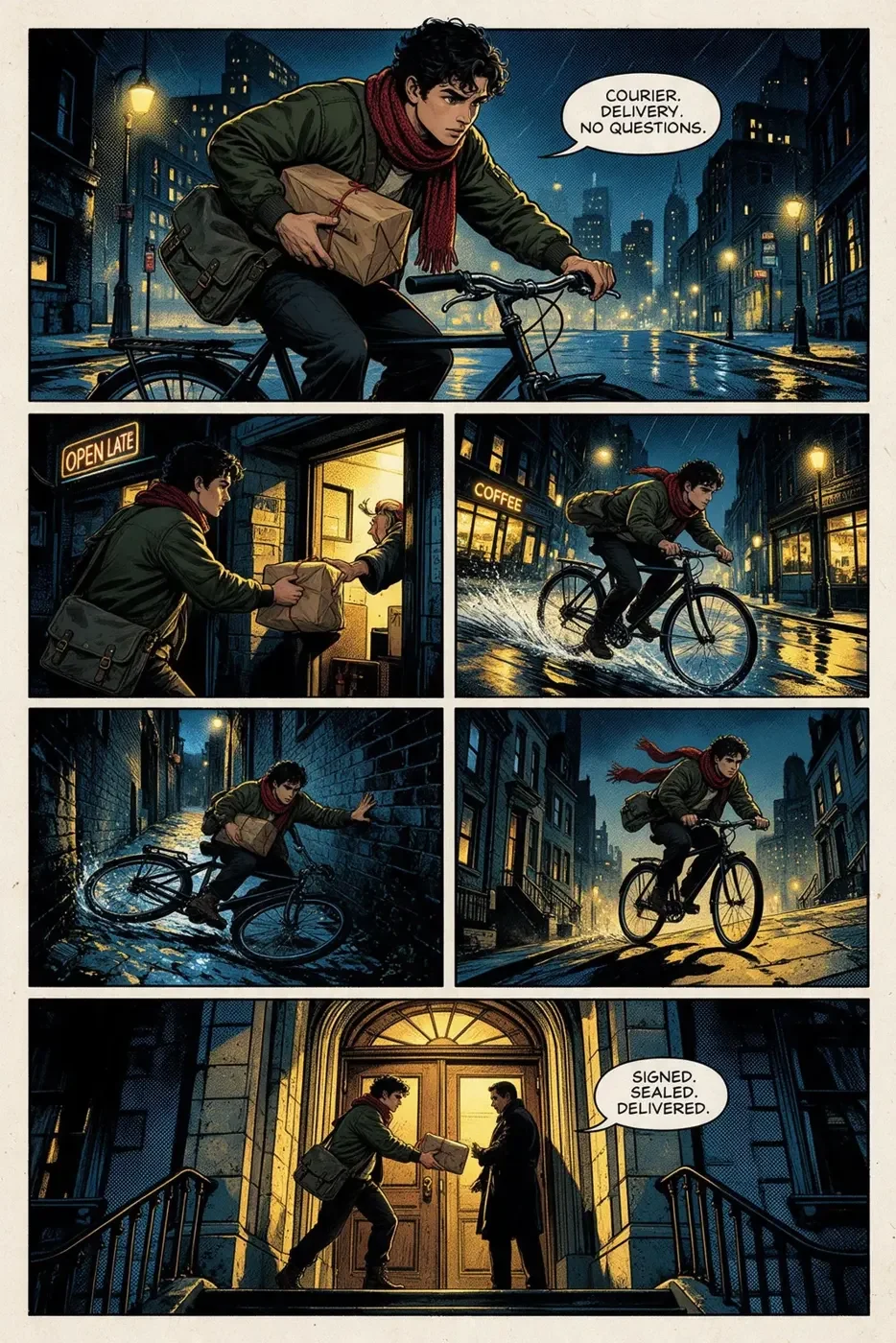
A full comic page titled The Delivery
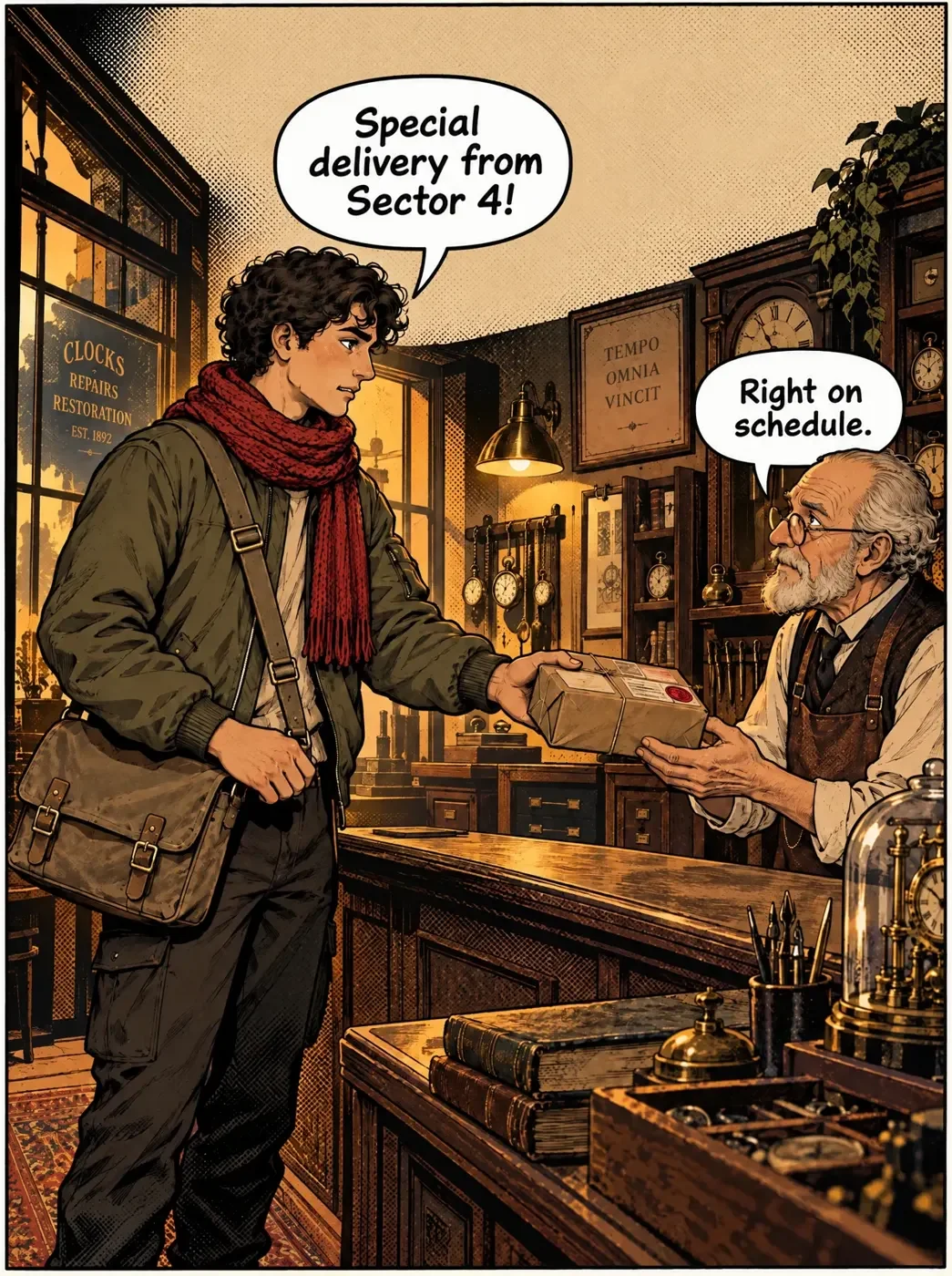
A lettered dialogue panel in a shop
A comic panel of a courier on a rainy rooftop

From photo or prompt to comic panels

  1. Bring a photo or an ideaUpload a photo to restyle or a sketch to work from, or just describe the scene. Add 2 to 10 images in the comic book style you want as references.
  2. Brief MelDescribe the characters and what happens in each panel. Mel, the Melius agent, builds the workflow and picks an image model for each step. Set the variation count to 3 or 4 so you can pick the closest to what you want.
  3. Refine and letterRerun any panel that misses and fix small areas with Inpaint. Then add dialogue and captions as text layers in a Studio node, in your own font if you have one.

What you can make

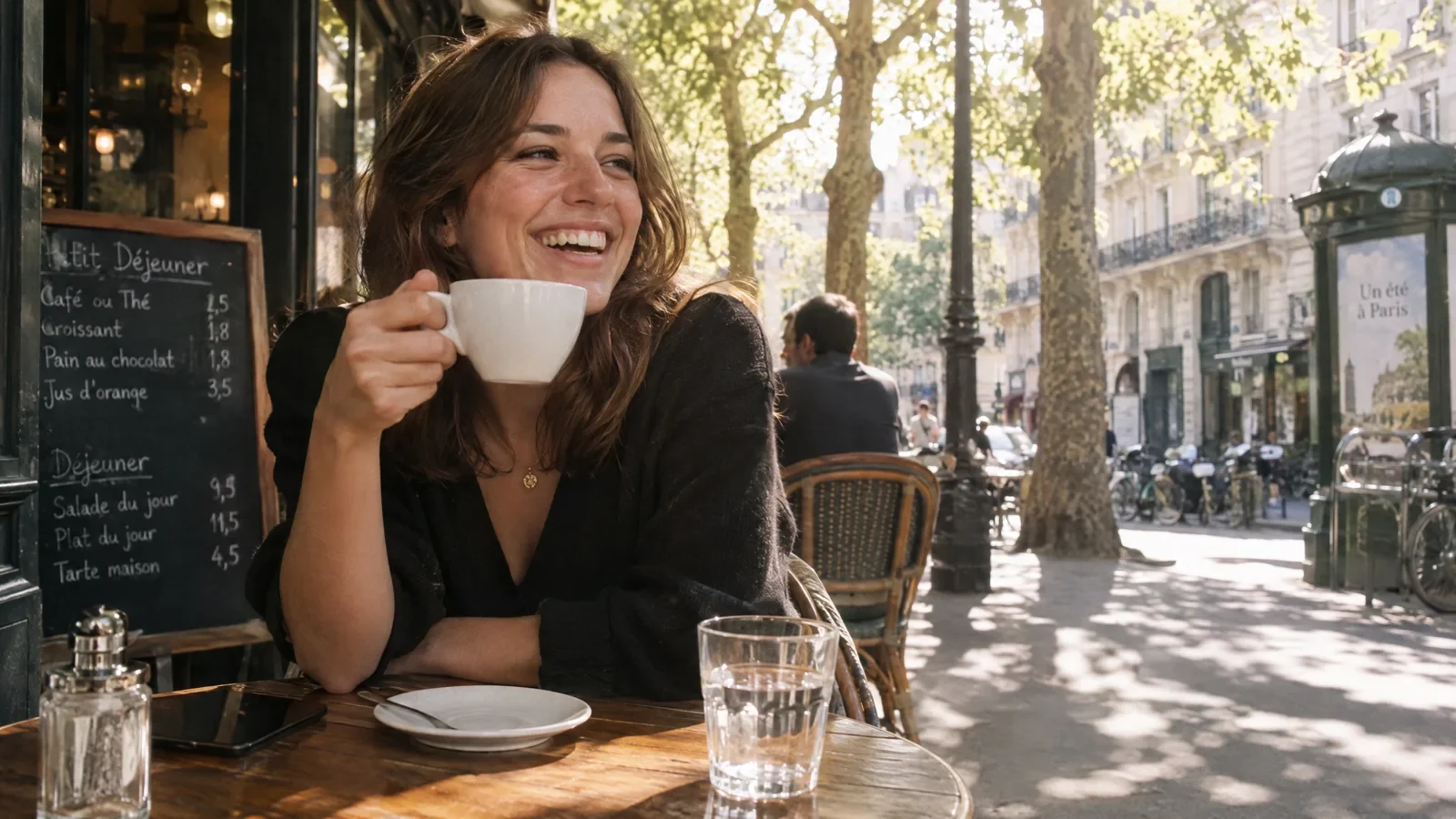
A photograph of a woman in a cafe
The same photograph restyled as comic art

Photo to comic

Run the Comic Book Style template on a photo you bring to restyle it in a comic book look.
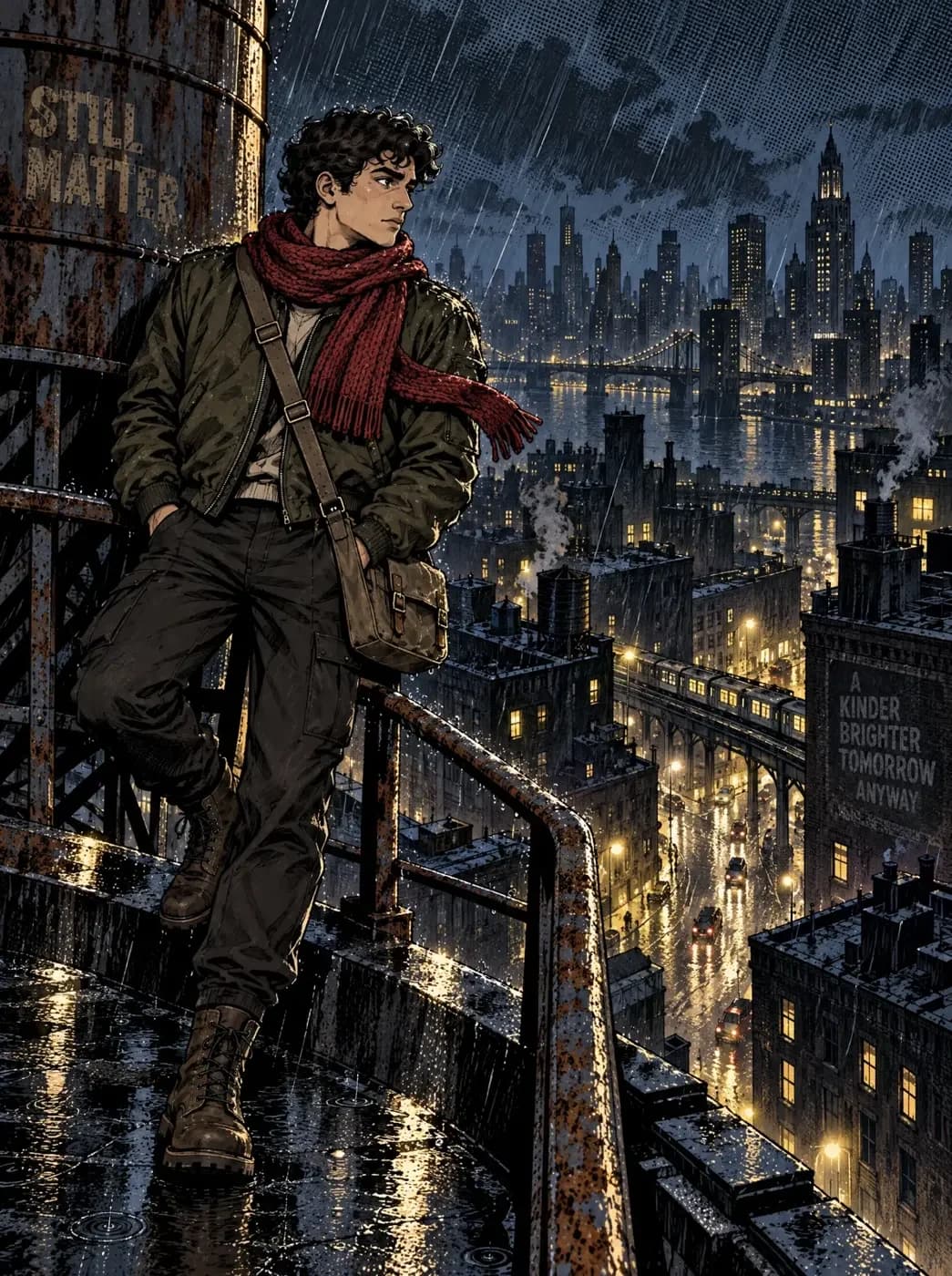
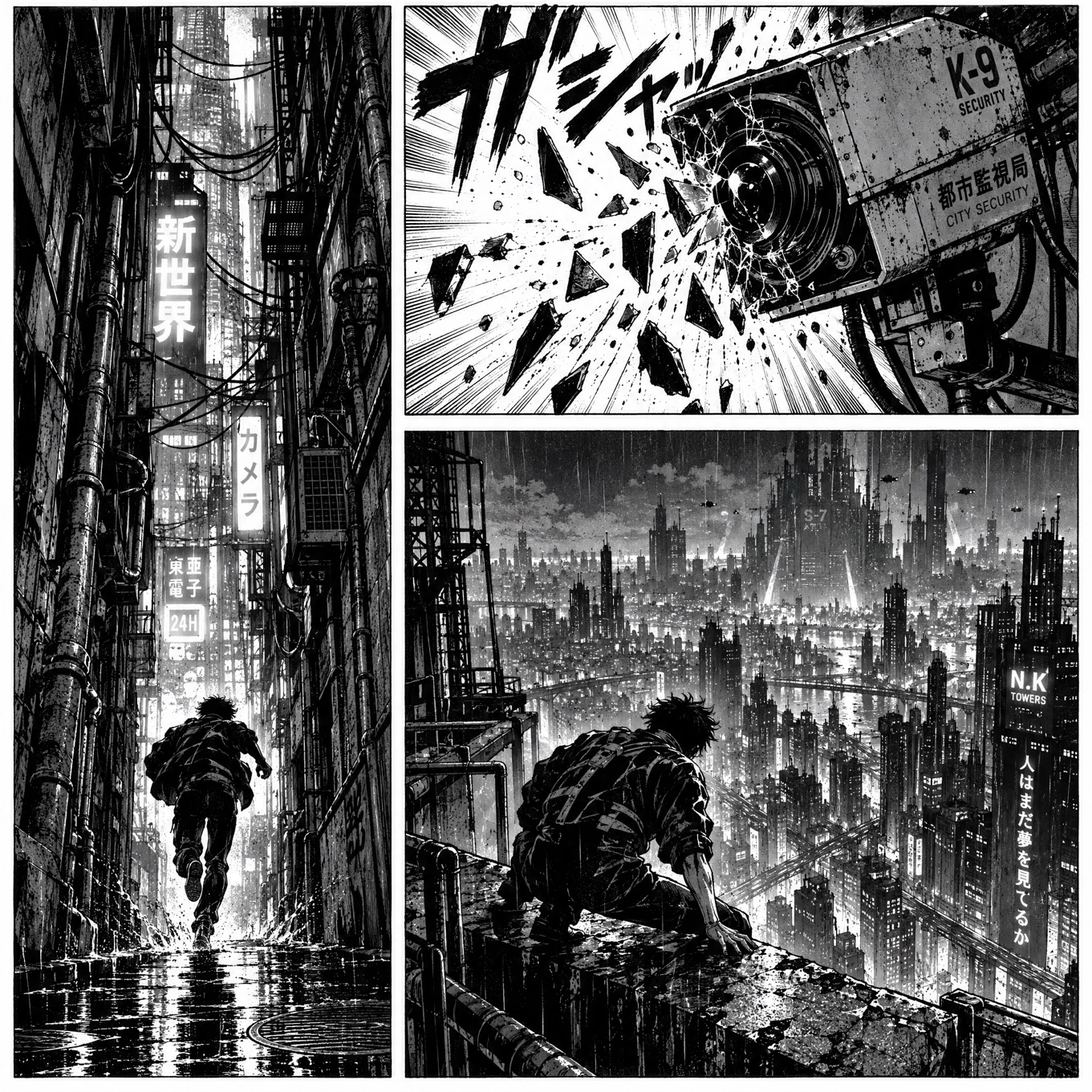
A comic panel of an alleyway breach

Panels from a prompt

Describe a scene and generate it as a panel. Connect a reference image when you want the result to follow one.
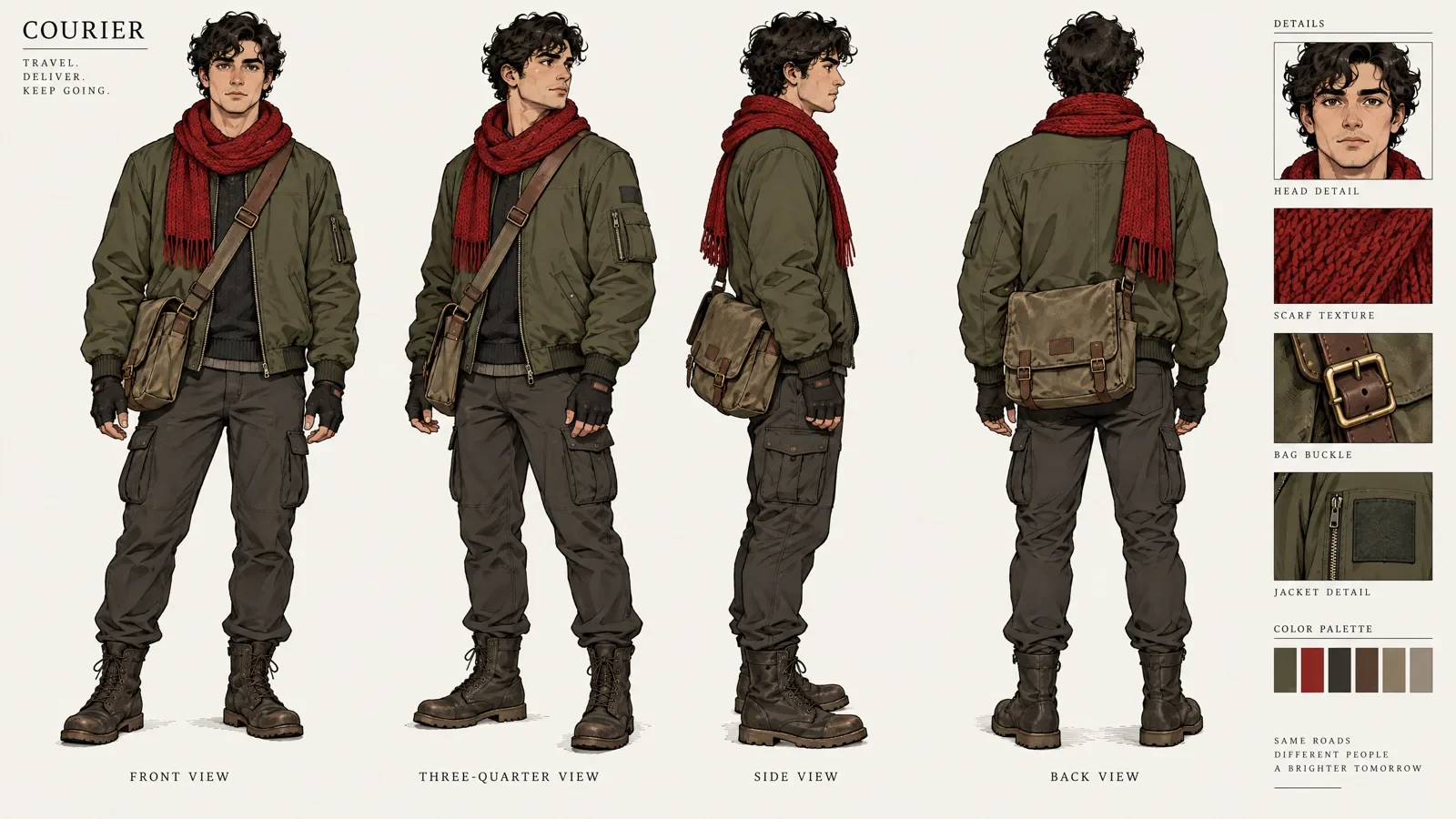
A character sheet of the courier in four views

Consistent characters

Build a character sheet once and connect it to every panel. It helps the same face and costume carry through the whole story.
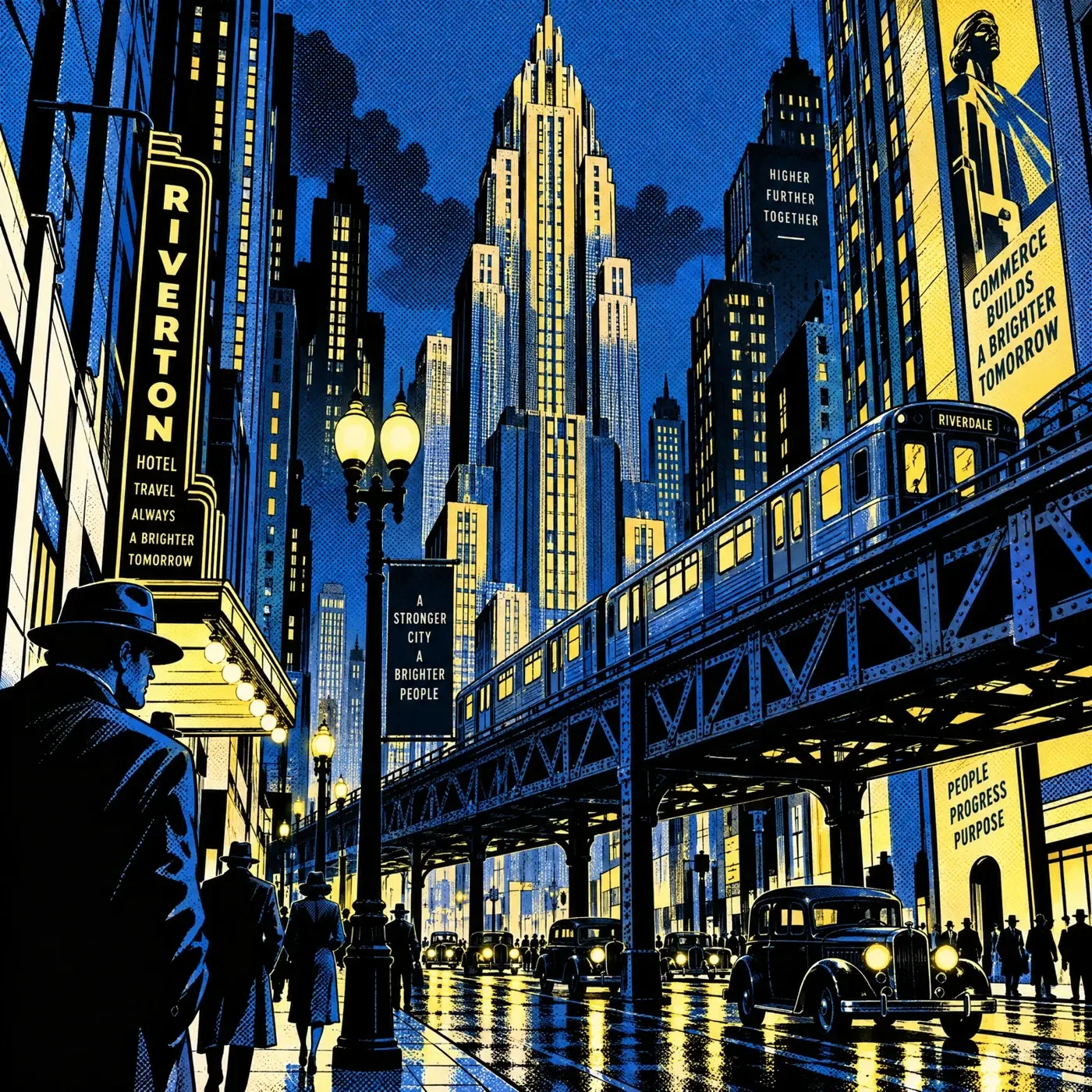
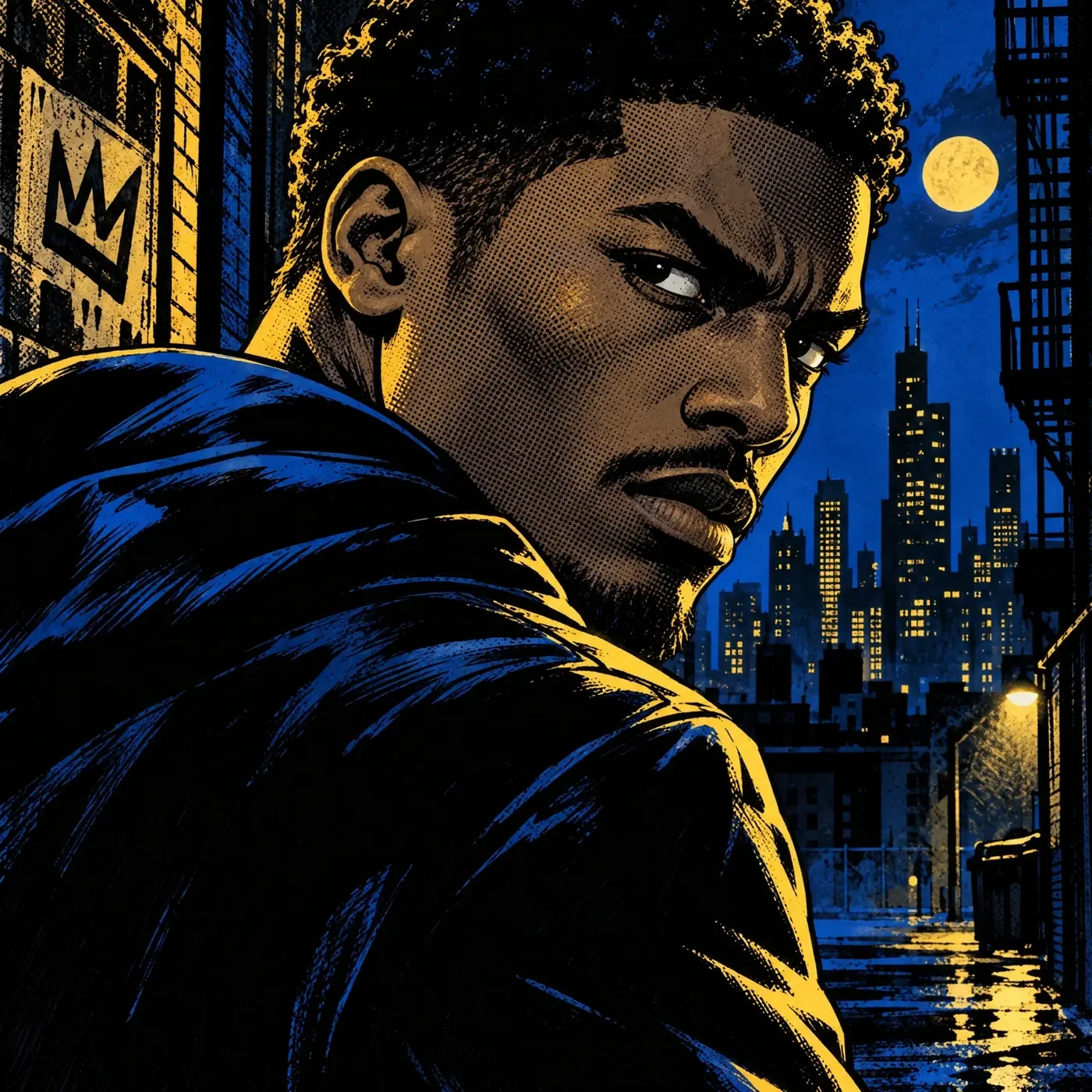
A style reference of a city canyon at night
A noir style reference portrait

A comic style you can reuse

Run Image Style Analysis on 2 to 10 reference images. It writes the style down as text, so the next panel and the next issue can use the same look.
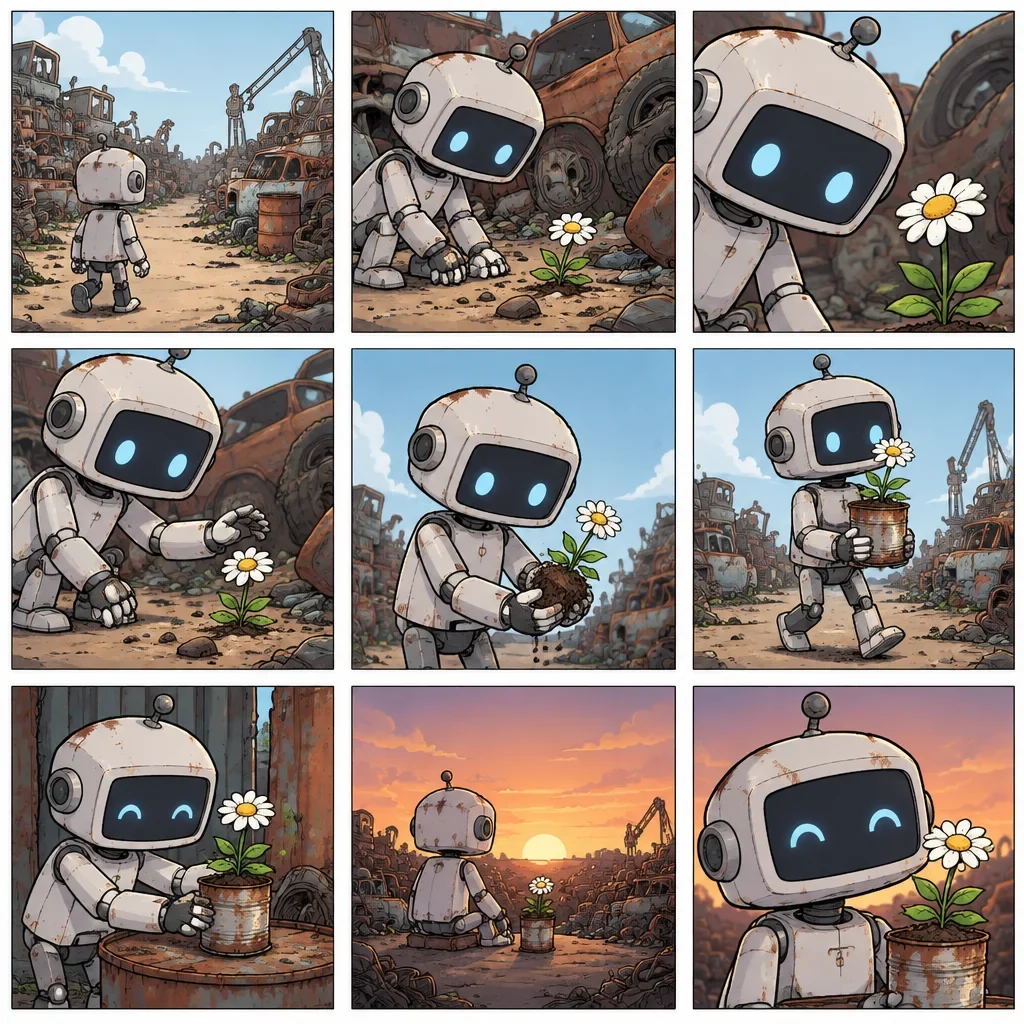
A nine panel storyboard of a robot

Storyboard from a single image

The Storyboard template turns a single image into a nine-panel storyboard, a quick way to plan the beats before you render each panel.
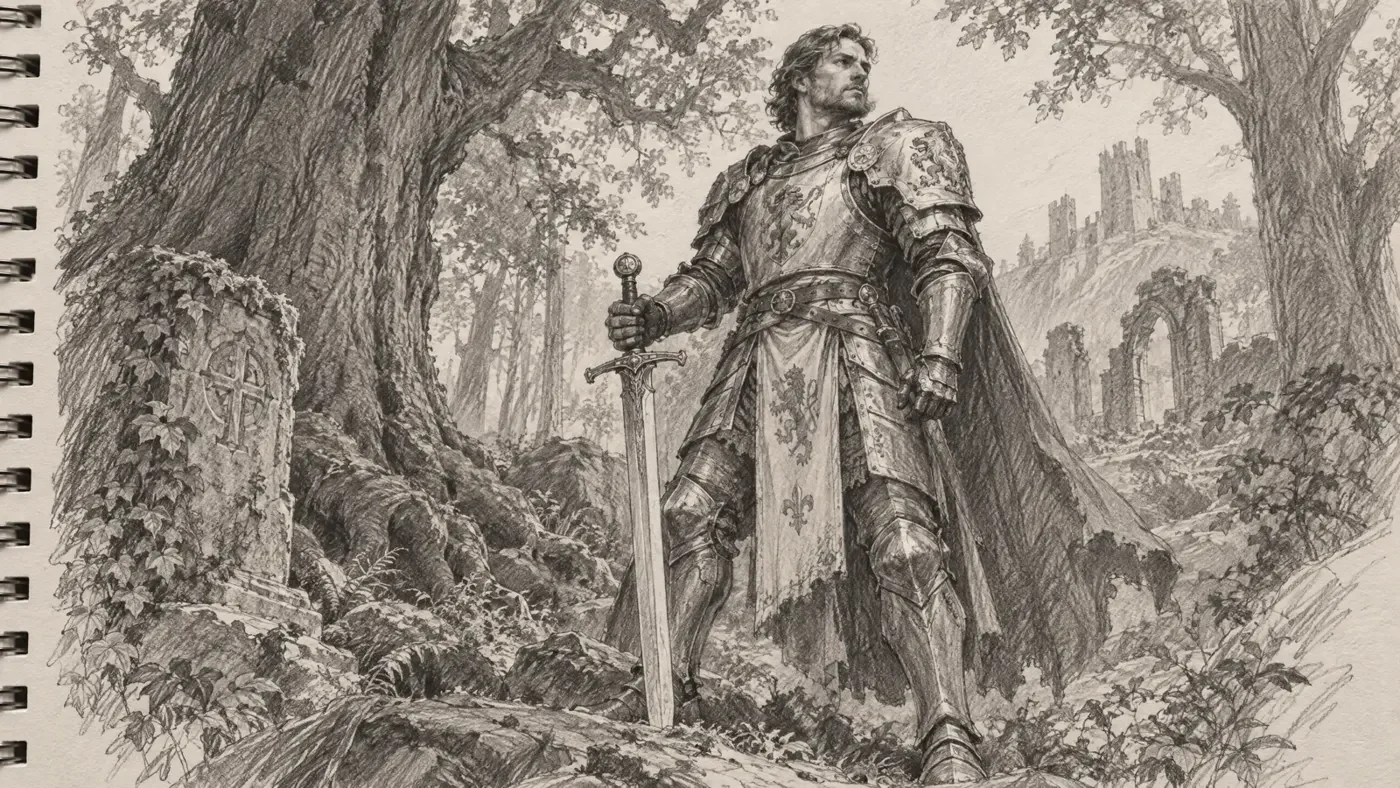
A pencil sketch of a knight
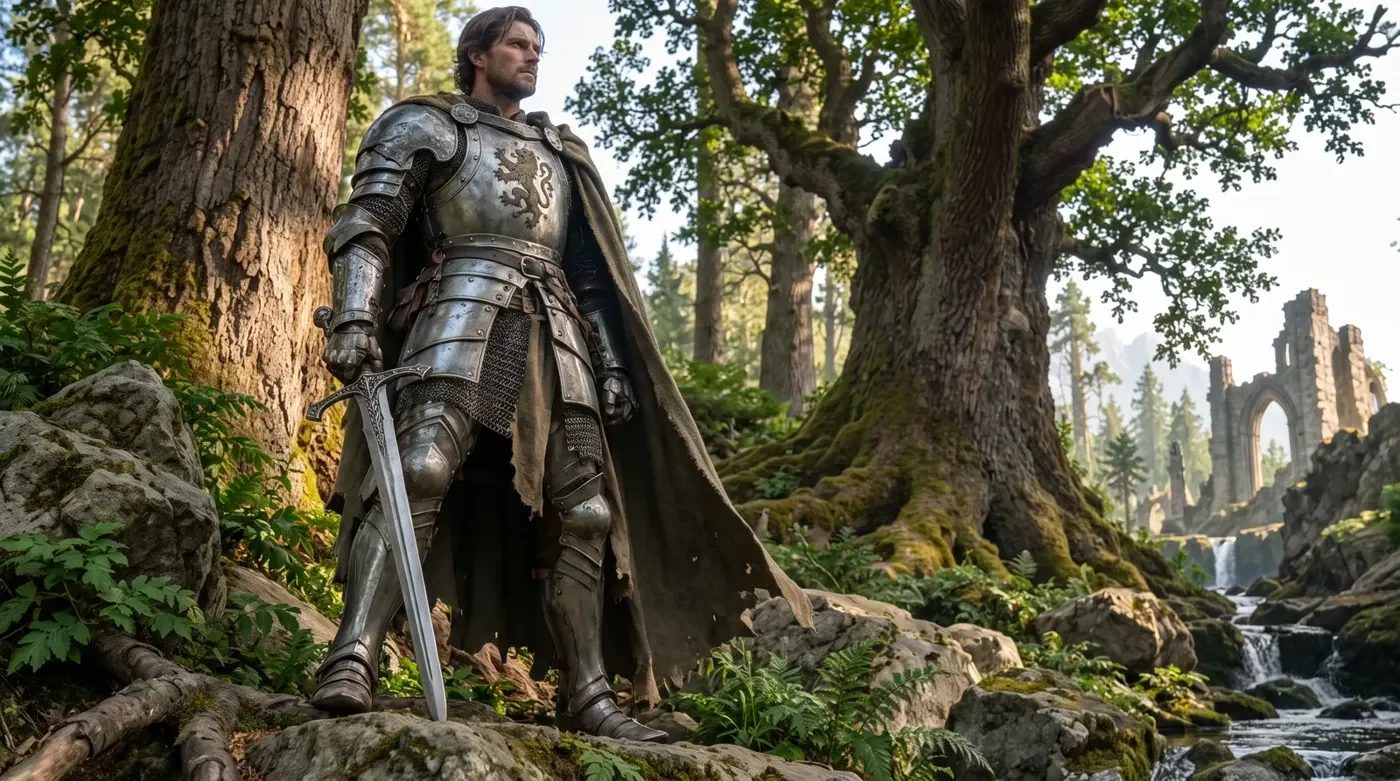
The sketch rendered as a finished image
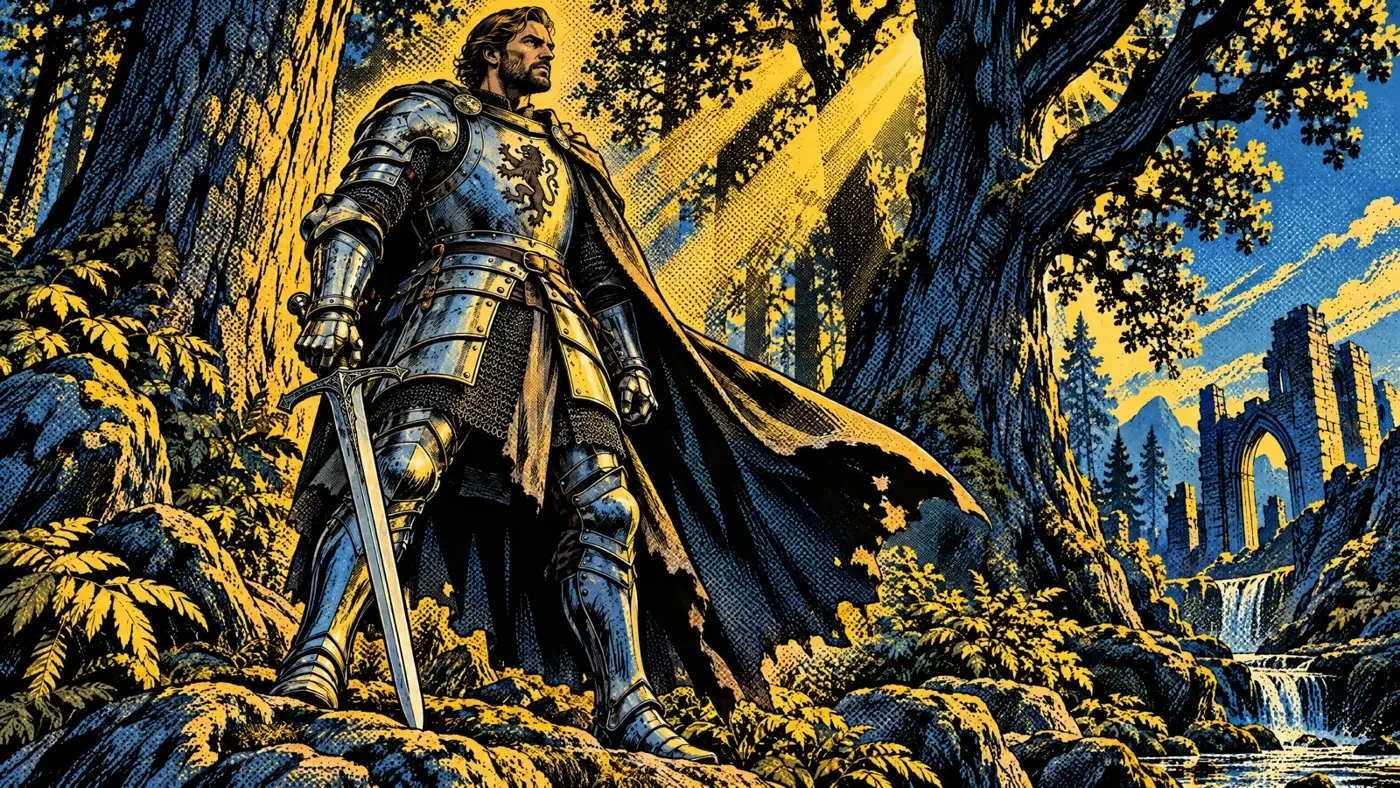
The knight restyled as comic art

Sketch to comic art

Start from a rough drawing then restyle the result in your comic's look.

Try out Melius

Frequently Asked Questions

How do you make a comic with AI?
Describe each panel, keep the characters consistent with a reference and add the dialogue at the end. On Melius, Mel builds each panel as its own node, so you can rerun one without redoing the rest.
How do you turn a photo into a comic book illustration?
Run the Comic Book Style template on the photo. For more control over the look, give an image node the photo as its input along with a style description from Image Style Analysis.
How do you keep characters consistent across comic panels?
Bring an image of your character or generate one and save it as an Element. Connect the Element to the node for every panel, and rerun any panel where the face or the costume drifts.
Can you add dialogue and captions to AI comic panels?
Add them as text layers in a Studio node, which keeps the words exact and editable. If the text has to be drawn into the image itself, use GPT Image 2, the image model to pick when words need to read cleanly.
Can you use AI comic art commercially?
Yes. You own the content you create on Melius and can use, publish, and distribute it commercially, subject to the underlying model providers' terms. Melius doesn't claim ownership of your work and doesn't use it to train AI models.

Contact Sales

Tell us about your team and what you’re making, and we’ll get back to you with how Melius fits.